Navigate Complex Facilities with Confidence: The Power of Modern Building Directories
Whether you're a first-time visitor to a sprawling university campus, a patient navigating a multi-building hospital complex, or a job candidate finding your way through corporate headquarters, getting lost is frustrating, time-consuming, and creates negative first impressions. Traditional static building directories—printed maps on walls, outdated room lists, or confusing corridor signs—fail to meet the navigation needs of today's facility visitors. Modern touchscreen building directory systems transform wayfinding from a frustrating puzzle into an intuitive, accessible experience while simultaneously serving as powerful recognition and communication platforms.
Educational institutions, healthcare facilities, corporate campuses, and public buildings increasingly recognize that effective wayfinding directly impacts visitor satisfaction, operational efficiency, and institutional reputation. Poor navigation wastes staff time providing directions, causes visitors to arrive late for appointments and meetings, creates accessibility barriers for people with disabilities, and communicates a lack of attention to visitor experience that shapes overall perceptions.
Interactive touchscreen building directories address these challenges through technology specifically designed to help people find destinations quickly, provide accessible navigation for all ability levels, deliver real-time information about locations and services, and create positive impressions that reflect well on organizations. When implemented thoughtfully, these systems become indispensable infrastructure that serves thousands of users daily while requiring minimal ongoing management.
This comprehensive guide explores how modern building directory systems work, the essential features that distinguish effective solutions from basic alternatives, implementation strategies for various facility types, best practices for content management and accessibility, and proven approaches to maximizing return on investment through multi-purpose functionality that extends beyond simple wayfinding.
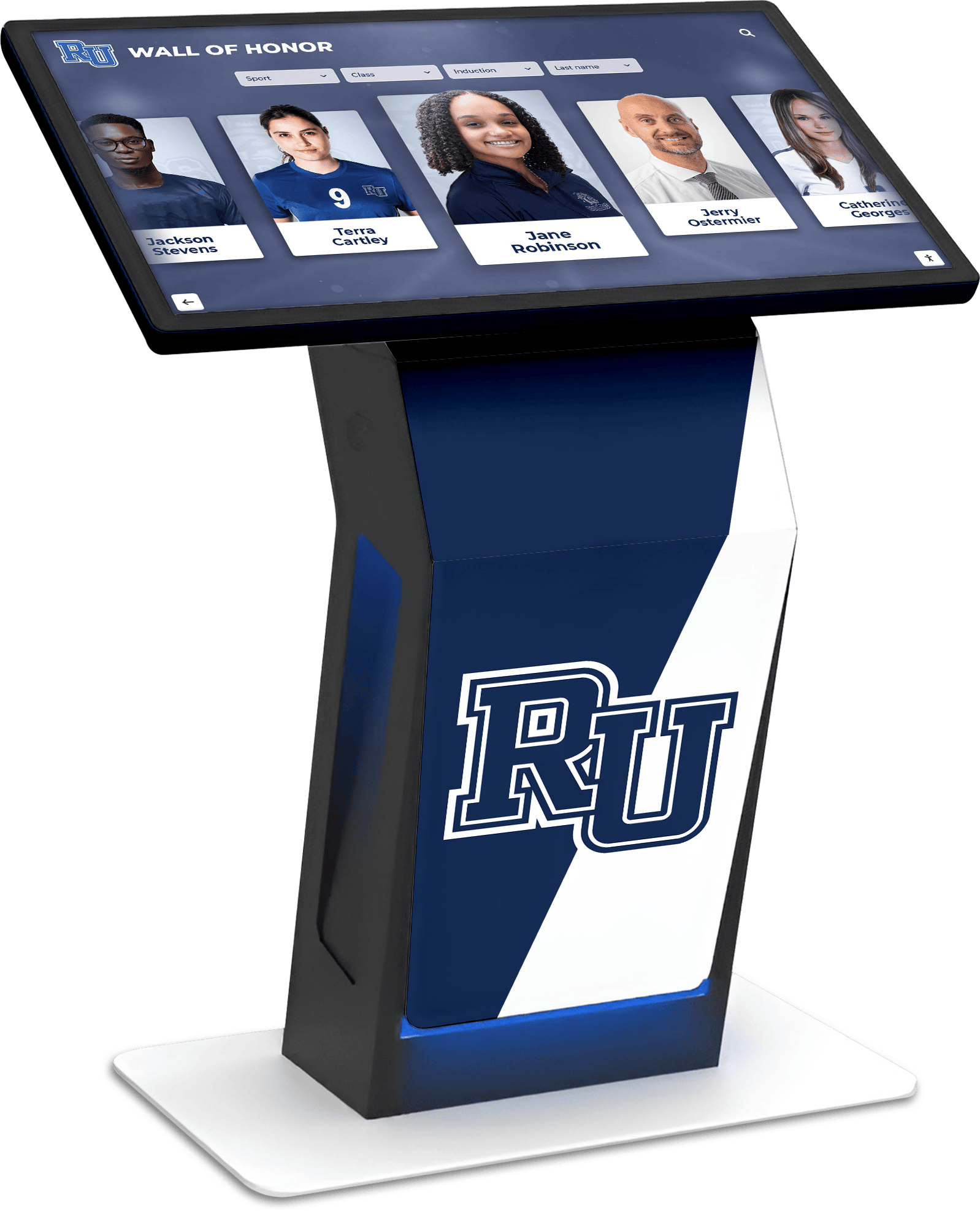
The Evolution of Building Directories
Understanding how building directories have evolved helps organizations appreciate the transformative potential of modern interactive systems compared to traditional approaches that many facilities still rely on.
Traditional Building Directory Limitations
Static building directories—whether printed lobby directories, wall-mounted floor plans, or simple corridor signage—impose significant constraints that modern facilities and visitors find increasingly inadequate:
Information Accuracy Challenges: Traditional directories become outdated the moment people move offices, departments relocate, tenants change, or facilities undergo renovations. The gap between directory updates and actual facility changes means directories frequently provide incorrect information that sends visitors to wrong locations, creating frustration and wasted time.
Accessibility Barriers: Printed directories often fail to meet ADA compliance standards regarding text size, contrast, mounting height, and alternative format availability. Visitors with visual impairments cannot independently access directory information, while those using wheelchairs may find directories mounted at heights they cannot comfortably view.
Limited Search Capabilities: Finding specific offices or individuals in large facilities with hundreds of room numbers requires scanning lengthy alphabetical lists—a tedious process particularly challenging for visitors unfamiliar with naming conventions or organizational structures. Static directories provide no way to search by department, building section, or other intuitive categories.
Language Restrictions: Most traditional directories appear in a single language, creating barriers for international visitors, diverse patient populations, or multilingual campus communities who struggle to navigate effectively.
No Real-Time Information: Static directories cannot communicate temporary changes, closed facilities, relocated services, or current information about hours, availability, or special circumstances affecting navigation.
Inadequate Spatial Context: Printed floor plans or simple room lists provide minimal spatial orientation. Visitors often struggle to understand where they currently are in relation to their destination, which direction to travel, or which route provides the most accessible path.
These limitations explain why many facilities find staff spending significant time providing directions, visitors arriving late or missing appointments entirely, and accessibility complaints from individuals who cannot independently navigate facilities.
How Interactive Directories Transform Wayfinding
Modern touchscreen building directory systems overcome traditional limitations through digital capabilities specifically designed to make navigation intuitive, accessible, and efficient:
Always-Current Information: Cloud-based content management systems enable instant updates across all directory displays when changes occur. Room reassignments, departmental moves, or temporary closures update in real-time, ensuring information accuracy that static directories cannot match.
Powerful Search Functionality: Visitors can search by person name, department, room number, building, floor, or service type. This multi-criteria search helps users find destinations using whatever information they have—whether that’s “Dr. Smith,” “Financial Aid Office,” “Room 342,” or “Student Services.”
Visual Wayfinding Guidance: Interactive maps show current location, destination, and optimal routes with turn-by-turn directions. Some systems provide printable maps or directions that visitors can reference while navigating, while others integrate with smartphone apps for continuous guidance.
Comprehensive Accessibility: Screen reader compatibility, text magnification, high-contrast modes, multiple language options, and ADA-compliant physical installation ensure all visitors can navigate independently regardless of ability or language preference.
Context-Aware Intelligence: Advanced systems detect user location, provide building-specific information, suggest relevant destinations based on time of day or user needs, and integrate with calendar systems to show appointment locations automatically.
Multi-Purpose Functionality: Beyond basic wayfinding, directories can showcase institutional recognition, communicate important announcements, highlight events and programming, and serve as engagement platforms rather than single-purpose navigation tools.

Essential Features of Effective Building Directory Systems
Not all interactive directory solutions deliver equal value. The most effective systems share core capabilities that drive adoption, accessibility, and user satisfaction.
Intuitive Touch Interface Design
User interface quality fundamentally determines whether visitors successfully navigate using directories or give up and seek human assistance:
Clear Visual Hierarchy: Well-designed interfaces immediately communicate primary functions—search, browse by category, view maps—through obvious visual hierarchy that guides users naturally through workflows without instruction or confusion.
Large Touch Targets: Buttons and interactive elements sized appropriately for touch interaction prevent frustrating mis-taps while accommodating users with varied motor control or those wearing gloves in cold weather.
Simple Navigation Patterns: Consistent navigation across screens with obvious “back” and “home” options prevents users from becoming lost within the directory interface itself—an ironic problem that poorly designed systems sometimes create.
Visual Feedback: Immediate responses to touches, clear indication of selected items, and obvious confirmation when actions complete give users confidence that the system understands their inputs and is responding appropriately.
Timeout Recovery: Auto-reset functionality returns directories to home screens after inactivity while saving session progress temporarily, allowing brief interruptions without forcing users to restart entire search processes.
Systems from providers like Rocket Alumni Solutions prioritize interface intuitiveness based on real-world user testing, ensuring diverse users can navigate successfully without training or assistance.
Comprehensive Search and Discovery
Effective directories accommodate various search approaches based on what information visitors have and how they think about destinations:
Person Search: Finding individuals by name represents the most common search type in academic, corporate, and healthcare settings. Robust person search includes full name matching, partial name support (finding “Smith” when searching “John Smith”), nickname handling, and results showing department, building, room, and contact information.
Department and Organization Search: Many visitors know they need “Human Resources,” “Admissions Office,” or “Cardiology Department” without knowing specific names. Hierarchical organization browsing and department search ensures users can navigate based on institutional structure.
Room and Building Search: Some visitors have meeting invitations specifying “Room 312, North Building” or “Conference Room B.” Direct room number search with building context helps these users immediately locate destinations without intermediate searching.
Category and Service Type Filtering: Particularly valuable in healthcare, retail, or mixed-use facilities, category filtering helps users find “Restaurants,” “Restrooms,” “ATMs,” “Clinics,” or other service types without knowing specific names or locations.
Contextual Suggestions: Smart directories suggest relevant destinations based on user location (“Nearest restrooms”), time (“Facilities currently open”), or common patterns (“Popular destinations from this location”).
Natural Language Processing: Advanced systems understand conversational queries like “Where is Dr. Johnson’s office?” or “How do I get to the cafeteria?” rather than requiring users to understand specific search syntax or category structures.
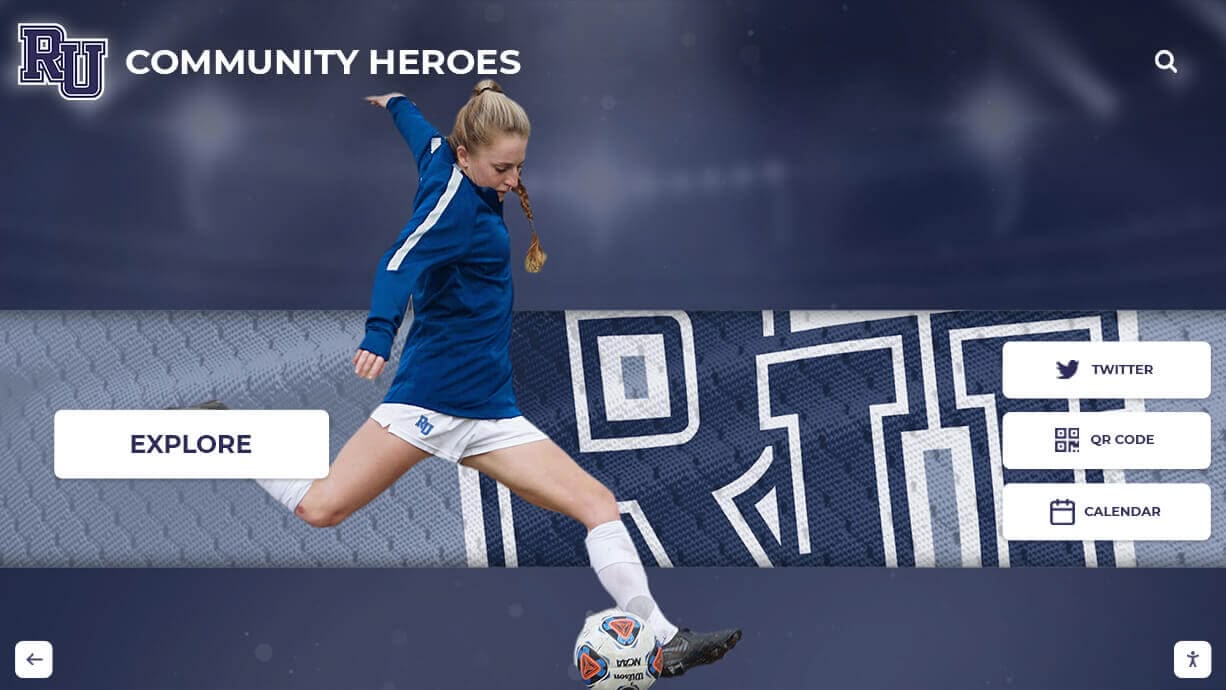
Visual Mapping and Route Guidance
Effective wayfinding requires more than destination addresses—users need spatial understanding and clear route guidance:
Interactive Floor Plans: Detailed, accurate floor plans showing all major spaces, corridors, stairways, elevators, and landmarks help users understand facility layouts and plan routes. Pan and zoom capabilities let users explore maps at appropriate detail levels.
“You Are Here” Indicators: Clear markers showing users’ current positions on maps provide essential spatial context. Some kiosks use fixed location indicators while mobile-integrated systems use GPS or indoor positioning.
Destination Highlighting: When users search for locations, systems should clearly mark destinations on maps with distinctive visual indicators, supplementary labels, and relevant contextual information like department names or hours.
Route Visualization: Rather than simply showing start and end points, effective directories display suggested routes with highlighted paths, turn-by-turn instructions, distance and time estimates, and accessibility route options for users needing elevators, ramps, or avoiding stairs.
Landmark References: Written directions that reference visual landmarks—“Turn right at the large sculpture,” “Pass the coffee shop on your left”—help visitors navigate more confidently than abstract “Turn right at Corridor B” instructions.
Printable Directions: While some users navigate via memory, others prefer tangible references. QR codes linking to mobile map access or printed direction cards accommodate different preferences while ensuring users don’t forget complex multi-step routes.
Comprehensive resources on interactive kiosk software demonstrate how wayfinding integrates with broader digital communication platforms.
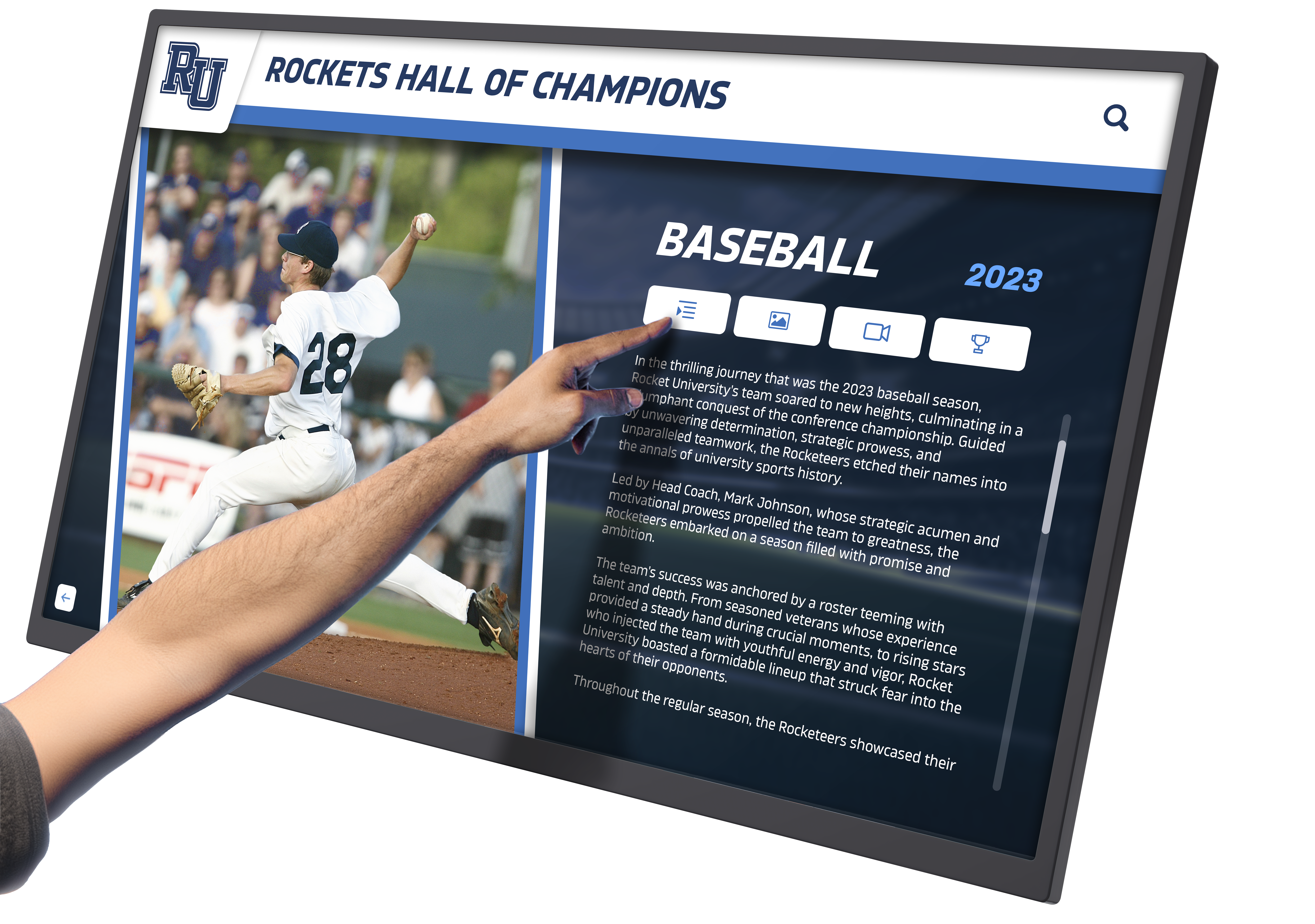
Accessibility and ADA Compliance
Legal requirements and inclusive design principles demand that building directories serve all users regardless of ability:
Screen Reader Compatibility: Full compatibility with screen reader software enables visitors with visual impairments to navigate directory content independently. This requires proper semantic HTML structure, alternative text for images and icons, logical reading order, and keyboard navigation support.
Text Magnification: Users should be able to enlarge text significantly without breaking layouts or cutting off content. Responsive design that reflows content at various zoom levels ensures readability for visitors with low vision.
High Contrast Modes: Alternative color schemes providing maximum contrast between text and backgrounds improve usability for users with color blindness, low vision, or in challenging lighting conditions like bright sunlight or dim lobbies.
Audio Output Options: Beyond screen reader compatibility, some systems provide spoken directions, audio wayfinding guidance, or multilingual audio alternatives benefiting users who cannot read screens or prefer auditory information.
Physical Installation Standards: ADA guidelines specify mounting heights (forward reach 15-48 inches, side reach 9-54 inches), clear floor space requirements (30x48 inches minimum), protruding object limitations, and approach angle specifications that directory installations must follow.
Multiple Input Methods: While touchscreens dominate modern directories, alternative input options like keyboard navigation, voice commands, or companion mobile apps ensure accessibility for users who cannot use standard touch interfaces.
Multilingual Support: Language selection enabling directories to display in multiple languages serves diverse communities, international visitors, and non-English speakers who might otherwise struggle to navigate independently.
Research on accessibility in digital recognition displays demonstrates how inclusive design principles apply across interactive systems.
Strategic Applications Across Facility Types
Different facility types face unique wayfinding challenges that interactive directory systems address through specialized configurations and content strategies.
Educational Institutions: Universities and K-12 Campuses
Educational facilities present particularly complex navigation challenges due to building variety, diverse user populations, and constantly changing room assignments:
Campus Navigation for New Students and Visitors: First-time campus visitors—prospective students on tours, newly admitted students attending orientation, parents attending events, or job candidates for interviews—struggle to locate buildings, departments, and specific rooms across sprawling campuses. Strategic placement of directory kiosks at campus entry points, major parking areas, and building intersections helps these users navigate independently.
Event and Program Wayfinding: Universities host countless events—athletic competitions, performances, academic conferences, community programs—that bring unfamiliar visitors to campus. Directory systems integrated with event calendars can provide event-specific wayfinding, show parking recommendations, and highlight relevant facilities for particular occasions.
Multi-Building Academic Complexes: Large institutions span dozens or hundreds of buildings. Comprehensive directory networks help users understand building names, locations, departments housed within each building, and how buildings connect through tunnels, skywalks, or outdoor paths. Solutions addressing interactive campus navigation demonstrate how directories integrate with broader campus technology ecosystems.
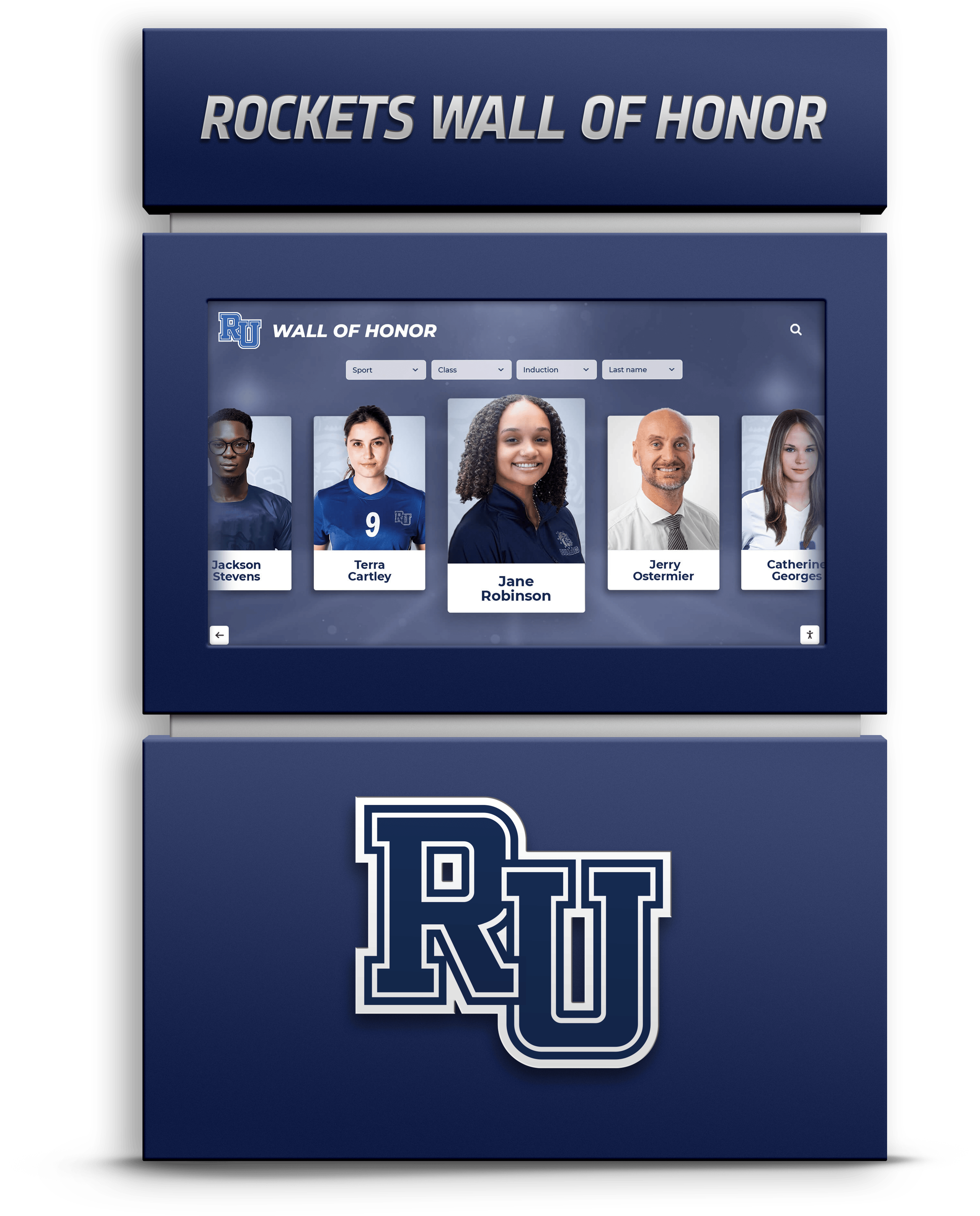
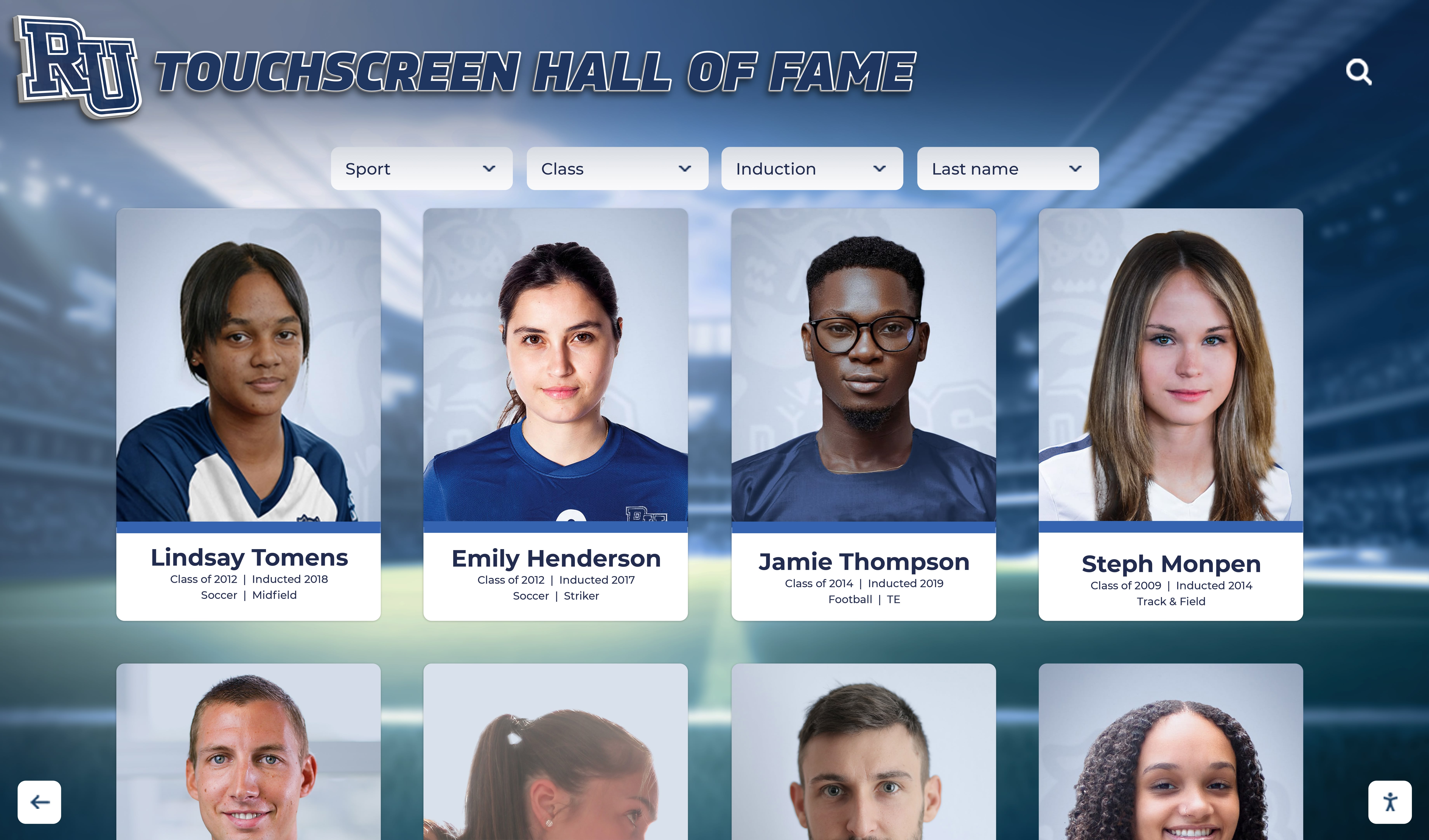
Combining Wayfinding and Recognition: Educational institutions can leverage directory infrastructure for dual purposes—wayfinding for new visitors alongside recognition displays celebrating student achievements, alumni success, and institutional history. This multi-purpose approach maximizes infrastructure investment while serving diverse campus audiences. Schools implementing comprehensive recognition systems often integrate wayfinding capabilities within these platforms.
Accessibility on Diverse Campuses: Campus topography, historic buildings, and distributed facilities create accessibility challenges. Directory systems should clearly indicate accessible routes, elevator locations, accessible entrances, and alternative paths avoiding stairs or difficult terrain.

Healthcare Facilities: Hospitals and Medical Centers
Healthcare environments present unique wayfinding demands driven by user stress, time sensitivity, and life-important appointments:
Patient and Family Navigation: Patients often arrive at unfamiliar healthcare facilities while anxious about medical conditions. Clear, simple wayfinding reduces stress, ensures patients arrive at correct locations, and prevents late arrivals that disrupt schedules. Comprehensive guides to touchscreen directories in hospitals address healthcare-specific requirements.
Multi-Building Medical Campus Wayfinding: Large healthcare systems span multiple connected buildings—patient towers, diagnostic centers, outpatient clinics, administrative offices—creating navigation challenges for visitors unfamiliar with medical campus layouts. Directories must clearly communicate building connections, parking proximity, and optimal routes between facilities.
Department and Specialty Locating: Medical facilities house dozens of departments, specialties, and services. Patients with appointments at “Cardiology” or “Radiology” need intuitive ways to find these services without understanding hospital organizational structures. Category-based browsing and plain-language search help non-medical users navigate medical terminology.
Real-Time Updates for Temporary Changes: Healthcare facilities frequently experience temporary department relocations, closed wings, construction detours, or service disruptions. Digital directories communicate these changes immediately, preventing patients from arriving at vacated locations or encountering unexpected barriers.
Privacy and Security Considerations: Healthcare directories must balance wayfinding utility with patient privacy. Systems should avoid displaying patient names or sensitive information while still enabling navigation to appointment locations through alternative identifiers like appointment numbers or confirmation codes.
Emergency and Critical Service Identification: Clear identification of emergency departments, urgent care, pharmacies, laboratories, and other time-sensitive services helps visitors quickly locate critical healthcare services when every minute matters.
Corporate and Commercial Facilities
Professional environments require wayfinding solutions that balance functionality with aesthetic integration into branded spaces:
Visitor Management Integration: Modern corporate directories often integrate with visitor management systems, automatically displaying appointment locations when visitors check in, providing directions to meeting rooms or offices, and notifying hosts of visitor arrival.
Flexible Space Management: Contemporary offices increasingly use hot-desking, flexible conference spaces, and dynamic room assignments. Directory systems integrated with workspace management platforms provide current information about room availability, bookings, and temporary location assignments that change daily.
Professional Aesthetic Requirements: Corporate environments demand wayfinding solutions that complement high-end interior design rather than appearing utilitarian. Premium hardware finishes, customizable branding, and sophisticated interface design ensure directories enhance rather than detract from professional atmospheres.
Multi-Tenant Building Complexity: Office buildings housing multiple organizations require directories that clearly differentiate tenants, provide appropriate information access based on security requirements, and enable easy updates as tenants arrive, depart, or change space allocations.
Employee Recognition Integration: Forward-thinking organizations leverage directory infrastructure for dual purposes—wayfinding for visitors alongside employee recognition celebrating achievements, milestones, and company culture. Resources on employee recognition displays demonstrate how wayfinding systems can serve broader engagement objectives.
Public Buildings and Government Facilities
Public buildings serve diverse populations with varied technological comfort levels, creating unique usability requirements:
Universal Usability Requirements: Public facilities must accommodate extremely diverse user populations—varying technological literacy, age ranges from children to elderly, people with disabilities, and multilingual communities. Directory interfaces must be dramatically simpler and more intuitive than systems designed for populations with shared technical fluency.
Security and Transparency Balance: Government facilities balance security requirements with public transparency and accessibility. Directories must provide sufficient information for legitimate visitors while protecting sensitive areas, controlling information access appropriately, and integrating with security protocols when necessary.
Civic Information Integration: Public building directories can extend beyond wayfinding to include civic information—upcoming public meetings, service information, permit applications, community resources—transforming directories into broader civic engagement platforms.
Historical and Educational Content: Many public buildings possess historical significance or architectural interest. Directory systems can incorporate educational content about building history, architectural features, or civic heritage alongside wayfinding functionality, enriching visitor experiences.
High-Traffic Durability: Public buildings often experience extremely high usage volumes with users who may not treat equipment carefully. Directory hardware must withstand heavy use, vandalism resistance, and environmental factors while maintaining functionality over years of intensive operation.
Implementation Planning and Best Practices
Successful building directory implementation requires systematic planning that addresses technical requirements, content development, accessibility compliance, and user experience optimization.
Site Assessment and Display Placement Strategy
Strategic display placement dramatically affects directory usage and value:
High-Traffic Location Identification: Directories deliver maximum value when placed where users naturally encounter them when needing directions. Priority locations include main building entrances where visitors first enter, elevator lobbies on each floor where users decide which direction to proceed, parking structure entrances where visitors enter campus or facilities, and major corridor intersections where users often pause to orient themselves.
Placement Count and Coverage: While budget constraints exist, inadequate directory coverage undermines system value. Large facilities benefit from multiple displays ensuring users encounter directories whenever they need directions rather than forcing them to backtrack to single distant locations when lost.
Sightline and Visibility Considerations: Directories should be obviously visible from natural approach directions rather than tucked behind columns, in alcoves, or at angles visitors might not notice. Clear sightlines from main pathways maximize usage probability.
Accessibility Compliance in Mounting: ADA requirements specify mounting heights, clear floor space, protruding object limits, and approach requirements. Work with accessibility consultants to ensure installations fully comply with applicable regulations while serving diverse users effectively.
Power and Network Infrastructure: Directories require electrical power and typically network connectivity for content management and updates. Site assessments must identify available infrastructure, necessary installations, and potential constraints affecting placement options.
Environmental Factors: Consider lighting conditions (avoiding direct sunlight that makes screens unreadable), climate control (ensuring equipment stays within operating temperature ranges), and physical protection (preventing damage from carts, equipment, or high-traffic contact).
Directory Placement Priority Matrix
Organizations with limited budgets should prioritize directory locations based on impact:
Tier 1 - Essential Locations (Implement First):
- Main facility entrance/lobby
- Primary elevator lobby
- Main parking structure entrance
Tier 2 - High-Value Locations (Implement Second):
- Secondary building entrances
- Floor-by-floor elevator lobbies
- Major departmental area entrances
Tier 3 - Comprehensive Coverage (Implement Third):
- Corridor intersections
- Auxiliary entrances
- Outdoor wayfinding points
Content Development and Management
Directory effectiveness depends on comprehensive, accurate content that addresses diverse user needs:
Complete Data Collection: Successful directories require systematically collecting room numbers and current occupants, department names and organizational hierarchy, building names, floor numbers, and naming conventions, contact information (when appropriate to display), accessibility information (elevators, accessible entrances, ramps), amenities and services (restrooms, vending, parking), and common destination categories.
Ongoing Update Processes: Unlike one-time content creation, directories require continuous maintenance. Establish clear processes specifying who updates directory content when changes occur, how quickly updates are implemented, who verifies information accuracy periodically, and how users report errors or outdated information. Cloud-based content management systems from providers like Rocket Alumni Solutions enable remote updates across multiple displays simultaneously, eliminating the time-consuming process of updating individual units.
Map Development and Accuracy: Directory maps must accurately reflect current facility layouts, clearly show major landmarks and features, use consistent design language and symbols, include sufficient detail without overwhelming users, and accurately scale relative room sizes and distances. Professional map development often justifies engaging specialized designers rather than repurposing architectural plans that contain excessive detail and technical information confusing to general users.
Multilingual Content Creation: Facilities serving multilingual populations should provide directory content in relevant languages. This typically requires professional translation rather than automated services to ensure accuracy, appropriate terminology, and cultural appropriateness. Consider community languages beyond common options—Somali in Minneapolis, Vietnamese in Houston, or Polish in Chicago—based on actual local populations.
Photography and Landmark Identification: Directories become more useful when wayfinding directions reference visual landmarks visitors will recognize—“Turn right at the large sculpture,” “Pass the coffee shop.” Photographing distinctive landmarks and incorporating these images into wayfinding instructions significantly improves navigation success.
Integration with Existing Systems
Maximum value comes from directories that integrate with broader facility management and communication ecosystems:
Facility Management System Connection: Integration with facility management software enables automatic updates when rooms are reassigned, departments move, or spaces are reconfigured. This integration eliminates redundant data entry while ensuring directory accuracy.
Calendar and Scheduling Integration: Connection with meeting room booking systems, event calendars, or patient scheduling platforms allows directories to provide real-time information about current meetings, upcoming events, or appointment-specific wayfinding that references confirmation numbers rather than personal information.
Visitor Management Integration: Modern visitor management systems can communicate with directories to provide personalized wayfinding when visitors check in, automatically notify hosts of visitor arrival, and create visitor usage analytics showing navigation patterns.
Digital Signage Network Integration: Organizations with existing digital signage networks can integrate directories into these platforms, using the same content management systems, hardware standards, and support infrastructure while potentially adding specialized wayfinding functionality to existing displays.
Mobile App Connectivity: Companion mobile apps extend directory functionality beyond physical kiosks. Users can plan routes before arriving, access wayfinding on personal devices while navigating, and receive updates about their destinations through push notifications.
Security System Coordination: In facilities with access control requirements, directory systems can respect security zones by showing appropriate information based on user credentials, avoiding display of sensitive areas, and coordinating with access control to enable authorized wayfinding without compromising security.
Training and User Adoption Strategies
Even intuitive systems benefit from strategies encouraging adoption and confident use:
Staff Education: Facility staff—receptionists, security, information desk personnel—should thoroughly understand directory capabilities, basic troubleshooting, and how to assist users who need help. Well-trained staff can encourage directory use rather than defaulting to providing verbal directions.
Signage and Promotion: Small directional signs throughout facilities pointing toward nearby directories help users remember these resources exist when they need directions. New facility users often default to asking staff rather than exploring available self-service tools unless prompted.
User Feedback Mechanisms: Provide obvious ways for users to report problems, suggest improvements, or request missing information. QR codes linking to feedback forms, obvious contact information on directory screens, or simple “Report a Problem” buttons encourage communication while providing valuable improvement insights.
Continuous Usability Testing: Periodically observe users interacting with directories to identify pain points, confusing elements, or common failure patterns. These observations often reveal improvement opportunities that analytics alone might miss.

Advanced Directory Capabilities and Future Trends
Understanding emerging capabilities helps organizations make implementation decisions that anticipate future needs and opportunities.
Artificial Intelligence and Personalization
AI capabilities increasingly enhance directory experiences through intelligence and automation:
Natural Language Understanding: Advanced systems process conversational queries—“Where is the nearest bathroom?” or “How do I get to Dr. Smith’s office?"—rather than requiring users to navigate structured search menus or understand facility terminology.
Predictive Suggestions: Machine learning algorithms analyzing usage patterns can predict likely destinations based on user location, time of day, or common traffic flows. New students arriving at campus for first time might see suggestions for admissions offices, campus tours, or housing offices based on patterns from similar users.
Automated Content Enhancement: AI systems can automatically extract information from facility management databases, validate directory content against authoritative sources, suggest updates when information appears outdated, and identify gaps where information is missing.
Voice-Activated Navigation: Voice interfaces enable hands-free directory interaction, improving accessibility for users with motor impairments while offering convenient alternatives to touch interaction for any user.
Indoor Positioning and Real-Time Navigation
Location technology brings smartphone-style turn-by-turn navigation indoors:
Bluetooth Beacon Networks: Low-cost Bluetooth beacons throughout facilities enable mobile apps to determine user location within several meters, providing accurate real-time position tracking that updates as users navigate.
Wi-Fi Positioning Systems: Triangulation using existing Wi-Fi infrastructure can provide reasonable location accuracy without additional hardware investments, though typically less precise than dedicated beacon systems.
Augmented Reality Wayfinding: Mobile apps using smartphone cameras can overlay directional arrows, virtual signs, or path highlights onto real-world views through screens, creating intuitive visual guidance that requires minimal interpretation.
Turn-by-Turn Mobile Guidance: Rather than memorizing printed directions, users can follow continuous navigation on personal devices that updates as they move, provides real-time course correction if they deviate from recommended routes, and offers alternatives around obstacles or closed areas.
Multi-Purpose Communication Platforms
Forward-thinking organizations recognize directory infrastructure as platforms serving diverse communication and engagement needs beyond wayfinding:
Emergency Communication: Directory screens can immediately display emergency alerts, evacuation instructions, shelter-in-place guidance, or critical safety information reaching people throughout facilities during urgent situations.
Event Promotion and Scheduling: Between wayfinding uses, directories can showcase upcoming events, campus programming, or facility activities, transforming idle screens into engagement tools. Research on digital signage content strategies demonstrates how institutions maximize display value.
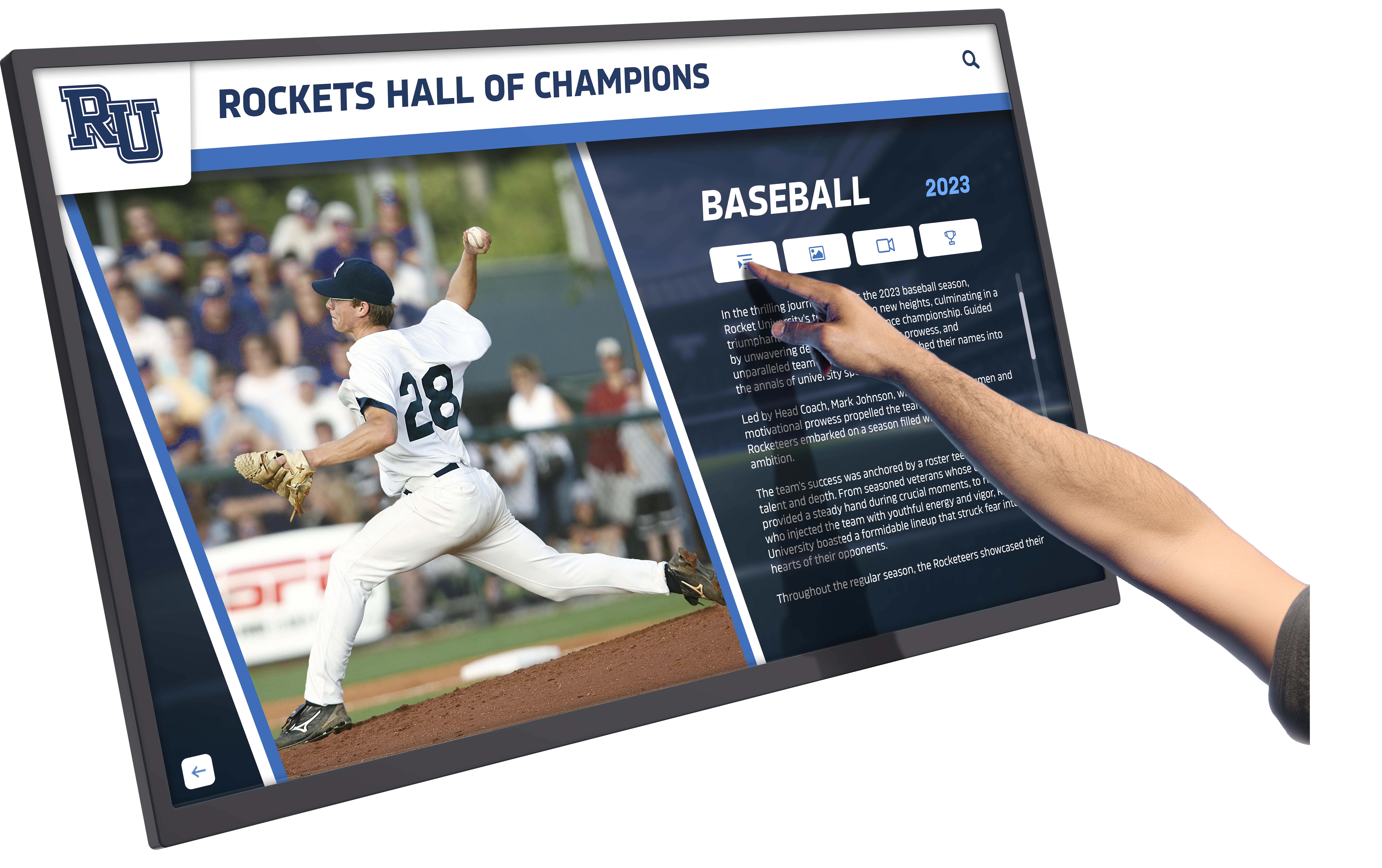
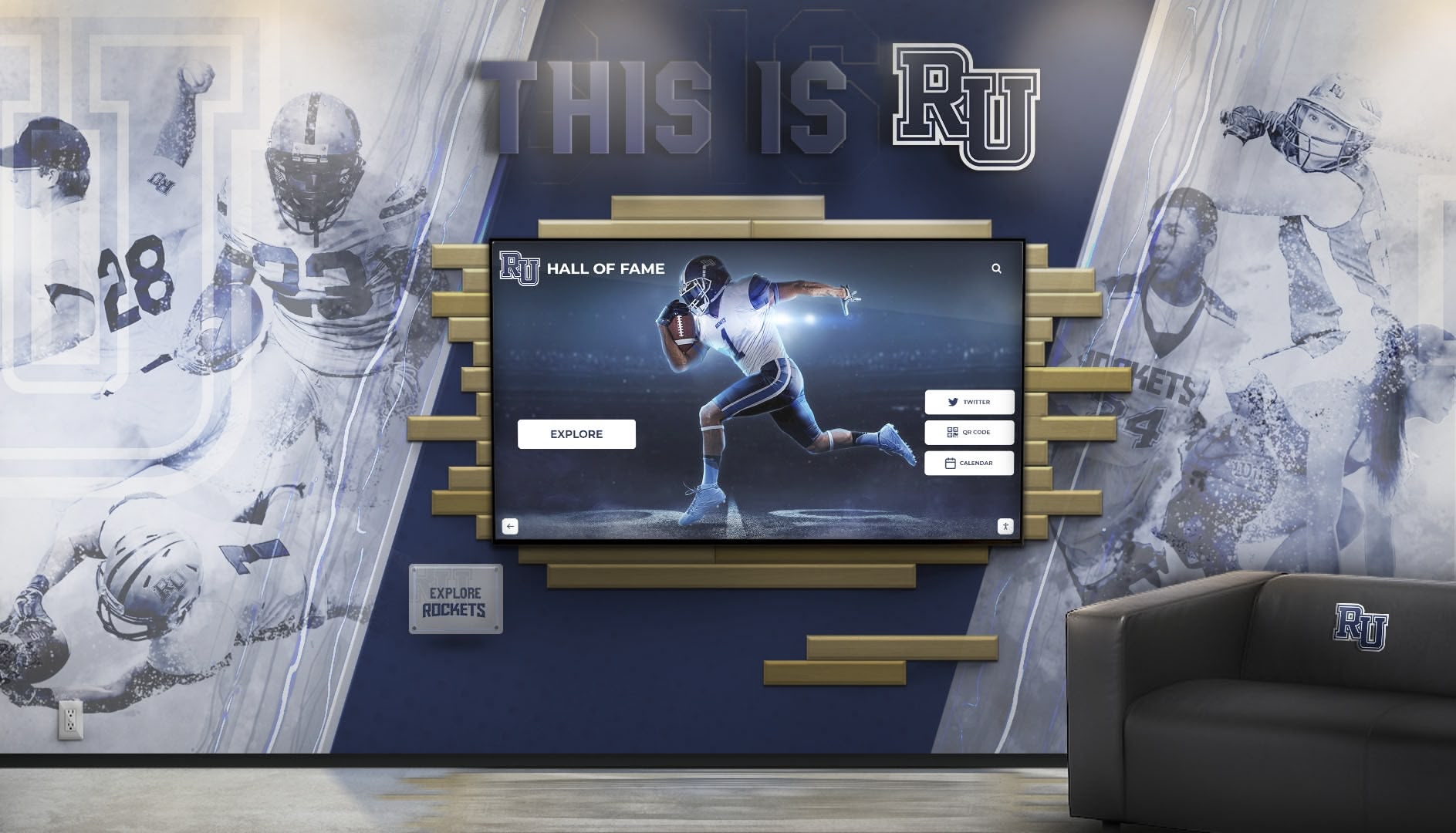
Recognition and Celebration: Educational institutions and corporate facilities increasingly combine wayfinding with recognition displays celebrating achievements, milestones, and community members. This dual-purpose approach maximizes infrastructure investment while serving multiple organizational objectives. Examples of comprehensive recognition systems show integration with wayfinding functionality.
Service Information and Updates: Directories can communicate service status, facility hours, temporary closures, or operational information alongside wayfinding content, creating centralized information hubs rather than single-purpose navigation tools.
Community Building: Interactive directories can showcase community stories, highlight organizational history and culture, and create emotional connections to place that extend beyond utilitarian wayfinding into meaningful engagement with facility identity.
Measuring Success and Return on Investment
Demonstrating directory system value requires clear metrics showing usage, impact, and institutional benefits.
Key Performance Indicators
Comprehensive measurement tracks multiple success dimensions:
Usage Metrics:
- Total interactions per display per day
- Average session duration
- Search queries performed
- Most-requested destinations
- Peak usage times and patterns
Operational Impact Metrics:
- Staff time spent providing directions (before/after)
- Late arrival rates for appointments
- Visitor satisfaction scores
- Navigation-related complaints
- Lost-visitor incidents
Accessibility Metrics:
- Screen reader usage rates
- Alternative language selection frequency
- Accessibility feature utilization
- ADA compliance verification
- User feedback from people with disabilities
Content Quality Metrics:
- Information accuracy verification results
- Update frequency and timeliness
- Content completeness scores
- User-reported error rates
- Map accuracy assessments
Technical Performance:
- System uptime percentage
- Response time and performance
- Hardware failure rates
- Support ticket volume and types
- Maintenance requirements
Calculating Return on Investment
Multiple value sources contribute to directory system ROI:
Staff Time Savings: Calculate hours staff previously spent providing directions multiplied by hourly costs to quantify direct labor savings. Many organizations find directory systems pay for themselves through staff efficiency gains alone.
Improved Visitor Experience: While harder to quantify directly, visitor satisfaction improvements correlate with institutional reputation, recruitment success, patient satisfaction scores, and other measurable outcomes that directories influence.
Accessibility Compliance: Proper directory implementation helps organizations meet ADA requirements, potentially avoiding complaints, legal issues, or remediation costs that non-compliant facilities face.
Infrastructure Multi-Use Value: When directory systems serve additional functions—recognition, communication, emergency alerts, event promotion—the infrastructure delivers compounding value across multiple organizational priorities beyond wayfinding alone.
Reduced Signage Costs: Digital directories can replace or reduce needs for printed signage, wayfinding graphics, and environmental graphics that require professional installation and frequent updates as facilities change.
Transform Your Facility Navigation Experience
Discover how interactive touchscreen building directories can improve wayfinding, support accessibility, and serve as multi-purpose communication platforms. Rocket Alumni Solutions specializes in customizable directory systems designed specifically for educational institutions, healthcare facilities, and corporate campuses.
Request a Directory System DemoCommon Implementation Challenges and Solutions
Organizations implementing building directory systems frequently encounter predictable obstacles that proven strategies address effectively.
Challenge: Maintaining Data Accuracy
Directory content becomes outdated as people move, departments relocate, and facilities change:
Solutions:
- Integrate directories with authoritative facility management databases for automatic updates
- Establish clear ownership assigning specific people responsibility for content accuracy
- Implement user feedback mechanisms enabling anyone to report outdated information
- Schedule regular content audits verifying accuracy comprehensively
- Create simple update processes that don’t require technical expertise
Challenge: Budget Constraints
Directory systems require upfront investment that some facilities find challenging:
Solutions:
- Start with strategic single-location pilots demonstrating value before broader deployment
- Consider phased implementation spreading costs across multiple budget cycles
- Explore leasing or financing options that distribute expenses over time
- Prioritize locations by potential impact, implementing highest-value placements first
- Leverage directory infrastructure for multiple purposes (wayfinding, recognition, communication) to justify broader investment through compounding benefits
Challenge: User Adoption
Some visitors continue asking staff for directions rather than using available directories:
Solutions:
- Place obvious directional signage pointing toward nearby directories
- Train front-line staff to encourage directory use rather than immediately providing verbal directions
- Design interfaces so intuitive that even first-time users succeed without instruction
- Position directories where users naturally encounter them when needing directions
- Provide incentives for directory exploration during orientation periods or initial visits
Challenge: Technical Support and Maintenance
Organizations worry about ongoing support requirements for technology systems:
Solutions:
- Select providers offering comprehensive support agreements with clear response commitments
- Choose cloud-based systems that vendors can troubleshoot remotely without on-site visits
- Train facility staff to handle basic troubleshooting and simple content updates
- Specify commercial-grade hardware designed for years of continuous operation
- Document common issues and solutions creating institutional knowledge that reduces support dependency
Industry-Specific Considerations
Different facility types face unique requirements that influence directory implementation approaches.
K-12 Schools and Small Campuses
Smaller educational facilities have distinct needs compared to sprawling university campuses:
Simpler Navigation Needs: K-12 schools typically have smaller, less complex layouts than universities. Directory systems may emphasize visitor check-in, emergency information, and dual-purpose recognition over elaborate mapping for facilities where most users know locations after initial orientation.
Budget Sensitivity: K-12 districts often face tighter budget constraints than universities or hospitals. Starting with single displays in main entrances or combining digital recognition with basic wayfinding provides value within realistic budgets.
Visitor Management Focus: K-12 security requirements emphasize visitor management more than university campuses. Directory systems that integrate with check-in procedures, issue visitor badges, and notify staff of arrivals address security priorities alongside wayfinding.
Community Engagement Opportunities: School directories can emphasize community building through student achievement recognition, school history, and tradition celebration alongside basic navigation, transforming directories into comprehensive engagement platforms.
Universities and Large Campuses
Higher education presents unique large-scale navigation challenges:
Multi-Building Complexity: Universities spanning dozens or hundreds of buildings across hundreds of acres require comprehensive directory networks ensuring users can navigate from any location. Systems must communicate building-to-building routing, outdoor pathway navigation, and parking strategies.
Diverse User Populations: Campuses serve prospective students, current students, alumni, visitors, parents, staff, faculty, conference attendees, and community members—each with different familiarity levels and information needs. Directory content and interface design must accommodate this diversity.
Event and Program Navigation: Universities host countless events bringing unfamiliar visitors to campus. Directory integration with event calendars providing event-specific wayfinding, parking recommendations, and relevant facility information serves these temporary users effectively.
Integration with Campus Systems: Universities benefit from directory integration with campus ID systems, mobile apps, course scheduling platforms, and campus maps creating seamless experiences across touchpoints rather than standalone systems.
Examples of comprehensive campus navigation and recognition systems demonstrate how institutions combine multiple functions within integrated platforms.
Healthcare and Hospital Facilities
Medical environments present specialized wayfinding requirements:
Patient-Centered Language: Healthcare directories must use patient-friendly language rather than medical terminology. “Heart Care” resonates better than “Cardiology” for general patients, while specialized audiences might prefer technical terms.
Urgency and Time Sensitivity: Healthcare visitors often navigate under stress with time-critical appointments. Directories must provide clear, efficient wayfinding that minimizes navigation time and confusion that could cause patients to miss critical appointments.
Privacy Requirements: Healthcare environments must balance wayfinding utility with patient privacy. Avoid displaying patient names, room assignments, or other protected information while still enabling navigation to appropriate destinations.
Infection Control Compliance: Hardware selections should consider healthcare cleaning requirements, antimicrobial surface treatments, and touchless operation options that reduce infection transmission concerns in medical settings.
Accessibility Priority: Healthcare facilities serve populations with higher disability rates than general public. Exceptional accessibility features, clear accessible route identification, and usability for diverse abilities matter particularly in these environments.
Resources on healthcare directory systems address medical facility-specific requirements comprehensively.

Hardware Selection and Technical Considerations
Directory system effectiveness depends on appropriate hardware selections matching facility requirements and user needs.
Commercial-Grade Display Requirements
Consumer-grade equipment rarely withstands continuous public use. Specify commercial components designed for demanding environments:
High-Brightness Commercial Displays: Commercial displays rated for continuous operation with brightness sufficient for various lighting conditions (typically 400-700 nits) ensure readability in bright lobbies, dim corridors, or sunlit atriums where consumer screens become unreadable.
Industrial Touch Technology: Projected capacitive touchscreens provide responsive, accurate touch detection supporting multi-touch gestures while withstanding heavy public use. Avoid older resistive touch technology requiring physical pressure that wears quickly in high-traffic applications.
Durable Enclosures: Robust housings protect displays from damage while meeting aesthetic requirements for various environments. Options range from wall-mounted frames to freestanding kiosks to fully enclosed protective cases depending on security concerns and vandalism risks.
Climate Control for Extreme Environments: Displays in unconditioned spaces, near entrances where temperature varies, or outdoor locations require environmental protections including heating and cooling systems maintaining appropriate operating temperatures.
Computing Power: Directory software demands sufficient processing capability for smooth interface performance, rapid search response, and real-time map rendering. Underpowered systems frustrate users with sluggish performance.
Network Infrastructure and Connectivity
Directories typically require network connections for content management, updates, and remote monitoring:
Ethernet Connectivity: Wired network connections provide reliable, high-bandwidth connectivity for content updates, remote administration, and system monitoring. Plan installations considering network access availability.
Wireless Alternatives: When ethernet installation is impractical, reliable WiFi connections can support directory operations. Ensure adequate signal strength and bandwidth at planned locations.
Offline Operation: Systems should function for basic wayfinding even if network connectivity fails, using locally cached content while automatically reconnecting when available.
Security Requirements: Network-connected displays must follow institutional cybersecurity policies regarding network segmentation, access controls, and security updates to prevent directories from becoming network vulnerability points.
Guidance on choosing hardware for interactive kiosks helps organizations make appropriate selections based on specific requirements.
Software Platform Capabilities
Directory software determines functionality, usability, and long-term value:
Cloud-Based Content Management: Modern systems use cloud platforms enabling remote content updates across multiple displays, centralized administration without on-site visits, automatic software updates and security patches, and access from any internet-connected device for authorized administrators.
Customization Flexibility: Quality platforms allow organizations to customize interface branding, configure search options and categories, define user workflows and navigation patterns, and adapt functionality to specific institutional needs rather than forcing generic approaches.
Analytics and Reporting: Built-in analytics tracking usage patterns, popular searches, content engagement, and system performance provide insights for optimization while demonstrating value to stakeholders.
API and Integration Support: Open architectures with documented APIs enable integration with facility management systems, scheduling platforms, and other institutional software creating seamless ecosystems rather than isolated point solutions.
Mobile Integration: Companion mobile apps or responsive web interfaces extending directory content to personal devices enhance value by supporting pre-visit planning, continuous navigation during visits, and post-visit reference.
Conclusion: Strategic Infrastructure for Modern Facilities
Building directory systems represent far more than digital replacements for static lobby lists—they’re strategic infrastructure that shapes visitor experiences, demonstrates institutional commitment to accessibility and service, reduces operational costs through staff efficiency, and creates platforms serving diverse communication and engagement needs beyond wayfinding alone.
The most effective implementations recognize that technology enables navigation but doesn’t create good experiences automatically. Success requires thoughtful planning that prioritizes actual user needs, comprehensive content development maintaining accuracy and currency, strategic placement ensuring directories are available where users need them, and continuous improvement based on usage patterns and feedback rather than assumptions.
For facilities struggling with navigation complaints, accessibility challenges, staff time consumed providing directions, or simply seeking to demonstrate commitment to exceptional visitor experience, interactive touchscreen building directories provide proven solutions delivering measurable returns through multiple value sources that compound over years of operation.
Modern visitors—whether prospective students exploring campuses, patients navigating healthcare appointments, or professionals finding offices in unfamiliar buildings—increasingly expect digital tools that make navigation intuitive, accessible, and efficient. Organizations implementing comprehensive directory systems meet these expectations while positioning themselves as forward-thinking institutions that invest in infrastructure serving their communities effectively.
The transition from static signage to interactive digital directories creates opportunities impossible with traditional approaches: real-time updates ensuring perpetual accuracy, multi-language accessibility serving diverse populations, powerful search revealing optimal routes instantly, and integration with broader engagement platforms creating seamless experiences across multiple touchpoints.
Facilities investment matters because navigation experiences shape first impressions that influence enrollment decisions, patient satisfaction, corporate recruitment, and overall institutional reputation. Interactive building directories ensure these critical first impressions reflect positively through professional, accessible, effective wayfinding that demonstrates organizational commitment to serving visitors well.
Whether implementing new directory systems, modernizing outdated solutions, or expanding existing networks to additional locations, solutions like those from Rocket Alumni Solutions provide comprehensive platforms combining intuitive wayfinding functionality, powerful content management, accessibility compliance, and flexible integration capabilities that together create navigation experiences worthy of world-class facilities.
The most successful facilities don’t view directories as isolated technology projects but as ongoing commitments to accessibility, service excellence, and user-centered design that values every visitor’s time and experience. Interactive building directory systems make those commitments tangible through accessible, reliable, effective infrastructure that serves thousands of users daily while requiring minimal ongoing management.
The question isn’t whether to modernize building navigation but how quickly you can implement solutions that visitors increasingly expect and that deliver measurable returns across operational efficiency, accessibility compliance, visitor satisfaction, and multi-purpose communication value that extends far beyond simple wayfinding. Start planning today to ensure your facilities provide navigation experiences that reflect your institutional values and commitment to excellence.





























