Walk into any electronics warehouse this weekend and you can load a 65-inch 4K TV onto a cart, swipe a purchasing card, and be back at school by lunch. At roughly a third of the cost of a commercial-grade panel, the appeal is obvious—and the objection predictable: “Can’t we just use a consumer TV?”
The short answer is no, not for a permanent hallway recognition display. The long answer—covering duty cycles, brightness, burn-in resistance, commercial warranties, and total cost of ownership—is exactly what this guide delivers. Whether you are an athletic director spec-ing your first digital wall of fame, an IT coordinator reviewing a capital purchase, or a facilities manager trying to protect a multi-year investment, understanding the difference between a commercial display for schools and a consumer television will save your institution real money and real headaches.
Consumer televisions are engineered for living rooms: four to eight hours of daily use, controlled ambient light, mostly motion video content, and an owner who replaces the set every five to seven years as personal preference dictates. A school hallway is none of those things. It is a commercial environment—high ambient light, continuous operating hours, static recognition content, and an institution that expects the investment to pay dividends for a decade.

What Makes a Display “Commercial Grade”?
The term commercial display refers to a panel engineered specifically for professional and public installations. The International Electrotechnical Commission (IEC) and major panel manufacturers distinguish commercial from consumer products across several measurable dimensions: operating hours rating, brightness output, panel coating, thermal management, control interfaces, and warranty terms.
When a manufacturer labels a display “for commercial use,” they are making a legally binding commitment that the hardware will perform reliably under conditions that would destroy a consumer product within months. That distinction matters enormously when the display runs in a school hallway for sixteen or more hours every school day.
Key commercial-grade attributes include:
- Operating duty cycle rated for 16/7 or 24/7 continuous use
- Panel brightness of 450–700 nits or higher (vs. 200–350 nits for typical consumer sets)
- Specialized phosphor or IPS panel coatings that resist image retention
- Industrial-grade thermal management preventing throttling during extended sessions
- RS-232, LAN, and USB-A control ports enabling remote fleet management
- Three- to five-year on-site commercial warranties that cover institutional use
Consumer televisions lack most of these specifications—and the ones that overlap (like 4K resolution) are table stakes that distract from the properties that actually determine longevity in a school environment.
Duty Cycle: The Number That Matters Most
The single most important specification for any public-area display is its operating duty cycle: how many hours per day the panel is rated to run continuously without performance degradation or premature failure.
Most consumer televisions carry a 4–8 hours/day rating embedded in fine print. Run them longer and you void the warranty—often without realizing it. A school hallway display operating from 6 AM to 10 PM totals 16 hours per day. Over a 180-day academic year that is 2,880 hours, which already exceeds many consumer TV hour ratings. Add summer camps, open houses, alumni events, and evening athletic contests and the figure climbs further.
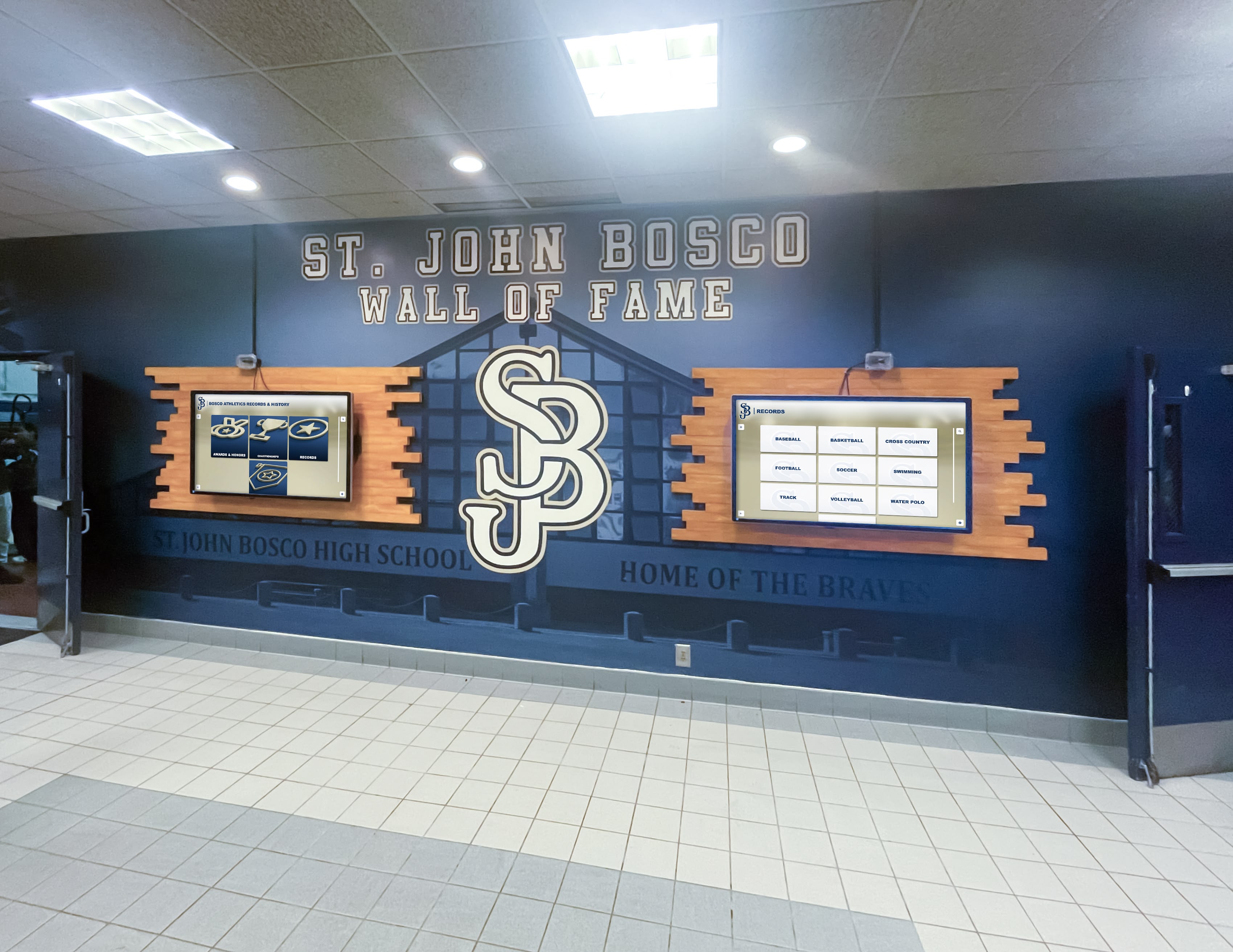
Commercial displays rated 16/7 or 24/7 handle this with ease. Their internal power supplies, backlights, and thermal management systems are dimensioned for sustained loads rather than sporadic home-theater sessions. The practical consequence:
| Metric | Consumer TV | Commercial Display (16/7 rated) |
|---|---|---|
| Rated daily hours | 4–8 hrs | 16+ hrs |
| Annual school-day hours (180 days, 16 hrs) | Exceeds spec | Within spec |
| Expected panel lifespan at school use | 2–4 years | 7–10 years |
| Warranty validity at school hours | Typically void | Covered |
Institutions that have purchased consumer televisions for hallway recognition displays commonly report backlight failure and board replacement costs within the first three years—costs that a commercial warranty would have absorbed.
Brightness: Why Consumer Panels Wash Out in Hallways
Consumer televisions are calibrated for dim living rooms. Typical peak brightness runs 200–350 nits—enough to look stunning in a darkened home theater. School hallways receive overhead fluorescent or LED lighting plus natural light from windows and trophy-case glass. In those conditions, a 300-nit consumer panel produces a washed-out image that fails to capture attention.
Commercial displays for schools are specified at 450 to 700+ nits, with some outdoor-rated variants exceeding 2,000 nits. This higher brightness ensures:
- Recognition content—athlete portraits, championship banners, award text—remains legible from ten to fifteen feet away
- Touch interface elements are clearly visible without users leaning close to read labels
- Video content and slideshows maintain color accuracy under varied lighting throughout the school day
The brightness gap is not cosmetic. Students and visitors who cannot comfortably read a display at normal walking distance will not engage with it. Schools that invest in recognition programs deserve displays bright enough to actually communicate that recognition.
Recognition touchscreens in athletic facilities are specifically built around commercial-grade panels for exactly this reason—brightness, contrast, and readability at distance are non-negotiable in a public hall.
Burn-In Resistance: The Hidden Risk of Static Content
Consumer televisions handle motion video exceptionally well. Recognition displays show largely static content: a school crest in the corner, navigation menus anchored to the same position, athlete portrait cards that linger on screen for minutes at a time. This is precisely the usage pattern that causes image retention and permanent burn-in on consumer panels.
Burn-in occurs when a static element is displayed long enough to unevenly age the phosphors or OLED compounds in a panel, leaving a ghost of that element permanently visible even when other content is shown. Consumer panel manufacturers acknowledge this risk in their terms—and many explicitly exclude burn-in from warranty coverage.
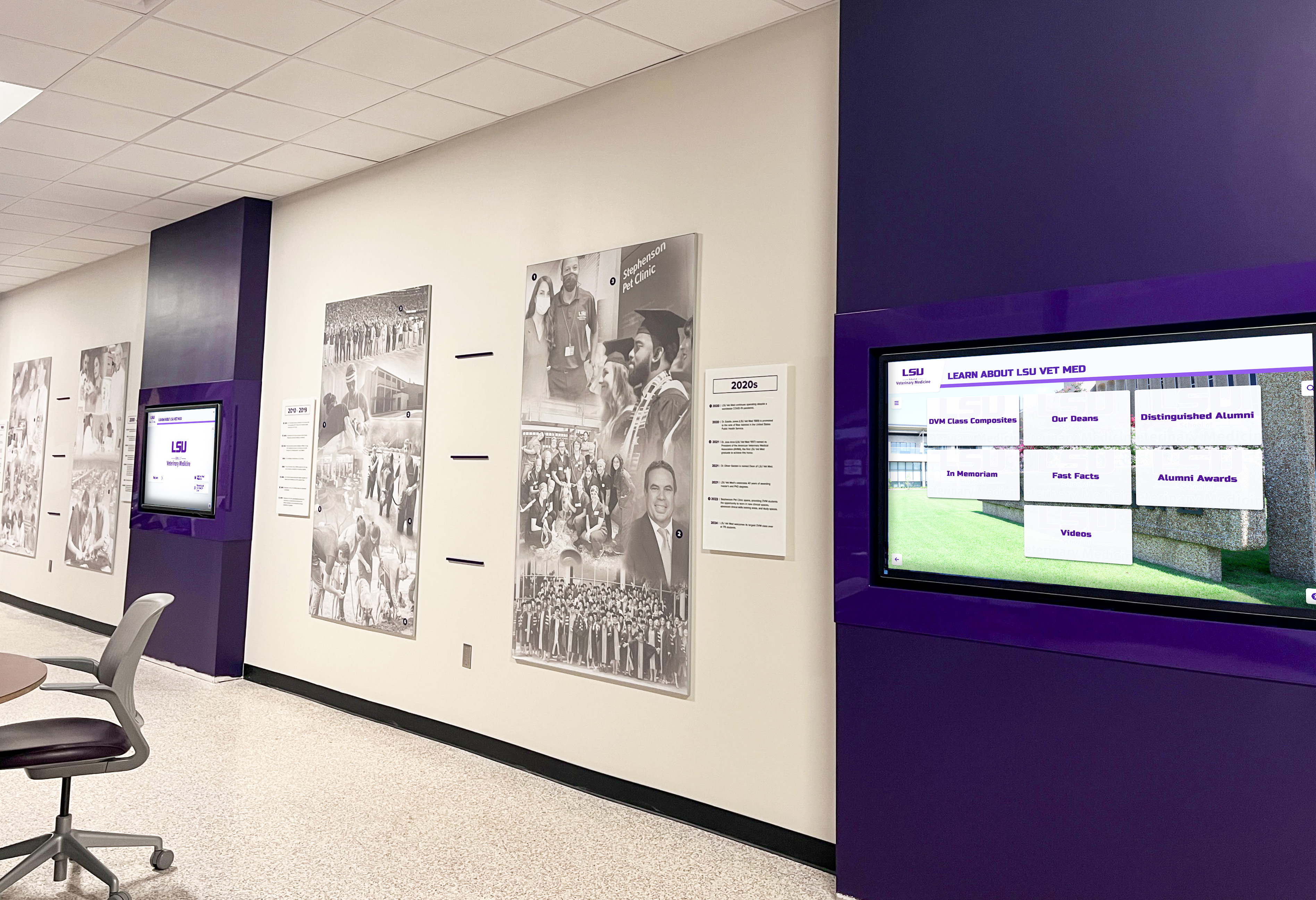
Commercial displays address burn-in through several engineering approaches:
- Anti-image retention coatings on IPS and VA panels slowing phosphor aging
- Pixel shift technology making imperceptible micro-movements of the image over time
- Automatic screen-saver protocols triggered during low-activity periods
- Panel uniformity compensation algorithms maintaining even backlight distribution
For school memorabilia display installations where the same logo and navigation structure appears every day for ten years, burn-in resistance is not optional. It is the difference between a display that looks pristine at year seven and one that requires a costly panel replacement at year two.
Touch Technology: Not All Screens Are Created Equal
Most consumer televisions are not touch-enabled at all. Those that include touch capability use resistive panels or basic infrared grids designed for occasional interaction, not hundreds of daily student touches.
Commercial touchscreen displays for schools use projected capacitive (PCAP) multi-touch technology—the same underlying technology as high-end smartphones, but scaled to 55, 65, or 75 inches and hardened for institutional use. PCAP commercial touch panels offer:
- 10-point simultaneous touch supporting multiple users interacting at once
- Anti-glare hardened glass rated for repeated contact without scratching
- Touch accuracy within 1–2 mm even after years of calibration drift
- Compatibility with gloved or stylus input for accessibility needs
- Response times under 10 ms ensuring the interface feels instantaneous
Consumer touch panels—where they exist—typically support 2-point touch, use softer glass, and are not calibrated for the sustained accuracy that allows students to reliably tap small athletic record entries or scroll through searchable databases of hall of fame inductees.
The alumni events and reunions that schools host around these recognition displays often see dozens of visitors interacting within a short window. Consumer touch hardware degrades noticeably under that load; commercial PCAP panels are rated for millions of touch cycles without performance degradation.
Thermal Management and Longevity
Electronics fail from heat. Consumer televisions manage heat budgets appropriate for four to eight hours of daily use in climate-controlled rooms. Run the same panel continuously in a hallway—where ambient temperatures may spike near windows or HVAC vents, or in older buildings without central air—and insufficient thermal management causes:
- Processor throttling slowing interface response
- Backlight dimming as thermal protection kicks in
- Premature capacitor failure shortening panel life
- Software lockups requiring manual resets that frustrate users
Commercial displays incorporate industrial-grade heat sinks, variable-speed cooling fans, and thermal sensors that actively regulate operating temperature across the full duty cycle. Panels rated 24/7 are tested at operating temperatures up to 50°C (122°F) ambient—conditions that would cause most consumer sets to shut down or fail.
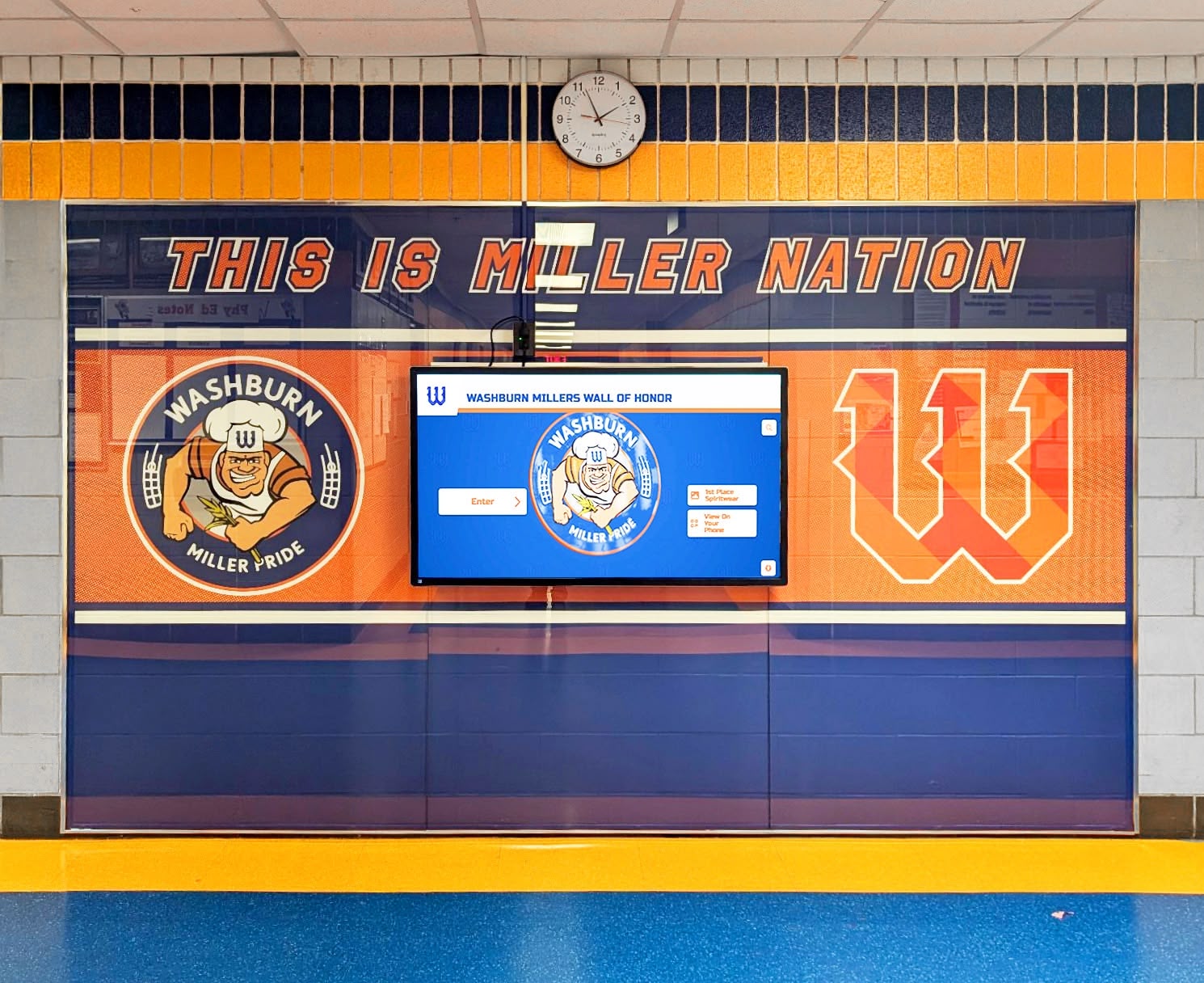
For schools in climates with extreme summer temperatures, this thermal resilience determines whether a display keeps running through summer camps and orientation weeks or requires a service call at the worst possible time.
Commercial Warranties: What They Cover That Consumer Warranties Don’t
Consumer television warranties are written for residential purchasers and typically include language excluding commercial use. If a school purchases a consumer TV and submits a warranty claim, manufacturers can—and often do—deny the claim because the display was used in a non-residential environment with operating hours exceeding residential norms.
Commercial display warranties are structured differently:
- Duration: Typically 3–5 years vs. 1 year for consumer TVs
- Coverage scope: Explicitly covers commercial-use environments including schools, hospitals, and public buildings
- On-site service: Many commercial warranties include on-site technician dispatch rather than requiring the customer to ship the panel
- Panel brightness guarantee: Some commercial warranties include a brightness retention clause ensuring the backlight maintains a minimum percentage of original output
This warranty gap represents a real financial risk. A consumer TV purchased for $800 that fails at 14 months carries no warranty coverage in a school environment. A commercial display purchased for $1,800 with a 3-year commercial warranty absorbs that same failure as a covered service call.
For institutions tracking athletic records and historical achievements across decades, the display hardware protecting that content needs a warranty structure that matches the permanence of the mission.
Network Control and Fleet Management
Consumer televisions receive commands through remote controls and, in smart TV versions, through proprietary apps. They are not designed for centralized fleet management across multiple units or for integration with third-party content management systems.
Commercial displays include control interfaces purpose-built for institutional deployments:
- RS-232 serial control enabling automation systems to power displays on/off on schedules
- LAN (Ethernet) control supporting remote monitoring, diagnostics, and command delivery
- SNMP or API endpoints compatible with commercial digital signage platforms
- OPS (Open Pluggable Specification) slots allowing compute modules to slide directly into the display
- USB-A and USB-C ports for content player connectivity and power delivery
These features allow a single IT administrator to monitor the health of five hallway displays from a central dashboard, push content updates remotely, schedule automatic power cycles, and diagnose brightness or connectivity issues without visiting each display individually.
Smaller college athletics facilities that have deployed commercial displays report that remote management alone justifies the price premium over consumer alternatives—especially when the nearest IT support is across campus.
Portrait Mode and Mounting Flexibility
Many recognition installations mount displays in portrait orientation—tall rather than wide—to mimic the proportions of traditional trophy cases and player plaques. Consumer televisions are engineered exclusively for landscape (horizontal) use. Running a consumer TV in portrait mode causes the cooling system to operate outside its designed airflow direction, accelerating thermal failure and voiding the warranty.
Commercial displays are rated for landscape, portrait, and face-up/ceiling installation with thermal management systems that perform correctly in all orientations. Commercial mounts also typically include:
- Heavy-duty VESA mounting patterns (400x400 mm or larger) supporting secure wall attachment
- Recessed cable management channels enabling clean, code-compliant installations
- Tilt and swivel adjustment ranges accommodating varied hallway widths and viewing angles
For schools installing recognition walls flush with brick or tile corridors—the visual standard for high-traffic hall-of-fame locations—commercial mounting flexibility is essential.
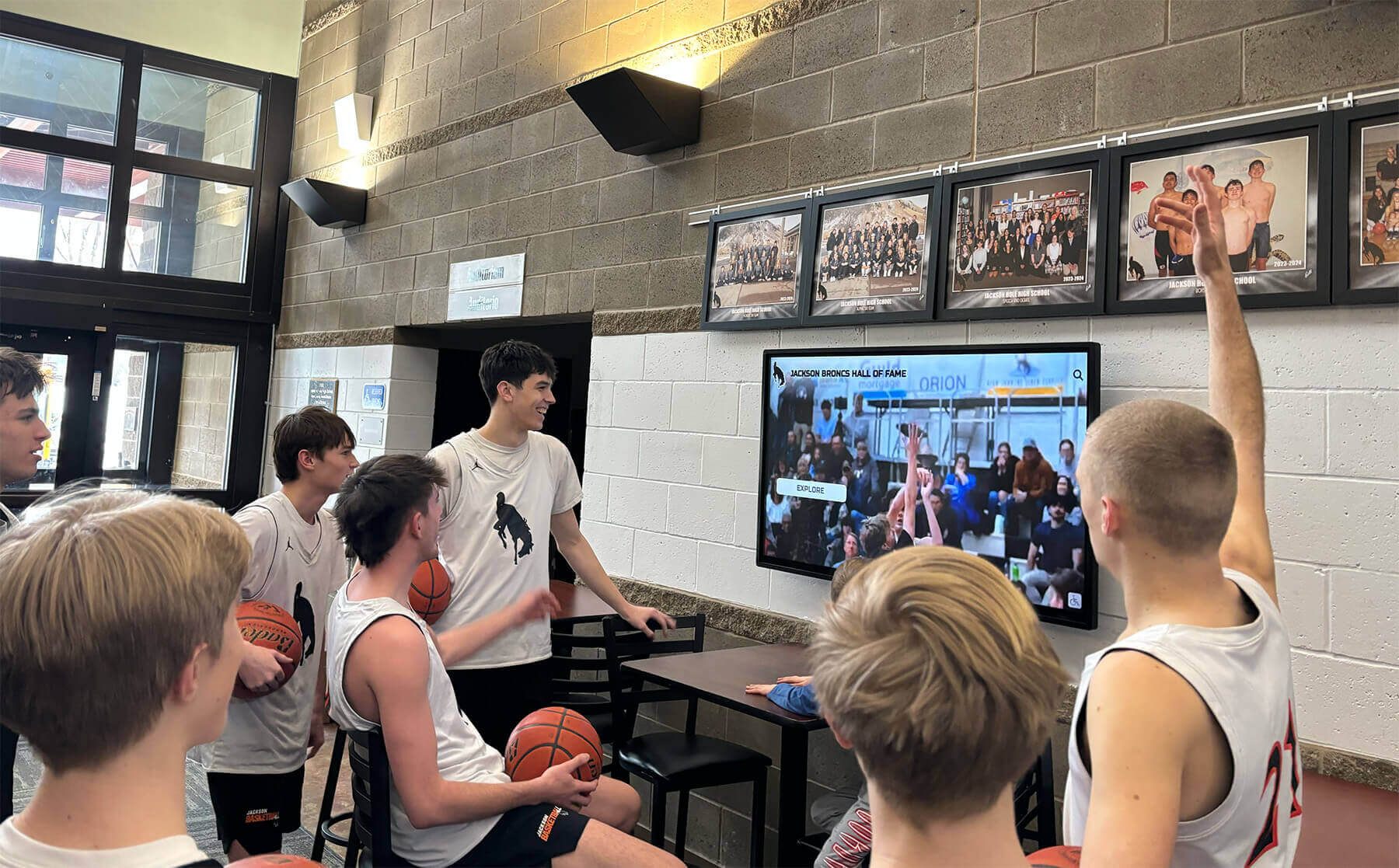
Total Cost of Ownership: The Number That Changes the Conversation
When a purchasing committee places a $800 consumer TV next to a $1,800 commercial display, the consumer TV wins every time on purchase price. The conversation changes when you extend the analysis to total cost of ownership (TCO) over seven years—a reasonable service-life expectation for a permanent hallway installation.
| Cost Component | Consumer TV | Commercial Display |
|---|---|---|
| Initial purchase (65") | ~$800 | ~$1,800 |
| Expected replacements (7 yr) | 2–3 units | 0–1 units |
| Out-of-warranty repair costs | $400–$800 | Covered (warranty) |
| IT labor for unplanned restarts | High | Low |
| Lost credibility from downtime | Unquantifiable | Minimized |
| 7-year estimated TCO | $2,400–$3,200+ | $1,800–$2,300 |
The math routinely favors the commercial display when maintenance labor and replacement costs enter the picture. Schools that have cycled through two or three consumer TVs in the same hallway location report frustration from staff, confusion from visitors who encounter a blank screen during an event, and reputational cost that does not appear on any purchase order.
School histories and merged-district recognition programs represent decades of institutional memory. Protecting that investment in content with hardware that matches its permanence is sound financial stewardship.
How Rocket Alumni Solutions Specifies Commercial Hardware
Rocket Alumni Solutions builds interactive hall of fame and recognition touchscreens exclusively around commercial-grade panels. Every TouchWall installation specifies displays meeting the following minimum thresholds:
- 16/7 or 24/7 duty cycle rating
- 450+ nits brightness for hallway visibility
- PCAP multi-touch with hardened anti-glare glass
- Anti-image retention technology for static recognition content
- 3-year on-site commercial warranty
- LAN and RS-232 control for remote management integration
These specifications are not arbitrary—they reflect years of deployment data across high schools, universities, and athletic facilities where consumer hardware consistently underperformed. Rocket’s cloud-based content management system is optimized for this commercial hardware layer, enabling schools to update athlete profiles, add championship banners, and manage multi-display installations from any browser.
The recognition content Rocket customers build—from senior shoutout slideshows to searchable athletic record databases—is designed to run continuously on commercial hardware. Deploying that content on a consumer TV introduces a point of failure that undermines everything the school has invested in building.
How to Evaluate and Specify the Right Commercial Display
When issuing a request for proposal or comparing vendor options, use this specification checklist to ensure any display under consideration meets commercial-grade thresholds:
Minimum Required Specifications
- Operating duty cycle: 16/7 minimum; 24/7 preferred for extended-hours environments
- Panel brightness: 450 nits minimum (at center); 500+ nits preferred
- Touch technology: PCAP multi-touch, 10-point simultaneous
- Touch glass: Tempered, anti-glare, scratch-rated for institutional use
- Portrait mode support: Confirmed thermal rating in portrait orientation
- Warranty: 3-year minimum commercial warranty with on-site service option
- Control interfaces: LAN control and RS-232 ports required
- Operating temperature: Rated to 40°C (104°F) ambient minimum
Questions to Ask Every Vendor
- Is the warranty valid for 16+ hour/day commercial use in a school environment?
- What is the panel’s brightness specification at center and corner?
- Does the burn-in/image retention protection work for static content displayed for hours at a time?
- Is portrait orientation thermally rated?
- What remote management protocol does the display support?
- What is the average service response time under the commercial warranty?
College recruiting and athletic profile displays that showcase student athletes to visiting coaches require hardware that is reliably on, bright, and responsive every time an important visitor walks through the door. Those moments do not wait for a replacement TV to arrive.
Addressing the Budget Objection Directly
Many schools reach for a consumer TV not out of ignorance but out of genuine budget pressure. The objection is real and worth addressing honestly. Here are three approaches that make commercial-grade hardware financially accessible:
1. Capital vs. Operating Budget Classification
Commercial displays often qualify as capital equipment (multi-year useful life, significant acquisition cost) that districts can fund through capital improvement budgets, bond allocations, or facility upgrade line items—separate from the operating budget that might fund a consumer TV purchase.
2. Phased Installation
Rather than attempting to deploy five displays simultaneously on consumer budgets, spec one commercial display for the highest-visibility location and build from there. A single well-functioning commercial display delivering reliable recognition is more valuable than three consumer TVs cycling through failures.
3. Vendor Financing and Leasing
Several commercial AV vendors and recognition platform providers offer financing arrangements spreading the cost of commercial hardware over two to four years, converting a capital hurdle into a manageable annual line item.
Alumni events and fundraising programs that leverage recognition displays often find that donor engagement around a professionally installed hall of fame generates revenue that offsets hardware investment over time. The display is not just a cost—it is an engagement tool.
Installation Considerations Unique to Schools
Commercial displays require installation practices that differ from simply mounting a television:
Electrical Requirements: Commercial displays often draw higher sustained amperage than consumer TVs. Verify that the circuit serving the hallway location can handle the load without tripping breakers during peak hours.
Conduit and Cable Management: Permanent commercial installations should route power and data through wall conduit rather than surface-mounted cables, both for code compliance and aesthetics consistent with a professional recognition environment.
Structural Mounting: Commercial displays in portrait orientation can weigh 60–120 lbs depending on size. Verify that the mounting surface—whether drywall, brick, or concrete block—is rated for the load, and use commercial-grade anchor hardware appropriate to the substrate.
ADA Considerations: Interactive elements should be positioned within the 15–48 inch reach range for forward-approach ADA compliance, regardless of overall display height. Commercial mounts with vertical adjustment simplify achieving compliant positioning.
Volleyball and multi-sport programs that rotate recognition content across sports throughout the year need hardware that can be left running through the transition—commercial panels handle this; consumer TVs do not.

Making the Case to Decision-Makers
If you are an athletic director or IT coordinator who already understands why commercial hardware is the right call but needs to make the case to a principal, superintendent, or school board, frame the conversation around three themes:
Protection of Investment: The recognition content—athlete profiles, championship history, donor recognition—represents years of institutional memory. The display hardware is the vehicle delivering that investment to students and visitors every day. A consumer TV that fails in year two takes all that work offline.
Total Cost, Not Purchase Price: Show the TCO table. Decision-makers respond to evidence that the “cheaper” option costs more over a realistic time horizon.
Institutional Credibility: A school’s hallway recognition display communicates values and pride. A display that is dim, frozen, or blank during an important event—whether a prospective family tour, a college coach visit, or an alumni gathering—undermines those values in ways that are hard to quantify and expensive to recover from.
Ready to Spec Your School's Commercial Recognition Display?
Rocket Alumni Solutions designs and deploys interactive hall of fame touchscreens built on commercial-grade hardware rated for the long-haul demands of school hallway environments. From panel selection to cloud-based content management, every component is engineered for institutions that need reliability, not workarounds.
Schedule a TouchWall ConsultationConclusion
The gap between a commercial display for schools and a consumer television is not marketing language—it is a set of measurable engineering specifications that determine whether a hallway recognition installation thrives for a decade or limps through a handful of school years before requiring replacement. Duty cycle, brightness, burn-in resistance, touch technology, thermal management, warranty coverage, and remote control capability all favor commercial hardware by significant margins when the installation context is a school corridor rather than a living room.
The purchase price premium is real. So is the total cost advantage when consumer replacements, out-of-warranty repair bills, and IT labor costs enter the calculation. For schools investing in permanent recognition displays—whether a searchable athletics hall of fame, a digital donor wall, or a community heroes showcase—the hardware choice deserves the same deliberate analysis applied to the content strategy it supports.
Specify commercial. Protect the investment. Keep the display on.































