School arts and music programs create some of the most memorable and impactful moments in students’ educational journeys. From orchestra concerts and choir performances to art exhibitions and theater productions, these creative accomplishments deserve recognition equal to athletic and academic achievements. Yet many schools struggle to adequately celebrate and preserve these artistic moments beyond fleeting performances and temporary displays.
Digital arts and music showcases transform how schools recognize, preserve, and share student creativity. By combining interactive displays, multimedia content, and web-accessible platforms, schools can create lasting recognition for artistic achievements while extending audience reach far beyond the performance hall or gallery wall.
This comprehensive guide explores how educational institutions can implement digital showcases that honor student artists and musicians, engage broader communities, and build lasting archives of creative excellence that inspire future generations.
Traditional arts recognition faces significant limitations. Physical galleries have finite wall space, forcing difficult decisions about which artwork to display. Concert programs end up in recycling bins within days. Theater productions live only in scattered audience photos. Talented students in “minor” arts programs receive less visibility than those in high-profile activities. Families who cannot attend performances miss seeing their students’ accomplishments entirely.
Digital showcases eliminate these constraints while creating new opportunities for engagement, recognition, and community building that traditional approaches cannot match.

Digital showcases transform how schools celebrate and preserve student artistic achievements
The Evolution of Arts Recognition in Schools
Understanding how arts recognition has evolved helps contextualize why digital showcases represent such a significant advancement.
Traditional Arts Recognition Limitations
Conventional approaches to celebrating student creativity face multiple challenges:
Physical Space Constraints
- Gallery walls accommodate only a fraction of student artwork
- Trophy cases prioritize athletics over arts achievements
- Temporary displays must be rotated or removed regularly
- Performance venues serve only those who can attend in person
- Storage limitations force disposal of most student work
Limited Audience Reach
- Performances occur at specific times excluding many families
- Exhibitions reach only those who physically visit the school
- Geographic distance prevents extended family participation
- Work schedules conflict with performance and exhibition times
- Artistic achievements remain invisible to broader community
Preservation Challenges
- Programs and posters quickly become outdated
- Performance recordings scattered across personal devices
- No systematic archive of artistic achievements
- Historical perspective on program development lost
- Alumni have no access to their past performances
Recognition Inequality
- Visual arts often receive less recognition than music programs
- Smaller programs struggle for visibility
- Individual contributions within ensembles go unacknowledged
- Technical theater and behind-scenes work rarely celebrated
- Arts achievements overshadowed by athletics and academics
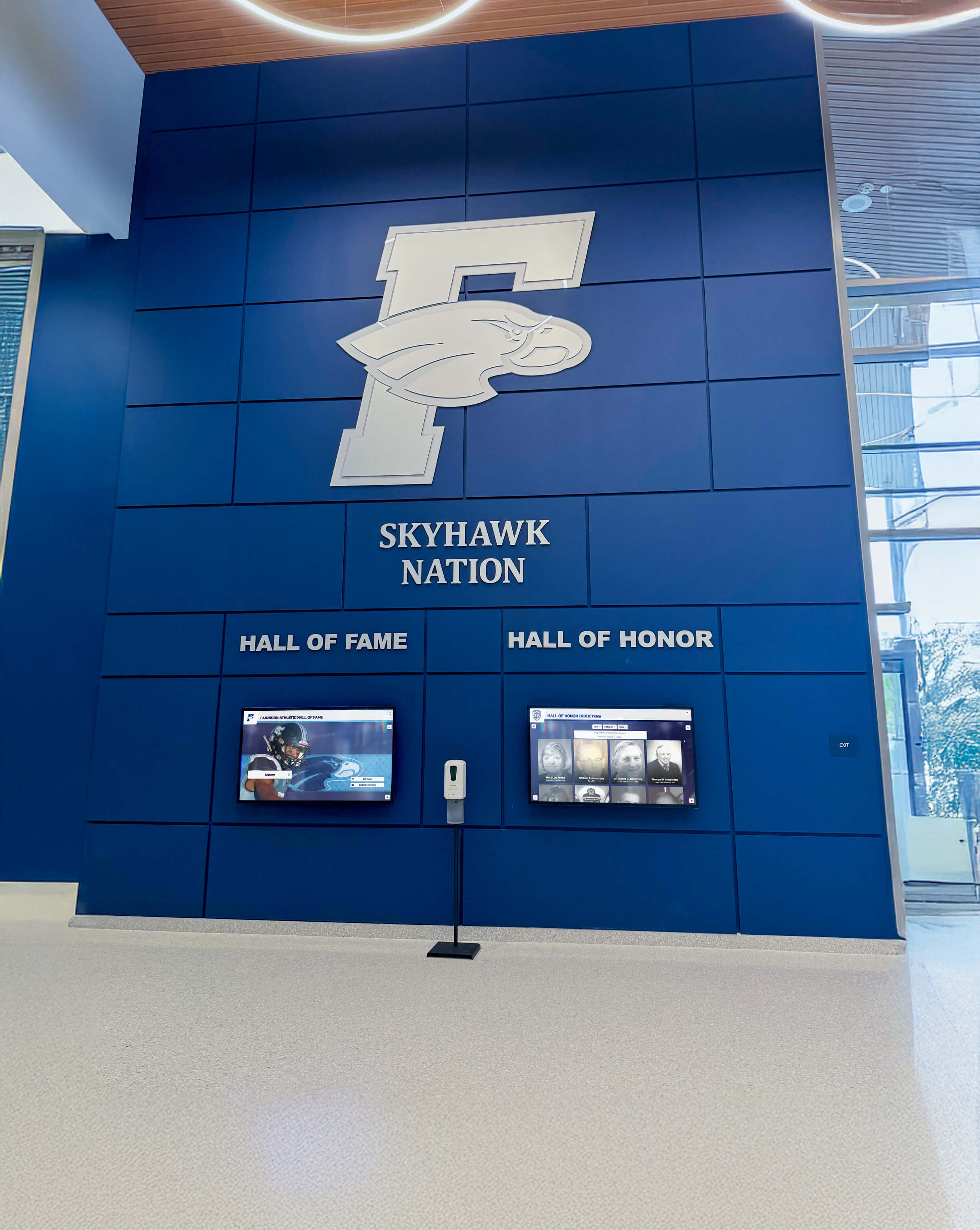
Physical space limitations restrict which artistic achievements schools can display
The Digital Showcase Advantage
Digital platforms fundamentally transform arts recognition:
Unlimited Recognition Capacity
- Showcase every student artwork without space constraints
- Archive every performance and production permanently
- Multiple categories and programs coexist without competing
- Historical depth preserves decades of artistic achievement
- Individual and ensemble recognition both accommodated
Extended Reach and Accessibility
- Web access allows families worldwide to view achievements
- Interactive displays enable on-campus exploration
- Social sharing amplifies recognition beyond school community
- Multiple viewing options accommodate different preferences
- Permanent availability eliminates time constraints
Rich Multimedia Storytelling
- Video performances capture full artistic experience
- Photo galleries document exhibitions and productions
- Audio recordings preserve musical achievements
- Artist statements and program notes provide context
- Behind-the-scenes content reveals creative process
Equitable Recognition
- All arts disciplines receive equal platform and visibility
- Individual contributions within groups acknowledged
- Technical and support roles celebrated alongside performers
- Programs of all sizes receive appropriate recognition
- Character and growth honored alongside achievement
What Makes an Effective Digital Arts and Music Showcase
Successful digital showcases share common characteristics that maximize impact and engagement.
Comprehensive Content Organization
Thoughtful structure helps visitors find and explore content:
Intuitive Category Systems
- Programs organized by discipline (visual arts, music, theater, dance)
- Chronological organization by academic year and performance date
- Event-based grouping for concerts, exhibitions, and productions
- Student-focused organization enabling individual portfolio views
- Award and recognition categories highlighting excellence
Searchable and Filterable Content
- Search by student name, program, or keyword
- Filter by year, discipline, performance type, or award
- Tag systems enabling cross-referencing and discovery
- Related content suggestions encouraging exploration
- Alumni can easily find their past contributions
Layered Information Architecture
- Overview pages introducing programs and seasons
- Event pages detailing specific performances or exhibitions
- Individual student profiles showcasing personal achievements
- Ensemble and group pages recognizing collective work
- Historical context connecting current to past achievements
Learn more about organizing student achievement displays effectively.
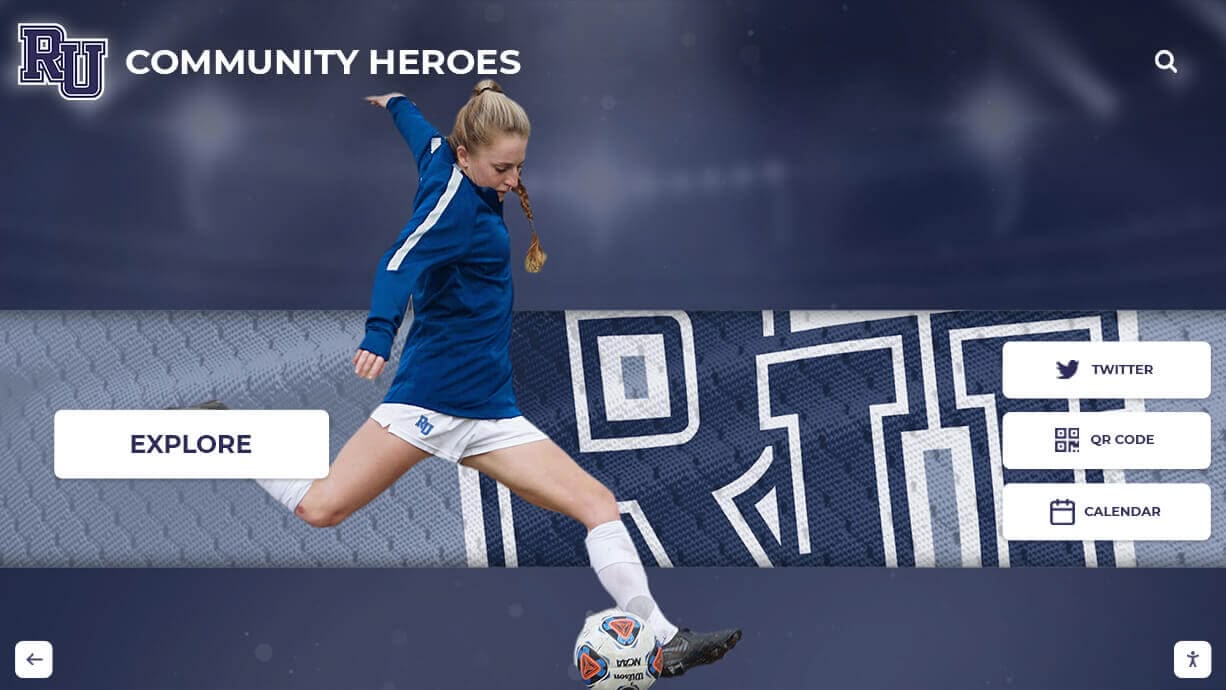
Intuitive organization helps visitors discover and explore artistic achievements across programs
High-Quality Multimedia Content
Content quality directly impacts showcase effectiveness:
Professional Photography
- High-resolution images suitable for display and web
- Proper lighting and composition highlighting artwork
- Action shots capturing performance energy and emotion
- Backstage and rehearsal photos showing creative process
- Consistent photography standards across programs
Performance Video
- Full-length recordings preserving complete performances
- Highlight reels showcasing season best moments
- Individual feature videos spotlighting soloists or artists
- Editing that enhances rather than distracts from content
- Audio quality matching professional standards
Contextual Information
- Artist statements explaining creative vision and process
- Program notes providing performance context
- Student reflections on growth and learning
- Faculty commentary on achievements and progress
- Historical information connecting to program tradition
Technical Specifications
- Video optimized for both display screens and web viewing
- Image resolution appropriate for zoom and detail viewing
- File formats ensuring universal compatibility
- Captioning and descriptions supporting accessibility
- Mobile-optimized content for smartphone viewing
Interactive Engagement Features
Effective showcases invite active exploration:
Touch-Based Navigation
- Intuitive swipe and tap controls
- Pinch-to-zoom on artwork details
- Multi-touch gestures for fluid navigation
- Responsive feedback to user actions
- Simple enough for all age groups

Interactive features transform viewing into engaging exploration
Social Sharing Capabilities
- One-click sharing to social media platforms
- Customizable share messages and images
- Direct links to specific performances or artwork
- Embeddable content for websites and newsletters
- Share counters showing content reach
Commenting and Feedback
- Appropriate commenting systems for web platforms
- Guestbook features for display installations
- Alumni reflection and reminiscence opportunities
- Community response and appreciation sharing
- Moderated feedback maintaining positive environment
Building Your Digital Arts and Music Showcase
Implementing an effective showcase requires strategic planning and systematic execution.
Phase 1: Planning and Preparation
Thorough preparation sets foundation for success:
Needs Assessment
- Inventory current arts programs and performance schedule
- Identify what content already exists and what needs creation
- Assess current recognition gaps and inequities
- Survey stakeholders about priorities and preferences
- Define success metrics and evaluation methods
Technology Platform Selection
Choose solutions matching your requirements:
- Interactive touchscreen displays for physical installations
- Web platforms extending reach beyond campus
- Content management systems appropriate for staff capabilities
- Cloud storage and hosting ensuring reliability
- Integration with existing school systems when beneficial
Solutions like Rocket Alumni Solutions provide comprehensive platforms specifically designed for educational recognition, combining touchscreen displays with web accessibility and intuitive content management.
Resource Planning
- Budget for hardware, software, and implementation
- Staff time allocation for content creation and management
- Training requirements for administrators and contributors
- Ongoing maintenance and update responsibilities
- Photography and videography needs and capabilities
Content Strategy Development
- Determine what programs and achievements to include
- Establish content standards and quality requirements
- Create workflows for adding new content
- Plan historical content digitization approach
- Define update schedules and procedures

Careful planning ensures showcase meets program goals and stakeholder needs
Phase 2: Content Creation and Digitization
Building your content library requires systematic approach:
Historical Content Digitization
Preserve past achievements:
- Scan photographs from past programs and yearbooks
- Digitize video recordings from analog formats
- Transcribe paper programs and award information
- Photograph physical artwork when possible
- Interview alumni and faculty about program history
Consider approaches used in digitizing yearbooks for arts program materials.
Current Content Capture
Establish systems for ongoing documentation:
- Professional photography at performances and exhibitions
- High-quality video recording of concerts and productions
- Systematic collection of student artwork images
- Behind-the-scenes documentation of creative process
- Awards ceremony and recognition event coverage
Content Enhancement
Add context making achievements meaningful:
- Write program histories and tradition descriptions
- Collect student artist statements and reflections
- Document awards, honors, and competition results
- Gather faculty insights on student growth
- Create connections between related content
Quality Control
Ensure content meets standards:
- Review all content for accuracy and completeness
- Verify spelling of names and proper attribution
- Check image and video quality standards
- Ensure appropriate resolution for intended display
- Obtain necessary permissions and releases

High-quality content capture ensures performances and artwork receive appropriate presentation
Phase 3: Platform Configuration and Design
Transform content into engaging showcase:
Visual Design
Create appealing and appropriate aesthetics:
- Design reflecting school brand and identity
- Color schemes complementing arts content
- Typography ensuring readability at all sizes
- Layout showcasing content without distraction
- Responsive design working across devices
Navigation Structure
Implement intuitive information architecture:
- Logical category organization reflecting programs
- Clear path from general to specific content
- Search and filter functionality appropriate for content volume
- Breadcrumb navigation showing location within structure
- Related content suggestions encouraging exploration
Interactive Features Implementation
- Configure touch-based navigation for display screens
- Enable social sharing on web platform
- Implement search and filter capabilities
- Set up video playback with appropriate controls
- Configure image galleries with zoom capabilities
Accessibility Considerations
Ensure inclusive access:
- Screen reader compatibility for web content
- Keyboard navigation alternatives to touch
- High-contrast viewing modes
- Text alternatives for visual content
- Captions and transcripts for video
Explore digital wall of fame accessibility guidelines.
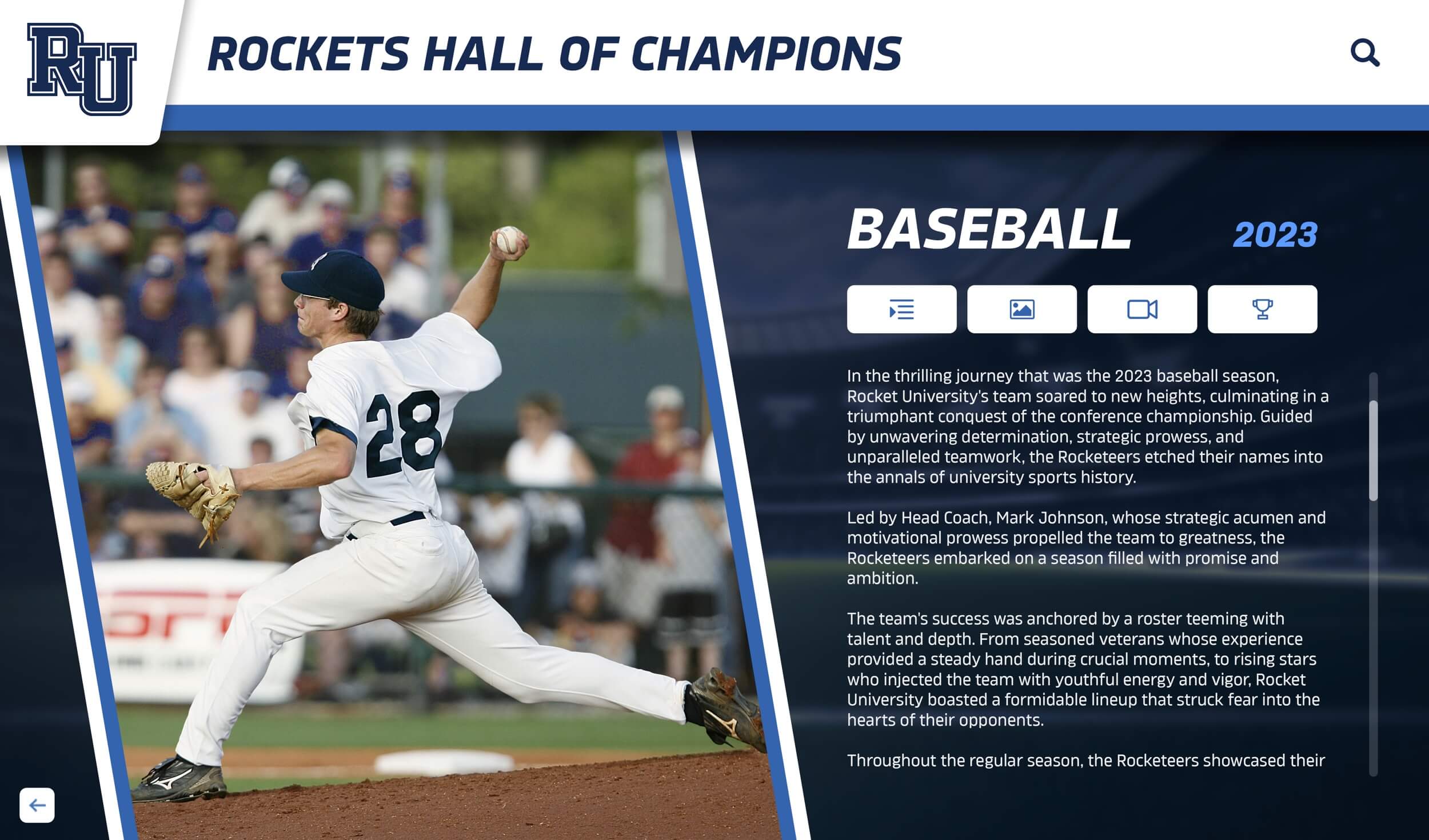
Thoughtful design creates engaging experiences that honor artistic achievements
Phase 4: Launch and Promotion
Strategic launch maximizes adoption and engagement:
Soft Launch and Testing
- Internal testing with staff and student groups
- Gather feedback on usability and content
- Identify and resolve technical issues
- Refine based on initial user experience
- Train staff on management and updates
Public Launch Event
- Ceremonial unveiling creating excitement
- Demonstrations showcasing features and content
- Student performances complementing showcase
- Media coverage and communications announcing availability
- Recognition of contributors and supporters
Ongoing Promotion
- Regular announcements of new content additions
- Featured content rotation highlighting different programs
- Social media posts driving traffic to showcase
- Integration with performance marketing and promotion
- Newsletter features encouraging exploration
Community Engagement
- Encourage alumni to explore and share memories
- Invite families to view student achievements
- Welcome prospective families to preview arts programs
- Connect with local arts community and organizations
- Integrate with alumni engagement strategies
Best Practices for Digital Arts and Music Showcases
Learn from successful implementations:
1. Prioritize Regular Content Updates
Showcases remain relevant through consistent additions:
Established Update Schedules
- New content added within week of performances or exhibitions
- Seasonal reviews ensuring comprehensive coverage
- Historical content added systematically over time
- Feature rotations highlighting different programs
- Archive organization maintaining findability
Responsible Parties
- Assign specific staff members to content management
- Train students as contributors when appropriate
- Establish clear procedures for submissions
- Create review and approval workflows
- Set expectations for update frequency
Content Pipeline Management
- Photography and videography scheduled for all events
- Post-production workflows moving content efficiently
- Batch processing for efficiency
- Quality control checkpoints
- Publication calendars coordinating releases
Regular updates keep audiences engaged and returning, demonstrating that arts programs remain vibrant and active.

Systematic update processes ensure showcases remain current and engaging
2. Balance Individual and Ensemble Recognition
Honor both collective and personal achievement:
Ensemble Recognition
- Group photos and performance videos
- Roster listings acknowledging all participants
- Season highlights and accomplishments
- Program history and tradition
- Team achievement celebration
Individual Recognition
- Solo performance features
- Individual artwork galleries
- Student profile pages
- Award and honor acknowledgments
- Growth and development documentation
Appropriate Attribution
- Principal performers and soloists acknowledged
- Section leaders and officers recognized
- Technical crew and support staff credited
- Directors and instructors honored
- Collaborative contributions acknowledged
This balanced approach ensures all contributors receive appropriate recognition while celebrating collective achievement.
3. Tell Complete Stories
Context makes achievements meaningful:
Performance Context
- Program notes explaining selection significance
- Historical background on pieces or works
- Technical challenge descriptions
- Thematic connections and interpretations
- Director’s perspective on performance
Student Perspective
- Artist statements explaining creative vision
- Reflections on learning and growth
- Favorite moments and memories
- Challenges overcome during preparation
- Future aspirations and goals
Process Documentation
- Rehearsal and practice documentation
- Creative development progression
- Technical skill building
- Collaborative problem-solving
- Behind-the-scenes glimpses
These complete narratives create deeper appreciation for achievements and connect viewers emotionally to content.
4. Integrate with Broader Recognition
Connect arts to comprehensive recognition:
Cross-Program Recognition
- Multi-talented students in multiple programs
- Academic achievement alongside arts excellence
- Character and leadership in arts contexts
- Student of the month programs including artists
- Athletic and arts participation balance

Integrated recognition shows arts achievements alongside academic and athletic accomplishments
School-Wide Systems
- Arts content integrated with digital walls of fame
- Unified platforms across recognition categories
- Consistent design and user experience
- Cross-linking between related achievements
- Comprehensive student achievement displays
Alumni Connections
- Current student work connected to alumni achievements
- Alumni recognition walls including arts
- Professional arts careers highlighted
- Mentorship and connection opportunities
- Legacy and tradition documentation
This integration ensures arts receives equal status with other achievement domains.
5. Leverage for Multiple Purposes
Maximize showcase value:
Recruitment and Admissions
- Prospective student and family tours
- Virtual program previews
- Excellence demonstrations
- Program culture and values communication
- Competitive advantage visibility
Fundraising and Development
- Donor recognition for arts program support
- Digital donor walls honoring contributions
- Impact demonstration for potential supporters
- Named scholarship acknowledgment
- Facility enhancement needs illustration
Community Relations
- Local arts community connections
- Business partnership development
- Media coverage opportunities
- Public performance promotion
- School culture demonstration
Educational Purposes
- Student portfolio development
- Arts education and appreciation
- Historical program documentation
- Curriculum integration opportunities
- Assessment and evaluation support
Technology Platforms for Arts Showcases
Choosing appropriate technology ensures success:
Interactive Display Solutions
Physical installations on campus:
Touchscreen Display Options
- Commercial-grade displays designed for continuous operation
- Size selection based on viewing distance and space
- Wall-mounted or freestanding kiosk configurations
- Multiple screens for comprehensive coverage
- Touchscreen software solutions enabling content management
Hardware Considerations
- Display resolution supporting image detail viewing
- Touch technology appropriate for public use
- Durability for high-traffic environments
- Integration with existing network infrastructure
- Power and mounting requirements
Learn about best touchscreens for schools.

Interactive displays create engaging recognition experiences in high-traffic campus locations
Web-Based Platforms
Online access extending reach:
Platform Capabilities
- Responsive design for all devices
- Media hosting and streaming
- Social sharing integration
- Search and filter functionality
- Analytics tracking engagement
Content Management Systems
- Intuitive interfaces requiring minimal training
- Role-based permissions for multiple administrators
- Media library management
- Scheduled publishing capabilities
- Revision history and backups
Hosting and Infrastructure
- Reliable hosting ensuring consistent availability
- Bandwidth supporting video streaming
- Security protecting sensitive content
- Regular backups preventing data loss
- Technical support and maintenance
Integrated Solutions
Comprehensive platforms combining capabilities:
Solutions like Rocket Alumni Solutions provide unified platforms featuring:
- Touchscreen display hardware and software
- Web-accessible content simultaneously
- Unified content management
- Cloud hosting and backups
- Professional implementation support
- Ongoing maintenance and updates
This integration ensures consistent experience across viewing methods while simplifying management.
Explore virtual hall of fame platforms for comparison.
Measuring Showcase Success
Regular assessment ensures programs meet goals:
Quantitative Metrics
Engagement Data
- Display interaction time and frequency
- Web platform visits and page views
- Video views and completion rates
- Social media shares and engagement
- Search queries and popular content
Content Coverage
- Percentage of programs represented
- Number of students with recognition
- Historical depth of archived content
- Diversity across disciplines
- Update frequency and consistency
Technical Performance
- System uptime and reliability
- Load times and responsiveness
- Mobile device compatibility
- Accessibility compliance
- User error rates
Qualitative Assessment
Stakeholder Feedback
- Student perception surveys
- Faculty satisfaction and input
- Family engagement and appreciation
- Alumni responses and connections
- Community reactions
Program Impact
- Arts program enrollment trends
- Student motivation and engagement
- Community perception of arts programs
- Fundraising effectiveness
- Recruitment influence
Cultural Indicators
- Arts participation rates
- Cross-program involvement
- School pride and identity
- Alumni connection strength
- Community arts engagement
Regular measurement enables continuous improvement ensuring showcases deliver maximum value.
Common Implementation Challenges and Solutions
Learn from others’ experiences:
Challenge: Content Backlog
The Problem
- Overwhelming volume of historical content to digitize
- Limited staff time for retrospective work
- Inconsistent historical documentation
Solutions
- Phased approach starting with recent content
- Student project opportunities for digitization
- Alumni engagement collecting historical materials
- Accepting imperfect historical coverage initially
- Systematic addition over time
Challenge: Sustainable Content Creation
The Problem
- Performance and exhibition documentation requires significant effort
- Quality standards challenging to maintain
- Staff turnover affecting continuity
Solutions
- Systematic documentation procedures and checklists
- Student media programs contributing content
- Professional services for key events
- Technology simplifying capture process
- Multiple contributors sharing responsibilities
Challenge: Balancing Recognition
The Problem
- Some programs more visible than others
- Featured performers overshadowing ensembles
- Large and small programs competing for space
Solutions
- Deliberate rotation ensuring balanced coverage
- Featured content calendars maintaining equity
- Multiple recognition categories and frameworks
- Explicit commitment to comprehensive inclusion
- Regular audits of representation
Challenge: Technical Maintenance
The Problem
- Display hardware requiring updates and repairs
- Software requiring maintenance and security patches
- Technical expertise needs exceeding staff capabilities
Solutions
- Professional solutions with included support
- Service agreements covering maintenance
- Cloud-based systems reducing local IT burden
- Regular preventive maintenance schedules
- Staff training appropriate to capabilities
Explore maintenance and troubleshooting guides for detailed support.
Conclusion: Transforming Arts Recognition Through Digital Showcases
Digital arts and music showcases represent fundamental advancement in how schools honor and preserve student creativity. By eliminating physical limitations of traditional galleries and programs, digital platforms ensure every artistic achievement receives appropriate recognition while extending audience reach far beyond performance halls and exhibition spaces.
Effective showcases combine thoughtful content strategy, appropriate technology platforms, and systematic implementation to create engaging experiences that celebrate student artists and musicians. From interactive displays enabling campus exploration to web platforms connecting global audiences, digital recognition transforms fleeting performances into lasting legacies that inspire current students and strengthen alumni connections.
Ready to Transform Your Arts Recognition?
Discover how Rocket Alumni Solutions can help you create a comprehensive digital showcase celebrating your students' artistic achievements and building lasting program legacy.
Explore Showcase SolutionsThe most successful showcases share common characteristics: they honor diverse achievements across all arts disciplines, they preserve complete program histories while remaining current, they engage multiple audiences through both physical and digital access, and they integrate seamlessly with broader school recognition and engagement efforts.
Whether you’re beginning with simple photo galleries or implementing comprehensive multimedia platforms, digital showcases ensure your students’ artistic achievements receive recognition equal to their effort and excellence. Start where you are, build systematically, and create the lasting celebration of creativity your arts programs and students deserve.
Your student artists and musicians create extraordinary work that enriches your school community and shapes their personal growth. Digital showcases ensure these achievements receive the visibility, preservation, and celebration they merit while building stronger connections between current students, alumni, and the broader community that supports your arts programs.
Ready to begin? Explore interactive recognition display solutions or learn more about building comprehensive student engagement programs that celebrate achievement across all domains.
























