Elementary school fundraising looks different than it did a decade ago. Product-sale tables crowded into lobbies, cash-stuffed envelopes passed hand to hand, and paper pledge sheets taped to bulletin boards are giving way to a smarter approach: touch-free campaigns that reduce logistical headaches while producing recognition moments that live on long after the checks clear. The best elementary school fundraising ideas today generate real revenue, celebrate every contributor, and leave something lasting on the walls of the school itself.
This guide covers 20 touch-free campaign formats that elementary PTAs, parent organizations, and school administrators can run with confidence—along with concrete strategies for showcasing every milestone, donor name, and fundraising achievement on a digital recognition display that the whole school community can see and celebrate year-round.
Whether you are planning your first campaign or rebuilding a fundraising program from scratch, the right mix of elementary school fundraising ideas can transform a modest parent organization into a community institution. The campaigns below are organized by format so you can match the right approach to your school’s volunteer capacity, timeline, and goals.
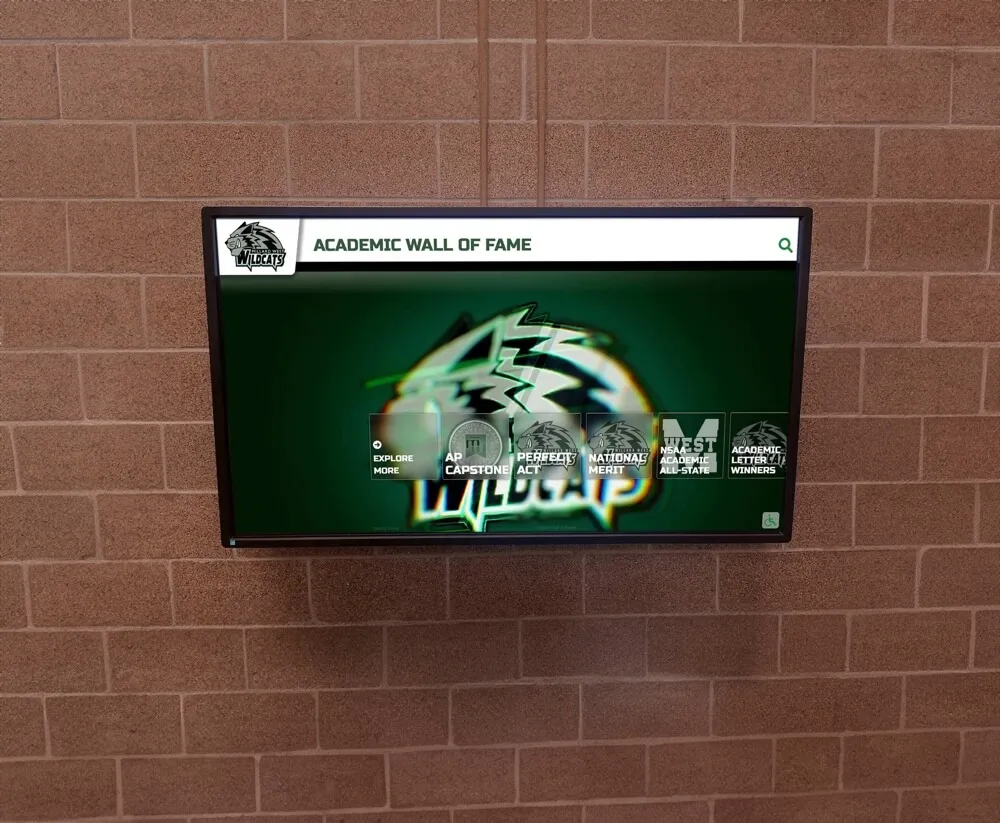
Digital recognition displays let elementary schools celebrate every fundraising milestone in a high-traffic, permanent format
Why Touch-Free Fundraising Is the Right Direction
Traditional fundraising that relies on physical exchanges—cash collections, hand-delivered order forms, in-person product pickup—creates friction for families, increases administrative burden, and limits reach to households that can show up in person. Touch-free approaches solve those problems:
- Broader participation: Online platforms capture donations from grandparents, aunts, uncles, and out-of-town supporters who would never attend an in-person event.
- Lower administrative overhead: Automated payment processing, digital pledge tracking, and cloud-based reporting reduce the hours staff and volunteers spend chasing money.
- Safer environment: Schools that adopted touch-free giving protocols during recent years of heightened health awareness discovered that families appreciated the convenience—and participation rates held steady or improved.
- Better recognition opportunities: Digital campaigns generate clean donor data that feeds directly into digital signage screens and recognition kiosks, making it easy to display every contributor’s name within hours of a campaign closing.
The twenty ideas below lean into all of these advantages.
Pledge-Based Campaigns
Pledge campaigns are the backbone of elementary school fundraising because they scale with community size. Every student becomes a fundraiser, and every pledge brings in money tied to a measurable activity.
1. Read-a-Thon
Students collect pledges per book or per chapter read over a two- to four-week window. Reading logs are submitted digitally; donors give online via a shareable link sent through the school’s communication app. Read-a-thons align with academic priorities, earn enthusiastic teacher support, and generate per-student averages of $50–$150 depending on community engagement.
Showcase opportunity: Post a live leaderboard of classrooms by total books read on your school’s digital display. After the campaign, engrave top classroom names or the school’s collective reading total on a permanent digital recognition screen in the library hallway.
2. Walk-a-Thon or Fun Run
The walk-a-thon remains one of the most productive elementary school fundraising ideas because the activity (walking laps on the school track) costs nothing, and the pledge collection is entirely touch-free through online donation pages. Schools typically raise $15,000–$50,000 in a single day depending on size.
Showcase opportunity: Display a real-time progress bar toward the school’s fundraising goal on lobby screens throughout the event day.
3. Swim-a-Thon (Aquatics Programs)
Schools with pool access can replicate the walk-a-thon model in water. Students collect per-lap pledges digitally, and donors track progress through a shared fundraising page.
4. Math Challenge or Academic Pledge Event
Students solve math problems or complete academic challenges, earning pledges per problem set completed correctly. This format is popular with STEM-focused elementary schools and naturally connects fundraising to the school’s instructional mission. Pair it with academic honor roll recognition programs already running in your building.
Online Giving Campaigns
Pure donation campaigns rely on compelling storytelling and easy giving mechanics rather than an activity or product.
5. Giving Day Campaign
A 24-hour online giving blitz tied to a specific school need—new playground equipment, a technology cart, library books. The concentrated timeframe creates urgency; social media sharing extends reach exponentially. Schools with strong parent communication networks regularly hit $20,000+ in a single giving day.
Digital recognition tip: Display rolling donor names on a lobby screen in real time as contributions come in, so families dropping off students in the morning can see the community rallying together.
6. Crowdfunding by Classroom
Each classroom creates its own page on a school-wide crowdfunding platform, competing (friendly) to fund a class-specific goal—a field trip, a science kit, a set of headphones for every student. Parents, grandparents, and community members give online and choose which classroom to support.
7. Text-to-Give Campaign
Schools partner with text-based giving platforms that allow donors to contribute by sending a keyword to a short code. Ideal for sporting events, concerts, and other school gatherings where a QR code on the program or a verbal announcement from the stage converts an audience into donors in seconds.
8. Matching Gift Drive
Connect with local businesses willing to match employee donations or community contributions dollar-for-dollar up to a set cap. Announce the match publicly on school digital signage, in email newsletters, and on social media. The psychological pull of “doubling every dollar” consistently increases average gift sizes.
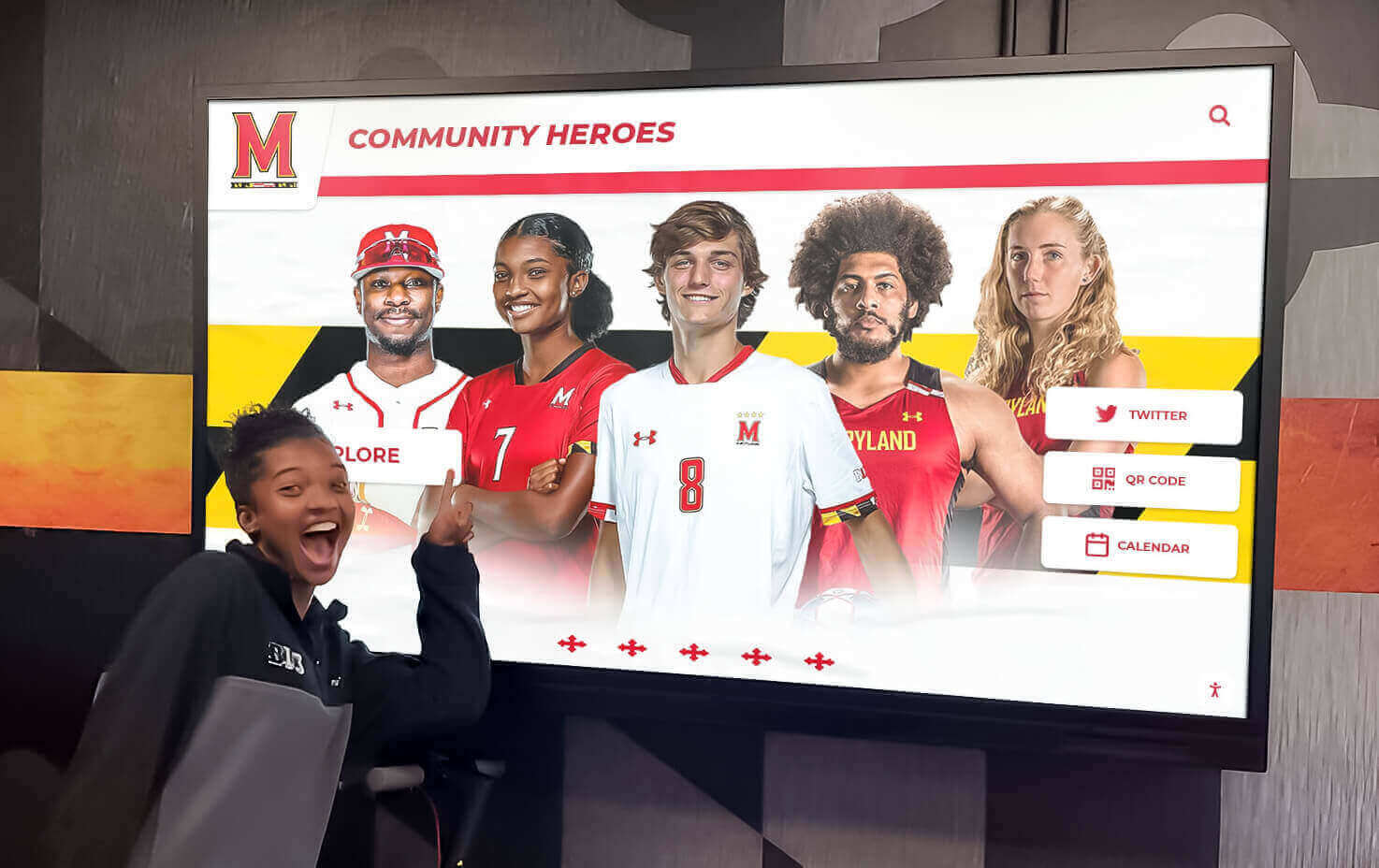
Naming student fundraising contributors on digital displays creates lasting motivation for participation
Product and Experience Sales (Touch-Free Format)
Traditional product fundraisers don’t have to involve physical order forms or cash. Moving the entire transaction online eliminates the touch points while keeping the revenue model intact.
9. Spirit Wear Online Store
Open a custom school apparel store through an online print-on-demand platform. Families browse, pay, and receive items shipped to their homes with zero paper or cash handled by school staff. The school earns a margin on every item sold with no upfront inventory risk.
10. Digital Art Auction
Students create artwork digitally or with traditional media that is then photographed and posted on an online auction platform. Families, alumni, and community members bid during a set window. Proceeds fund art supplies, technology, or a specific school project.
Recognition angle: Feature student artists’ names and their winning pieces on a digital display in the school lobby after the auction closes—an academic recognition program moment that celebrates creativity alongside generosity.
11. Baked Goods Fundraiser (Pre-Order Model)
Rather than running a cash-at-the-door bake sale, shift to a baked goods pre-order model where families order and pay online, and items are packaged and picked up on a designated day. This eliminates cash handling, reduces waste, and allows better planning for volunteer bakers.
12. Plant and Garden Sale (Online Pre-Order)
Spring plant sales generate strong margins because the community is already shopping for garden supplies. Accept orders online through a simple Google Form or dedicated platform, collect payment electronically, and organize a single pickup event.
13. Restaurant Partnership Nights
Partner with a local restaurant that donates a percentage of sales on a designated evening. Families order online or dine in, mention the school’s name, and the restaurant tracks totals electronically. No cash, no paper, no school-side logistics beyond promotion. Run these monthly with rotating restaurant partners to maintain consistent passive revenue.
Event-Based Fundraisers with Touch-Free Structure
Events don’t need to be logistical nightmares. Structuring them to minimize physical exchanges keeps volunteer burden low while maintaining the community energy that makes events effective.
14. Virtual Trivia Night
Families buy tickets online and log into a video platform for a hosted trivia competition. Categories can be customized around the school’s community, local history, or fun pop culture themes. Schools regularly raise $3,000–$8,000 from virtual trivia with minimal overhead.
15. Virtual Talent Show
Students submit video submissions of their performances. The school hosts a viewing event (either online or in the auditorium with ticketed attendance) and opens a donation link for audience members to “vote” for favorites with contributions. Celebrate participating students by name on digital recognition displays in school hallways.
16. Movie Night with QR Donations
Screen a family-friendly movie on the school field or in the gymnasium. Sell tickets online, accept food and beverage sales through a contactless payment station, and place QR codes throughout the venue linking to an additional donation page. A well-organized movie night can earn $2,000–$6,000 in a single evening.
17. Gala or Auction Dinner (Digital-First Format)
Higher-end fundraising events like galas and auction dinners can be structured for private school gala-style digital recognition—selling tickets and auction items entirely through online platforms, processing all payments digitally, and eliminating cash at the door. Display donor names and sponsor logos on screens during the event itself.

Touchscreen kiosks in school hallways let the entire community explore recognition content between classes
Ongoing and Passive Revenue Programs
The strongest elementary school fundraising programs don’t rely entirely on big annual campaigns. Passive and ongoing revenue streams fill gaps between events.
18. Box Tops and Digital Receipt Scanning
Programs like Box Tops for Education have shifted entirely to app-based receipt scanning, making them fully touch-free. Encourage families to submit receipts weekly. While per-household totals are modest ($5–$20 annually), aggregate participation across hundreds of families adds up meaningfully over an academic year.
19. Giving Circle or Annual Donor Program
Create a tiered annual giving program where families and community members commit to recurring monthly or annual contributions at different levels (e.g., $50, $100, $250, $500+). Automate payments through a giving platform and recognize each tier on your school’s digital donation display. This approach builds a predictable revenue base your PTA can budget against.
20. Capital Campaign with Digital Donor Wall
For schools with a larger goal—a new playground, a library renovation, a STEM lab—a structured capital campaign with named giving opportunities motivates significant donations. Donors contribute at levels that earn recognition on a permanent physical or digital installation. A family that gives $1,000 to name a reading corner expects to see that recognition last—and a digital donor wall delivers exactly that kind of lasting visibility.
Showcasing Fundraising Success on Digital Displays
Running a successful touch-free campaign is only half the equation. The schools that build sustained fundraising momentum are the ones that celebrate what they raise publicly, visibly, and permanently.
What to Display
A school’s digital recognition setup can rotate through several categories of fundraising content:
- Donor names by tier: Annual giving circles, top walk-a-thon pledgers, capital campaign contributors
- Classroom and grade-level results: Friendly competition results, total books read per classroom, highest pledges per class
- Campaign milestones: Countdown to goal, total raised to date, percentage of families who participated
- Student recognition: Individual students who earned awards through academic pledge events or talent show participation
- Sponsor acknowledgment: Local businesses that provided matching gifts, restaurant partners, in-kind donors

Honor wall kiosks display fundraising donor recognition alongside academic and extracurricular achievements
Where Displays Work Best
High-traffic areas produce the most recognition impact:
- Main entrance lobby: Maximum visibility for morning drop-off and after-school pickup
- Cafeteria: Captive audience three times daily
- Library or media center: Natural home for campaign recognition connected to read-a-thons
- Main hallway intersections: Consistent exposure throughout the school day
Keeping Content Fresh
One of the persistent challenges with physical donor recognition (plaques, painted name walls) is that they go stale quickly. A family that gave five years ago may have moved; a business that sponsored events may have closed. Digital displays solve this by making updates instantaneous—no repainting, no new plaques, no physical installation.
Schools using interactive touchscreen recognition systems can update donor names, add new contributors, feature current campaign progress, and rotate content seasonally without any additional hardware or installation cost. This flexibility is what makes digital recognition the right long-term investment for elementary schools that fundraise annually.
Building a Year-Round Fundraising Calendar
Avoid donor fatigue by spacing campaigns across the academic year with intention:
Fall (September–November)
- Walk-a-thon or fun run as the anchor event
- Spirit wear store open for fall sports and school spirit season
- Restaurant partner nights begin monthly rotation
- Box Tops/digital receipt program launch
Winter (December–February)
- Giving day campaign tied to year-end giving and holiday generosity
- Virtual talent show or trivia night event
- Plant sale pre-order for spring opens in February
Spring (March–May)
- Plant sale pickup
- Read-a-thon
- Digital art auction
- Giving circle annual renewal campaign
- Capital campaign push (spring is historically strong for major gifts)
Summer Planning
- Evaluate results, update digital recognition displays
- Recruit new corporate partners and matching gift sponsors
- Set goals for the following academic year
Measuring What Matters
Beyond the total dollars raised, track these metrics to improve your fundraising program each year:
| Metric | Why It Matters |
|---|---|
| Participation rate (% of families who gave) | Breadth of community engagement |
| Average gift size | Helps identify which campaigns attract higher-value donors |
| Donor retention rate | Percentage of last year’s donors who gave again |
| Cost per dollar raised | Identifies most efficient campaigns |
| New donor acquisition | Growth of the fundraising base |
Schools that track these numbers consistently find that recognition programs directly improve donor retention. When contributors see their names displayed in the school lobby, they give again—and they give more.
The Role of Rocket Alumni Solutions
Connecting the dots between a successful elementary school fundraising campaign and a permanent recognition moment is exactly what Rocket Alumni Solutions was built to do. Rocket’s interactive touchscreen displays give schools a flexible, updatable, ADA-accessible platform to showcase donor walls, campaign milestones, student achievements, and community recognition in a single high-impact installation.
Unlike static plaques or painted walls, Rocket’s systems allow school administrators to add new donor names the day a campaign closes, swap in current campaign progress in real time, and create a living record of the school’s fundraising history that grows alongside the community it represents. Schools that have deployed these systems report stronger donor retention, more consistent major-gift conversations, and a fundraising culture where contributors feel genuinely seen—not just solicited.
For elementary schools running touch-free campaigns, pairing a clean digital donation experience with a permanent digital recognition experience closes the loop for donors in the most meaningful way possible.
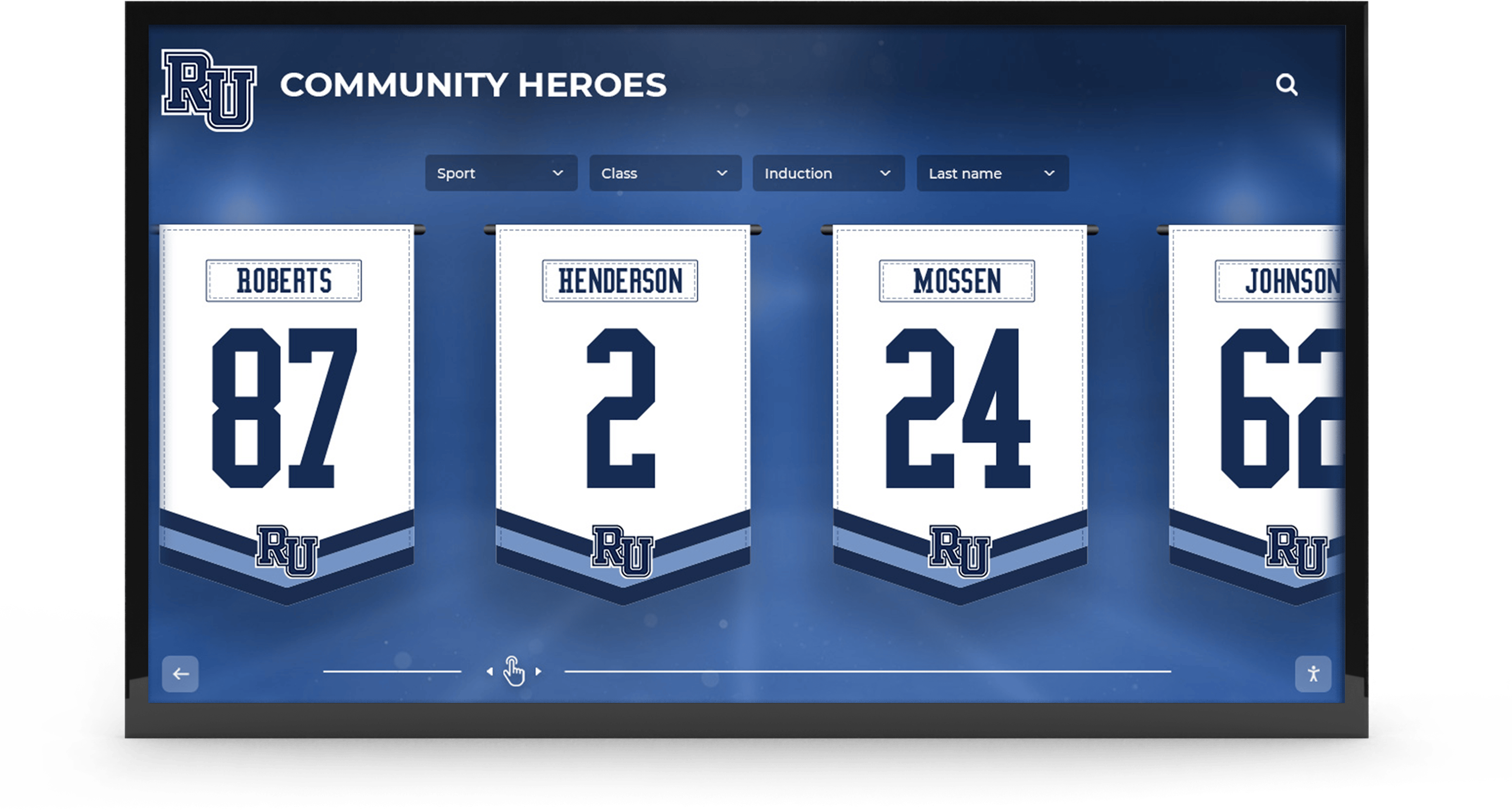
Permanent digital recognition closes the loop for donors by making contributions visible and celebrated year-round
Conclusion
The best elementary school fundraising ideas in today’s environment are touch-free, digitally integrated, and designed to produce recognition moments that outlast any individual campaign. From pledge-based read-a-thons to capital campaigns with named giving opportunities, the twenty approaches in this guide give your PTA or parent organization a full menu of options to mix and match across the academic year.
What distinguishes the schools that build sustained fundraising momentum is not any single campaign format—it is the commitment to recognizing every contributor visibly, consistently, and permanently. Digital recognition displays make that commitment easy to keep.
Ready to transform how your elementary school recognizes its fundraising community? Rocket Alumni Solutions designs and installs interactive touchscreen donor walls, recognition kiosks, and digital display systems built specifically for K-12 schools. Connect with our team to explore how a digital recognition system can elevate your next fundraising campaign and create lasting visibility for every donor who believes in your school.































