Schools implementing digital recognition displays face a critical question that keeps administrators awake at night: how do we celebrate student achievement publicly while respecting federal privacy requirements and family preferences? The Family Educational Rights and Privacy Act (FERPA) governs how schools handle student information, including photographs displayed on digital recognition systems—yet confusion about what FERPA actually requires versus what schools fear it might require often prevents institutions from implementing powerful recognition technology that could transform school culture.
This comprehensive guide clarifies FERPA requirements specific to student photos on digital recognition displays, examines consent best practices that satisfy legal obligations while maintaining manageable administrative burden, and explores the privacy controls and compliance features purpose-built recognition platforms provide to protect student information while celebrating achievement effectively.
Understanding FERPA compliance for digital recognition displays requires separating actual legal requirements from overly cautious interpretations that unnecessarily limit recognition programs. Schools can celebrate student achievement through interactive touchscreen displays while fully respecting privacy rights—provided they implement appropriate consent processes, privacy controls, and platform features designed specifically for educational compliance requirements.

Modern recognition displays balance celebrating achievement with student privacy through thoughtful consent and control mechanisms
Understanding FERPA and Student Photo Privacy
The Family Educational Rights and Privacy Act protects the privacy of student education records—but what many school administrators misunderstand is what actually constitutes a protected record versus information schools may freely disclose under directory information exceptions.
What FERPA Actually Covers
FERPA applies to educational agencies and institutions receiving federal funding (essentially all public schools and most private schools) and protects “education records” containing information directly related to students maintained by educational institutions.
Critical FERPA Distinctions:
Protected Education Records include academic transcripts and grades, disciplinary records, special education evaluations, financial aid information, and health records maintained by schools. These records require parental consent for disclosure to third parties (or student consent for students 18+ years old).
Directory Information Exception permits schools to disclose certain information without consent unless families specifically opt out. FERPA explicitly allows schools to designate the following as directory information that can be publicly shared: student name, address and phone number, email address, date and place of birth, participation in officially recognized activities and sports, weight and height of athletic team members, dates of attendance, degrees and awards received, photographs and videos, and most recent educational institution attended.
The key phrase many administrators miss: photographs and videos of students participating in school activities are explicitly permitted as directory information under FERPA regulations—schools can display student photos celebrating achievements without individual consent provided families have not opted out of directory information disclosure.
The Directory Information Notification Requirement
While FERPA permits schools to disclose directory information including photos, schools must follow specific notification procedures giving families opt-out opportunities.
Required Annual Notification Elements:
Schools must notify parents annually (at the beginning of each school year) of:
- Types of information the school designates as directory information
- Parents’ right to refuse disclosure of directory information about their student
- The deadline by which parents must submit opt-out requests in writing
- How directory information may be used (yearbooks, honor rolls, programs, recognition displays, etc.)
Many schools already include FERPA directory information notices in back-to-school registration packets, student handbooks, and enrollment materials. The critical compliance element is maintaining accurate records of which families have opted out and ensuring those opt-out preferences are honored across all school systems—including digital recognition displays.

Strategic placement of recognition displays ensures visibility while maintaining compliance with privacy requirements
FERPA Compliance Best Practices for Recognition Displays
While FERPA provides directory information pathways allowing student photo display, implementing comprehensive best practices ensures schools maintain both legal compliance and community trust.
Establishing Clear Photo Consent Policies
Even though FERPA permits displaying student photos as directory information, many schools implement enhanced consent processes providing families greater control over how student images appear in different contexts.
Tiered Consent Approach:
Rather than treating all photo use identically, thoughtful schools implement graduated consent levels:
General Directory Information Consent covers basic uses like yearbooks and newsletters distributed within school community.
Public Recognition Consent addresses more visible applications including permanent hallway displays, athletic program materials, and digital recognition displays celebrating student achievement.
External Marketing Consent covers uses in promotional materials, social media, and external communications reaching audiences beyond current school families.
This tiered approach acknowledges that families comfortable with yearbook photos might have different preferences about permanent digital displays or social media use—giving families nuanced control while maintaining manageable administrative processes.
Maintaining Accurate Opt-Out Records
The foundation of FERPA compliance is maintaining accurate, centralized records of family privacy preferences and ensuring those preferences flow to all systems displaying student information.
Essential Opt-Out Management Elements:
- Centralized privacy database within student information systems recording all consent and opt-out preferences
- Annual verification processes ensuring preferences remain current as family circumstances change
- Systematic data flows automatically syncing privacy preferences to all connected systems including digital displays
- Audit capabilities confirming that opt-out preferences are correctly honored across all platforms
- Staff training ensuring all personnel understand how to check and honor privacy preferences
Schools implementing recognition displays should verify that privacy preference data maintained in student information systems can flow automatically to display content management platforms—eliminating manual processes prone to errors that could inadvertently display photos of students whose families opted out.
Privacy Protection Workflow:
- Families receive annual FERPA notification
- Opt-out requests submitted to registration office
- Preferences recorded in central student information system
- Privacy flags automatically sync to all connected platforms
- Display systems honor flags preventing photo publication
- Regular audits verify compliance across all systems
- Updates processed when family preferences change

User-facing displays rely on robust backend privacy systems maintaining FERPA compliance
Documenting FERPA Compliance Procedures
Compliance extends beyond honoring opt-out preferences to maintaining documentation proving the school has implemented appropriate processes and controls.
Documentation Requirements:
- Annual FERPA notifications sent to all families with proof of delivery and opt-out deadline communication
- Written policies describing directory information categories and how photos will be used
- Consent forms for any uses beyond directory information (if implementing tiered consent)
- Opt-out logs tracking received requests with timestamps and processing confirmation
- System configuration records showing privacy controls are enabled and functioning correctly
- Staff training records demonstrating personnel understand privacy requirements and procedures
- Audit reports verifying compliance across systems displaying student information
This documentation serves two purposes: proving compliance if questioned by families or regulators, and identifying gaps in processes that could lead to inadvertent privacy violations requiring correction.
Technical Privacy Controls for Digital Recognition Displays
Beyond policy and consent, technical platform capabilities determine whether schools can effectively implement FERPA-compliant recognition programs without overwhelming administrative burden.
Privacy Filtering and Automated Compliance
Modern recognition platforms purpose-built for educational environments include technical controls that automate privacy compliance rather than relying on manual content review for every published profile.
Essential Platform Privacy Capabilities:
Automated Privacy Filtering: Integration with student information systems automatically prevents publication of profiles for students whose families opted out of directory information disclosure. When content managers upload recognition content, the system cross-references student identifiers against privacy flags and blocks publication of restricted profiles without requiring manual checking.
Graduated Visibility Controls: Different content categories may require different privacy levels. Platforms should support configuring some content areas as requiring explicit consent beyond directory information (such as detailed biographical narratives) while allowing basic achievement recognition under standard directory information permissions.
Real-Time Privacy Updates: When family privacy preferences change mid-year—for example, a family requests opt-out after initially permitting directory information disclosure—the platform should immediately honor updated preferences without requiring manual intervention. Profiles for affected students should automatically become unpublished within hours rather than days or weeks.
Audit Trails and Compliance Reporting: Comprehensive logging tracks when profiles are published, who published them, and verification that privacy checks occurred. This creates accountability while enabling compliance audits confirming the system correctly honors all privacy preferences.

Athletic achievements displayed on touchscreen kiosks must comply with FERPA requirements just like academic recognition
Content Review and Approval Workflows
Beyond automated privacy filtering, comprehensive platforms include manual review processes ensuring content appropriateness and accuracy before publication.
Multi-Stage Approval Workflows:
- Content Creation: Designated staff create recognition profiles including photos, biographical information, and achievement descriptions
- Automated Privacy Check: System verifies student has no privacy opt-out flags before allowing submission
- Content Review: Supervisory staff review content for accuracy, appropriateness, and quality standards
- Publication Approval: Final authorization publishes content to live displays and web interfaces
- Post-Publication Monitoring: Ongoing reviews identify content requiring updates or removal
These workflows prevent inadvertent publication of inappropriate content while maintaining administrative efficiency. Single-person approval becomes the bottleneck; multi-person involvement creates quality control while distributing workload across staff.
Granular Visibility Controls by Location and Audience
Not all display installations require identical privacy considerations—displays in public lobbies accessible to visitors require different controls than displays in secure athletics facilities accessible only to students and staff.
Location-Based Privacy Configuration:
Public-Facing Displays in main lobbies, visitor entrances, and community spaces may warrant more conservative privacy approaches limiting displayed information to achievement type, year, and basic details rather than extensive biographical narratives.
Internal Student Areas including athletics facilities, academic wings, and cafeterias accessible only to current students and staff may support richer recognition content since audience consists of school community members rather than general public.
Restricted Access Locations such as athletics training facilities or academic department areas might support even more detailed recognition for students participating in those specific programs, similar to specialized award displays.
Purpose-built platforms support configuring different privacy and content levels for different physical display locations—allowing schools to calibrate recognition detail to audience appropriateness while maintaining consistent privacy compliance across all installations.
Privacy Considerations Beyond FERPA Compliance
While FERPA establishes minimum legal requirements, thoughtful schools implement additional privacy protections addressing concerns beyond federal regulation.
Balancing Recognition and Student Comfort
Legal compliance does not automatically ensure all students feel comfortable with public recognition—some students prefer privacy for cultural, personal, or safety reasons that may not trigger formal FERPA opt-outs.
Sensitive Recognition Scenarios:
Schools should consider additional privacy protections for:
- Students in foster care or protective custody whose location visibility creates safety concerns even if legal guardians have not filed FERPA opt-outs
- Students with past trauma who may find public recognition distressing despite academic achievements worth celebrating
- Cultural considerations where some families prefer private recognition over public celebration for religious or cultural reasons, similar to considerations for graduation recognition programs
- Students with unique circumstances including homelessness, family instability, or situations where typical privacy frameworks may not adequately address specific needs
Establishing confidential processes allowing students and families to request recognition privacy beyond formal FERPA opt-outs demonstrates institutional sensitivity while maintaining compliance flexibility.
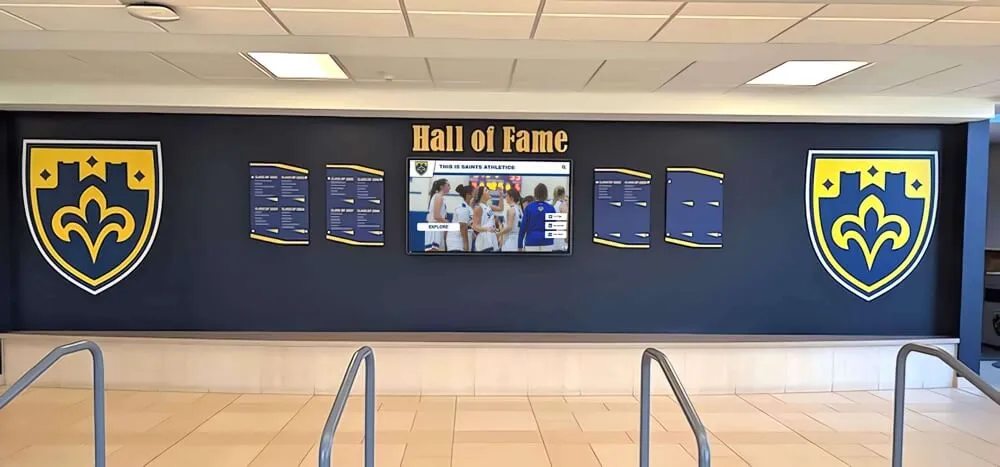
Thoughtful recognition programs provide paths for students uncomfortable with public celebration despite legal permissions
Social Media and Extended Digital Access
Digital recognition platforms often extend beyond physical displays to include online web access, mobile applications, and social media integration—each presenting distinct privacy considerations.
Extended Platform Privacy Issues:
Web-Based Access: Online recognition portals accessible via internet search require evaluating whether schools want student achievement information discoverable by anyone worldwide versus limiting access to on-campus displays requiring physical presence.
Social Sharing Features: Allowing families to share student recognition profiles via social media creates scenarios where schools no longer control information distribution once shared—requiring careful consideration about enabling these features versus maintaining institutional control.
Search Engine Indexing: Recognition content published on school websites may be indexed by Google and other search engines, creating permanent digital records discoverable years later—potentially outliving students’ desires for continued visibility of high school achievements.
Alumni Content Longevity: Recognition content created while students attend school often remains published after graduation—schools should establish policies addressing whether and how long graduate profiles remain accessible versus archiving or removing content after students leave institution.
Purpose-built platforms like those from Rocket Alumni Solutions provide granular controls for these scenarios, allowing schools to configure web accessibility, social sharing, search engine visibility, and content longevity separately based on institutional privacy philosophies and community preferences.
Photo Quality and Dignity Concerns
Beyond legal privacy, schools should consider whether photos meet dignity and respect standards regardless of consent status.
Photo Appropriateness Standards:
- Professional quality ensuring photos are well-lit, properly framed, and appropriately composed
- Dignified context showing students in achievement contexts rather than casual or unflattering situations
- Current images regularly updating photos rather than displaying outdated images from years past
- Appropriate attire ensuring students are dressed appropriately for public school recognition context
- Student approval allowing students to review and approve photos before publication when feasible
These quality standards demonstrate respect for students beyond minimum legal compliance, building community trust in recognition programs through demonstrated care about how students are portrayed publicly.
How Rocket Alumni Solutions Addresses FERPA Compliance
While FERPA compliance ultimately rests with schools, technology platforms can either facilitate compliance through thoughtful design or create compliance challenges through inadequate privacy controls.
Purpose-Built Privacy Architecture
Unlike generic digital signage platforms adapted for educational use, Rocket Alumni Solutions was designed specifically for educational recognition with privacy compliance as a foundational requirement rather than afterthought.
Integrated Privacy Controls:
Student Information System Integration: Direct connections to leading student information systems (PowerSchool, Infinite Campus, Skyward, and others) automatically sync privacy flags ensuring opt-out preferences are honored in real-time as families update preferences.
Privacy-Aware Publishing Workflows: Before any student profile can be published, the system automatically verifies the student has no active privacy restrictions. Content managers never need to manually check privacy status—the platform enforces compliance automatically while allowing manual override only with documented justification and supervisory approval.
Granular Consent Tracking: Support for multiple consent types allows schools implementing tiered consent approaches to track different permission levels for yearbooks, digital displays, marketing materials, and web publication separately—honoring specific family preferences rather than treating all uses identically.
Automated Compliance Monitoring: Nightly verification processes cross-reference all published content against current privacy flags, automatically unpublishing profiles if families update preferences to restrict disclosure. This ensures compliance even when mid-year opt-out requests occur.
Audit and Reporting Tools: Comprehensive reports show which students have privacy restrictions, verify published content honors all restrictions, and provide documentation demonstrating compliance to administrators, families, or regulators requesting verification.
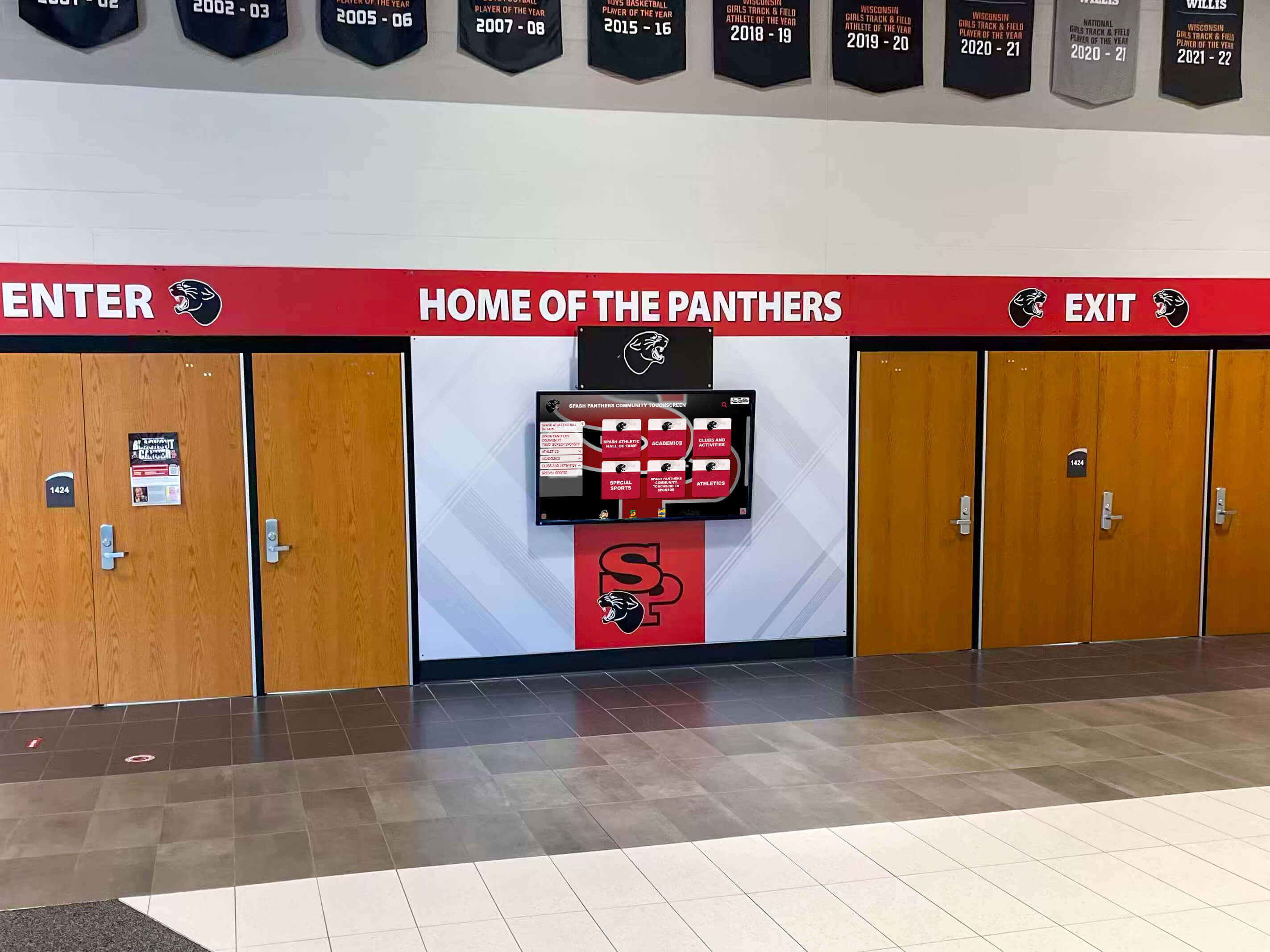
Purpose-built recognition platforms automate FERPA compliance rather than requiring manual privacy verification
Flexible Visibility Configuration
Different schools have different privacy philosophies based on community culture, past experiences, and administrator risk tolerance. Rocket’s platform accommodates diverse approaches through configurable privacy controls.
Configurable Privacy Options:
Display-Only Mode: Limits recognition access to physical touchscreen displays within school buildings, preventing web access and search engine indexing while allowing on-campus celebration.
Authenticated Web Access: Allows students, families, and staff to access recognition content online but requires login credentials limiting access to school community members rather than general public.
Public Web Access with Privacy Controls: Supports full public web access while honoring individual privacy preferences, allowing families comfortable with visibility to share achievements broadly while protecting students whose families prefer privacy.
Graduated Content Detail: Allows configuring different information levels for different audiences—for example, showing full biographical narratives to authenticated users while limiting public displays to basic achievement information and photos.
Time-Limited Publication: Supports automatically unpublishing content after specified periods, addressing concerns about permanent digital records by allowing recognition to expire after graduation or specified timeframes.
This flexibility allows schools to implement recognition approaches matching their specific communities rather than forcing one-size-fits-all privacy models that may be either too restrictive for some schools or too permissive for others, whether implementing displays in small schools or large districts.
Training and Compliance Support
Technology alone cannot ensure compliance—staff operating systems must understand privacy requirements and proper operational procedures.
Comprehensive Training Resources:
- Administrator onboarding covering privacy configuration, opt-out management, and compliance verification procedures
- Content manager training ensuring staff creating recognition profiles understand privacy checks and approval workflows
- Policy template library providing sample FERPA notifications, consent forms, and privacy policies schools can adapt
- Compliance documentation explaining how platform features support FERPA requirements for administrators evaluating vendors
- Ongoing support from privacy-knowledgeable staff who understand educational compliance requirements beyond generic technical support
Schools implementing Rocket’s recognition platform receive comprehensive compliance support ensuring technology capabilities translate into operational compliance through proper configuration, staff training, and documented procedures.
Implementation Checklist: FERPA-Compliant Recognition Displays
Schools planning digital recognition display implementations should address the following privacy and compliance elements before launch.
Policy and Communication Foundation
Pre-Implementation Policy Tasks:
- Review current FERPA notification ensuring it includes photographs/videos in directory information and mentions digital displays as potential use
- Determine consent approach (directory information only, or tiered consent levels)
- Draft photo usage policy explaining how student photos will be used on recognition displays
- Create family communication explaining new recognition displays and privacy protections
- Establish opt-out processes with clear deadlines and procedures for family privacy requests
- Document privacy procedures for staff reference and compliance documentation
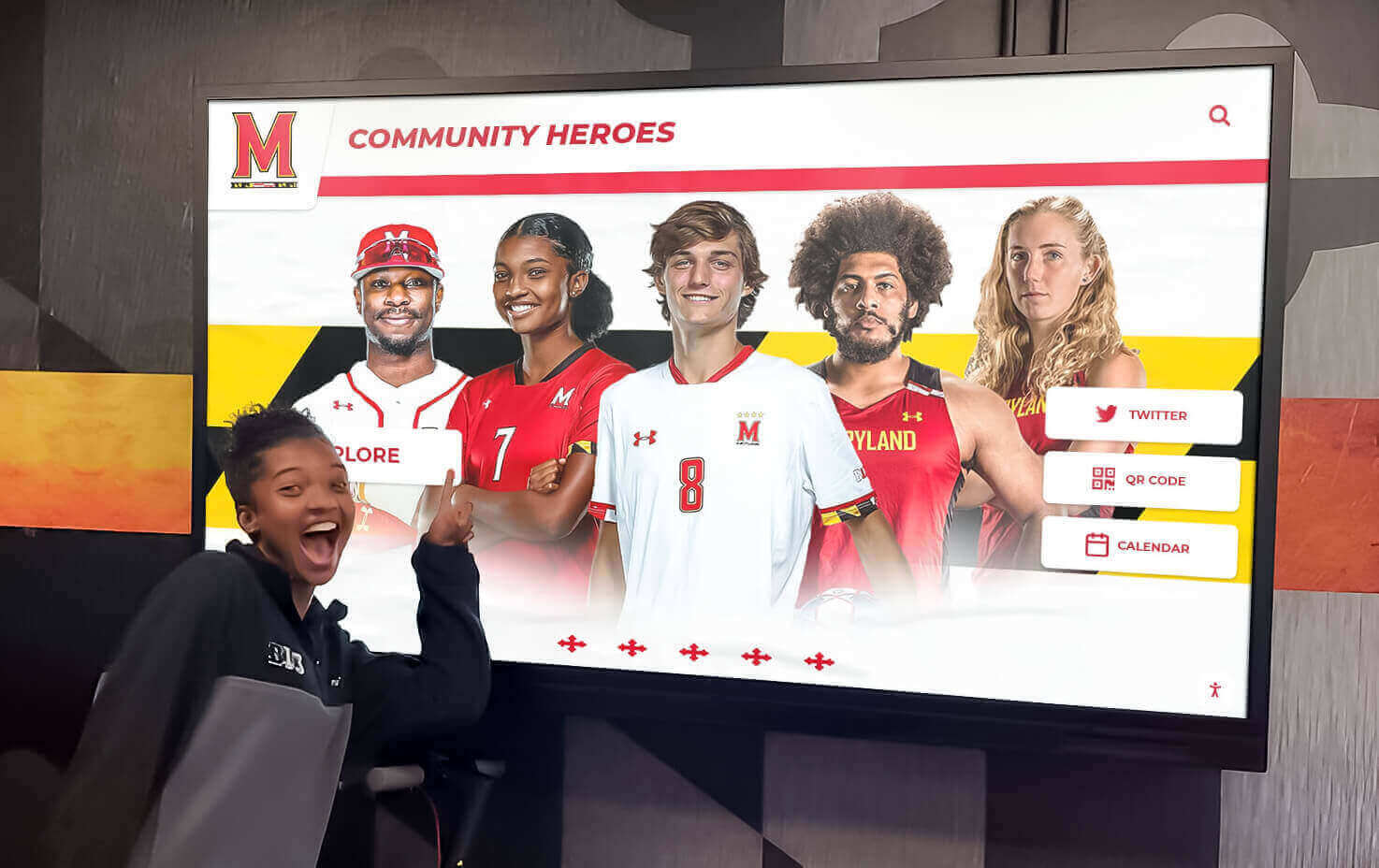
Strong privacy foundations enable schools to celebrate achievement while respecting family preferences
Technical Platform Configuration
Privacy System Setup Tasks:
- Configure student information system integration ensuring privacy flags sync to recognition platform
- Test privacy filtering verifying opt-out students cannot be published regardless of content manager actions
- Establish approval workflows requiring supervisory review before content publication
- Configure visibility controls based on institutional privacy philosophy (display-only, authenticated web, public web)
- Set up audit logging enabling compliance verification and issue investigation
- Test privacy preference updates confirming mid-year opt-out requests immediately prevent publication
Staff Training and Operational Procedures
Personnel Preparation Tasks:
- Train content managers on creating profiles, understanding privacy checks, and using approval workflows
- Train supervisors on reviewing content and approving publication with privacy awareness
- Train registration staff on processing opt-out requests and updating student information system flags
- Document operational procedures including who creates content, who approves it, and who handles privacy requests
- Establish photo standards ensuring dignity and appropriateness beyond privacy compliance
- Create escalation procedures for addressing privacy concerns or complaints from families
Ongoing Compliance Maintenance
Post-Launch Monitoring Tasks:
- Regular compliance audits verifying published content honors all current privacy preferences
- Annual FERPA notification review ensuring communications remain current and comprehensive
- Periodic staff retraining as personnel changes occur and platforms add new features
- Privacy preference verification confirming student information system flags remain accurate
- Policy review and updates adapting procedures as regulations evolve or issues emerge
- Community feedback monitoring identifying family concerns requiring policy or procedure adjustments
While this checklist appears extensive, most tasks represent one-time setup or annual reviews rather than daily operational burden. Schools implementing purpose-built platforms like Rocket Alumni Solutions find that automation handles most compliance elements once initial configuration is complete, allowing staff to focus on creating engaging recognition content rather than manual privacy verification.
Common FERPA Compliance Questions for Recognition Displays
Can schools display student photos without individual consent for each photo?
Yes, under FERPA’s directory information provisions. Schools may designate student photographs as directory information that can be disclosed without individual consent—provided families receive annual notification of this designation and opportunity to opt out. The requirement is opt-out notification, not affirmative individual consent for each use.
However, schools may choose to implement consent processes beyond FERPA’s minimum requirements if institutional policy or community preferences warrant additional protections.
What happens if a family opts out mid-year after content is already published?
Schools must honor opt-out requests when received, even if initially permitted disclosure. Recognition platforms should immediately unpublish affected student content when privacy preferences change. Purpose-built systems automate this through nightly verification against current privacy flags, while manual systems require designated staff to monitor for updated preferences and remove content accordingly.
Do alumni photos require the same FERPA protections as current student photos?
FERPA protections end when students are no longer enrolled—schools have no FERPA obligation regarding former student information once individuals graduate or otherwise leave the institution. However, schools may choose to maintain similar privacy protections for alumni recognition out of courtesy and respect, even absent legal requirement.
Many schools establish alumni-specific consent processes allowing graduates to control whether and how their achievements appear on recognition displays long after FERPA protections have expired.
Can schools share recognition display content on social media?
FERPA does not prohibit schools from sharing directory information (including photos) via social media, provided families have not opted out. However, social media distribution introduces considerations beyond FERPA compliance:
- Content control loss once shared (others can screenshot, download, and redistribute)
- Permanent digital records potentially discoverable years later
- Broader audience than intended school community
- Platform terms of service and data usage policies
Schools should establish social media policies addressing these concerns rather than assuming FERPA compliance automatically makes social sharing appropriate.
How long can schools keep student photos on recognition displays?
FERPA does not specify duration limits for directory information disclosure. Schools may maintain recognition content as long as desired from a legal compliance perspective. However, schools should consider whether perpetual publication serves students’ long-term interests and establish content lifecycle policies balancing historical preservation with individual preferences about ongoing visibility.

Long-term recognition displays should include policies addressing content longevity and alumni preferences
What about photos from outside photographers at school events?
When schools hire photographers to document events, resulting photos are school records subject to FERPA protections and directory information policies. Photos taken by parents, students, or others not acting as school agents are not school records and are not covered by FERPA—though schools may establish policies about how such photos can be used in school-controlled displays.
Schools should clarify in photographer contracts that resulting images will be used on recognition displays to ensure clear licensing rights while maintaining appropriate privacy controls.
Balancing Privacy Protection and Achievement Celebration
The ultimate goal is not maximum privacy restriction or maximum public celebration—it’s respecting family preferences while creating recognition programs that genuinely honor student achievement and build school culture.
Creating Privacy-Conscious Recognition Culture
Schools can build recognition programs that celebrate achievement enthusiastically while demonstrating genuine respect for privacy:
Transparent Communication: Clearly explain to families what recognition displays are, how they work, what privacy protections exist, and how families can exercise opt-out rights—removing fear that comes from uncertainty.
Flexible Options: Provide pathways for students who prefer private recognition over public celebration to receive equivalent acknowledgment through alternative channels honoring achievement while respecting preferences.
Continuous Improvement: Monitor family feedback, address concerns promptly, and refine policies and procedures when implementation reveals gaps between intentions and outcomes.
Student Voice: Include students (especially secondary students capable of understanding privacy implications) in decisions about their own recognition preferences when appropriate, rather than treating all privacy decisions as exclusively parental.
Dignity Standards: Ensure recognition content portrays students respectfully regardless of legal permissions—honoring individuals through quality photos, accurate information, and appropriate context.
When schools approach digital recognition displays as opportunities to celebrate achievement while demonstrating genuine respect for privacy preferences, compliance becomes natural outcome of thoughtful implementation rather than burdensome obligation creating barriers to recognition programs.
State-Specific Privacy Laws and Considerations
While FERPA establishes federal baseline requirements, some states have enacted additional student privacy protections schools must navigate.
California Consumer Privacy Act (CCPA) and Student Data
California schools must consider CCPA alongside FERPA. While CCPA exempts student records covered by FERPA, gray areas exist regarding recognition content that may be considered directory information under FERPA but personal information under CCPA requiring additional notice or consent.
California schools should consult legal counsel about whether recognition display content requires CCPA compliance procedures beyond FERPA requirements.
Illinois Biometric Information Privacy Act (BIPA)
Illinois restricts collection and use of biometric data including facial recognition technology. Schools using digital displays with facial recognition capabilities for user interaction must ensure BIPA compliance through proper consent and data protection procedures.
Most recognition displays use standard touchscreen interaction rather than facial recognition, avoiding BIPA implications entirely.
New York Education Law §2-d
New York’s student data protection law establishes requirements for third-party contractors accessing student data. Schools implementing recognition platforms from vendors like Rocket Alumni Solutions must ensure vendor contracts include required data protection clauses and verify vendors complete annual security certification.
State-Specific Directory Information Variations
Some states have modified what can be included as directory information or established additional opt-out requirements. Schools should verify their state’s specific requirements rather than assuming federal FERPA provisions apply identically everywhere.
Consulting district legal counsel before implementing new recognition displays ensures compliance with applicable state laws alongside federal FERPA requirements.
Moving Forward: Privacy-Compliant Recognition Excellence
Student achievement deserves celebration—and federal privacy law explicitly permits schools to recognize students publicly through photos and information sharing provided appropriate consent and opt-out processes are followed. The path forward requires neither excessive restriction that eliminates meaningful recognition nor cavalier disregard for legitimate privacy concerns.
Schools can implement powerful digital recognition displays that transform how institutions celebrate achievement while fully respecting FERPA requirements and family preferences through:
- Clear policies establishing what information will be shared and how families can exercise opt-out rights
- Robust technical controls automating privacy compliance rather than relying on manual verification prone to error
- Thoughtful implementation balancing recognition goals with genuine respect for individual preferences
- Ongoing compliance monitoring ensuring systems continue honoring privacy preferences as they evolve
- Transparent communication helping families understand recognition programs and available protections
Purpose-built recognition platforms designed specifically for educational environments provide the privacy controls, consent tracking, and compliance automation that generic digital signage platforms typically lack—allowing schools to confidently implement recognition displays knowing privacy protection is built into the system architecture rather than hoping manual processes prevent violations.
The question facing schools is not whether FERPA allows digital recognition displays—it clearly does under directory information provisions—but rather how to implement recognition programs that celebrate achievement enthusiastically while respecting privacy preferences thoughtfully and maintaining compliance confidently.
Ready to explore how purpose-built recognition displays can transform your school’s approach to celebrating achievement while maintaining comprehensive privacy protections and FERPA compliance? Contact Rocket Alumni Solutions to discover comprehensive platforms designed specifically for educational recognition with privacy compliance, consent management, and student protection built into every feature—ensuring your recognition programs honor achievement while respecting individual preferences and legal requirements.































