School staff face a constant challenge: creating professional, on-brand social media content while managing dozens of other responsibilities. Athletic directors need quick score updates. Activities coordinators promote upcoming events. Administrators announce achievements. Teachers celebrate student success. Traditional design tools require technical expertise and consume hours that busy school staff simply don’t have.
Rocket Graphics changes this equation entirely. This free AI platform enables schools, athletic departments, districts, and teams to create professional graphics in seconds rather than hours. Simply type what you want—“create a senior night post for girls soccer” or “make a district championship graphic for Instagram”—and the platform generates polished, branded content automatically.
This comprehensive guide explores how Rocket Graphics transforms school communications through AI-native content creation, examining features, implementation strategies, and practical applications across athletics, academics, events, and community engagement.
School communications have never been more important. Social media serves as primary channels for reaching students, families, and communities. Yet creating consistent, professional content remains frustratingly difficult for schools without dedicated marketing staff or design expertise.
Why School Social Media Content Creation Remains Challenging
Before exploring solutions, understanding the specific challenges schools face provides essential context.
Time Constraints and Competing Priorities
School staff juggle multiple responsibilities where content creation represents just one of many demands. Athletic directors coordinate schedules, manage facilities, supervise coaches, handle compliance, communicate with families, and somehow find time to promote programs on social media. Administrative staff support daily operations, student services, crisis management, and community relations while attempting to maintain consistent digital presence.
These time pressures create inconsistent communications where important achievements go uncelebrated, events receive inadequate promotion, recognition happens sporadically rather than systematically, branding varies wildly across platforms, and content quality suffers under deadline pressure.
Limited Design Expertise and Resources
Most schools lack dedicated marketing or communications staff. The people creating social media content typically received no formal training in graphic design, visual communication, social media marketing, brand management, or content strategy. They’re educators and administrators who add content creation to already full plates.
Traditional design tools create additional barriers. Platforms like Adobe Photoshop or Illustrator require specialized training, consume significant time to produce single graphics, cost hundreds or thousands in annual subscriptions, and intimidate non-designers with complex interfaces.
Brand Consistency Challenges
Schools need consistent visual identity across all communications. This requires maintaining color schemes and logos properly, using appropriate fonts and typography, following brand guidelines consistently, creating professional-looking layouts, and ensuring accessibility across platforms and devices.
When multiple staff members create content using different tools with varying skill levels, brand consistency becomes nearly impossible to maintain. One coach uses Canva with certain colors, another administrator creates graphics in PowerPoint with different fonts, and a third staff member designs something in Google Slides with inconsistent logo usage.
Platform-Specific Requirements
Different social media platforms demand different content specifications. Instagram posts require 1080x1080 square formats, Instagram stories need 1080x1920 vertical dimensions, Facebook posts work best at 1200x630, Twitter graphics optimize at 1024x512, and LinkedIn prefers 1200x627 formats.
Schools also need content beyond social media including newsletter graphics, website banners, digital signage displays, printed materials, and email headers. Creating the same message across multiple formats multiplies the time investment significantly.
Introducing Rocket Graphics: AI-Native Content Platform for Schools
Rocket Graphics addresses these challenges through an entirely new approach to school content creation.
What Makes Rocket Graphics Different
Traditional template platforms provide pre-designed layouts that users customize manually. Rocket Graphics takes a fundamentally different approach through text-to-post AI that generates complete graphics from simple descriptions, AI Agents that assist with creating, editing, resizing, rewriting, and scheduling content, automatic brand application using school logos, colors, fonts, and styles, multi-platform optimization ensuring content works everywhere it’s published, and zero cost with no annual subscription required.
The core difference lies in the AI integration. Rather than spending twenty minutes selecting templates, uploading photos, adjusting layouts, tweaking colors, and exporting files, school staff simply describe what they need and receive ready-to-publish content in seconds.

Core Platform Capabilities
Understanding what Rocket Graphics actually does helps school leaders evaluate whether it fits their needs:
Text-to-Post AI Generation
The platform’s foundation is conversational AI that understands natural language requests. Staff can type “create a girls basketball game day post for tonight’s home game against Central High” or “make a graphic celebrating our National Merit Scholars” and receive professionally designed graphics incorporating appropriate imagery, applying school branding automatically, suggesting caption copy, creating multiple design variations, and optimizing for specified platforms.
This capability fundamentally changes the content creation workflow from design-intensive to description-based.
Intelligent AI Agents
Beyond generating initial content, AI Agents help with the full content lifecycle. They assist with editing specific elements without starting over, resizing content for different platforms instantly, rewriting captions for different audiences or tones, scheduling posts for optimal publishing times, and optimizing content based on performance data.
These agents function like having a creative team available 24/7 to refine and optimize content.
Comprehensive Template Library
While AI generation handles many needs, templates provide starting points for common use cases. Rocket Graphics includes templates for athletic score updates and schedules, student and staff recognition, event promotions and announcements, academic achievements and awards, seasonal and holiday messages, fundraising and donor recognition, safety and emergency communications, and district-wide messaging.
Templates combine the speed of pre-built designs with customization flexibility matching specific needs.
Automatic Brand Controls
Once schools upload their brand assets, the platform automatically applies logos in appropriate sizes and positions, uses official color palettes consistently, implements approved fonts and typography, maintains proper spacing and layout principles, and follows accessibility guidelines for contrast and readability.
This ensures every piece of content maintains professional brand consistency without staff needing to manually apply guidelines each time.
Multi-Platform Publishing
Content doesn’t stop at creation. Rocket Graphics supports direct publishing to Instagram posts and stories, Facebook pages and groups, Twitter/X accounts, LinkedIn company pages, YouTube community posts, and the school website. It also generates content for digital signage displays, email newsletters, printed materials, and presentation slides.
This comprehensive approach means staff create once and publish everywhere rather than recreating content for each platform.
Practical Applications Across School Operations
Rocket Graphics serves diverse school communication needs across multiple departments and use cases.
Athletic Department Communications
Athletic directors and coaches need consistent communications promoting games, celebrating wins, recognizing athletes, and building program pride.
Game Day and Score Updates
Athletic communications require real-time content. Before games, staff create promotional graphics announcing matchup details, opponent information, start times and locations, ticket or admission information, and streaming or broadcast details. After games, they share score updates with key statistics, player performance highlights, coach quotes and reactions, next game previews, and calls to action for continued support.
With Rocket Graphics, a coach can type “create a score update post: we beat Riverside 42-28, highlight Jackson’s 3 touchdowns” and receive a professionally branded graphic in seconds instead of spending fifteen minutes fumbling with design software.
Athlete Recognition and Spotlights
Recognition programs build school pride and motivate students. Schools use Rocket Graphics for senior night tribute posts, player of the week spotlights, academic all-conference recognition, college signing day announcements, season awards and honors, and milestone achievement celebrations.
The platform handles both planned recognition content and spontaneous celebrations when students achieve something noteworthy that deserves immediate acknowledgment. For major achievements, schools can create senior night posters and celebration graphics that honor student athletes properly.
Schedule and Event Promotion
Athletic programs require ongoing promotion. Staff create season schedule graphics, individual game reminders, special event announcements like homecoming or senior night, tournament and playoff updates, fundraiser and booster club promotions, and facility or program update communications.
These graphics maintain visibility and engagement throughout seasons and school years rather than only appearing during competition periods. Athletic departments can also benefit from digital signage content displayed throughout school facilities.
Academic and Student Achievement Recognition
While athletics often dominate social media, academic excellence deserves equal celebration.
Honor Roll and Academic Recognition
Schools celebrate academic achievement through honor roll announcements by grading period, academic letter awards, perfect attendance recognition, subject-specific academic awards, and scholarship recipient spotlights. Academic recognition programs create positive culture and motivate continued achievement.
Rocket Graphics makes it easy to create visually appealing recognition content that students and families proudly share, extending the recognition’s reach and impact beyond school channels.
College Acceptance and Success
Senior achievements merit celebration including college acceptance announcements, scholarship award recognition, National Merit and other program honors, advanced placement scores and achievements, and career pathway accomplishments.
These posts demonstrate program quality to prospective families while celebrating individual student success.
Competition and Performance Recognition
Academic teams deserve the same recognition as athletic teams. Schools create content celebrating Science Olympiad results, debate and speech tournament performance, math team competition outcomes, robotics competition achievements, quiz bowl tournament results, and arts and music competition honors.
When academic achievements receive the same professional graphic treatment as athletic victories, schools demonstrate comprehensive commitment to excellence across all domains.
School Events and Activities
Effective event promotion directly impacts attendance and participation.
Major Event Promotion
Schools need compelling graphics for homecoming week activities and dance, prom announcements and ticket sales, back-to-school events and open houses, parent-teacher conferences, school plays and concerts, and graduation ceremonies. These major events justify professional promotional materials that Rocket Graphics generates quickly.
Ongoing Activities and Clubs
Beyond major events, schools promote regular activities including club meetings and recruitment, extracurricular program opportunities, volunteer and service projects, student government initiatives, and spirit weeks and school traditions.
Consistent, professional graphics for all activities—not just the biggest events—demonstrate that school values all forms of student engagement.
Safety and Important Announcements
Not all communications are celebratory. Schools need clear, professional graphics for weather-related closures or delays, emergency notifications and procedures, health and safety reminders, policy updates and changes, and deadline reminders for forms or registration.
These critical communications require professionalism and clarity that improper or hastily created graphics cannot provide. Schools can also create welcome back to school banners and seasonal messaging to maintain engagement throughout the year.
District-Level Communications
School districts face unique communication challenges coordinating messaging across multiple buildings and communicating with diverse stakeholders.
System-Wide Messaging
Districts create content for board meeting announcements and recaps, strategic plan updates and progress, budget and financial information, facilities and construction updates, and superintendent messages.
Rocket Graphics ensures consistent district branding while allowing individual buildings to maintain their identities for building-specific communications.
Recruitment and Community Relations
Districts also manage external-facing communications including staff recruitment campaigns, student enrollment promotions, community partnership recognition, volunteer appreciation, and donor recognition and fundraising.
Professional graphics support these efforts by projecting competence and pride that attract quality staff, students, and community support.
Implementation Strategy: Getting Started With Rocket Graphics
Understanding how to effectively implement new tools determines whether they deliver value or gather digital dust.
Initial Setup and Configuration
Successful implementation begins with proper setup.
Brand Asset Collection
Before creating content, gather school brand elements including high-resolution logos in multiple formats (PNG with transparent backgrounds preferred), official color codes (hex codes for digital use), approved fonts and typography guidelines, existing graphic examples showing brand standards, and any formal brand guidelines documents.
Having these assets ready enables the platform to automatically apply consistent branding from the first graphic created.
Platform Configuration
Initial platform setup involves uploading logo files and brand colors, configuring default fonts and styles, setting up social media account connections, defining user roles and permissions for staff access, and customizing template preferences for your school’s needs.
This one-time configuration work saves significant time on every piece of content created afterward.
Staff Training and Onboarding
Even with intuitive AI tools, brief training helps staff maximize value. Effective onboarding covers basic text-to-post prompt writing, template selection and customization, AI agent capabilities and commands, brand consistency expectations, and content approval workflows if applicable.
Training need not be extensive—most staff become proficient within 15-30 minutes given Rocket Graphics’ intuitive interface.

Developing Content Creation Workflows
Establishing clear processes ensures consistent output and quality.
Roles and Responsibilities
Define who creates what content: athletic directors or coaches handle sports content, activities coordinators manage event promotions, principals or communications staff create academic recognition, front office staff handle operational announcements, and district communications teams manage system-wide messaging.
Clear responsibility prevents both gaps where nothing gets posted and duplication where multiple people create competing content.
Content Calendar Planning
Strategic planning improves consistency through monthly planning sessions identifying upcoming events and needs, seasonal content themes aligned with school calendar, recognition cadence ensuring regular student celebration, evergreen content that remains relevant across time periods, and contingency content for unexpected schedule changes.
While Rocket Graphics makes reactive content creation easy, proactive planning yields more comprehensive communications.
Approval Processes
Schools need appropriate oversight without creating bottlenecks. Consider tiered approaches where routine content like score updates publishes immediately, recognition posts require building administrator review, district-level content needs communications office approval, and sensitive or controversial topics involve multiple stakeholders.
The goal is quality control without destroying the timeliness that makes social media effective.
Content Strategy and Best Practices
Creating graphics is only part of effective school communications.
Posting Frequency and Consistency
Effective school social media maintains regular presence without overwhelming audiences. Consider daily posts during school years highlighting different achievements and events, consistent timing patterns so audiences know when to expect content, platform-appropriate frequency (Instagram tolerates more frequent posts than LinkedIn), and seasonal variation reflecting school calendar intensity.
Consistency matters more than volume—three posts weekly maintained throughout the year outperforms daily posting for two weeks followed by silence.
Audience Engagement Tactics
Social media is conversation, not broadcast. Increase engagement through questions and polls encouraging interaction, calls to action inviting responses or participation, user-generated content featuring student and family submissions, behind-the-scenes content humanizing school operations, and response and acknowledgment of comments and messages.
Rocket Graphics creates the visual content; staff provide the authentic voice that builds community.
Measurement and Optimization
Track performance to improve over time. Monitor post reach and impression trends, engagement rates (likes, comments, shares), follower growth patterns, click-through rates for linked content, and content type performance comparisons.
Use insights to create more of what resonates and adjust what underperforms. The AI agents in Rocket Graphics can suggest optimizations based on performance patterns.
Advanced Features and Capabilities
Beyond basic graphic creation, Rocket Graphics includes sophisticated capabilities supporting comprehensive communication strategies.
Digital Signage Integration
Many schools invest in digital displays in lobbies, hallways, gyms, and common areas. Rocket Graphics creates content specifically formatted for these displays including welcome messages and daily announcements, event promotion and schedule information, student and staff recognition spotlights, emergency and safety communications, and lunch menus and daily schedules.
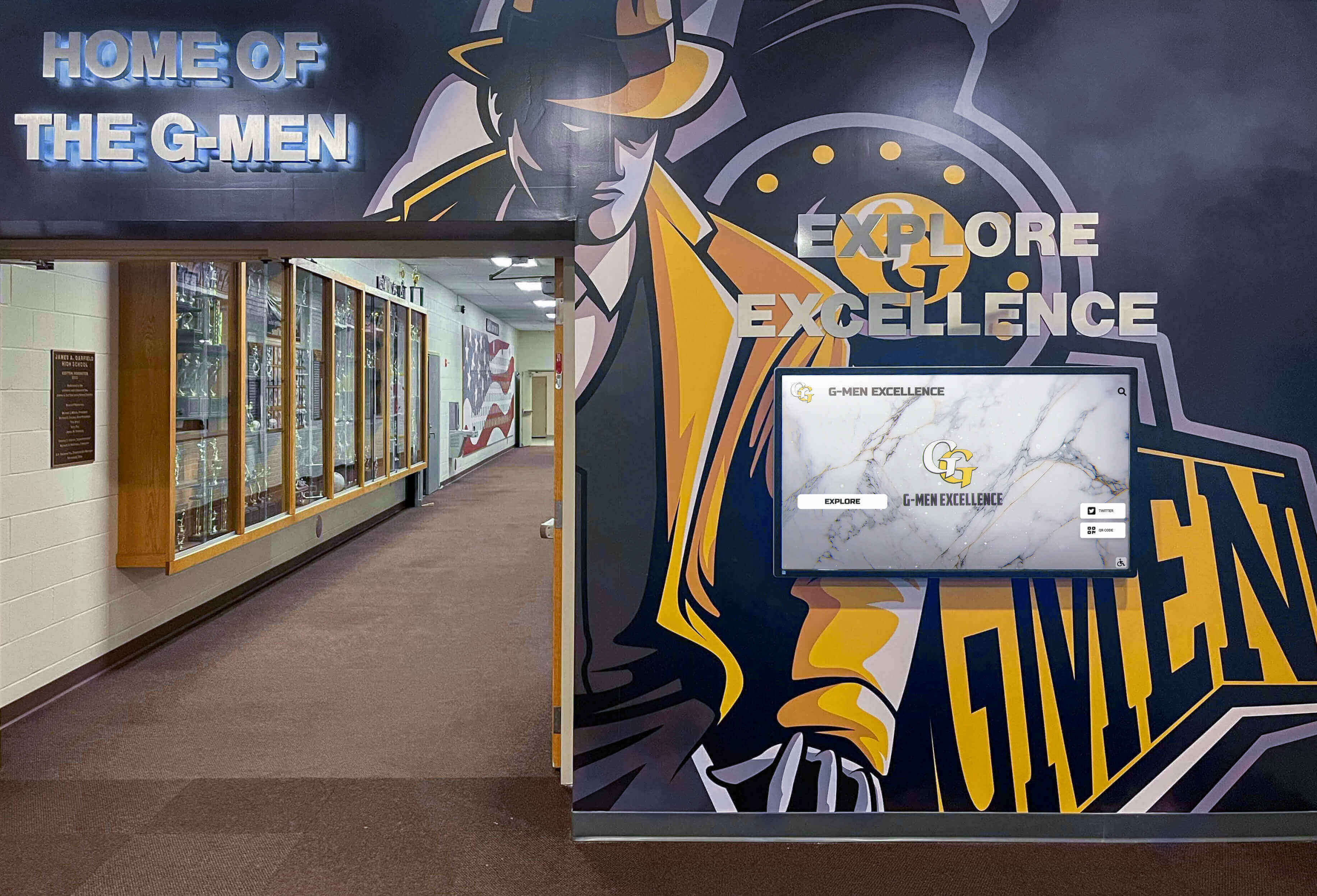
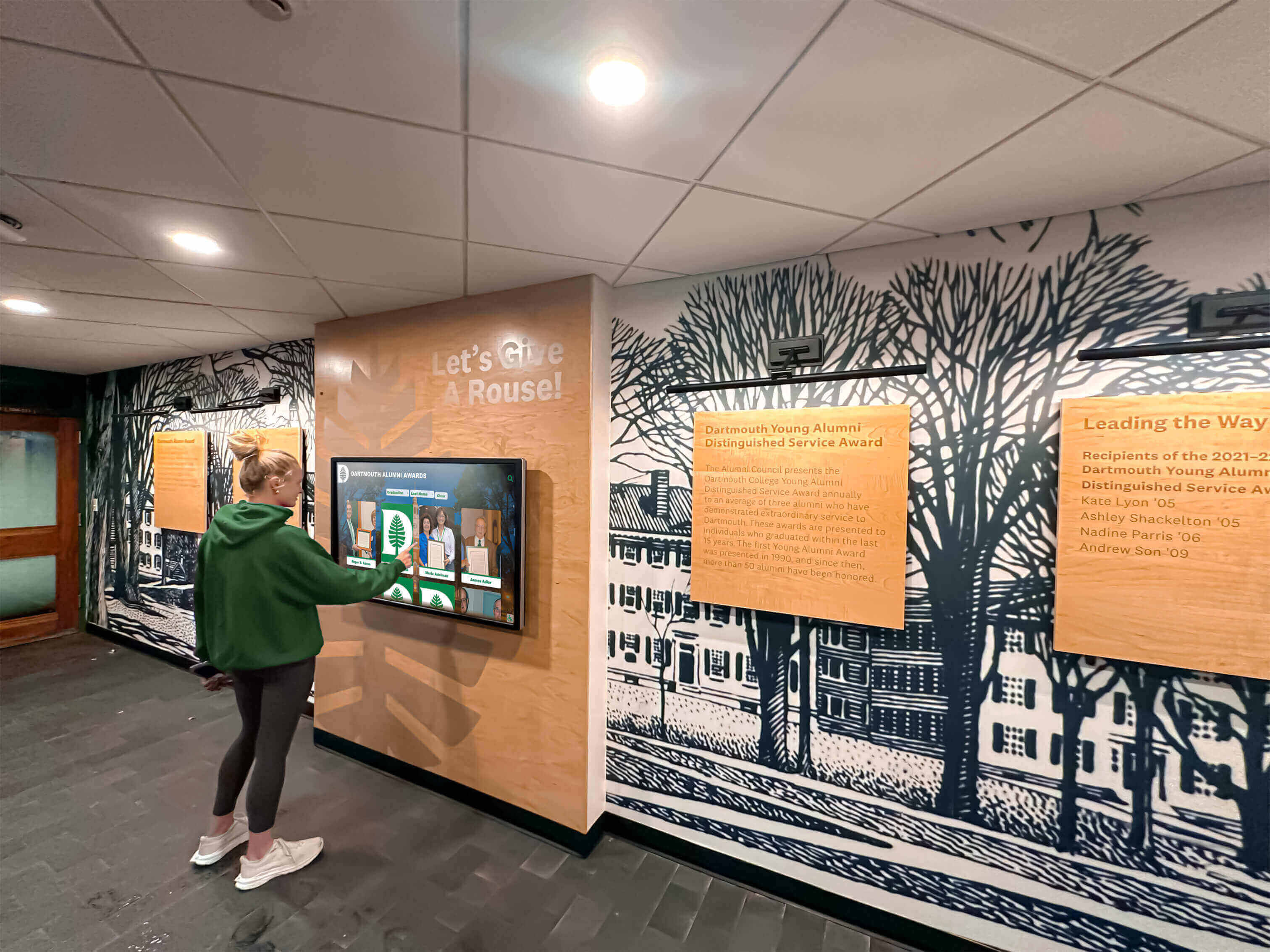
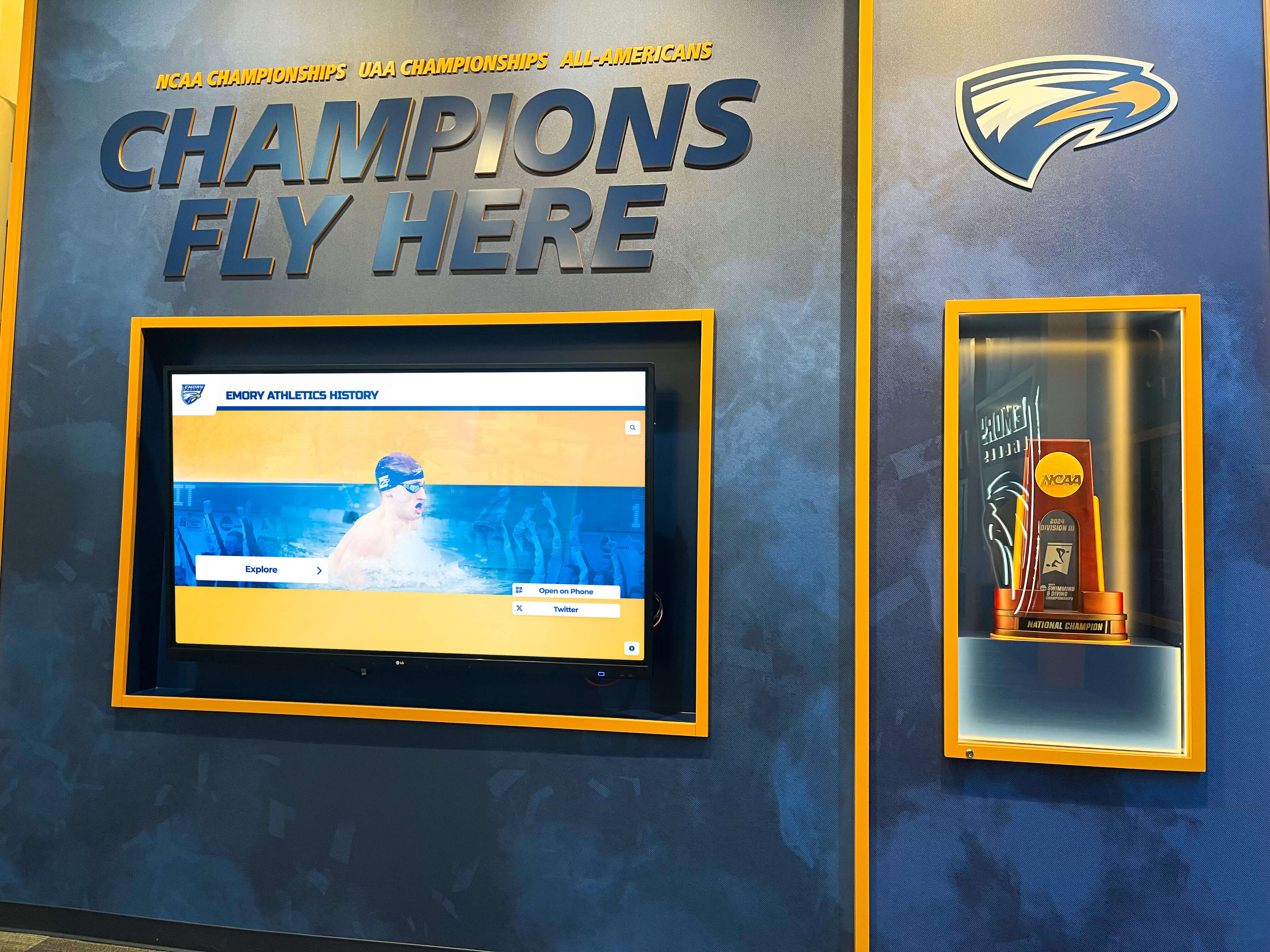
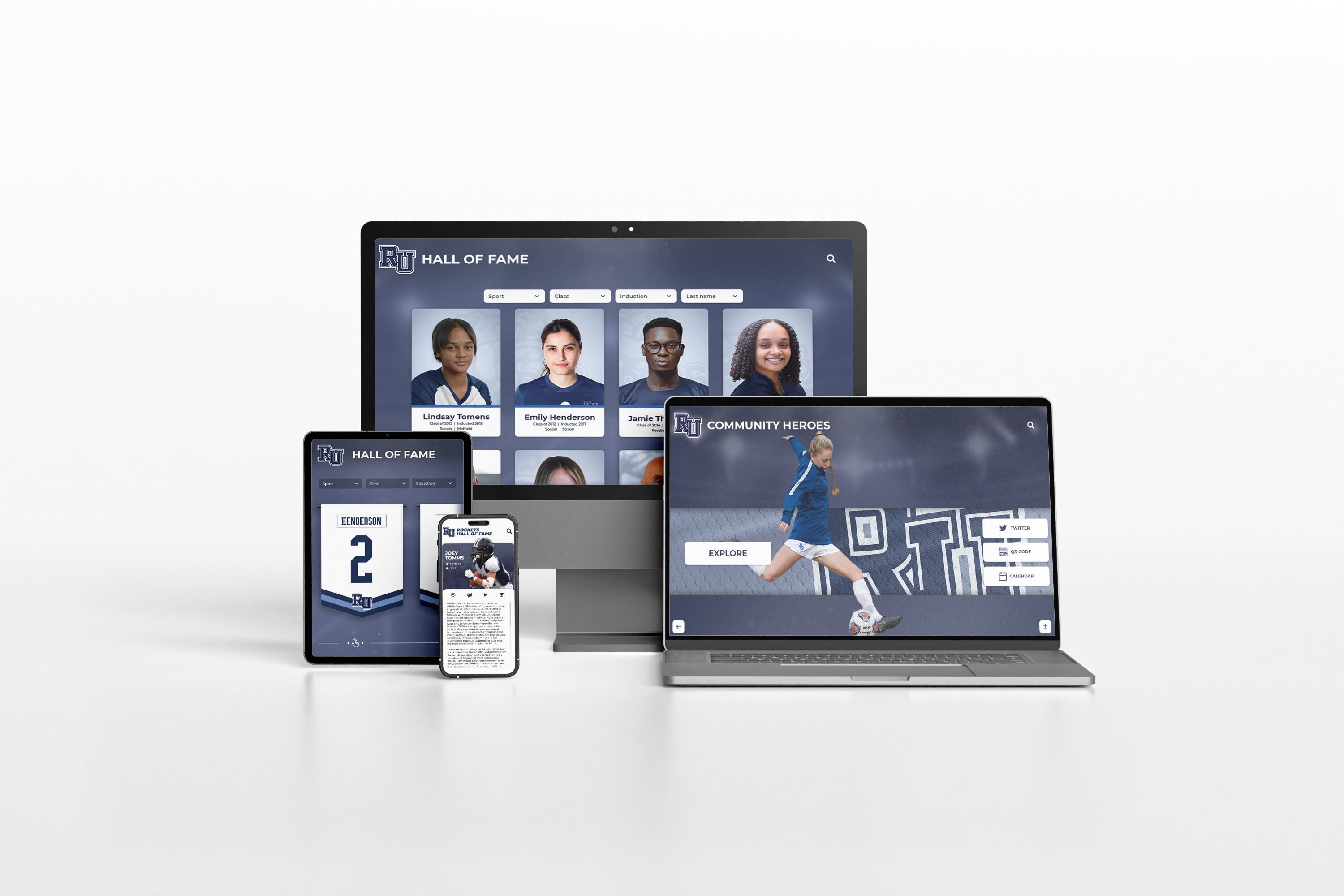
Integration with digital hall of fame displays ensures consistent branding between recognition installations and daily communications.
Newsletter and Email Graphics
Email remains important for school communications. Rocket Graphics generates newsletter headers and banners, featured content graphics, event promotional images, section dividers and visual breaks, and call-to-action graphics encouraging response.
Creating cohesive graphics across social media, email, and websites reinforces messaging through consistent visual identity.
Multi-Language Support
Districts serving diverse communities need multilingual content. The platform supports content generation in multiple languages, culturally appropriate imagery and design, automatic translation of caption text, and community-specific customization for different neighborhoods or populations.
This ensures all families receive professional, accessible communications regardless of primary language.
Accessibility Features
Inclusive communications matter. Rocket Graphics builds in color contrast meeting WCAG accessibility standards, alternative text generation for screen readers, clear typography ensuring readability, and options for text-heavy versus image-heavy designs based on audience needs.
Schools serving students with disabilities benefit from platforms that build accessibility into default creation rather than requiring special accommodation.
Cost Considerations and Return on Investment
Understanding the economics helps school leaders make informed decisions.
Total Cost of Ownership
Rocket Graphics is completely free with no subscription costs, no per-user fees, no limits on content creation, and no upsells or premium tiers. This contrasts sharply with alternatives requiring $300-1,200 annual subscriptions per user, additional costs for stock photos and elements, separate fees for social media scheduling, and premium charges for advanced features.
For schools and districts managing tight budgets, free means accessible. No budget approvals, no purchase orders, no vendor contracts, and no annual renewals—just register and start creating.
Time Savings Calculation
Beyond direct costs, time savings deliver significant value. Traditional graphic creation requires 15-30 minutes per graphic minimum. Rocket Graphics reduces this to 1-2 minutes per graphic. For schools creating 10-20 graphics weekly, this means saving 2-10 hours weekly, 8-40 hours monthly, or 96-480 hours annually.
Valuing staff time at $30-50 per hour, time savings alone justify adoption even if the platform cost money—which it doesn’t.
Qualitative Benefits
Some benefits resist quantification but matter significantly including increased recognition frequency and consistency, improved brand perception among families and community, enhanced school pride and culture through regular celebration, reduced stress on overworked staff, and more professional appearance across communications.
These qualitative improvements contribute to school climate, community relations, and staff satisfaction in ways that accumulate over time.
Comparison With Alternative Approaches
Schools have several options for creating social media content. Understanding tradeoffs helps inform decisions.
Traditional Design Software
Adobe Creative Suite, Affinity Designer, and similar professional tools offer maximum design flexibility and complete creative control. However, they require extensive training and design expertise, demand significant time investment per graphic, cost hundreds to thousands annually, and intimidate non-designers.
These tools work well for professional designers creating complex materials but prove overwhelming for busy school staff needing quick, good-enough graphics for routine communications.
Template-Based Platforms
Canva, Adobe Express, and similar platforms offer middle-ground approaches with easier interfaces than professional software and pre-designed templates reducing creation time. But they still require manual customization for each graphic, lack AI-assisted creation, charge annual subscriptions ($120-500+ depending on plan), and need separate tools for social media scheduling.
Template platforms improve accessibility compared to professional software but still consume more time than AI-generated alternatives.
Generic AI Content Tools
ChatGPT, DALL-E, Midjourney, and general-purpose AI tools generate content including graphics. While they offer powerful creative capabilities, they lack school-specific features and templates, require separate brand application steps, provide no direct social media publishing, have no built-in template library, and demand more technical prompt engineering skills.
Generic AI tools can supplement school communications but require more expertise than purpose-built school platforms.
Rocket Graphics’ Unique Position
Rocket Graphics specifically targets school communication needs through education-specific templates and features, automatic school branding application, no cost removing budget barriers, integrated AI assistance throughout workflow, and direct publishing to social and digital signage.
This focus on schools distinguishes it from both generic design tools and general-purpose AI platforms.
Integration With Broader School Recognition Systems
Social media graphics represent one component of comprehensive school communications and recognition strategies.
Connecting Digital and Physical Recognition
Schools increasingly use digital recognition displays to celebrate achievements. Rocket Graphics complements these installations by creating social media versions of touchscreen content, promoting physical recognition installations, driving traffic to interactive displays, and maintaining consistent visual identity across recognition channels.
When students see the same professional treatment of their achievements on social media, school displays, and school websites, recognition feels more substantial and authentic.
Supporting Alumni Engagement Programs
Schools building alumni networks use Rocket Graphics for reunion event promotion, distinguished alumni spotlights, legacy family recognition, and alumni giving campaigns. Consistent professional graphics support engagement strategies by demonstrating organizational competence and making alumni feel their connection to school remains valued.
Enhancing Donor and Sponsor Recognition
Development offices managing donor recognition use the platform for giving campaign promotions, donor spotlight features, scholarship recipient announcements, and facilities and capital project updates. Professional graphics honor donors appropriately while encouraging continued support.
The same platform that creates a soccer score update also produces donor recognition content maintaining consistent brand quality across all school communications.
Common Challenges and Solutions
Even excellent tools face implementation obstacles. Anticipating challenges enables proactive solutions.
Resistance to Change
Staff comfortable with existing processes may resist new tools. Address this through clear communication about time savings, voluntary early adopter groups demonstrating value, side-by-side comparisons showing quality improvements, recognition and appreciation for adaptability, and patience allowing gradual rather than forced adoption.
Change management determines whether new tools succeed or fail regardless of technical capabilities.
Maintaining Brand Consistency
Even with automatic brand controls, consistency requires vigilance. Ensure success through regular audits of posted content, clear brand guidelines documentation, designated brand champions within departments, periodic refresher training on standards, and constructive feedback on posts needing correction.
The goal is helpful guidance maintaining standards without creating fear that prevents staff from posting.
Content Quality Concerns
AI-generated content sometimes misses the mark requiring human review and judgment. Maintain quality through review processes for sensitive topics, approval requirements for district-level communications, staff training on effective prompt writing, feedback loops identifying common issues, and recognition that speed doesn’t eliminate the need for oversight.
AI assists content creation but doesn’t replace human judgment about appropriateness and messaging.
Platform Adoption and Engagement
New tools often see initial enthusiasm followed by declining use. Sustain engagement through regular training refreshers and tip sharing, showcase features highlighting great content created by peers, monthly challenges or contests encouraging creative use, integration into staff workflows and expectations, and collection and response to user feedback for improvements.
Active facilitation maintains momentum that passive availability cannot achieve.
Future Developments and Roadmap
Platform capabilities continue evolving based on school needs and technological advances.
Anticipated Feature Enhancements
Future development may include video content creation and editing, automated content series generation, enhanced analytics and performance insights, expanded template libraries for emerging needs, and deeper integration with student information systems.
Schools using Rocket Graphics benefit from ongoing improvements without additional cost or manual updates.
Emerging Content Trends
School communications evolve with broader social media trends. Watch for short-form vertical video dominance, interactive and participatory content formats, authenticity over polish in student-created content, cross-platform content strategies, and increased emphasis on accessibility and inclusion.
AI-powered platforms adapt to these trends more quickly than traditional design tools requiring manual technique learning.
Getting Started Today
Schools and districts ready to improve their social media communications can begin immediately.
Registration and Setup
Visit rocketgraphics.ai to create free accounts, upload brand assets during initial setup, connect social media accounts if desired, invite team members who will create content, and explore the template library and AI capabilities.
Initial setup requires 15-30 minutes but delivers ongoing time savings that quickly recover this investment.
First Content Creation
Begin with low-stakes content including upcoming event promotion graphics, student or staff birthday recognition, score update from recent game, club meeting announcement, or seasonal message like welcoming students back from break.
These routine communications provide risk-free opportunities to learn platform capabilities before tackling more complex or sensitive content.
Building Momentum
Expand usage through weekly content planning sessions, gradual addition of content types and categories, sharing successful examples among staff, celebration of improved engagement metrics, and documentation of time saved and value delivered.
Early wins build confidence and enthusiasm that drive sustained adoption.
Ready to Transform Your School's Social Media Content?
Start creating professional, on-brand graphics in seconds with Rocket Graphics' free AI platform. No design experience required, no subscription fees, just better content faster.
Get Started with Rocket GraphicsConclusion: Making Professional School Communications Accessible
School communications shouldn’t require design degrees, expensive software, or hours of time that busy staff don’t have. Every achievement deserves celebration, every event merits professional promotion, and every message to families warrants clear, attractive presentation—regardless of staff technical expertise or school budget constraints.
Rocket Graphics removes the barriers that prevent many schools from maintaining consistent, professional social media presence. Text-to-post AI generation enables anyone to create content by simply describing what they need. AI Agents assist with editing, resizing, and optimizing without technical knowledge. Automatic brand controls ensure consistency without manual enforcement. Multi-platform support publishes content everywhere it needs to appear. And zero cost means every school—regardless of size or resources—can access capabilities previously available only to well-funded districts with dedicated communications staff.
The platform serves diverse school needs from athletic score updates to academic recognition, from major event promotion to daily announcements, from student achievements to staff appreciation. It supports individual buildings and entire districts, elementary schools and high schools, public and private institutions.
Beyond technical capabilities, Rocket Graphics addresses the fundamental challenge schools face: limited time and unlimited communications needs. By reducing graphic creation from 20 minutes to 2 minutes, the platform doesn’t just save time—it makes consistent celebration and promotion possible for schools where staff previously couldn’t find hours required to maintain quality communications.
Implementation requires minimal effort: register, upload brand assets, and start creating. No lengthy procurement processes, no training investments, no budget battles, and no annual renewal decisions. Schools can begin using the platform today and see immediate value in reduced time and improved content quality.
For schools already using solutions like Rocket Alumni Solutions for digital recognition displays, Rocket Graphics provides natural extension ensuring consistent branding across physical installations and social media content. Together, these tools create comprehensive recognition and communications ecosystems celebrating achievement everywhere families and communities interact with schools.
Professional school communications build pride, strengthen culture, support recruitment and retention, enhance community relations, and demonstrate the excellence happening daily in classrooms, on playing fields, and throughout school communities. When barriers of cost, time, and technical expertise disappear, every school can tell their story with the polish and consistency that students, families, and communities deserve.
The future of school communications is AI-driven, accessible, and free. Visit Rocket Graphics to transform how your school creates and shares content starting today.































