Organizing a sports tournament transforms routine competition into memorable athletic showcases that build community, generate revenue, and provide meaningful experiences for student-athletes. Whether you’re an athletic director planning your first invitational, a booster club coordinating a youth tournament, or a coach hoping to host a competitive event, successful tournament organization requires methodical planning across dozens of interconnected details.
A well-executed tournament does more than fill brackets and award trophies. It enhances your program’s reputation, creates recruiting opportunities, generates revenue through entry fees and concessions, and provides athletes with high-level competitive experiences they’ll remember for years. Poorly planned tournaments, conversely, waste resources, frustrate participants, and damage your organization’s credibility.
This comprehensive guide walks through every phase of tournament planning—from initial concept and budget development through game-day execution and post-event evaluation—giving you a proven framework for hosting successful athletic competitions.
Tournament planning typically spans 3-12 months depending on scale and scope. Small local tournaments might require just a few weeks of focused planning, while major invitational events drawing teams from across regions demand months of preparation. Regardless of size, the fundamental planning components remain consistent: establishing clear objectives, securing facilities and resources, managing participant logistics, and executing smooth game-day operations.
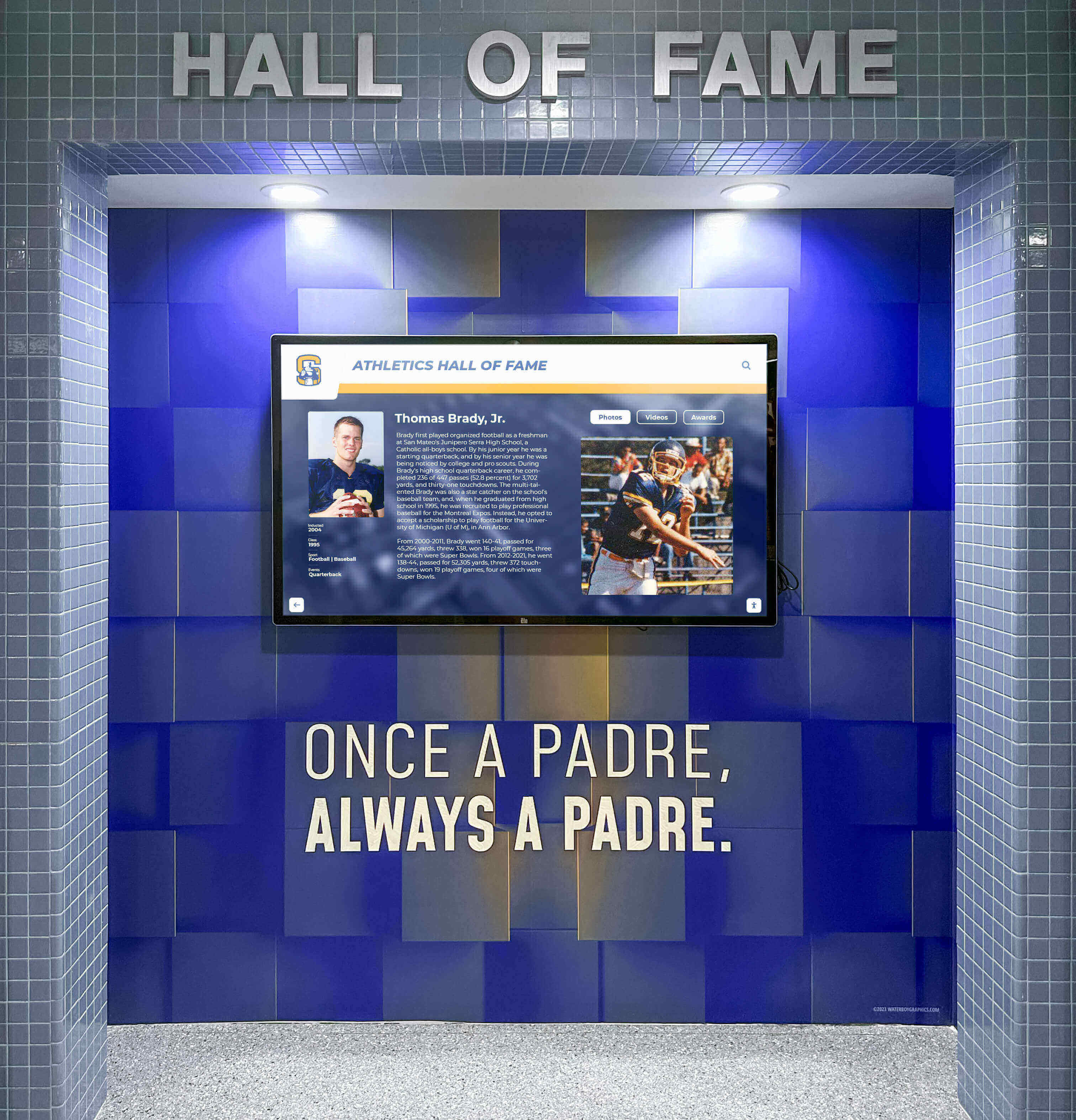
Tournament success builds program legacy—recognition displays help celebrate achievements for years to come
Phase 1: Tournament Concept and Foundation
Before booking facilities or opening registration, establish the fundamental framework that will guide all subsequent planning decisions.
Define Tournament Purpose and Objectives
Start by clarifying exactly why you’re hosting this tournament and what success looks like. Different objectives drive different planning decisions:
Revenue generation: If fundraising is the primary goal, plan for maximum team capacity, premium entry fees, robust concession operations, and potential sponsorship opportunities. Consider hosting fundraising game ideas as complementary activities.
Competitive showcase: Tournaments designed to provide high-level competition require selective team invitations, quality officiating, and potentially recruiting exposure that benefits participants.
Community building: Events focused on participation and community engagement might prioritize local teams, family-friendly scheduling, and activities beyond competition.
Program exposure: Tournaments serving recruiting or reputation-building purposes demand excellent facilities, professional organization, and strategic team selection that demonstrates your program’s competitive level.
Clear objectives help you make consistent decisions throughout planning when trade-offs inevitably arise between competing priorities.
Determine Tournament Format and Scale
Your tournament structure affects virtually every planning element:
Tournament formats:
- Single elimination: Simplest format where teams are eliminated after one loss—requires fewest games but eliminates teams quickly
- Double elimination: Teams must lose twice before elimination—provides more guaranteed games but requires more complex scheduling
- Pool play with bracket: Initial round-robin pools followed by elimination brackets—maximizes games for all teams
- Round robin: Every team plays every other team—ensures equal games but requires significant time for larger fields
Scale considerations:
- Number of teams (4, 8, 16, 32+ teams affect facility needs and scheduling complexity)
- Age divisions or competitive tiers
- Single-day vs. multi-day event
- Single site vs. multiple venues
- Gender divisions (separate tournaments, combined events, or mixed competition)
Format selection impacts facility requirements, staffing needs, schedule length, and registration pricing. A 16-team double-elimination basketball tournament requires fundamentally different resources than an 8-team single-elimination soccer event.
Set Your Tournament Budget
Develop detailed budget projections covering all anticipated revenue and expenses:
Revenue sources:
- Team entry fees (typically $150-$500 per team depending on sport, level, and included amenities)
- Spectator admission
- Concession sales
- Sponsorships from local businesses
- Tournament merchandise (t-shirts, programs)
- Parking fees (if applicable)
Expense categories:
- Facility rental or usage fees
- Officials and referees
- Athletic training/medical staff
- Awards and trophies
- Administrative costs (registration systems, insurance, permits)
- Marketing and promotion
- Equipment (balls, nets, timing systems)
- Hospitality (coach/official meals, volunteer appreciation)
- Contingency fund (10-15% of total budget for unexpected costs)
Price entry fees to cover guaranteed expenses while generating margin for your fundraising goals. Include payment policies addressing registration deadlines, refunds, and late fees.

Modern displays help teams review highlights and track tournament progress in real-time
Phase 2: Facility and Resource Coordination
With your tournament framework established, secure the physical resources necessary to host competition.
Secure Facilities and Playing Venues
Facility availability often determines tournament dates, so begin venue coordination early in your planning timeline:
Facility requirements checklist:
- Sufficient courts/fields for your tournament format and timeline
- Adequate spectator seating or viewing areas
- Locker rooms or team staging areas
- Restroom facilities scaled to expected attendance
- Parking capacity for teams, families, and staff
- Concession areas or food service capabilities
- Athletic training room or first aid station
- Announcer’s booth or PA system access
- Scoreboard and timing systems
- Weather contingency plans (indoor alternatives for outdoor sports)
If using school facilities, coordinate with facility managers, custodial staff, and other building users to prevent scheduling conflicts. Confirm access hours, setup and cleanup expectations, and any facility restrictions.
For larger tournaments requiring multiple sites, select venues in close proximity to minimize travel between games and simplify logistics for participants.
Book Essential Tournament Services
Reserve key personnel and services well in advance:
Officials and referees: Contact your local officials association or governing body to secure certified referees. Tournament quality depends heavily on consistent, quality officiating. Budget for appropriate officials fees and confirm their availability before finalizing tournament dates.
Athletic trainers: Ensure qualified medical personnel are on-site throughout competition. Many states require certified athletic trainers at sanctioned events.
Scorekeepers and timers: Recruit trained volunteers or hire experienced personnel to manage game operations, particularly for sports with complex scoring or timing rules.
Announcer: Quality announcing enhances tournament atmosphere while providing important information to teams and spectators.
Photography/videography: Consider hiring or recruiting volunteer photographers to document the event—tournament photos provide marketing material for future events and recognition content teams value.
Arrange Support Services and Equipment
Beyond core competition needs, arrange supporting elements that distinguish professional tournaments:
Equipment inventory:
- Game balls (purchase new balls specifically for tournament use)
- Backup nets, goals, or sport-specific equipment
- First aid supplies and AED access
- Timing and scoring technology
- Team check-in materials (roster cards, wristbands, credentials)
Technology systems:
- Online registration platform
- Live scoring/bracket updates (online bracket systems like Tourney Machine or specialized software)
- Communication tools (walkie-talkies for event staff, group messaging for coordinators)
- Digital displays for schedules, scores, and brackets
Modern digital touchscreen athletic displays can showcase live tournament brackets, upcoming games, and real-time scores, creating professional atmosphere while keeping participants informed.

Interactive tournament information systems help participants navigate schedules and track results
Phase 3: Team Recruitment and Registration
With logistics secured, focus on attracting quality teams and managing registration efficiently.
Develop Tournament Marketing Strategy
Effective promotion determines whether you’ll fill your bracket with quality competition:
Marketing timeline:
- 3-4 months out: Initial announcement to target schools/programs via email, social media, and athletic director networks
- 2-3 months out: Registration opening with early-bird pricing incentive
- 6-8 weeks out: Follow-up communication to programs that haven’t registered
- 2-4 weeks out: Registration deadline and final bracket announcements
Promotional channels:
- Direct email to athletic directors and coaches in your target geographic area
- Social media posts in coaching groups and athletic administrator forums
- Your school/organization website and newsletter
- Local sports media and community publications
- State or regional athletic association communications
Tournament information packet: Create comprehensive information including tournament format, entry fees, schedule overview, facility information, local hotel recommendations, rules and regulations, and registration deadlines. Professional, detailed information signals organizational quality that attracts top programs.
Manage Registration and Team Selection
Implement efficient registration processes that collect necessary information while creating positive first impressions:
Online registration systems: Use platforms like TeamSnap, LeagueApps, or sport-specific tournament software that automate data collection, payment processing, and communication.
Required registration information:
- Team/school name and contact information
- Coach names, emails, and phone numbers
- Estimated roster size
- Age division or competitive tier
- Emergency contact information
- Proof of insurance (if required)
- Roster submission (some tournaments require advance rosters, others collect at check-in)
Team selection considerations:
- Accept registrations on first-come, first-served basis vs. invitation-only format
- Geographic diversity to create balanced competition
- Competitive parity—mixing skill levels can lead to lopsided games and poor experiences
- Past tournament reputation (reward returning teams that demonstrated good sportsmanship)
Confirm team registrations with formal acceptance emails including payment confirmation, schedule information, facility directions, and what to expect at check-in.
Establish Tournament Rules and Policies
Document clear policies that prevent disputes and ensure consistent enforcement:
Rules documentation should address:
- Playing rules (governing body rules, tournament modifications, or house rules)
- Roster requirements (minimum/maximum players, age restrictions, eligibility requirements)
- Forfeiture policies (arrival deadlines, minimum player requirements)
- Protest and dispute resolution procedures
- Sportsmanship expectations and consequences for misconduct
- Inclement weather or emergency cancellation policies
- Refund policies for cancellations
Distribute rules during registration and review key policies at coaches meetings. Consider the structured approach used in varsity cheerleading competitions where clear qualification and competition standards are established well in advance.

Strategic placement of tournament information in high-traffic areas keeps participants and spectators informed
Phase 4: Schedule Development and Logistics
Transform your registered teams into a workable competition schedule that maximizes play while minimizing conflicts and delays.
Create Master Tournament Schedule
Schedule construction requires balancing numerous competing factors:
Scheduling considerations:
- Game duration: Include actual playing time plus warmups, halftime, cleanup, and buffer time between games
- Team spacing: Provide adequate rest between games for the same team (typically 60-90 minutes minimum)
- Facility capacity: Maximize court/field usage without creating rushed transitions
- Prime time slots: Schedule championship games at attractive times for spectators
- Official availability: Ensure referee assignments don’t create fatigue issues or conflicts
Sample timeline framework (8-team single elimination basketball tournament):
- 8:00 AM: Facility opens, final setup, coaches meeting
- 9:00 AM: First quarterfinal games (Courts 1 & 2)
- 10:30 AM: Second quarterfinal games (Courts 1 & 2)
- 12:00 PM: Lunch break, court maintenance
- 1:00 PM: Semifinal games (Courts 1 & 2)
- 3:00 PM: Championship and consolation games
- 5:00 PM: Awards ceremony
- 6:00 PM: Facility cleanup complete
Build flexibility into your schedule to accommodate delays without cascading problems. Running 15 minutes behind in game 2 shouldn’t derail your entire day.
Coordinate Volunteer Staffing
Successful tournaments depend on capable volunteers handling dozens of simultaneous responsibilities:
Volunteer positions needed:
- Tournament director (overall event oversight)
- Site coordinators (if multi-venue event)
- Registration/check-in table
- Scoreboard operators
- Timekeepers
- Announcers
- Concession stand staff
- Parking attendants
- Hospitality coordinators (coach/official reception area)
- Cleanup crew
- Runners (delivering messages, resolving issues, fetching supplies)
Create detailed volunteer schedules with shift assignments, position descriptions, and emergency contacts. Hold pre-tournament volunteer meetings to review responsibilities, distribute materials, and ensure everyone understands their role. Many successful programs use booster club software to coordinate volunteer scheduling and communication.
Finalize Concessions and Hospitality Plans
Food service provides both revenue opportunity and participant convenience:
Concession planning:
- Menu selection (popular items that can be prepared efficiently in volume)
- Supply procurement and storage
- Staffing schedules for peak demand periods
- Cash handling and mobile payment acceptance
- Health permits and food safety compliance
Hospitality elements:
- Designated coaches/officials hospitality area with refreshments
- Team bench areas with water and medical supplies
- Spectator amenities (seating, shade for outdoor events, clearly marked restrooms)
- Directional signage throughout facility
Quality hospitality demonstrates professionalism and encourages teams to return for future tournaments.
Arrange Awards and Recognition
Tournament awards create lasting memories and tangible recognition of achievement:
Award planning considerations:
- Championship and runner-up team awards (trophies, plaques, or medals)
- Individual awards (all-tournament team, MVP, sportsmanship recognition)
- Participation awards (consider whether all teams receive something or only top finishers)
- Ordering timeline (many custom awards require 4-6 week lead times)
- Awards ceremony logistics (location, timing, presenter, photography)
Many programs enhance traditional awards with digital recognition, similar to how schools create hall of fame displays that showcase athletic excellence beyond the tournament day.
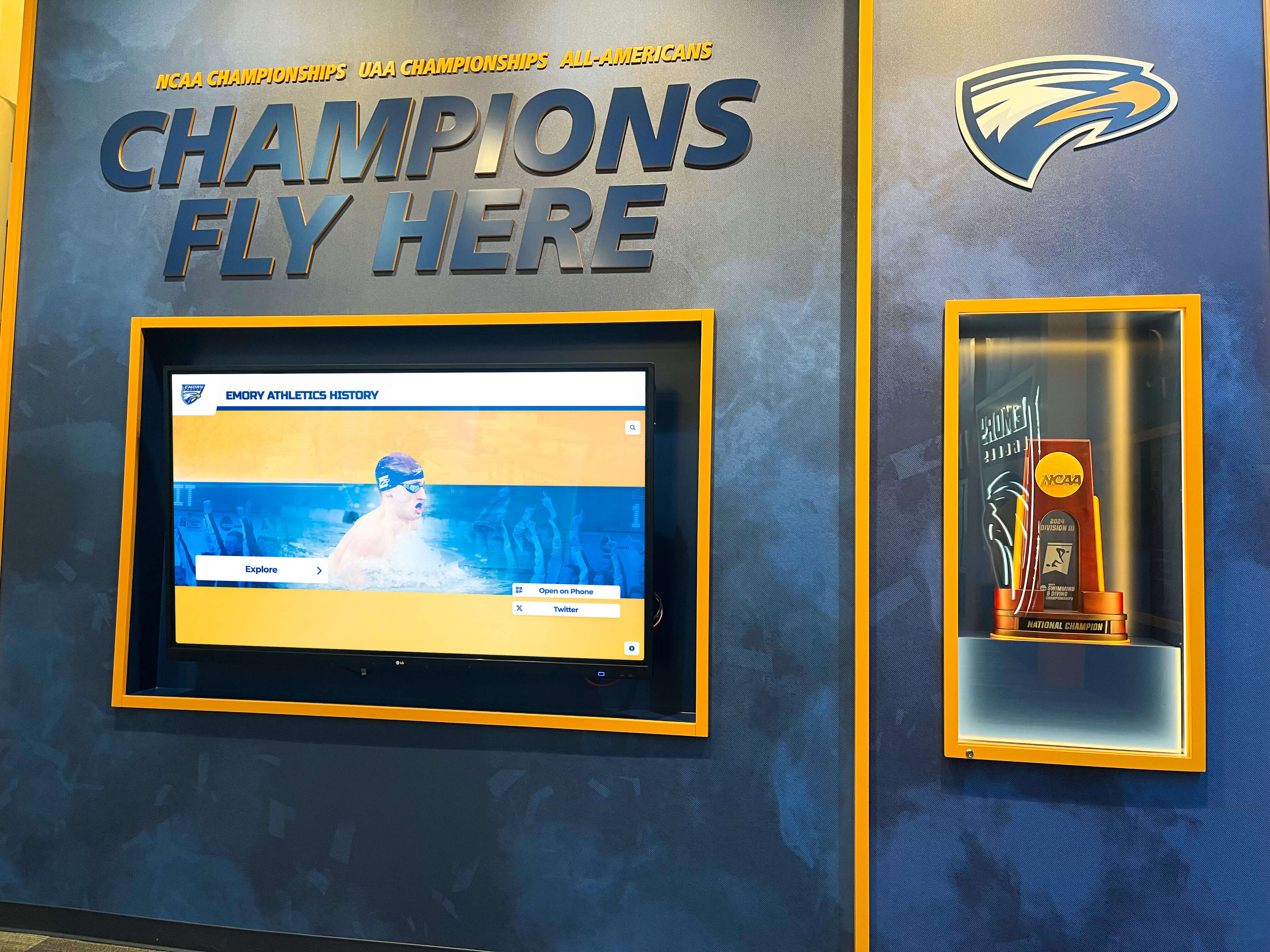
Permanent recognition of tournament champions builds program prestige and tradition
Phase 5: Game Day Execution
All planning culminates in smooth tournament execution that provides positive experiences for participants, spectators, and staff.
Pre-Tournament Setup and Preparation
Arrive early to ensure facilities are competition-ready before teams arrive:
Setup checklist (complete 1-2 hours before first scheduled activity):
- Courts/fields lined and inspected for safety
- Goals, nets, and equipment positioned correctly
- Scoreboards tested and operational
- Team bench areas prepared with chairs and supplies
- Registration table arranged with check-in materials, rosters, and schedules
- Directional signage posted throughout facility
- Concession stand stocked and staffed
- Medical station prepared with supplies and AED access
- Sound system tested
- Parking areas marked and attendants positioned
- Volunteer positions staffed and briefed
Coaches meeting: Gather all coaches 30-45 minutes before competition begins to review:
- Tournament format and schedule
- Rule clarifications and modifications
- Sportsmanship expectations
- Safety protocols and emergency procedures
- Facility information (locker rooms, medical area, coach hospitality)
- Schedule changes or important announcements
Manage Tournament Flow and Operations
Once competition begins, maintain vigilant oversight of all simultaneous operations:
Tournament director responsibilities:
- Monitor schedule adherence and make real-time adjustments for delays
- Resolve disputes or questions from coaches, officials, or participants
- Coordinate with site staff on facility issues
- Track bracket progression and verify pairings
- Communicate schedule updates to teams, officials, and volunteers
- Address emergencies or unexpected situations
- Ensure proper documentation (scoresheets, rosters, incident reports)
Communication systems: Maintain constant communication between key personnel using walkie-talkies, group messaging apps, or designated runners. Quick response to questions or problems prevents small issues from escalating.
Schedule management: If running behind schedule, look for opportunities to tighten gaps between games, use additional facilities, or adjust less critical elements—but avoid rushing games themselves which compromises safety and experience quality.
Handle Common Tournament Challenges
Anticipate typical issues and have response protocols ready:
Weather delays (outdoor tournaments): Monitor conditions continuously and have predetermined lightning safety procedures. Communicate delays clearly and update anticipated resumption times as conditions evolve.
Team no-shows or forfeits: Establish clear arrival deadlines and grace periods. Have contingency plans for bracket adjustments when teams withdraw unexpectedly.
Injury management: Follow established emergency action plans. Ensure qualified medical personnel assess injuries, document incidents properly, and communicate with parents/guardians about care provided.
Facility problems: Maintain direct contact with facility managers who can address HVAC issues, plumbing problems, power outages, or other building emergencies.
Disputes and protests: Follow established protest procedures outlined in tournament rules. Document all protests in writing, gather relevant information, and communicate decisions promptly.
Spectator issues: Position volunteers to monitor crowd behavior, address concerns, and enforce facility rules regarding prohibited items, disruptive behavior, or unauthorized court/field access.
Conduct Awards Ceremony
Close your tournament with a professional awards presentation that recognizes achievement:
Ceremony elements:
- Gather championship game participants for recognition
- Acknowledge all teams for their participation and sportsmanship
- Present awards in ascending order (consolation, runner-up, champion)
- Recognize all-tournament team selections or individual awards
- Thank officials, volunteers, and host facility
- Announce plans for next year’s tournament (if applicable)
- Provide photo opportunities for award winners
Strong ceremonies create positive final impressions that influence whether teams return for future events.
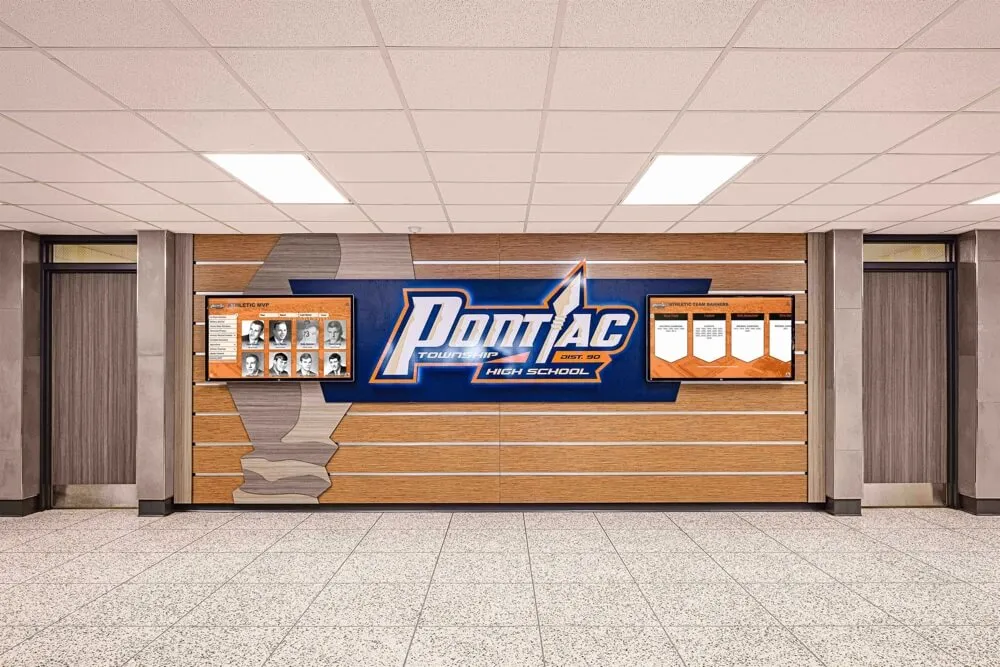
Documenting tournament success builds program tradition and motivates future participants
Phase 6: Post-Tournament Follow-Up
Tournament work continues after the final whistle with evaluation, communication, and documentation that improves future events.
Complete Financial Reconciliation
Conduct thorough accounting of tournament finances:
Revenue reconciliation:
- Verify all entry fee payments received
- Count concession sales and reconcile against inventory
- Process any outstanding payments or refunds
- Document sponsorship fulfillment
Expense accounting:
- Collect all receipts and invoices
- Pay outstanding vendor bills
- Compensate officials and hired personnel
- Document volunteer expenses
Financial reporting: Create summary report showing total revenue, itemized expenses, and net profit/loss. Share results with stakeholders (booster club, athletic director, administration) and compare against budget projections to inform future planning.
Gather Participant Feedback
Collect systematic feedback while experiences are fresh:
Survey distribution: Send post-tournament surveys to coaches within 2-3 days asking about:
- Overall tournament experience rating
- Registration and communication quality
- Facility quality and cleanliness
- Schedule appropriateness
- Official quality
- Concessions and amenities
- Competition level
- Likelihood to return next year
- Suggestions for improvement
Staff debrief: Meet with volunteers, officials, and staff to discuss what worked well and what needs improvement. Front-line personnel often identify operational issues tournament directors miss.
Document Tournament Results and Recognition
Preserve tournament outcomes for historical records and future promotion:
Documentation to maintain:
- Final brackets and results
- All-tournament team selections
- Championship photos and videos
- Participant roster
- Official scoresheets
- Incident reports
Share results through social media, your website, and local media outlets. Recognize participating teams and highlight exceptional performances. Many programs integrate tournament achievements into permanent displays, similar to comprehensive digital hall of fame software that preserves athletic history.
Plan Improvements for Future Events
Use evaluation data to strengthen subsequent tournaments:
Analysis areas:
- Schedule efficiency (did timing work or require adjustment?)
- Facility adequacy (did space meet needs or require changes?)
- Staffing levels (sufficient volunteers or need more support?)
- Budget performance (revenue/expenses align with projections?)
- Participant satisfaction (areas requiring improvement?)
Document lessons learned and actionable improvements in a post-tournament report that guides planning for the following year. Successful tournament programs evolve annually based on systematic evaluation and continuous improvement.
Essential Tournament Planning Timeline
6-12 months before:
- Define tournament objectives and format
- Secure facilities and key dates
- Develop preliminary budget
- Book officials and essential services
3-4 months before:
- Launch marketing and promotion
- Open team registration
- Finalize schedule framework
- Recruit volunteer staff
6-8 weeks before:
- Confirm registered teams
- Create detailed game schedule
- Order awards and supplies
- Finalize volunteer assignments
2-3 weeks before:
- Conduct facility walkthrough
- Hold volunteer training
- Confirm all services and deliveries
- Prepare registration materials
Week of tournament:
- Final communication with teams
- Prepare facility setup
- Brief all staff and volunteers
- Confirm emergency procedures
Tournament day:
- Early setup and preparation
- Coaches meeting
- Execute competition schedule
- Awards ceremony
Post-tournament:
- Financial reconciliation
- Collect feedback
- Document results
- Plan improvements
Building Sustainable Tournament Programs
Single successful tournaments can become annual traditions that strengthen programs, generate reliable revenue, and create community traditions. Building sustainable tournament programs requires:
Consistency: Schedule tournaments at predictable times (same weekend annually) so teams can plan participation in advance.
Quality focus: Prioritize excellent organization over maximum profit—quality tournaments attract repeat participants willing to pay premium fees.
Community partnerships: Develop relationships with local businesses for sponsorships, hotel partnerships for team accommodations, and media partnerships for coverage.
Digital integration: Use technology to streamline operations, enhance participant experience, and create professional presentation. Consider how solutions like team bonding activities can be incorporated around tournament competition.
Tradition building: Create tournament-specific traditions—unique awards, champion recognition, program design, or special ceremonies that distinguish your event from generic competitions.
Successful tournaments become signature events that enhance your program’s reputation while providing meaningful competitive experiences for student-athletes. The planning investment required to execute quality events pays dividends through repeat participation, positive word-of-mouth promotion, and sustainable revenue generation.
Conclusion
Organizing a sports tournament demands extensive planning, attention to detail, and coordinated execution across dozens of moving parts. From initial concept development through post-event evaluation, successful tournament directors balance competitive quality, logistical efficiency, financial responsibility, and participant experience.
The difference between tournaments teams eagerly return to and events that struggle to fill brackets lies in professional organization—clear communication, quality facilities, consistent officiating, and smooth operations that allow athletes to focus on competition rather than logistical frustrations.
Whether hosting your first local tournament or refining an established event, systematic planning using this framework helps ensure your tournament achieves its objectives while creating positive experiences that strengthen your athletic program and community.
Ready to elevate how your athletic program showcases achievements and builds lasting recognition? Rocket Alumni Solutions provides innovative digital display solutions that help schools and athletic organizations celebrate tournament champions, preserve competitive history, and create engaging recognition experiences that inspire current and future athletes.































