Massachusetts high school hockey represents one of the Commonwealth’s most cherished athletic traditions. From the legendary rivalries at TD Garden to the development of NCAA and NHL talent, Massachusetts hockey programs have established legacies spanning generations. As these programs continue producing championship teams and elite players, schools are increasingly turning to modern touchscreen recognition displays to honor achievements, preserve traditions, and inspire the next generation of hockey excellence.
This comprehensive guide explores how Massachusetts high school hockey programs can leverage digital recognition technology to celebrate their unique hockey heritage—from state championship teams and record-breaking players to coaching legends and program milestones that define Bay State hockey culture.
Massachusetts high school hockey holds a special place in American hockey history. The state has produced numerous NHL players, Olympic athletes, and college stars while maintaining passionate fan bases that pack arenas for heated rivalries and tournament games. Yet many programs struggle to adequately recognize their rich histories using traditional trophy cases and static plaques that quickly run out of space and fail to capture the full story of program excellence.

Modern touchscreen displays transform how Massachusetts hockey programs celebrate achievements and preserve traditions
The Rich Tradition of Massachusetts High School Hockey
Understanding the context of Bay State hockey helps frame why appropriate recognition matters so deeply to these programs and their communities.
A Legacy of Excellence
Massachusetts high school hockey has produced remarkable achievements that deserve lasting recognition. The state’s hockey culture combines passionate community support, elite player development, and competitive balance that creates memorable seasons year after year.
Notable Massachusetts Hockey Traditions:
- TD Garden Championship Games: MIAA state finals at Boston’s TD Garden create unforgettable championship experiences
- Sectional Rivalries: Historic matchups between Catholic Conference, Merrimack Valley, and other divisions generate intense competition
- College Pipeline: Numerous Massachusetts high school players advance to NCAA Division I, Division III, and ACHA programs
- Professional Pathway: Several NHL players developed their skills in Massachusetts high school programs
- Community Support: Dedicated fan bases pack arenas for regular season games and tournament competition
- Coaching Excellence: Many programs benefit from coaching staffs with extensive hockey experience and deep community connections
This rich tradition creates extensive recognition needs as programs accumulate championships, individual achievements, and milestone moments worthy of permanent celebration.
Current Recognition Challenges
Traditional recognition approaches face significant limitations in adequately honoring Massachusetts hockey excellence:
Space Constraints
Trophy cases fill quickly with decades of championships, conference titles, individual awards, and team accomplishments. Many programs face difficult decisions about which achievements receive display prominence while others remain hidden in storage.
Limited Information Display
Static plaques typically show only basic information—player names, years, and perhaps a championship date. The compelling stories, dramatic comebacks, overtime victories, and player development journeys that make achievements meaningful often go untold.

Traditional recognition displays struggle with space limitations and static content
Maintenance Difficulties
Adding new recognition requires costly engraving, plaque fabrication, and professional installation. Updates occur infrequently due to expense and logistical complexity, meaning current achievements may not receive timely recognition.
Minimal Engagement
Passive displays invite brief glances rather than meaningful exploration. Visitors cannot search for specific players, explore particular seasons, or discover connections between current teams and historic achievements.
These limitations prevent many Massachusetts hockey programs from fully honoring their traditions while inspiring current players through connections with past excellence.
How Touchscreen Recognition Transforms Hockey Programs
Modern digital recognition systems address traditional limitations while creating engaging experiences that celebrate hockey excellence comprehensively.
Unlimited Recognition Capacity
Digital platforms eliminate space constraints entirely, enabling programs to recognize every deserving achievement without forcing selective decisions about whose accomplishments receive acknowledgment.
Comprehensive Recognition Categories:
- Championship Teams: Complete rosters, season records, tournament runs, and championship game details
- Individual Honors: All-State selections, All-Conference awards, league statistical leaders, and milestone achievements
- School Records: Career and single-season records with complete statistical context and progression over time
- Coaching Milestones: Career victories, championship achievements, and program-building contributions
- NHL & College Players: Tracking players who advanced to professional and collegiate hockey
- Historic Moments: Memorable games, rivalries, upsets, and defining program achievements
- Tournament Success: State tournament appearances, sectional championships, and tournament records
This comprehensive approach ensures every generation of players receives appropriate recognition rather than newer achievements replacing older ones due to space limitations.
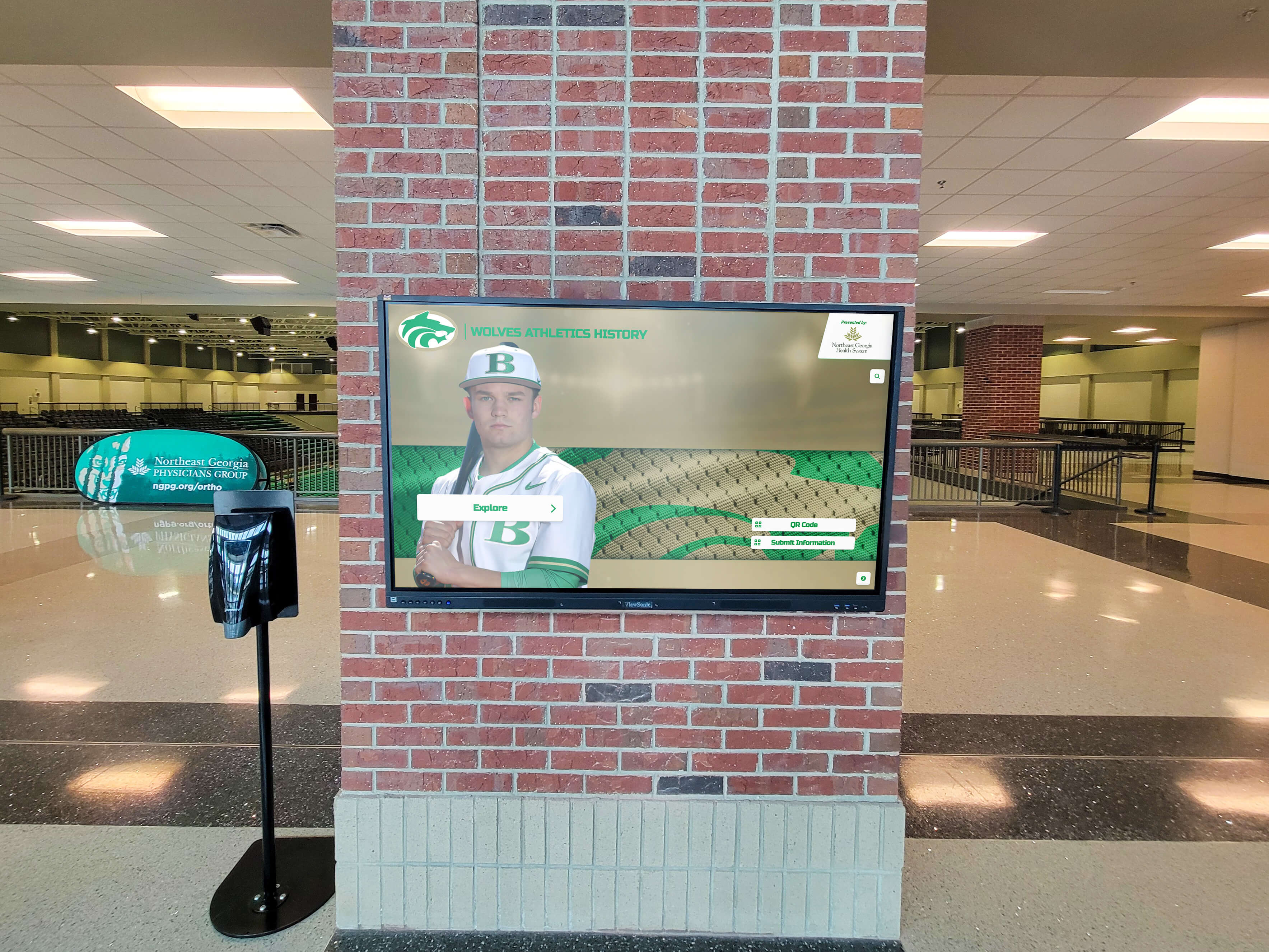
Digital systems showcase unlimited achievements without space constraints
Interactive Exploration and Discovery
Touchscreen interfaces transform passive viewing into active engagement where visitors explore content matching their interests.
Discovery Features:
- Player Search: Instantly locate specific players from any era by name
- Year Filtering: Explore particular seasons to see rosters, records, and achievements
- Record Progression: View how school records evolved across decades of competition
- Team Comparisons: Compare different championship teams’ statistics and achievements
- Position Filtering: Find all players who competed at specific positions throughout program history
- Award Categories: Browse all athletes who earned particular honors and recognition
These interactive capabilities create personalized experiences where alumni locate their own profiles, current players discover relevant records to pursue, and families explore relatives’ hockey careers through intuitive navigation.
Rich Multimedia Storytelling
Unlike static plaques limited to text, digital recognition incorporates photos, videos, and comprehensive narratives that bring achievements to life.
Content Integration:
- Action Photography: High-quality images capturing players in competition
- Championship Videos: Highlights from tournament runs and title games
- Player Interviews: Audio or video of athletes reflecting on their experiences
- Historical Photos: Vintage images documenting program evolution across decades
- Career Statistics: Complete statistical records providing achievement context
- Biographical Narratives: Written stories explaining what made players, teams, and seasons special
This multimedia approach creates emotional connections that statistics alone cannot achieve while preserving program history comprehensively for future generations.
For programs seeking to celebrate their complete hockey story, sports achievement recognition systems provide the multimedia capabilities necessary for comprehensive hockey documentation.
Essential Recognition Categories for Massachusetts Hockey Programs
Effective recognition systems address the full spectrum of achievements that define program excellence and hockey tradition.
State Tournament Recognition
Massachusetts’ state tournament represents the pinnacle of high school hockey achievement, creating recognition opportunities that celebrate tournament success comprehensively.
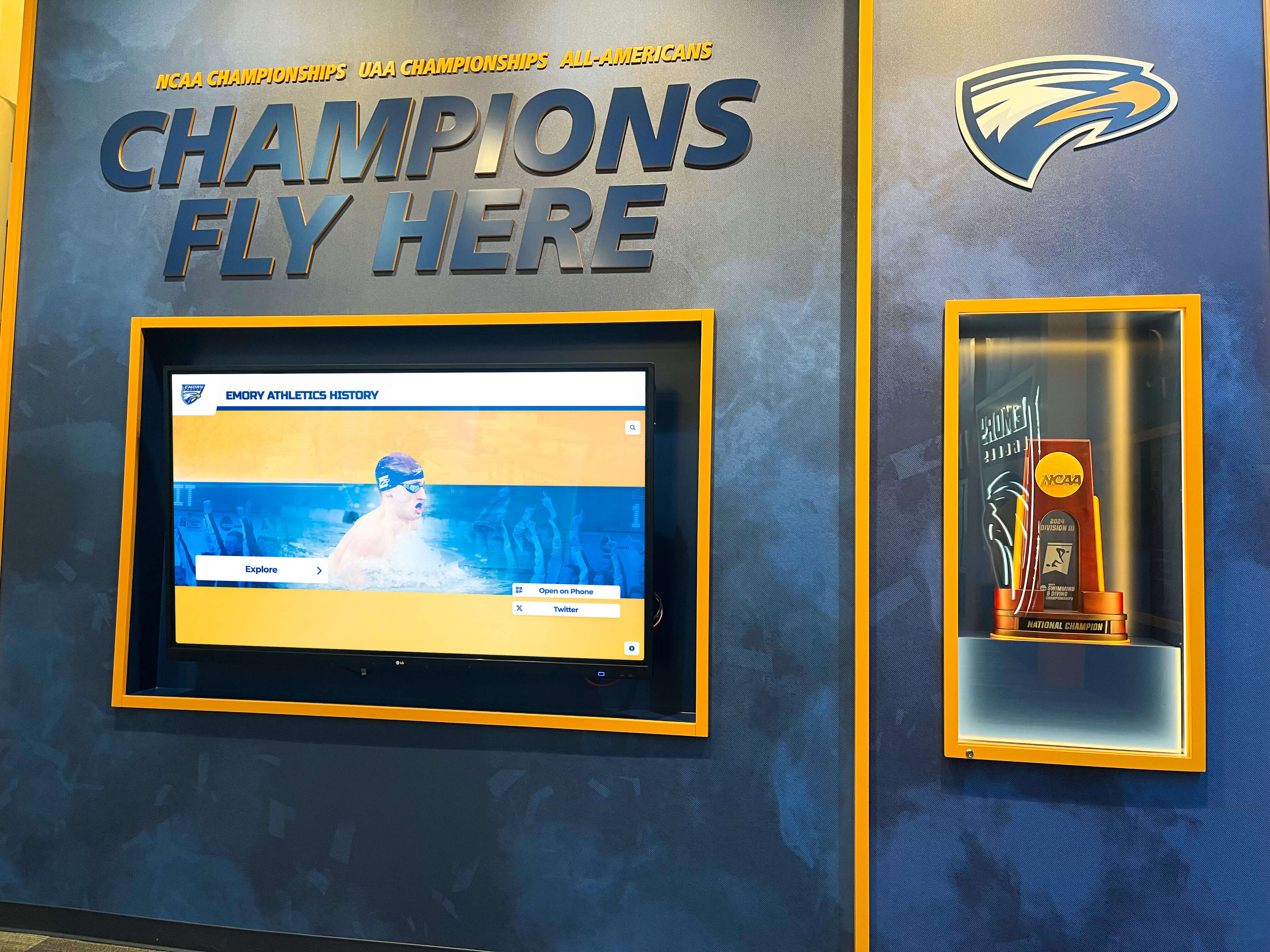
State championship teams deserve comprehensive recognition with complete stories and documentation
Tournament Achievement Documentation:
- Championship Teams: Complete rosters with coaching staffs, season records, and path to titles
- Finalist Recognition: Teams that reached championship games deserve acknowledgment for exceptional seasons
- Tournament Records: Individual and team statistical achievements during tournament play
- Memorable Moments: Overtime victories, upset wins, and defining tournament performances
- Tournament History: Year-by-year results showing program’s tournament tradition
- Bracket Progression: Visual representation of tournament runs through sectionals and state finals
This comprehensive tournament recognition ensures programs document not just championships but the complete tournament tradition that defines Massachusetts hockey seasons.
Individual Player Recognition
Hockey produces numerous individual achievement categories that merit recognition beyond team accomplishments.
Player Achievement Categories:
- All-State Selections: Honorees from all MIAA divisions and selection years
- Conference All-Stars: All-Conference recognition across various leagues
- Statistical Leaders: Single-season and career leaders in goals, assists, points, saves, and other categories
- Mr. Hockey Award: State player of the year honorees
- Milestone Achievements: Players reaching significant statistical marks (100 career points, etc.)
- Multi-Sport Athletes: Recognition for hockey players who also excelled in other sports
Individual recognition honors personal excellence while creating aspirational targets for current players pursuing their own achievements within program record books.
College and Professional Pathways
One measure of program success involves players advancing to higher competitive levels, creating recognition opportunities celebrating post-high school hockey careers.
Advancement Recognition:
- NCAA Division I: Players advancing to top collegiate programs
- NCAA Division III: Athletes continuing careers at competitive Division III schools
- ACHA Programs: Players joining club hockey at various institutions
- Junior Hockey: Athletes playing in USHL, NAHL, EHL, or other junior leagues
- Professional Hockey: Players reaching NHL, AHL, ECHL, or European professional leagues
- Coaching Careers: Former players who became coaches at various levels
This recognition demonstrates program quality while showing current players the pathways their predecessors followed to continue playing hockey beyond high school.
For programs documenting players’ complete athletic journeys, comprehensive recognition platforms enable tracking achievements from high school through college and beyond.
Coaching Recognition
Great coaches build programs and develop players, earning recognition that honors their contributions to Massachusetts hockey.
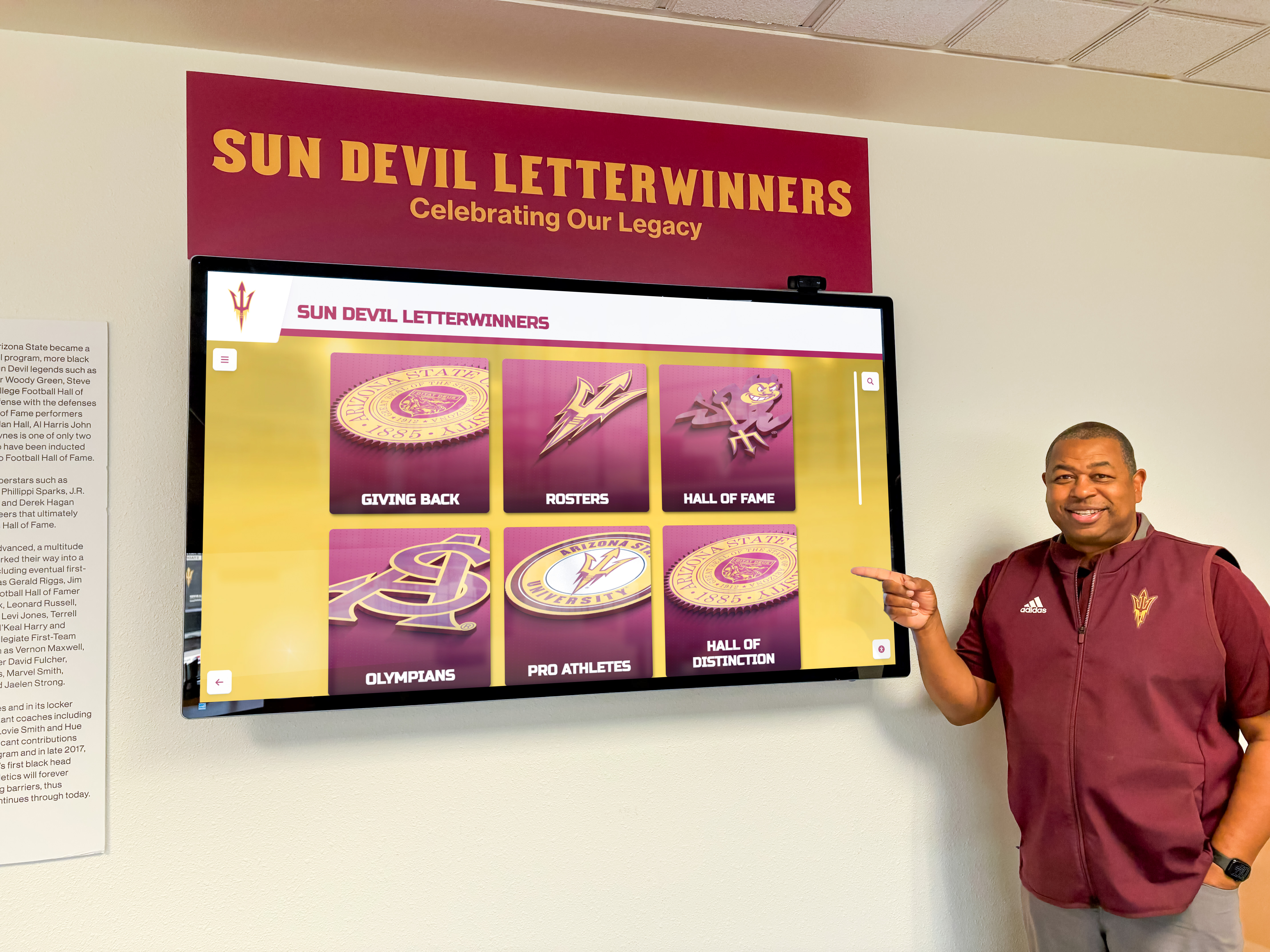
Coaching legends deserve recognition celebrating their program-building achievements
Coaching Honor Categories:
- Career Milestones: 100-win, 200-win, 300-win achievements
- Championship Coaches: Recognition for coaches who led teams to state or sectional titles
- Coaching Tenures: Long-serving coaches who built program traditions
- Conference Coach of the Year: Annual conference coaching awards
- Philosophy and Approach: Insights into coaching philosophies that shaped programs
- Player Development: Notable players developed under particular coaches
- Program Builders: Coaches who established or transformed programs
Coaching recognition demonstrates program appreciation for leaders who shaped hockey excellence while inspiring current coaches through examples of sustained success.
Comprehensive coaching appreciation programs provide frameworks for developing meaningful tributes to coaching excellence.
Implementation Strategy for Massachusetts Hockey Programs
Successfully implementing touchscreen recognition requires strategic planning addressing technical, content, and operational considerations.
Location and Installation Planning
Recognition placement dramatically affects program impact and visitor engagement.
Optimal Location Considerations:
- Main Gym Entrance: High-traffic area where all athletic events create natural visibility
- Hockey Rink Lobby: Dedicated space where hockey families and fans gather for games
- Athletic Department Office: Central location serving multiple sports while prominently featuring hockey
- School Main Entrance: Broader institutional visibility celebrating hockey as part of comprehensive excellence
- Multiple Locations: Larger programs may install displays at both rink and main school facilities
Location decisions should consider visibility, accessibility, viewing comfort, appropriate mounting infrastructure, and connection to power and network systems.
Content Development Approach
Comprehensive recognition requires substantial content development, making strategic approaches essential for manageable implementation.
Phased Content Development:
Phase 1: Recent Excellence (Years 1-5)
- Current teams and rosters
- Recent All-State and All-Conference players
- Last 5-10 years of championship teams
- Active school records and recent statistical leaders
- Current coaching staff profiles
This recent content creates immediate relevance while establishing system value for current stakeholders.

User-friendly content management enables ongoing updates by program staff
Phase 2: Historic Excellence (Next 6-12 Months)
- Decade-by-decade retrospective of significant achievements
- Historic championship teams and tournament runs
- Former players who advanced to college or professional hockey
- Retired coaching staff recognition
- Historic school records and their evolution
Phase 3: Comprehensive Documentation (Ongoing)
- Complete player database from program inception
- Statistical record completeness across all categories
- Photo and video digitization from historic materials
- Alumni updates as former players achieve new milestones
- Continuous content enhancement and feature expansion
This phased approach creates manageable implementation while building comprehensive recognition over time rather than requiring complete content before launch.
Integration with Program Operations
Maximum impact comes from integrating recognition throughout hockey program culture rather than treating displays as standalone installations.
Operational Integration:
- Season Kickoff Events: Feature recognition displays during team meetings and parent nights
- Awards Banquets: Use recognition content during end-of-season celebrations
- Recruiting Visits: Incorporate displays into tours for prospective players and families
- Alumni Events: Highlight former players during reunion weekends and alumni games
- Social Media Content: Share recognition content across program social channels
- Fundraising Campaigns: Leverage recognition in development efforts and booster activities
This integration ensures recognition serves program goals while maintaining ongoing engagement rather than becoming static displays that stakeholders ignore after initial interest fades.
Measuring Recognition Program Impact
Understanding recognition effectiveness enables programs to demonstrate value while identifying opportunities for enhancement.
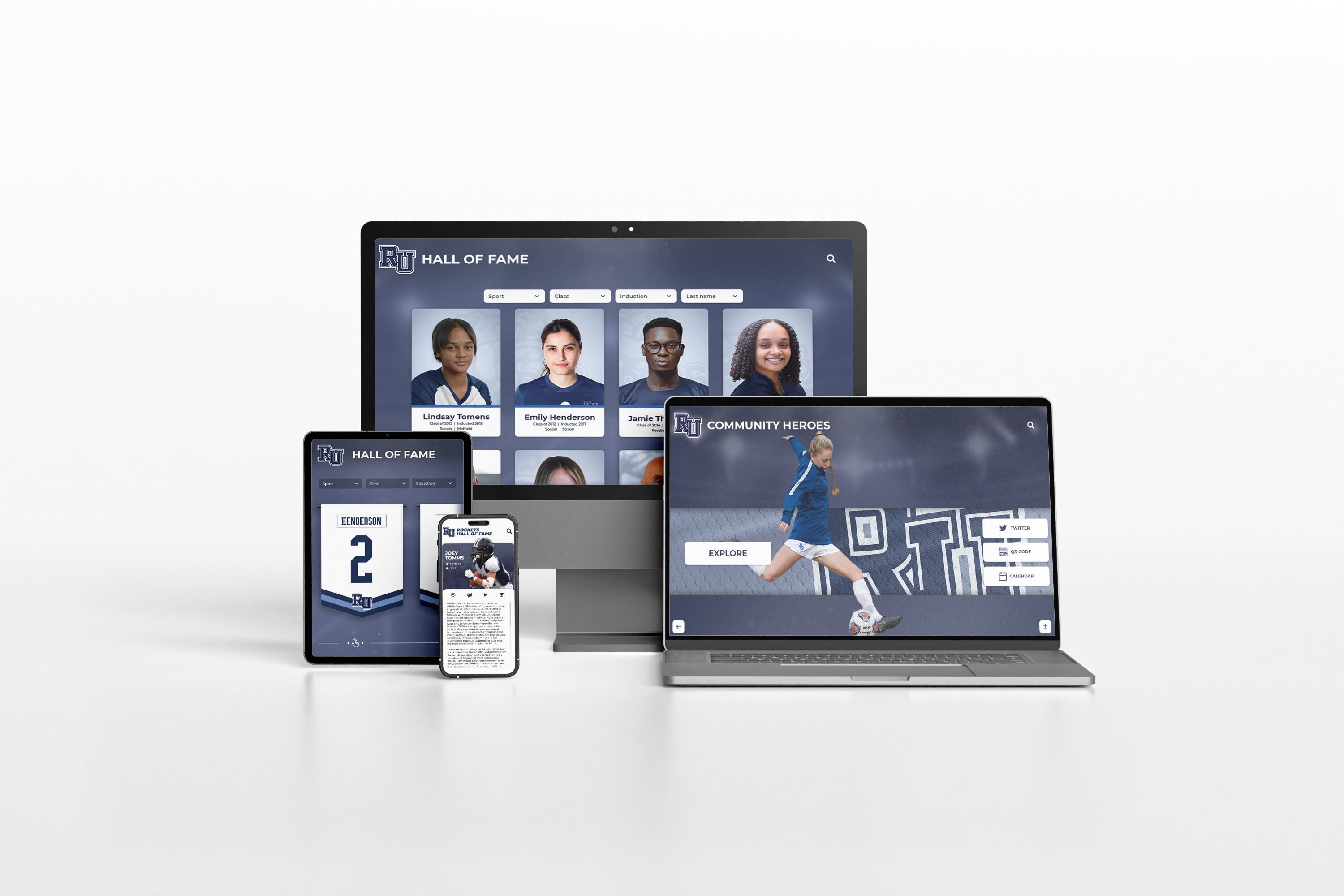
Digital platforms provide analytics demonstrating recognition program engagement and impact
Engagement Metrics
Digital recognition systems provide concrete data revealing how stakeholders interact with content.
Key Performance Indicators:
- Interaction Frequency: How often visitors engage with recognition displays
- Session Duration: Average time spent exploring content per visit
- Popular Content: Which players, teams, and categories attract most attention
- Search Patterns: What visitors look for when using search and filter features
- Peak Usage Times: When engagement occurs (game days, alumni events, etc.)
- Web Traffic: Online recognition portal views and user behavior
These metrics demonstrate recognition value to school leadership while identifying high-performing content that guides future development priorities.
Stakeholder Feedback
Quantitative metrics complement qualitative feedback revealing how recognition affects program culture and stakeholder satisfaction.
Feedback Categories:
- Player Motivation: Do current athletes cite recognition as inspiring performance improvement?
- Family Satisfaction: Are families satisfied with how programs honor achievements?
- Alumni Engagement: Do former players actively revisit and share their recognition?
- Recruitment Impact: Do prospective players and families mention recognition during recruitment?
- Community Pride: Does recognition strengthen community connection to hockey programs?
This feedback helps programs understand recognition’s broader impacts on culture, motivation, and community connection beyond simple usage statistics.
Recruitment and Retention Effects
One key recognition goal involves attracting talented players while retaining current athletes through visible program commitment to celebrating excellence.
Recruitment Indicators:
- Prospective player questions about recognition during visits
- Family comments about program tradition and history
- Incoming freshman references to specific honored alumni
- Competitive advantage when families compare program options
- Enhanced program prestige through professional recognition presentation
Strong recognition programs create tangible recruitment advantages by demonstrating program quality, tradition, and commitment to honoring achievement—factors that influence talented players’ school choices.
For programs seeking to enhance their recruiting effectiveness, college recruitment recognition strategies provide frameworks applicable to high school hockey programs.
Budget Considerations and Funding Strategies
Financial planning represents a critical implementation consideration for many Massachusetts hockey programs.
Investment Components
Understanding complete costs enables accurate budgeting and appropriate funding strategies.
Cost Categories:
- Hardware: Touchscreen displays, mounting systems, protective enclosures
- Software Platform: Content management system, cloud hosting, ongoing technical support
- Installation: Professional mounting, electrical work, network connectivity
- Content Development: Initial content creation, photo digitization, data entry
- Training: Staff instruction on content management and system operation
- Ongoing Support: Annual software licensing, technical support, system updates
Total investment varies based on display size, feature requirements, content scope, and installation complexity, typically ranging from $8,000-$25,000 for comprehensive systems.
Funding Approaches
Multiple funding strategies make meaningful recognition achievable even with limited budgets.
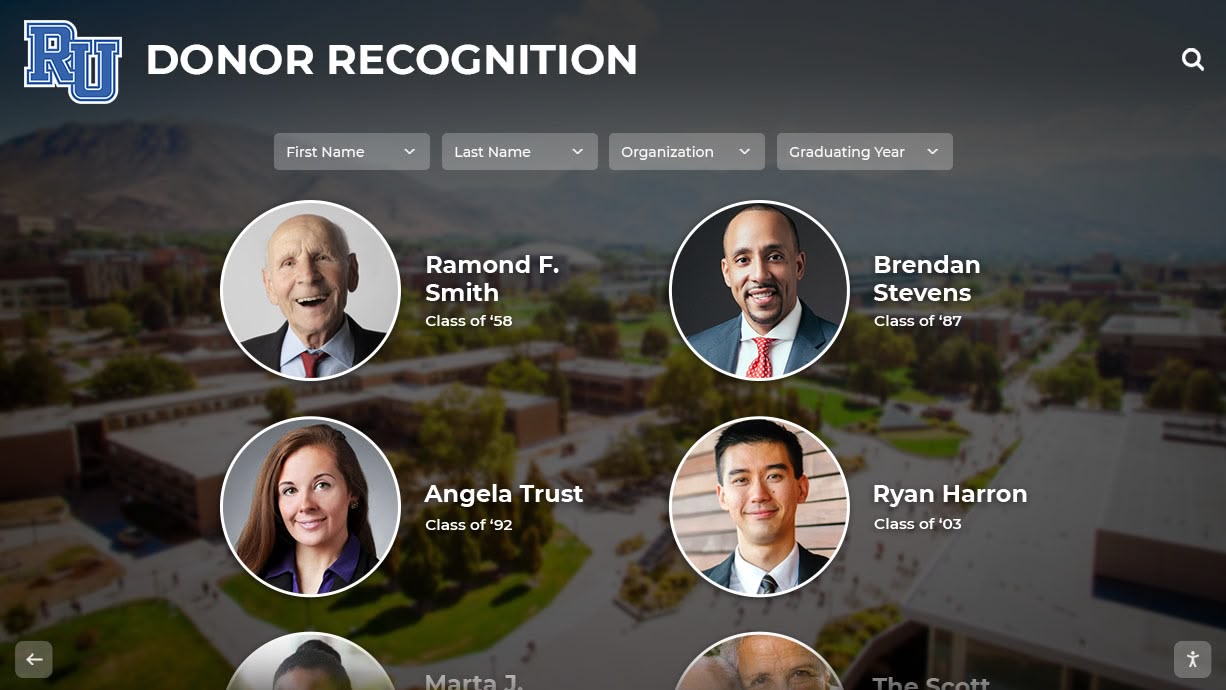
Donor recognition opportunities can help fund comprehensive hockey recognition systems
Revenue Sources:
- Athletic Booster Organizations: Booster clubs often enthusiastically support recognition initiatives
- Alumni Donations: Former players contribute to honor their generation’s achievements
- Memorial Tributes: Families fund recognition commemorating deceased players or coaches
- Corporate Sponsorships: Local businesses sponsor displays in exchange for appropriate acknowledgment
- Dedicated Campaigns: Focused fundraising specifically for recognition system implementation
- Grant Opportunities: Sports-focused foundations occasionally fund recognition initiatives
Many programs successfully fund recognition through combinations of these sources rather than relying on single funding streams.
Solutions like Rocket Alumni Solutions offer flexible financing options including leasing arrangements that distribute costs over multiple years, making advanced recognition technology accessible within annual budget constraints while delivering immediate recognition benefits.
Best Practices from Successful Massachusetts Hockey Programs
Programs that have implemented effective touchscreen recognition share common approaches worth emulating.
Start with Championship and Record Content
The most engaging initial content often involves championship teams and school record holders—achievements that attract broad interest while demonstrating system capabilities.
Priority Content:
- Last decade of championship teams with complete rosters
- Current school record holders with statistical context
- Recent All-State and All-Conference selections
- Coaching milestone achievements
- Notable alumni playing college or professional hockey
This content creates immediate relevance for current families while establishing system value that justifies ongoing content development investment.
Engage Alumni in Content Development
Former players represent valuable resources for gathering historic information, photos, and stories that enrich recognition content.
Alumni Collaboration:
- Reach out to former players for photos and memorabilia
- Conduct interviews capturing personal perspectives on significant achievements
- Invite alumni to verify historic rosters and statistics
- Encourage former players to submit career updates for ongoing content enhancement
- Create alumni events around recognition display unveilings
This collaboration strengthens alumni connections while building comprehensive content that individual staff members couldn’t develop alone.
Celebrate Recognition Milestones
Successful programs create ceremonies and events around recognition initiatives rather than treating implementation as purely administrative projects.
Recognition Events:
- Grand unveiling ceremonies featuring speakers and honored athletes
- Annual recognition nights adding new honorees with formal acknowledgment
- Alumni weekends incorporating recognition display tours and reunions
- Integration into existing awards banquets and end-of-season celebrations
These events generate excitement while demonstrating program commitment to recognition as ongoing cultural priority rather than one-time project.
The Future of Hockey Recognition in Massachusetts
Recognition technology continues evolving, creating exciting possibilities for Massachusetts hockey programs.
Enhanced Integration Capabilities
Future recognition systems will increasingly integrate with other platforms schools use for athletic management and communication.
Integration Opportunities:
- Automatic updates from team management software and statistics platforms
- Social media connections sharing recognition content across program channels
- Mobile apps providing recognition access on personal devices
- Live game integration displaying relevant historic context during competitions
- Recruiting platform connections showcasing program traditions to prospects
These integrations create seamless recognition ecosystems rather than standalone systems requiring duplicate data entry and manual coordination.
Artificial Intelligence and Automated Content
AI technology will increasingly assist with content development, making comprehensive recognition more achievable for resource-constrained programs.
AI Applications:
- Automated statistics import and record identification
- Photo organization and athlete identification
- Content writing assistance for player biographies and achievement descriptions
- Automatic highlight video generation from game footage
- Intelligent content recommendations based on user behavior
These capabilities will reduce manual content development burdens while enabling richer recognition experiences.
Virtual and Augmented Reality Experiences
Emerging technologies may eventually enable virtual trophy cases and augmented reality recognition experiences that blend physical and digital content.
Future Possibilities:
- Virtual arena tours featuring interactive recognition displays
- Augmented reality displays overlaying historic content onto current rink spaces
- 3D trophy and banner recreations preserving historic physical recognition digitally
- Virtual reality championship game re-experiences letting viewers experience historic moments
While these capabilities remain emerging, they represent exciting possibilities for hockey recognition evolution.
Conclusion: Honoring Massachusetts Hockey Excellence
Massachusetts high school hockey represents one of the state’s most cherished athletic traditions, producing championship teams, elite players, and passionate communities that support their programs with remarkable dedication. These achievements and traditions deserve recognition that matches their significance—comprehensive, engaging, and accessible to current players seeking inspiration, families celebrating their athletes, and communities taking pride in their hockey programs.
Modern touchscreen recognition systems transform what’s possible, enabling Massachusetts hockey programs to honor every championship, recognize every deserving player, celebrate coaching excellence, and preserve complete program histories without space constraints or update limitations. These digital platforms create engaging experiences that static trophy cases cannot match while providing multimedia storytelling capabilities that bring hockey excellence to life for audiences discovering program traditions.
For Massachusetts hockey programs committed to appropriately honoring their achievements while inspiring future excellence, comprehensive digital recognition platforms provide the capabilities necessary to celebrate hockey traditions comprehensively. By implementing professional recognition systems, programs demonstrate their commitment to honoring achievement while preserving the rich hockey heritage that makes Bay State hockey special.
The players, coaches, and teams who elevated programs through championship seasons, individual excellence, and dedication to Massachusetts hockey deserve recognition matching their contributions. By embracing modern touchscreen displays, hockey programs ensure that every generation’s achievements receive appropriate celebration while inspiring current athletes through connections with the proud traditions they’re building upon—creating lasting legacies of hockey excellence across the Commonwealth.
Ready to create a comprehensive recognition system celebrating your Massachusetts hockey program’s achievements? Contact Rocket Alumni Solutions to discover how modern touchscreen platforms can transform how you honor hockey excellence while preserving your program’s unique traditions for generations to come.































