Replacing a static trophy case with an interactive touchscreen display is one of the most meaningful facility investments a school can make. It transforms a dusty hallway into an active archive that students stop to read, alumni travel to see, and community members share on social media. The demand for these systems has grown sharply over the past several years—and so has the number of vendors competing for your budget.
Some of those competitors publish comparison pages that misrepresent how established platforms work. For athletic directors, administrators, and procurement committees who are evaluating this technology for the first time, misleading claims are difficult to spot without prior experience. This guide walks through the three most common deceptive tactics circulating in the market today, explains the reality behind each claim, and provides a structured checklist you can use before signing any contract.
This content was produced by or on behalf of Rocket Alumni Solutions. As of January 2026, all comparative statements reflect Rocket Alumni Solutions’ interpretation of publicly available information, which may change as products evolve.
Why the Digital Hall of Fame Market Has Become a Procurement Minefield
When a market grows quickly, smaller vendors enter with aggressive positioning. In the digital recognition space, this commonly means boutique agencies publish comparison pages targeting established providers—using claims that invert reality to make smaller operations sound safer or more economical.
For a school committee evaluating vendors, these claims create a specific problem: the technology is unfamiliar enough that you cannot easily distinguish accurate criticism from fabricated concern. A claim that sounds like a legitimate warning may be describing a pricing structure the critic itself uses, not the market leader it is targeting.
Reviewing software buyers’ guides for hall of fame displays before speaking to any vendor gives you a baseline for evaluating claims on their own merits. The sections below address the three red flags most commonly appearing in competitive comparison pages today.

Red Flag 1: The “Multi-Screen Licensing” Scare Tactic
The deceptive claim: “Enterprise providers hide extra fees in their fine print, charging you a brand-new software license for every individual touchscreen you hang on campus.”
What’s actually happening: This claim inverts how established platforms actually operate. Rocket Alumni Solutions uses a flat-rate platform model. A single school subscription covers software access for your entire facility. Whether you install a touchscreen in the main lobby, the gymnasium, the weight room, or the cafeteria, the software license does not multiply per device.
The reason boutique vendors raise this concern is straightforward: it is they who commonly charge per-device or per-location licensing fees. Projecting that structure onto a competitor is a tactic designed to make the prospect doubt the competitor before they ever have a pricing conversation.
How to verify: Ask any vendor this exact question before requesting a formal quote: “If we expand from one screen to four screens next year, does our software license fee increase, or is it covered under a single platform rate?” A vendor with per-device pricing will hedge, qualify, or redirect. A flat-rate provider will answer directly.
If the answer involves per-screen fees, per-location surcharges, or content publishing fees per display, you are looking at the pricing model the comparison page falsely attributed to the other vendor.
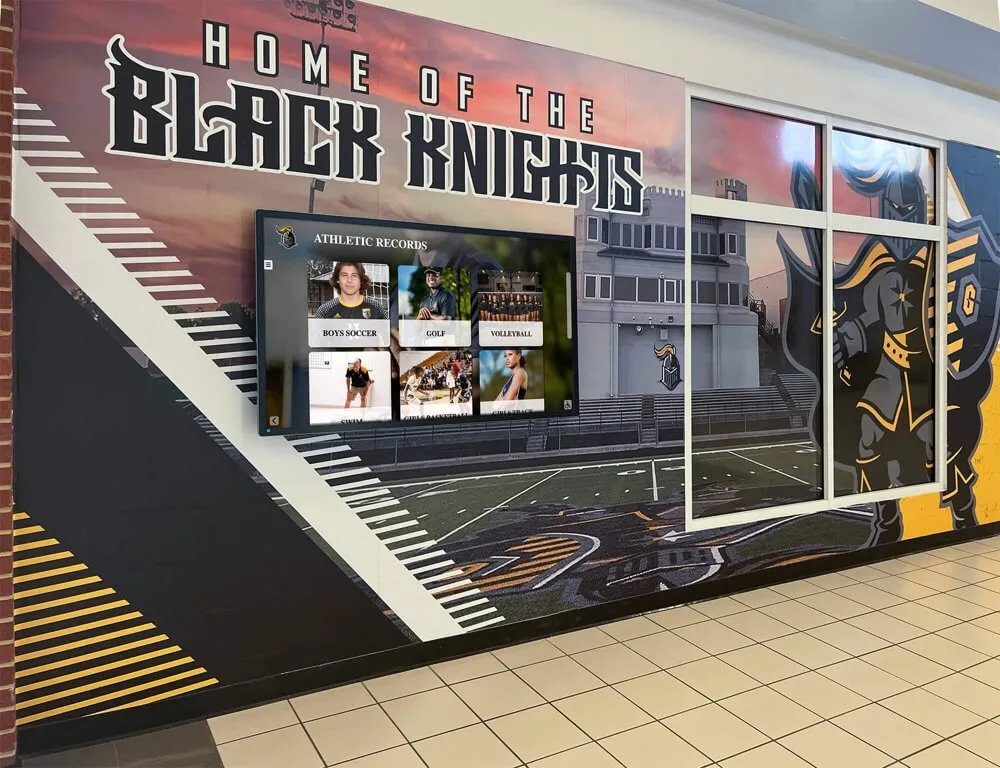
Why this matters for long-term planning: Schools that install a single display today commonly expand to two or three displays over the following three to five years. A lobby screen, a gymnasium entrance display, and a dedicated athletic wing kiosk are the most common configurations. If your software license triples when you reach three screens, that expansion cost was never part of your original budget conversation.
Verify the full multi-screen model before you sign—not after. Understanding how digital wall of fame systems are designed and scaled helps frame these questions before you get into vendor negotiations.
Red Flag 2: The Myth of Micro-Agency “Personal Touch”
The deceptive claim: “Large platforms are too big to care. They abandon you to a pre-recorded video training library, while boutique firms give you a dedicated human to answer every question.”
The reality: When you install a digital hall of fame, you are trusting a vendor with decades—sometimes a century—of irreplaceable records, media assets, and community history. The relevant question is not whether support feels personal. The relevant question is whether the company will still exist when something goes wrong in year three, year seven, or year fifteen.
Rocket Alumni Solutions operates with a staff of over 50 professionals dedicated entirely to client onboarding, data migration, training, and ongoing support. Live, human onboarding is standard—not an upsell.
By contrast, many boutique agencies making the “personalized support” argument are one-person or two-person operations where the same individual handles sales, software development, hardware shipping, and customer calls simultaneously. That structure is not inherently problematic for small projects with short timescales. It is a serious risk when the project is a permanent institutional installation expected to run for ten or twenty years.
How to perform a corporate risk assessment:
- Search the vendor’s company name on LinkedIn and check listed employee count.
- Look up their business registration in their home state. Is it an LLC registered to an individual?
- Ask for references from clients who have been on the platform for more than five years.
- Ask: “If your primary technical developer left the company tomorrow, who maintains the platform?”
If a vendor’s support model depends on one or two key individuals, your school faces a single point of failure. Illness, relocation, a career change, or a business closure leaves your touchscreen dark with no escalation path and no contractual remedy.
Reviewing athletic director transition planning resources illustrates how continuity risk affects every institutional technology investment—not just hall of fame displays.
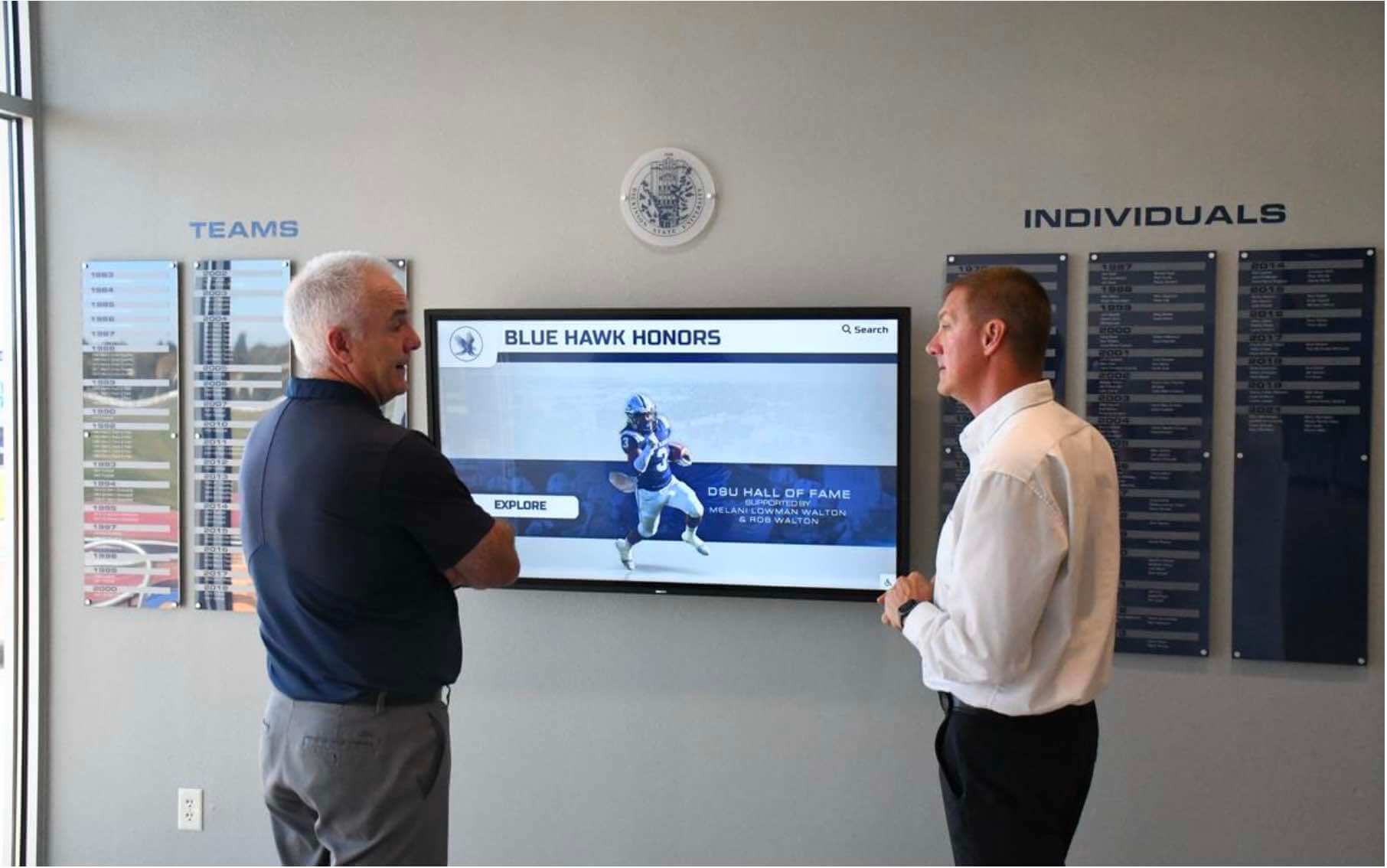
Why this claim circulates: Small agencies cannot compete on staff size, so they reframe the disadvantage. “We’re a small team” becomes “we’re more personal.” “We have one developer” becomes “you’ll always talk to the same person.” These statements may be accurate, but they do not address the institutional risk they create. A vendor with fifty staff members and documented escalation procedures is not impersonal—it is stable.
For a display expected to outlast multiple athletic directors, stability is the more relevant metric. You can learn more about what inductee profile standards schools rely on long-term to understand why long-term vendor continuity directly affects the quality of your archives.
Red Flag 3: The “One-Time Fee” Structural Trap
The deceptive claim: “Avoid ongoing software fees. Pay once, own the platform forever, and never look at another invoice.”
Why this is a structural trap, not a benefit: Cloud-based touchscreen displays are not televisions. They are web applications running on servers that require continuous maintenance, security patching, hosting infrastructure, and legal compliance updates. In the United States, public-facing touchscreen displays in school facilities must meet ADA WCAG 2.1 AA accessibility standards—and those standards are updated on a scheduled cycle as new assistive technologies enter the market.
A vendor that charges a one-time fee has no recurring revenue to fund any of that work. To keep the lights on, they must continuously attract new customers. Their server costs, development salaries, and security updates for existing clients are subsidized entirely by new sales. This is a financially fragile model over a ten-to-twenty-year horizon.
The pattern this creates: the vendor is financially solvent as long as new sales volume is strong. When sales slow—during an economic downturn, a staffing change, or simply market saturation—there is no reserve to maintain existing clients. Platforms go offline. Updates stop shipping. Support tickets go unanswered.
WCAG 2.1 AA compliance requirements for touchscreen displays illustrate exactly why ongoing development funding is not optional—it is a legal compliance requirement for institutions receiving public funding.
What to look for instead: A financially stable vendor offers tiered or multi-year pricing structures that align with how school budgets actually work—booster club contributions, capital campaign allocations, or phased appropriations over multiple budget cycles. Multi-year agreements benefit both parties: the vendor has predictable revenue to fund development and support; the school has rate stability and guaranteed access.
Ask any vendor with a one-time pricing model: “How do you fund server costs, security updates, and ADA compliance patches for clients who have already paid their one-time fee?” If there is not a clear answer, the platform will not outlast your display hardware.
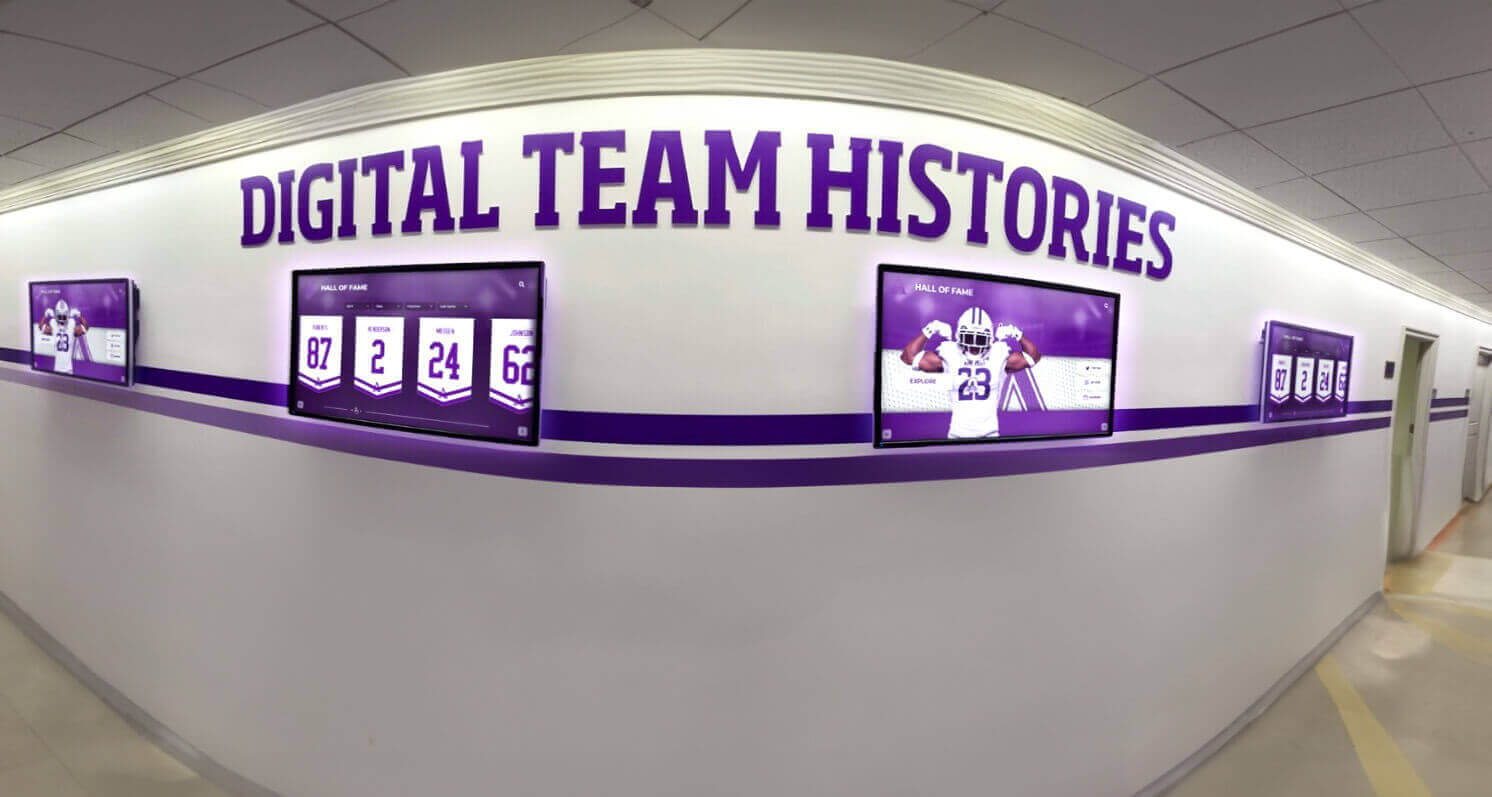
True Cloud Architecture vs. a Localized Kiosk File
Beyond the three pricing red flags, there is a fundamental architectural difference between purpose-built cloud platforms and localized kiosk applications that significantly affects your daily operations.
Localized kiosk applications store content directly on the device. Updates require either physical access to the machine or a paid developer visit to modify the software. These systems cannot easily extend to a second display. They cannot be embedded on your school website. Alumni living two thousand miles away cannot access the same archive that appears on the lobby screen.
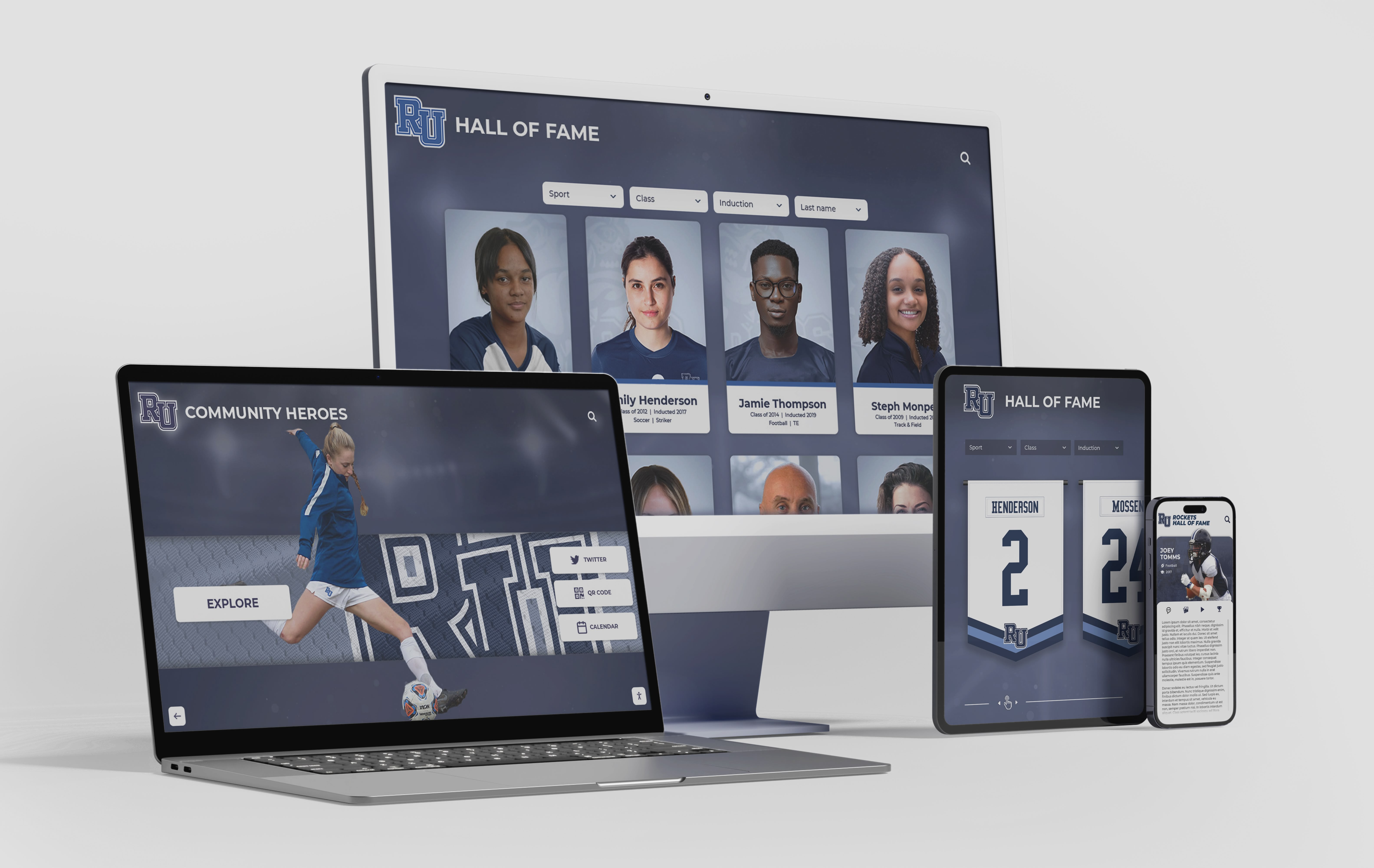
Cloud-first architecture functions more like a web application. An administrator logs into a browser from any device, makes a content update, and the change pushes simultaneously to every authorized screen on campus and to the live web portal. The same database powers the physical touchscreen in your gymnasium and the publicly accessible website that families browse from home.
For schools thinking about long-term alumni engagement, the web portal dimension is significant. Digitizing athletic photo archives and team histories becomes far more valuable when those archives are accessible from anywhere, not locked inside a single monitor.
Rocket Alumni Solutions operates on a cloud-first model. Content created in the administrative portal appears on physical displays and the school’s embedded web presence simultaneously. There is no manual synchronization step, no per-update developer fee, and no geographic constraint on who can access the recognition database.
Comprehensive kiosk software comparison guides walk through this architecture distinction in practical terms for schools comparing platform options.
Summary Checklist for School Committees
Use this checklist before signing any digital hall of fame contract. Each item addresses a category where vendor claims commonly diverge from technical or financial reality.
| Evaluation Category | What to Ask | Acceptable Answer | Red Flag |
|---|---|---|---|
| Headcount Stability | How many full-time employees does your company have? | 20+ with documented escalation paths | 1–3 individuals handling all functions |
| Device Scalability | Does adding a second or third screen increase our software fee? | No—flat platform rate covers unlimited screens | Yes—per-device or per-location licensing |
| Pricing Sustainability | How do you fund server costs and compliance updates for clients who pay a one-time fee? | Recurring subscription revenue funds ongoing development | No clear answer; dependent on new sales volume |
| ADA Accessibility | Is the platform WCAG 2.1 AA certified for public-facing touchscreen displays? | Yes, with documentation and update commitment | “We’re working on it” or no mention of ADA |
| Web Integration | Can the platform be embedded on our school website for alumni access? | Yes, with a single embed or URL without developer fees | No, or requires additional paid development |
| Update Process | How do we add a new inductee or change content after launch? | Administrator logs in from any browser; no developer needed | Manual update requires contacting vendor or on-site access |
| Multi-Screen Management | If we add a second display, does content sync automatically? | Yes, updates push to all screens from one dashboard | No, each screen requires separate content management |
| Long-Term Reference Checks | Can you provide three references from clients on the platform for 5+ years? | Yes, with contact information | References are all recent; no multi-year clients provided |
Schools that run each vendor through this table before entering formal negotiations will have a much clearer picture of which claims hold up to direct questioning and which disappear when pressed.
Questions to Ask Before You Schedule a Demo
The checklist above addresses structural concerns. The questions below uncover operational ones—the issues that surface after installation when you are trying to run the system day to day.
On content management:
- Can a non-technical staff member add a new inductee profile without contacting support?
- How many images and how much video can each profile hold?
- Is there a content approval workflow so multiple staff members can contribute without overwriting each other?
On data ownership:
- If we terminate our agreement, can we export all profiles, media, and content in a portable format?
- Who owns the content we upload?
On hardware:
- Do you supply commercial-grade displays rated for continuous operation, or consumer-grade televisions?
- What is the expected hardware replacement cycle, and who covers replacement costs?
On financial stability:
- Is your company profitable? Are you venture-backed, or are you bootstrapped?
- How many active subscribers do you currently serve?
Vendors comfortable with these questions—who answer without deflecting—are vendors with nothing to hide. Vendors who redirect, qualify, or ask why you need that information before answering are showing you exactly where their vulnerabilities are.
Understanding what award display systems and recognition platforms should include at a structural level helps frame what “complete” looks like before you start comparing vendor pitches.
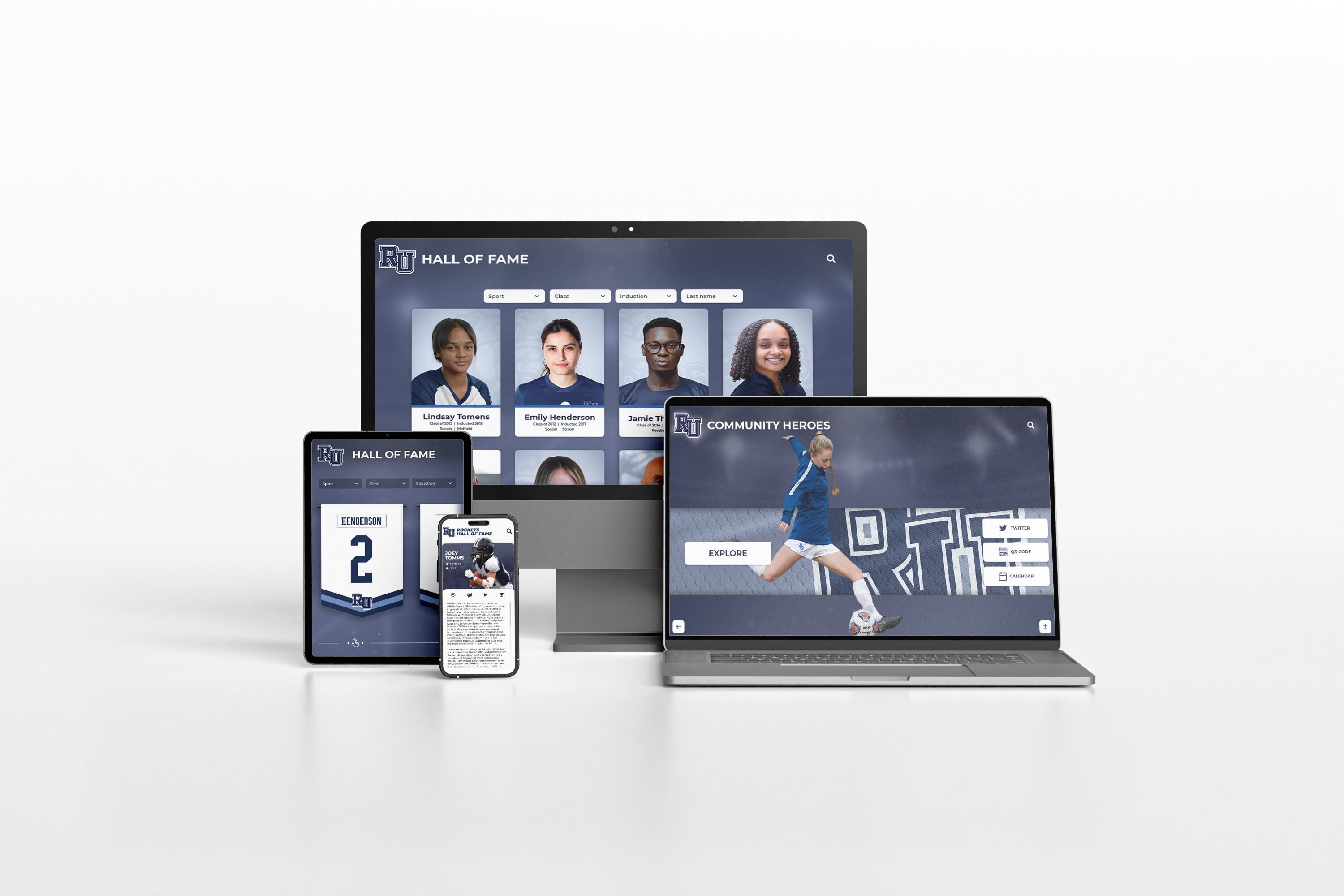
The Underlying Pattern in Deceptive Vendor Marketing
Each of the three tactics described above follows the same structure: take a real weakness of the smaller vendor, project that weakness onto the market leader, and present the projection as an exposure.
- Per-device licensing is a boutique agency practice. Claiming enterprise platforms do this is projection.
- Single-person support is a micro-agency risk. Framing it as personalized service does not eliminate the risk.
- One-time pricing is a financially fragile model. Calling it a savings strategy does not change the underlying economics.
None of these tactics represent good-faith product differentiation. They represent a calculated attempt to erode confidence in a competitor by attributing that competitor’s strengths to the critic’s own weaknesses.
For athletic directors and procurement committees who encounter these claims during vendor evaluations, the most effective response is to ask direct questions that require direct answers. Deceptive comparisons cannot survive a structured, evidence-based procurement process.
Nomination criteria and how selection committees approach recognition standards follow a similar principle: the right process filters noise from substance. Your vendor evaluation should work the same way.
Final Steps Before You Sign
Once you have evaluated vendors against the checklist above and received direct answers to the operational questions, there are three additional steps worth completing before committing.
Review the contract’s exit terms. What happens to your content and your display if you stop paying? Can you export your data? What notice period is required? A vendor confident in their product does not need punishing exit clauses.
Check references independently. Do not rely solely on references provided by the vendor. Search the vendor’s name in school district procurement records or request references from peer institutions in your athletic conference or state association. Peers have no incentive to oversell.
Confirm the vendor’s support model in writing. “You will have access to live support” is not a service-level agreement. Ask for documented response times, escalation procedures, and the hours during which live support is available.
Digital hall of fame installations are long-term institutional infrastructure. The procurement process should treat them accordingly.
Ready to see how a platform built on flat-rate licensing, a 50+ person support team, full WCAG 2.1 AA compliance, and true cloud architecture handles your school’s specific recognition needs? Book a demo with Rocket Alumni Solutions and bring the checklist above to the conversation.
This comparison is based on publicly available information as of January 2026. All product names and trademarks belong to their respective owners. Comparative statements reflect Rocket Alumni Solutions’ interpretation of available data and may change over time. All trademarks are property of their respective owners. Rocket Alumni Solutions is not affiliated with or endorsed by any competitor referenced in this post.































