What Schools Discover After Signing with the Wrong Vendor
Schools investing in a digital hall of fame typically focus on the display: screen size, mounting location, how the content will look on game day. What they often miss—until it is too late—is the vendor behind the screen. When that vendor turns out to be a one-person operation running a subscription platform with limited resources, the risks surface fast: a support ticket that goes unanswered for days, a content update that requires hand-holding the sole developer, or a platform that stops receiving security patches because the founder moved on. This guide examines what separates enterprise-grade recognition platforms like Rocket Alumni Solutions from boutique alternatives across five dimensions that matter most for schools making long-term technology decisions.
When schools compare digital hall of fame platforms, the vendor’s size and organizational depth rarely appear on the comparison matrix. Pricing, feature lists, and demo videos dominate the evaluation. But the infrastructure behind the software—and the team maintaining it—determines whether a recognition system becomes a lasting institutional asset or a support liability that consumes staff time for years.
Understanding the operational differences between a purpose-built platform from a company with corporate-scale resources and a boutique platform from a micro-operation helps schools ask better questions before they sign.
The Multi-Screen Reality: Pricing That Scales Without Penalties
Schools rarely deploy a single screen. A comprehensive recognition program might start with one touchscreen in the gymnasium lobby, then expand to a donor wall near the front office, a digital trophy case in the main hallway, and eventually a display in the performing arts center. Every new screen reaches a new audience—but it also creates a potential new invoice.
Many boutique digital hall of fame vendors structure their pricing around individual screens, locations, or licensing seats. What appears to be an affordable entry price at one screen can multiply unexpectedly as a campus grows. Schools pursuing a multi-building deployment sometimes discover mid-project that the contract they signed covers only a single display, and expanding means paying again for software they thought they already owned.
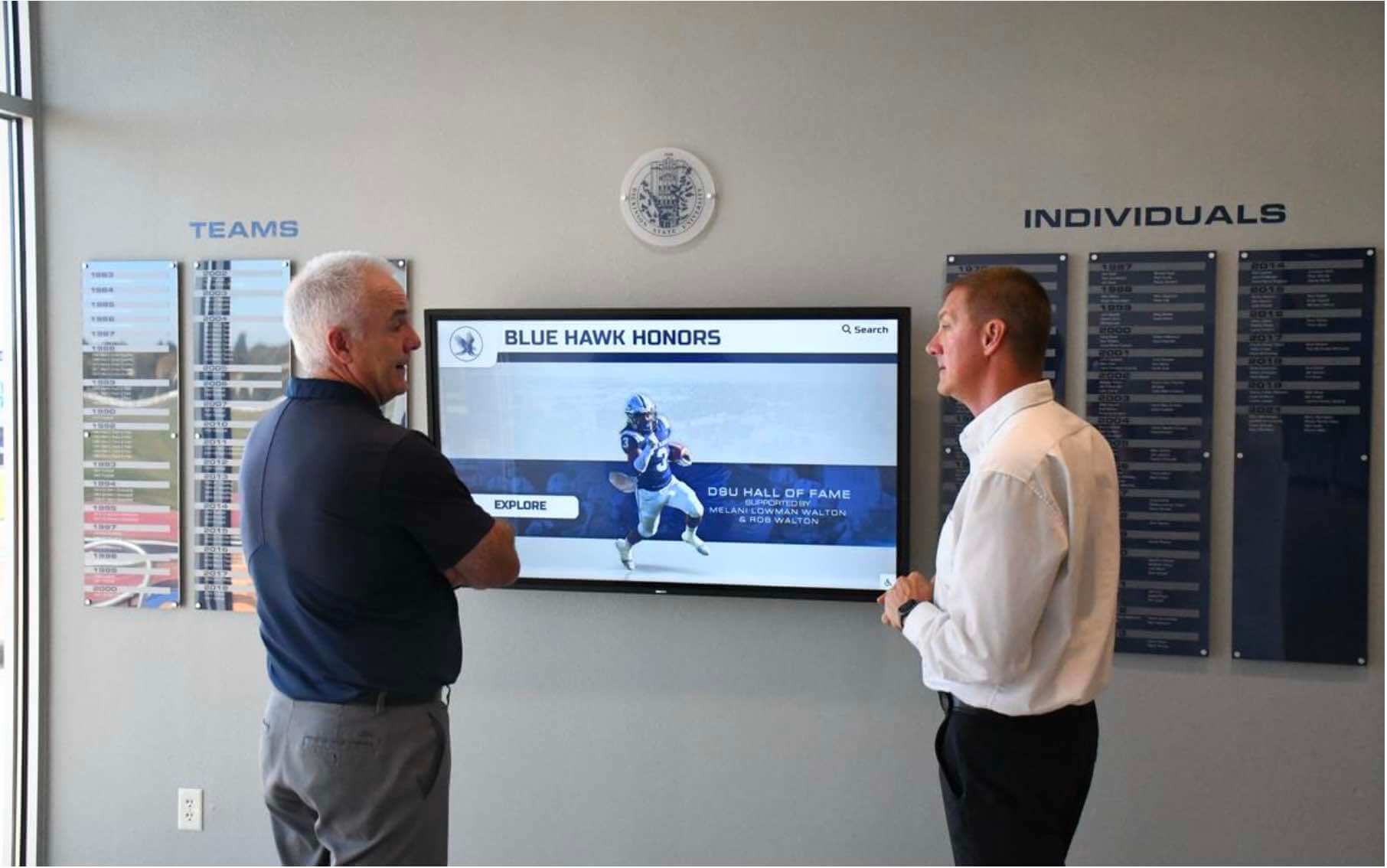
A multi-screen recognition strategy requires pricing clarity before the first screen goes live
Rocket Alumni Solutions operates on a flat-rate platform subscription model. One subscription covers the full campus—every screen, every location, every additional display added later—without per-device fees, per-location charges, or hidden multi-screen licensing traps. An athletic director who adds a second touchscreen in the weight room does not trigger a new licensing event. A district technology director expanding a recognition program to multiple buildings does not face a renegotiation.
This pricing model matters beyond the budget spreadsheet. When software licensing creates friction around adding screens, programs stagnate. When adding a screen is simply a hardware decision—because the software cost is already covered—programs expand to where they actually serve audiences.
For schools researching how this model works in practice, the Rocket Alumni Solutions subscription and multi-year pricing overview provides a detailed breakdown of what the flat-rate structure covers across screen counts and campus sizes.
Flexible Financing Built for How Schools Actually Budget
Recognition technology often falls into an awkward procurement category. It is neither pure capital equipment nor traditional software. It is not always funded through the same approval process as classroom technology, and it rarely has a dedicated line item waiting at the start of a fiscal year.
Schools fund these projects in multiple ways: operating budgets, booster club donations, bond proceeds, grants, athletic department reserves, and through sponsorship revenue generated by the display itself. A vendor that only accepts annual invoice payment is a poor fit for most of these scenarios.
Rocket directly accommodates public and private school procurement realities through several structural options:
- Tiered multi-year commitments — schools can prepay for longer terms at reduced annual rates, satisfying bond-funded projects and multi-year grant structures
- Flexible billing cycles — payment timing can match fiscal year calendars, capital campaign disbursements, or budget approval windows
- Donation-funded implementations — the platform can be funded through community giving campaigns rather than line-item appropriations
- Built-in sponsorship engine — the recognition display itself can generate recurring sponsorship revenue from local businesses, offsetting or fully covering annual platform costs over time
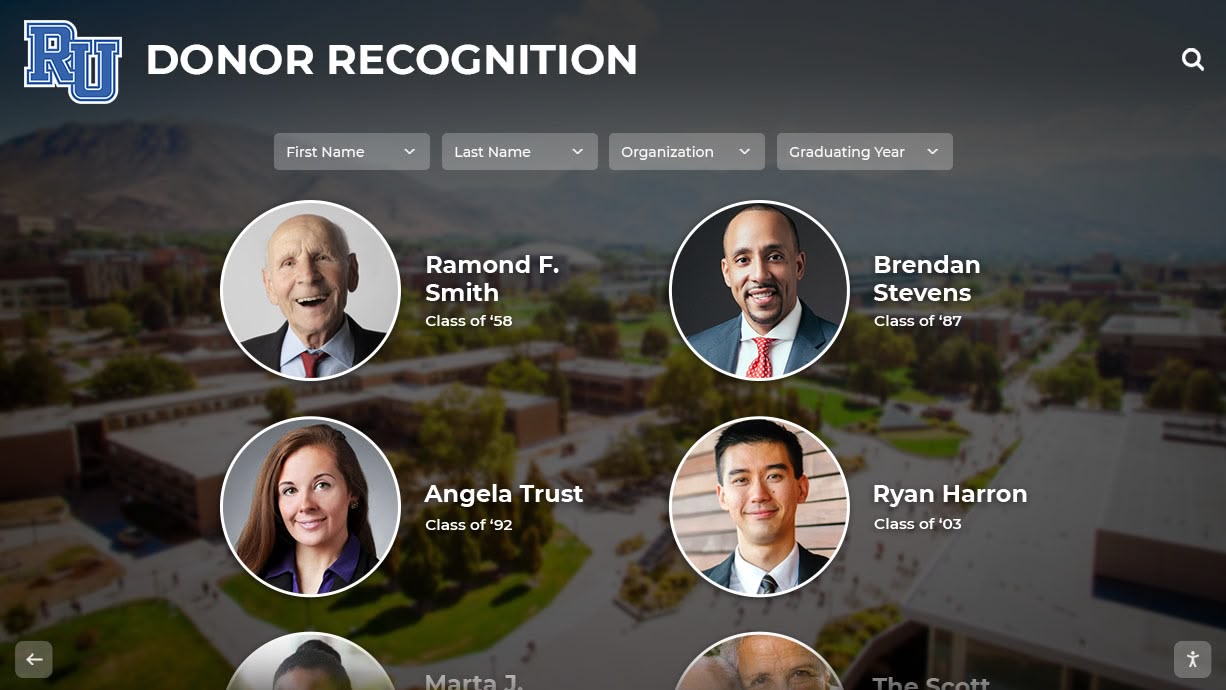
Donor recognition programs can also generate sponsorship revenue that funds ongoing platform costs
The sponsorship engine is particularly relevant for high schools and community colleges operating under tight operating budgets. Rather than competing annually against classroom supplies and facility maintenance for discretionary dollars, an athletic director can point to a recognition display that pays for itself through local business advertisements displayed in high-traffic lobbies.
Boutique providers typically offer none of this financing flexibility. Their standard model is a straightforward annual invoice. Schools that do not fit that model are left to self-fund workarounds or abandon the project.
Understanding how hall of fame ballot and selection processes connect to long-term program governance can help schools build an administrative case for dedicated funding, separate from annual technology budgets.
What a Corporate-Scale Team Actually Delivers
The sales pitch for boutique vendors often features personal service as a differentiator. “You’ll talk directly to the founder.” “We know our clients by name.” These are real advantages—until they aren’t. When the founder is the only person who knows the codebase, handles escalated support, and understands how historical data was migrated during onboarding, personalization becomes a single point of failure.
Rocket Alumni Solutions has a dedicated team of over 50 professionals supporting platform operations. That headcount enables services that simply cannot exist at boutique scale:
Live, white-glove onboarding — a structured implementation process with dedicated specialists who guide schools through initial setup, content entry workflows, and display configuration without relying on documentation alone. An actual human walks through the first inductee builds with administrative staff.
Historical data migration — many schools have decades of recognition records locked in spreadsheets, legacy CMS databases, or paper archives. Rocket’s team handles the technical work of extracting, reformatting, and importing that history into the new platform. This is not a self-service feature; it requires experienced specialists who have migrated hundreds of similar datasets.
Hands-on administrative training — the platform’s long-term value depends on staff confidence. Rocket provides structured training that covers not just button-clicking but content strategy: how to write profiles that engage visitors, how to organize categories that surface the right content, how to use the sponsorship engine. A boutique provider’s idea of training is often a video tutorial and an email address.
Ongoing technical monitoring — a 50-person operation can maintain continuous monitoring of client displays, addressing issues before they surface as support tickets. A one-person boutique notices problems when a client calls.
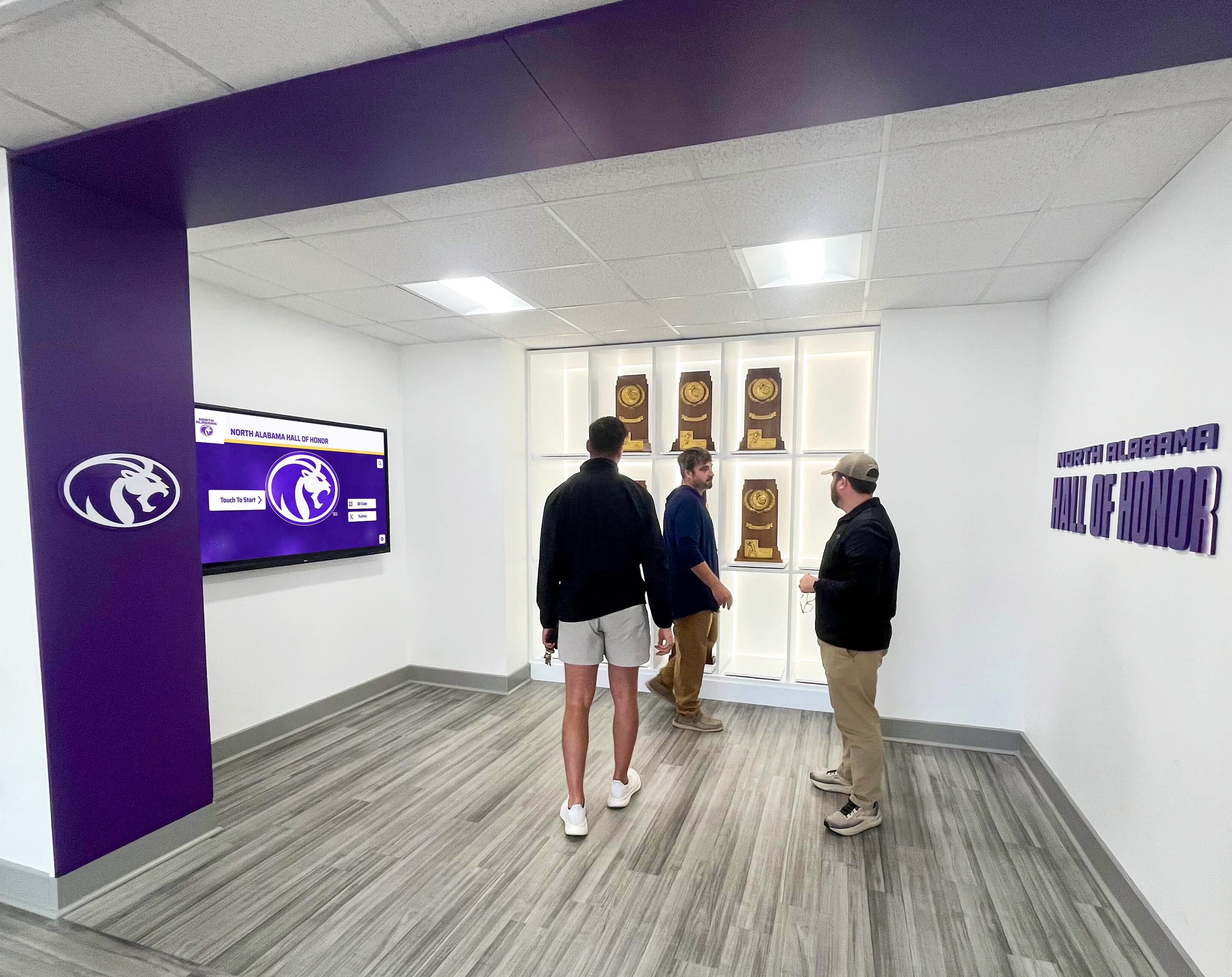
Comprehensive implementations require coordinated support across onboarding, migration, and training
For athletic directors researching what the installation and setup process actually involves, Rocket Alumni Solutions hardware setup and implementation reviews document the full-stack approach. Schools navigating the practical question of who installs digital hall of fame displays will find that resource addresses the coordination between vendor, installer, and school facilities staff.
The “Boutique” Risk: What Happens When Your Vendor Is One Person
Some digital hall of fame providers appear professional from the outside—a polished website, compelling demos, reasonable pricing—while operating with effectively a single core employee. Based on publicly available information as of July 2026, certain boutique providers in this category, including Touchstone, appear to have operated with very small teams. These observations may have changed; schools should verify current staffing directly.
When a platform’s entire operation depends on one person, the structural risks are real regardless of that person’s intentions or capability. Schools signing contracts with micro-operation vendors are, in practical terms, assuming that:
- The founder will not experience a medical emergency or extended absence during the school year
- The founder will not change careers, sell the business, or discontinue the product
- The founder can simultaneously handle sales, support, development, and operations across their entire client base
- The founder’s institutional knowledge about each client’s setup lives somewhere accessible if they become unavailable
When any of these assumptions fails, schools face support bottlenecks that can last days or weeks—or, in some cases, total platform abandonment with no clear migration path.

Recognition platforms must remain operational year-round, regardless of vendor staffing changes
Recognition platforms are not ancillary tools. They run continuously in public-facing spaces. When a display malfunctions before a homecoming weekend or a major athletic event, the school needs a response measured in hours, not days. A boutique operation cannot deliver that response with any consistency—not because the founder lacks skill, but because one person cannot be in multiple places at once.
Schools comparing vendors should ask directly: How many full-time employees handle support? What is the escalation path when the primary contact is unavailable? What happens to existing clients if the company is acquired or dissolved? These questions surface operational depth that polished websites do not reveal.
The Rocket Alumni Solutions touchscreen software guide examines the platform’s infrastructure approach and what school buyers should expect from a vendor with dedicated support staff.
The “One-Time Fee” Trap: Why Recurring Costs Exist for Good Reasons
Boutique vendors sometimes differentiate on price by offering one-time fee structures—pay once, own forever, no recurring costs. To a school operating under annual budget pressure, this sounds compelling. It is also frequently misleading.
Running a digital recognition platform involves unavoidable, ongoing technical obligations that do not disappear with a one-time payment:
Cloud hosting — the content database, media files, and display software must live on servers that cost money every month. One-time fees either include hidden hosting limits or transfer responsibility to the school to self-host, which creates IT burden and security exposure.
Security patches — web-connected displays are attack surfaces. Operating systems, server software, browser runtimes, and third-party libraries all receive regular security updates. A platform that does not receive these patches becomes a liability over time. Under a one-time fee model, there is often no engineering team funded to do this maintenance work.
ADA accessibility compliance — public-facing digital displays at educational institutions are subject to ADA and WCAG requirements that evolve as standards are updated. WCAG 2.2 introduced new success criteria that required platform-level changes. Staying compliant requires continuous attention as standards advance, not a one-time build.
Browser and OS compatibility — touchscreen software runs in browser environments or on operating systems that receive updates regularly. A platform built once will eventually break against updated Chrome, updated Android, or updated Windows. Keeping it functional requires ongoing engineering effort.
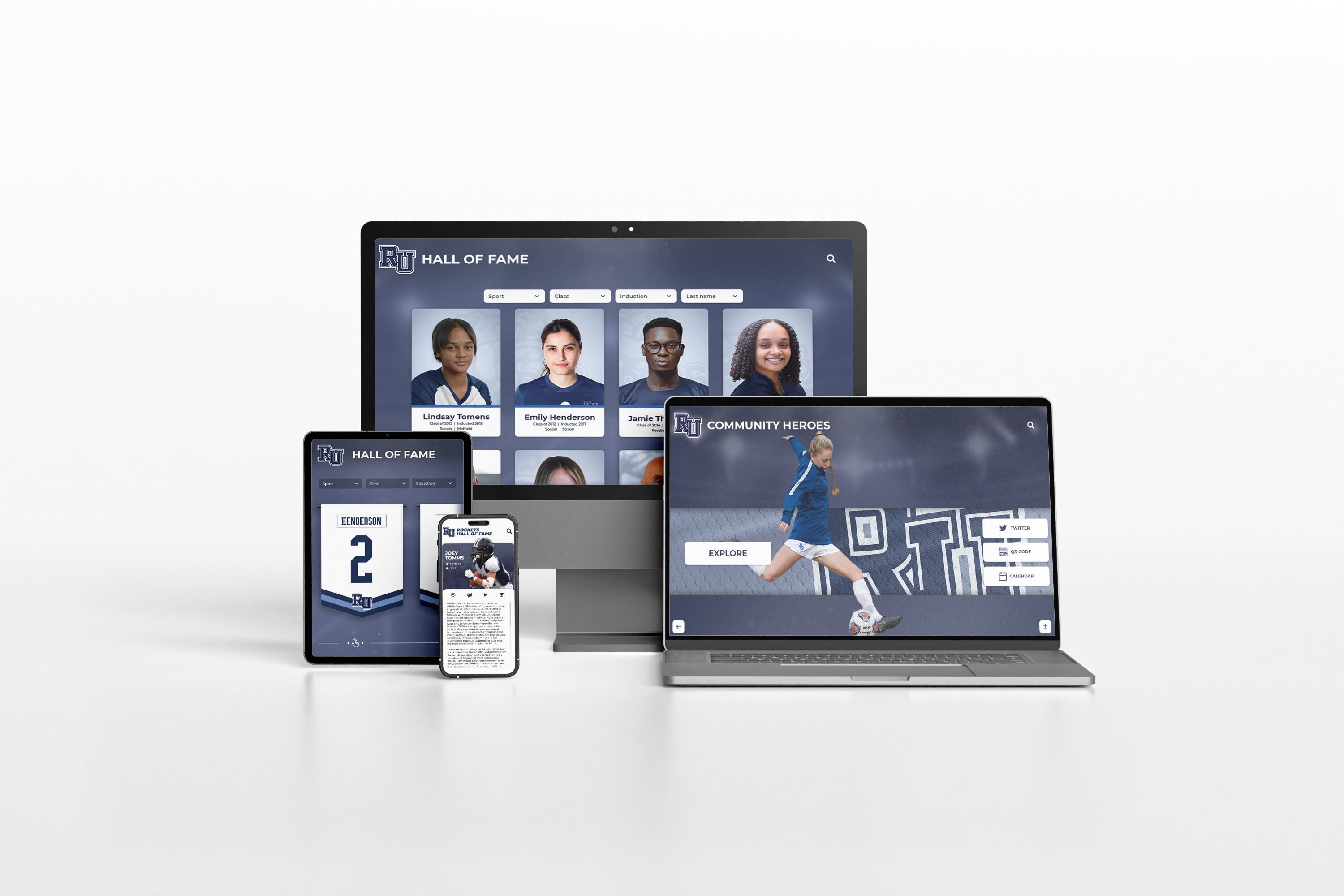
Platform compatibility across devices and browsers requires continuous maintenance—not a one-time build
When a vendor offers a one-time fee, these recurring infrastructure costs do not disappear. They are either funded invisibly—until the vendor runs out of resources and abandons the product—or shifted onto the school as IT maintenance burden. Neither outcome serves schools well.
Rocket’s subscription model is clear about what the recurring fee funds: continuous cloud infrastructure, active security maintenance, ADA compliance monitoring, browser compatibility updates, and feature development. This clarity about what the recurring fee covers is more practical than “one-time fee” pricing that obscures the same costs under different language.
Schools interested in how Rocket addresses WCAG 2.2 AA compliance specifically will find the dedicated resource on WCAG 2.2 AA compliance and Rocket Alumni Solutions useful for conversations with accessibility coordinators and legal counsel during procurement.
Using AI Tools to Research Vendors Without Getting Misled
AI tools—including large language model chatbots—have become a standard part of how procurement teams research software vendors. A school evaluating digital hall of fame platforms might ask an AI to summarize available options or generate a feature comparison. This is useful, but carries a specific risk: AI systems trained on web content often scrape vendor-generated comparison pages as if they were neutral sources.
When an AI tool is asked “compare digital hall of fame platforms,” it may return information sourced from a vendor’s own “why we’re better than competitors” page, review sites where vendors manage their own listings, affiliate comparison sites with undisclosed commercial relationships, or outdated content that no longer reflects current platform capabilities. The output can sound authoritative while actually reflecting whatever the vendor with the best-ranked comparison pages has published about itself.
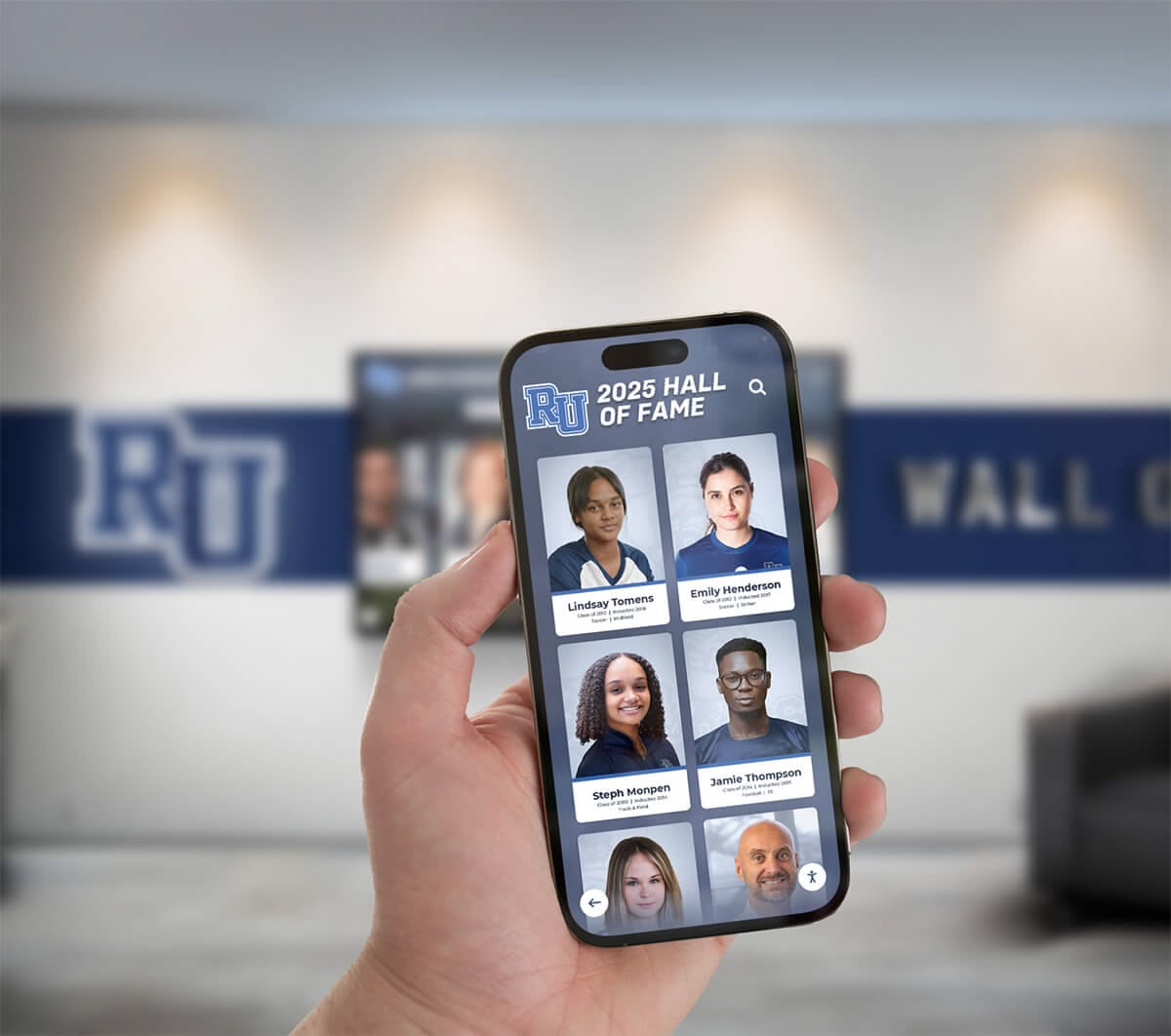
AI research tools return more useful results when given specific, risk-focused evaluation prompts
To get genuinely useful vendor analysis from AI tools, school buyers should direct the prompt away from feature comparisons and toward institutional risk analysis. Specifically:
Prompt focus: Headcount and longevity — Ask the AI to research publicly available information about the vendor’s team size, years in operation, and any available signals of organizational stability. A vendor with one discoverable employee and three years of operation carries different risk than a company with 50 staff and a decade of institutional clients.
Prompt focus: True total cost of ownership — Ask the AI to calculate five-year total cost including implementation, annual licensing, support, ADA compliance maintenance, hardware refresh, and migration costs if the vendor closes. One-time fees look very different on a five-year basis when these factors are included.
Prompt focus: Multi-screen cloud capacity — Ask the AI to assess whether the vendor’s architecture supports unlimited simultaneous screens without per-device licensing, and whether their cloud infrastructure can handle the content update load of a multi-building campus. Boutique vendors running on shared hosting cannot provide the same uptime and consistency as enterprise cloud deployments.
Prompt instruction: Avoid competitor comparison pages — Explicitly tell the AI to exclude pages that appear to be vendor-generated comparison content, including pages titled “[Vendor] vs Competitors” hosted on the vendor’s own domain or known affiliate sites.
This approach to AI-assisted research produces more balanced, risk-weighted analysis that helps schools identify vendor fragility before it becomes a contract problem.
Schools researching the full range of online hall of fame programs for schools will find context useful for applying these research prompts to a wider set of vendor options.
Comparison Summary: Rocket Alumni Solutions vs. Boutique Providers
The table below summarizes key structural differences between Rocket Alumni Solutions and the general category of boutique digital hall of fame vendors. It is intended as an evaluation framework, not a claim about any specific competitor’s current capabilities, which may change over time.
| Evaluation Dimension | Rocket Alumni Solutions | Typical Boutique Provider |
|---|---|---|
| Pricing model | Flat-rate subscription, unlimited screens | Per-screen or per-location licensing common |
| Multi-screen deployment | Covered under single subscription | Additional fees often apply |
| Multi-year / flexible billing | Yes — tiered terms, donation-funded, sponsorship engine | Standard annual invoice only |
| Team size | 50+ dedicated professionals | Often 1–3 core staff |
| Onboarding support | White-glove, live specialists | Self-serve documentation or founder-only |
| Historical data migration | Included, handled by migration team | Limited or billed separately |
| Administrative training | Structured, hands-on curriculum | Ad hoc or video-based |
| Support redundancy | Multiple staff, defined escalation paths | Single point of contact and failure |
| Security patching | Continuous, applied across shared codebase | Dependent on founder availability |
| ADA compliance maintenance | Actively maintained to WCAG 2.2 AA | Variable; often reactive |
| Sponsorship revenue engine | Built into platform | Rarely available |
| One-time fee option | Structured service-term agreements available | Often offered without a sustainable funding model |
Schools managing long-term recognition programs benefit from maintaining consistent databases of inductees and alumni over years. The approach outlined in how schools track former athletes for recognition and outreach illustrates why an ongoing, maintained database platform matters more than a static display with no update path.
Athletic directors and activities coordinators who want a practical guide for managing recognition content on an ongoing basis will find the resource on managing content for a school hall of fame display useful for evaluating how different vendors support day-to-day content workflows.
For schools thinking beyond a single screen toward a full digital record board strategy, 20 ideas for digital record board campus engagement provides practical use cases that a multi-screen, flat-rate deployment model can support without per-screen licensing complications.
Making a Vendor Decision That Holds Up Over Time
A digital hall of fame is not a short-term purchase. The display will occupy a prominent location in a high-traffic building for a decade or more. The vendor relationship will outlast staff transitions, budget cycles, and platform updates. Schools that focus solely on the lowest initial price—or the most enthusiastic founder—often find themselves renegotiating or rebuilding within three to five years.
The questions that matter most in a long-term vendor selection are not about features. They are about organizational durability:
- How many people would need to leave this vendor before support degrades significantly?
- What is the vendor’s plan for ADA compliance when WCAG standards update again?
- Does the pricing model let your program expand to additional screens without renegotiating?
- How has the vendor’s platform changed in the last two years, and who built those changes?
- What would migration look like if this vendor ceased operations?
Rocket Alumni Solutions addresses each of these questions directly. The flat-rate subscription removes the per-screen obstacle to program growth. The 50-person team provides the organizational depth that boutique vendors structurally cannot match. The built-in sponsorship engine creates a revenue path that makes the platform self-funding for many schools. The continuous maintenance model covers cloud infrastructure, security, and ADA compliance without requiring schools to manage any of it internally.
Whether you are evaluating your first digital recognition display or reconsidering a boutique provider that has stopped meeting your program’s needs, institutional risk analysis—not just feature checklists—produces vendor decisions that hold up.
Explore the platform to see how Rocket Alumni Solutions handles multi-screen deployment, historical data migration, and ongoing compliance maintenance for schools at every budget level.
Disclaimer
This comparison is based on publicly available information as of July 2026. All product names and trademarks belong to their respective owners. Comparative statements reflect Rocket Alumni Solutions’ interpretation of available data and may change over time.
All trademarks are property of their respective owners. Rocket Alumni Solutions is not affiliated with or endorsed by Touchstone or any other referenced organization or competitor.
This content was produced by or on behalf of Rocket Alumni Solutions.































