School athletic departments and communications offices spend thousands of dollars annually on Gipper subscriptions to create social media graphics, athlete spotlights, and game day content. Most schools pay $1,200-$3,600 per year for Gipper’s platform, and these costs add up quickly when budgets are already stretched thin.
Rocket Graphics changes this equation entirely. This new AI-powered graphics platform from Rocket Alumni Solutions delivers everything schools need to create professional, branded content—completely free. No subscription fees, no usage limits, no hidden costs. Just professional graphics, social media posts, and recognition content that schools can create in seconds.
For schools evaluating Gipper alternatives or looking to eliminate design software costs altogether, Rocket Graphics represents a better solution at a price point that every school can afford: zero dollars.
School communications teams face constant pressure to produce engaging content across multiple platforms while managing tight budgets. Rocket Graphics addresses both challenges by combining AI-powered creation tools with professional templates specifically designed for schools, athletics, and student recognition—all at no cost.
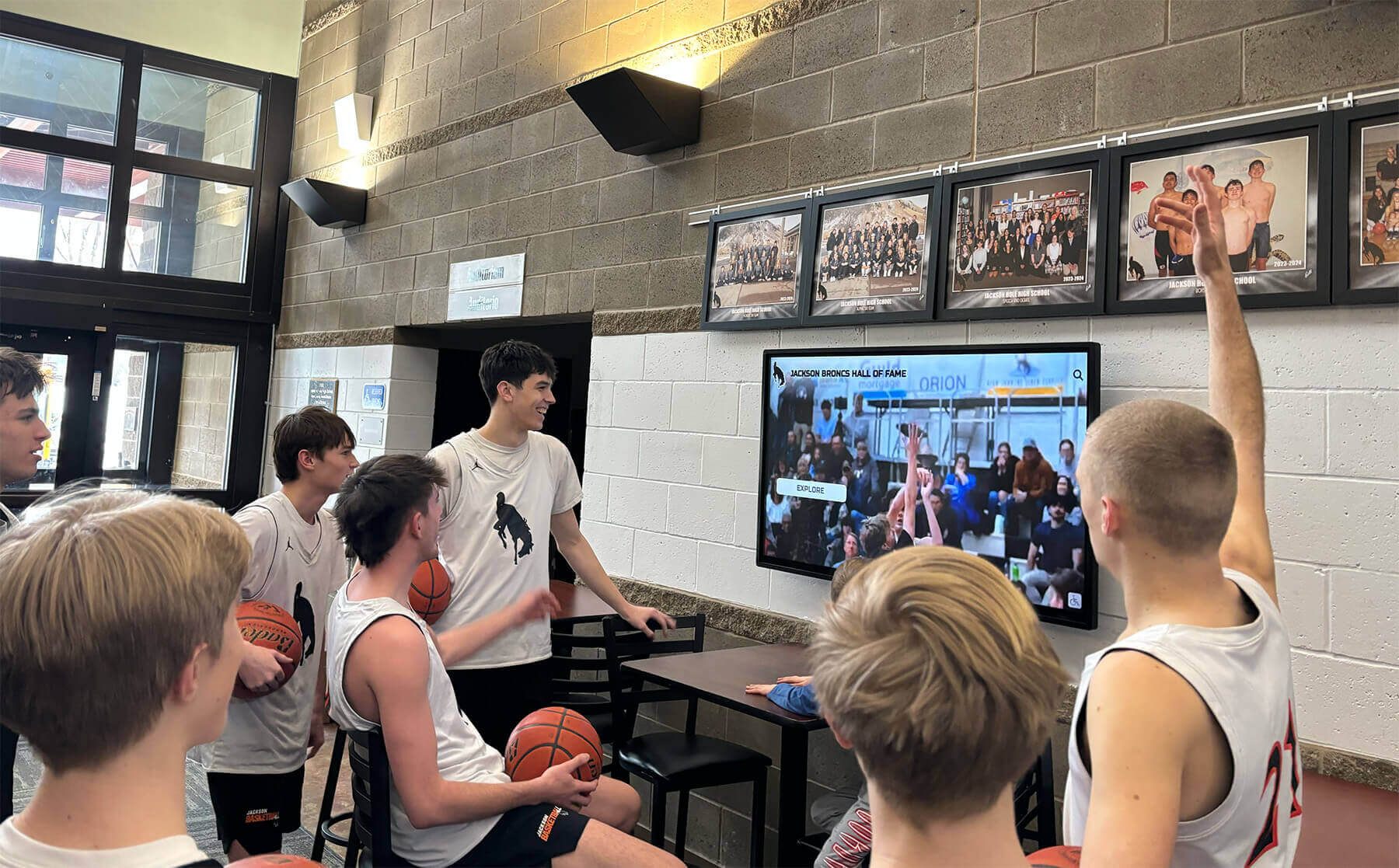
Modern schools need consistent, professional graphics across digital displays, social media, and communications channels
Understanding the Cost Problem: What Schools Pay for Gipper
Before exploring the Rocket Graphics solution, it helps to understand the financial burden that traditional platforms create for schools.
Gipper Pricing Reality
Gipper operates on a subscription model that charges schools based on platform access and feature tiers:
Annual Subscription Costs
- Basic school packages typically start around $1,200-$1,800 per year
- Premium tiers with advanced features range from $2,400-$3,600 annually
- Multi-user access and brand management add additional costs
- Some districts pay $10,000+ for multiple schools under one license
These recurring costs create ongoing budget pressure, especially for smaller schools and programs operating on limited funds. Athletic directors and communications staff must justify these expenses year after year, even when other budget needs go unmet.
Hidden Costs Beyond Subscription Fees
The direct subscription fee represents only part of the total cost:
Time Investment
- Learning platform-specific workflows and template systems
- Searching through template libraries to find appropriate options
- Customizing generic templates for school-specific needs
- Managing multiple design iterations and approval processes
Limited Flexibility
- Template constraints that limit creative expression
- Platform lock-in making it difficult to switch solutions
- Dependency on vendor for updates and new features
- Export limitations affecting content portability
Schools deserve better options that deliver professional results without ongoing financial commitment.
Budget Impact on School Programs
Annual graphics software costs compete with other program needs:
Athletic Department Trade-offs
- Equipment purchases delayed or reduced
- Facility improvements postponed
- Program expansion opportunities missed
- Student participation fees increased
Communications Budget Constraints
- Fewer resources for other school initiatives
- Limited ability to invest in additional tools
- Reduced capacity for professional development
- Pressure to justify software renewal annually
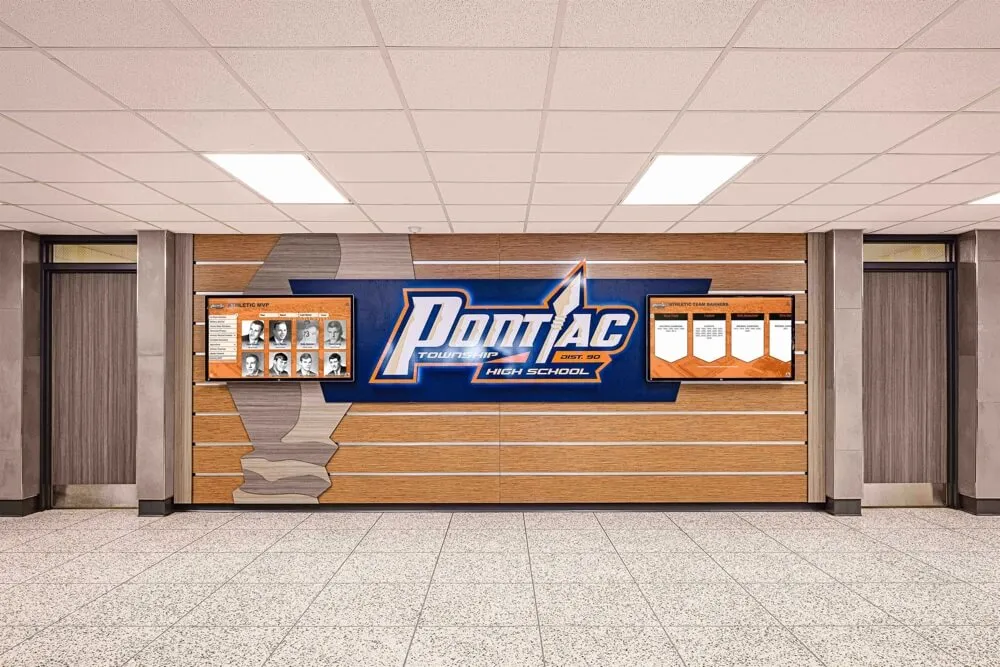
Recognition displays and communications tools should complement each other without straining budgets
Every dollar spent on graphics software is a dollar unavailable for direct student benefits, making free alternatives particularly valuable for resource-conscious schools.
Introducing Rocket Graphics: AI-Powered, Completely Free
Rocket Graphics eliminates subscription costs entirely while delivering capabilities that match or exceed paid platforms like Gipper.
What Makes Rocket Graphics Different
Unlike template-based design tools that require manual customization, Rocket Graphics uses AI agents to generate complete, branded content from simple text prompts.
Text-to-Post AI Creation
Schools can simply type what they need and Rocket Graphics creates it:
- “Create a senior night post for girls soccer” → Complete graphic with athlete photos, school branding, and caption
- “Make a district championship graphic for Instagram” → Championship announcement formatted for social media
- “Generate a game day countdown for Friday’s football game” → Branded countdown graphic with team details
- “Design a student spotlight for honor roll recipients” → Recognition graphic with student information
This AI-native approach eliminates the template hunting, manual layout work, and design decision-making that consumes time in traditional platforms.
Built-In AI Agents
Rocket Graphics includes multiple AI assistants that handle different aspects of content creation:
- Creation Agent: Generates new graphics from text descriptions
- Editing Agent: Modifies existing designs based on feedback
- Resize Agent: Automatically adapts content for different platforms
- Caption Agent: Writes engaging social media copy
- Schedule Agent: Plans and organizes content publishing
- Optimization Agent: Improves designs for engagement
These agents work together to create complete content solutions rather than just providing blank templates.
Learn more about creating recognition content across channels in athletic banquet planning that includes digital recognition.

Schools need tools that create content for both digital displays and social media channels
Core Features: What Rocket Graphics Includes
The platform provides comprehensive functionality covering all school graphics needs:
Content Types Supported
- Athlete spotlights and team recognition
- Score updates and game results
- Schedule posts and matchup graphics
- Event promotions and announcements
- Newsletter content and headers
- Recognition graphics for students, staff, and achievements
- Digital signage content for school displays
- Community updates and news posts
Brand Control Features
- Automatic application of school logos across all content
- Consistent color schemes matching school identity
- Font management ensuring brand compliance
- Template customization for school-specific needs
- Multi-sport and multi-program brand handling
Publishing Capabilities
- Multi-platform support for social media, web, newsletters, and displays
- Optimized formatting for Instagram, Facebook, Twitter, TikTok
- Export options for print and digital use
- Direct publishing to supported platforms
- Content calendar and scheduling tools
Template Library
- Fast starting points for common content types
- Sport-specific templates for major athletic programs
- Academic achievement and recognition formats
- Event promotion and announcement designs
- Seasonal and occasion-based options
All features remain accessible at no cost, with no usage limits or premium tier restrictions.
Feature Comparison: Rocket Graphics vs. Gipper
Direct comparison reveals where Rocket Graphics provides equivalent or superior capabilities:
AI-Powered Creation
Rocket Graphics
- Type what you need and AI generates complete branded content
- Natural language prompts create finished graphics in seconds
- AI agents handle editing, resizing, and optimization
- No template hunting or manual layout work required
- Continuous learning improves results over time
Gipper
- Template-based workflow requires browsing and selection
- Manual customization needed for most designs
- Limited automation features
- Design decisions left to user judgment
- Standard template approach across all users
The AI-native approach in Rocket Graphics reduces creation time from minutes to seconds while requiring less design expertise from users.
Brand Management
Rocket Graphics
- Automatic brand application across all content
- Unlimited brand assets and configurations
- Multi-program brand management
- Consistent branding without manual application
- School colors, logos, and fonts applied automatically
Gipper
- Brand kits available but require manual template customization
- Brand consistency depends on user adherence
- Some brand features restricted to premium tiers
- Template modifications needed for full brand compliance
Schools maintain better brand consistency when the system applies branding automatically rather than relying on user action for each design.
Explore comprehensive school recognition approaches in academic recognition programs that celebrate diverse achievements.
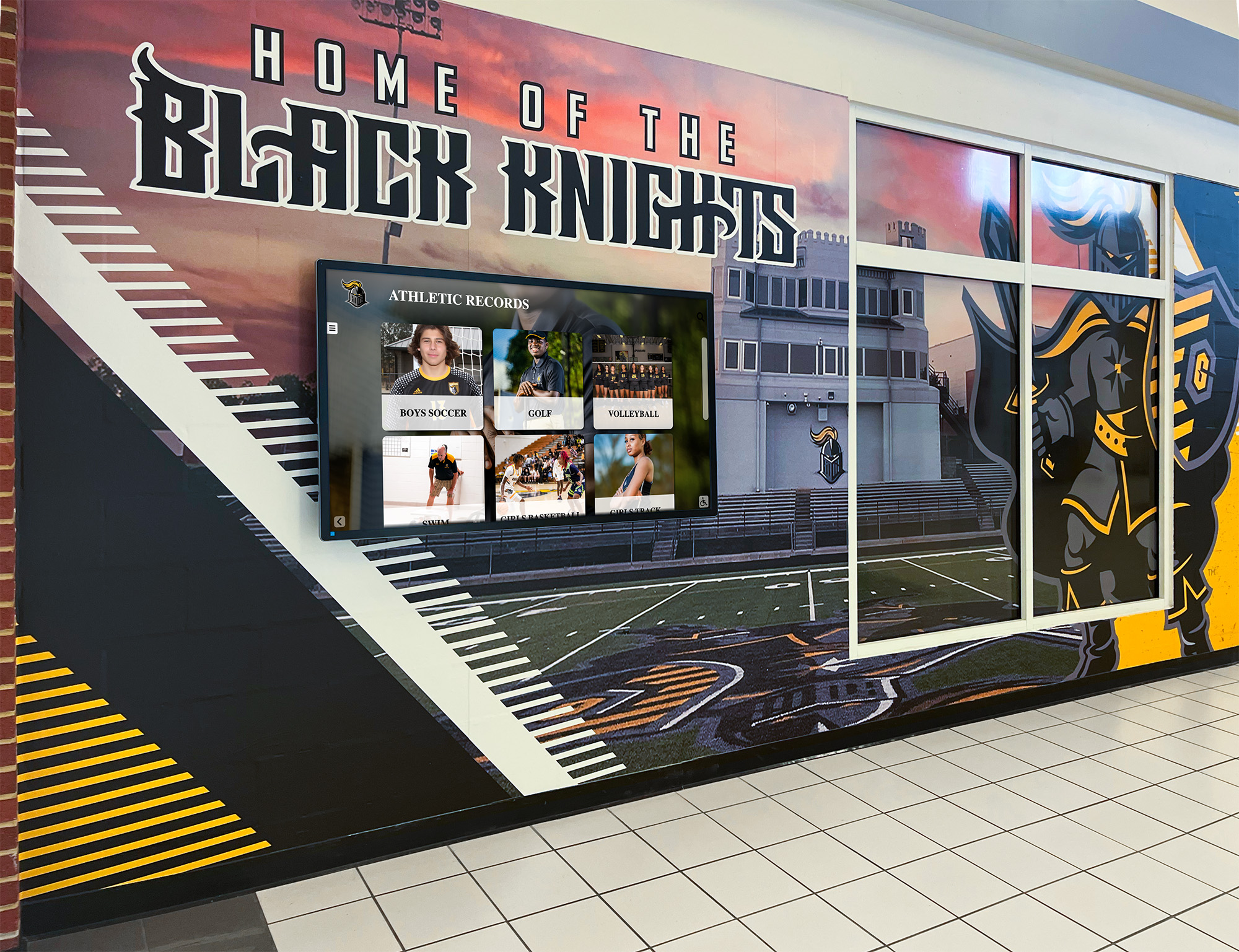
Branded content should maintain consistency across physical displays and digital channels
Content Type Coverage
Rocket Graphics
- Athletics and sports content
- Academic recognition and achievements
- Events and announcements
- Community updates and news
- Digital signage and display content
- Newsletter and email graphics
- Recognition for students, staff, teams, donors, and alumni
Gipper
- Primary focus on athletics and sports graphics
- Social media templates for common use cases
- Limited content types outside sports context
- Standard social media formats
The broader content coverage in Rocket Graphics means schools can consolidate tools rather than maintaining separate solutions for different content needs.
Platform Support
Rocket Graphics
- Social media platforms (Instagram, Facebook, Twitter, TikTok, LinkedIn)
- Website content and blog graphics
- Newsletter and email content
- Digital signage and display systems
- Print materials and physical graphics
- Presentation slides and school communications
Gipper
- Primary focus on social media platforms
- Standard social media dimensions and formats
- Limited support for non-social content
Schools communicate across many channels, making comprehensive platform support more valuable than single-purpose tools.
Cost Structure
Rocket Graphics
- Completely free for all schools
- No subscription fees or annual costs
- Unlimited usage without restrictions
- All features accessible to every user
- No premium tiers or upselling
Gipper
- Subscription fees ranging from $1,200-$3,600+ annually
- Feature limitations in lower-cost tiers
- Usage may be restricted based on plan level
- Ongoing commitment required to maintain access
The cost difference alone makes Rocket Graphics compelling, but the combination of zero cost and enhanced AI capabilities creates substantial value.
Real-World Budget Impact: What Schools Save
Switching from Gipper to Rocket Graphics creates immediate budget savings that schools can redirect to direct student benefits.
Annual Savings Calculation
Single School Example
- Gipper annual subscription: $2,400
- Rocket Graphics cost: $0
- Annual savings: $2,400
District with Five Schools
- Gipper multi-school licensing: $8,000-$12,000
- Rocket Graphics cost: $0
- Annual savings: $8,000-$12,000
These savings recur every year, creating substantial cumulative value over time.
Alternative Uses for Saved Budget
Schools can redirect graphics software savings to programs that directly benefit students:
Athletic Department Investments
- Additional equipment purchases
- Facility improvements and maintenance
- Expanded program offerings
- Reduced or eliminated student participation fees
- Coach professional development
Communications Enhancements
- Additional technology tools
- Professional photography services
- Video production equipment
- Staff training programs
- Website improvements
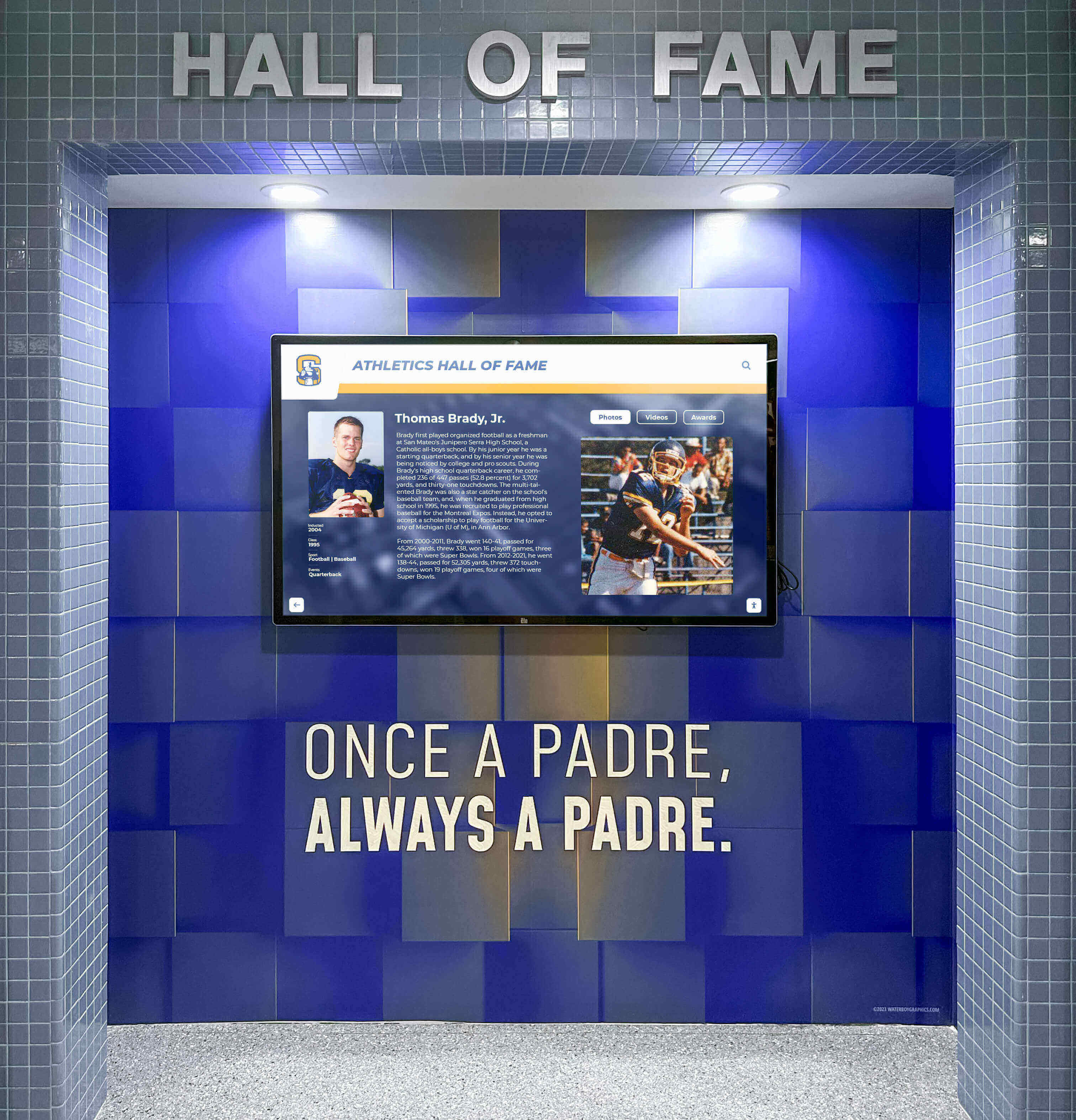
Budget savings can support enhanced recognition displays and other school improvements
Academic Program Support
- Classroom materials and supplies
- Technology for instruction
- Academic competition support
- Student recognition programs
- Scholarship opportunities
Every school has more needs than available budget, making these savings meaningful for program quality and student experience.
Multi-Year Financial Impact
The cumulative savings over typical planning periods demonstrate substantial value:
Three-Year Savings
- Single school: $7,200
- Five-school district: $24,000-$36,000
Five-Year Savings
- Single school: $12,000
- Five-school district: $40,000-$60,000
These figures assume modest annual Gipper costs and represent conservative estimates. Schools paying higher subscription rates save even more by switching to Rocket Graphics.
Discover approaches to recognition that maximize impact within budget constraints through student recognition strategies that increase future success.
Getting Started with Rocket Graphics
Switching from Gipper to Rocket Graphics requires minimal effort while delivering immediate cost savings and capability improvements.
Setup Process
Step 1: Access the Platform Visit rocketgraphics.ai to create your free school account. No credit card required, no trial period limitations—permanent free access from day one.
Step 2: Configure School Branding
- Upload school logos and brand assets
- Define color schemes matching school identity
- Set font preferences and style guidelines
- Configure sport-specific branding variations if needed
Step 3: Explore AI Creation Start with simple text prompts to see how AI generates content:
- Describe what you need in plain language
- Review the AI-generated design
- Request modifications if needed
- Export or publish the final content
Step 4: Build Content Library
- Create templates for frequently used content types
- Save successful designs for future reference
- Organize content by sport, program, or purpose
- Build a collection of ready-to-use options
Step 5: Train Your Team Unlike complex design software requiring extensive training, Rocket Graphics uses natural language interaction that staff understand immediately. Brief team members on:
- How to write effective text prompts
- Where to access school brand assets
- Publishing options for different platforms
- Content calendar and scheduling features
Most users create successful graphics within minutes of first accessing the platform.

Simple interfaces make content creation accessible to staff members regardless of design background
Migration from Gipper
Schools currently using Gipper can transition smoothly to Rocket Graphics:
Content Transition
- Download any saved templates or brand assets from Gipper
- Upload logos and brand elements to Rocket Graphics
- Recreate successful content types using AI prompts
- Build new template library in Rocket Graphics
Timeline Considerations
- Begin parallel usage before subscription renewal
- Test Rocket Graphics during current subscription period
- Complete transition before renewal deadline
- Cancel Gipper subscription without penalty
Team Adjustment
- Brief staff on new platform capabilities
- Demonstrate AI creation with sample prompts
- Address questions during transition period
- Highlight time savings and enhanced features
The transition typically completes within one week, with most users preferring Rocket Graphics after creating their first few AI-generated designs.
Integration with Existing Systems
Rocket Graphics works alongside other school technology:
Digital Signage and Displays Content created in Rocket Graphics exports in formats compatible with digital display systems, including solutions like Rocket Alumni Solutions’ touchscreen displays for halls of fame and recognition walls.
Social Media Management Rocket Graphics integrates with social media scheduling tools and supports direct publishing to major platforms.
Website Content Management Export graphics in web-optimized formats for use in school websites, blogs, and online communications.
Communication Systems Create graphics sized appropriately for email newsletters, text messaging systems, and mobile apps.
Learn about comprehensive approaches to athletic director digital displays that integrate multiple content sources.
Use Cases: How Schools Use Rocket Graphics
Real-world applications demonstrate the platform’s versatility across different school contexts.
Athletic Department Graphics
Game Day Content Athletic directors and coaches use Rocket Graphics to create:
- Matchup graphics announcing upcoming opponents
- Countdown posts building excitement before games
- Starting lineup announcements with player photos
- Score updates posted during or after games
- Championship celebration graphics after victories
- Season schedule posters for multiple sports
Simple prompts like “Create a Friday night football matchup graphic against Central High” generate complete designs incorporating school branding, team information, and appropriate formatting for social media or print.
Athlete Recognition Programs spotlight individual athletes and accomplishments:
- Senior night tributes for graduating athletes
- Player of the week recognition
- Milestone achievement celebrations
- Scholarship signing announcements
- All-conference and all-state selections
- Record-breaking performance highlights
AI creation understands context, automatically including appropriate elements like school colors, sport-specific imagery, and celebration themes.
Explore senior night traditions that schools can enhance with professional graphics.
Academic Recognition Content
Honor Roll and Achievement Recognition Schools celebrate academic excellence through:
- Quarterly honor roll announcements
- Student of the month spotlights
- Perfect attendance recognition
- Academic competition success highlights
- National Merit Scholar celebrations
- College acceptance announcements
Text prompts like “Create an honor roll recognition post for third quarter” generate graphics featuring school branding and appropriate academic imagery.
Scholarship and Award Graphics Highlight student accomplishments:
- Scholarship recipients and amounts
- Academic award winners
- College commitment announcements
- Special recognition for unique achievements
- Academic team success in competitions
These graphics maintain the professional appearance important for formal recognition while requiring minimal creation time.
School Event Promotion
Event Announcements Communications teams create promotional graphics for:
- Upcoming school events and activities
- Parent information nights and open houses
- Fundraising events and galas
- Athletic booster club meetings
- School board meetings and community forums
- Seasonal celebrations and traditions
Community Engagement Graphics that connect school to broader community:
- Volunteer opportunity announcements
- Community partnership highlights
- School improvement project updates
- Safety information and emergency communications
- District-wide initiatives and programs
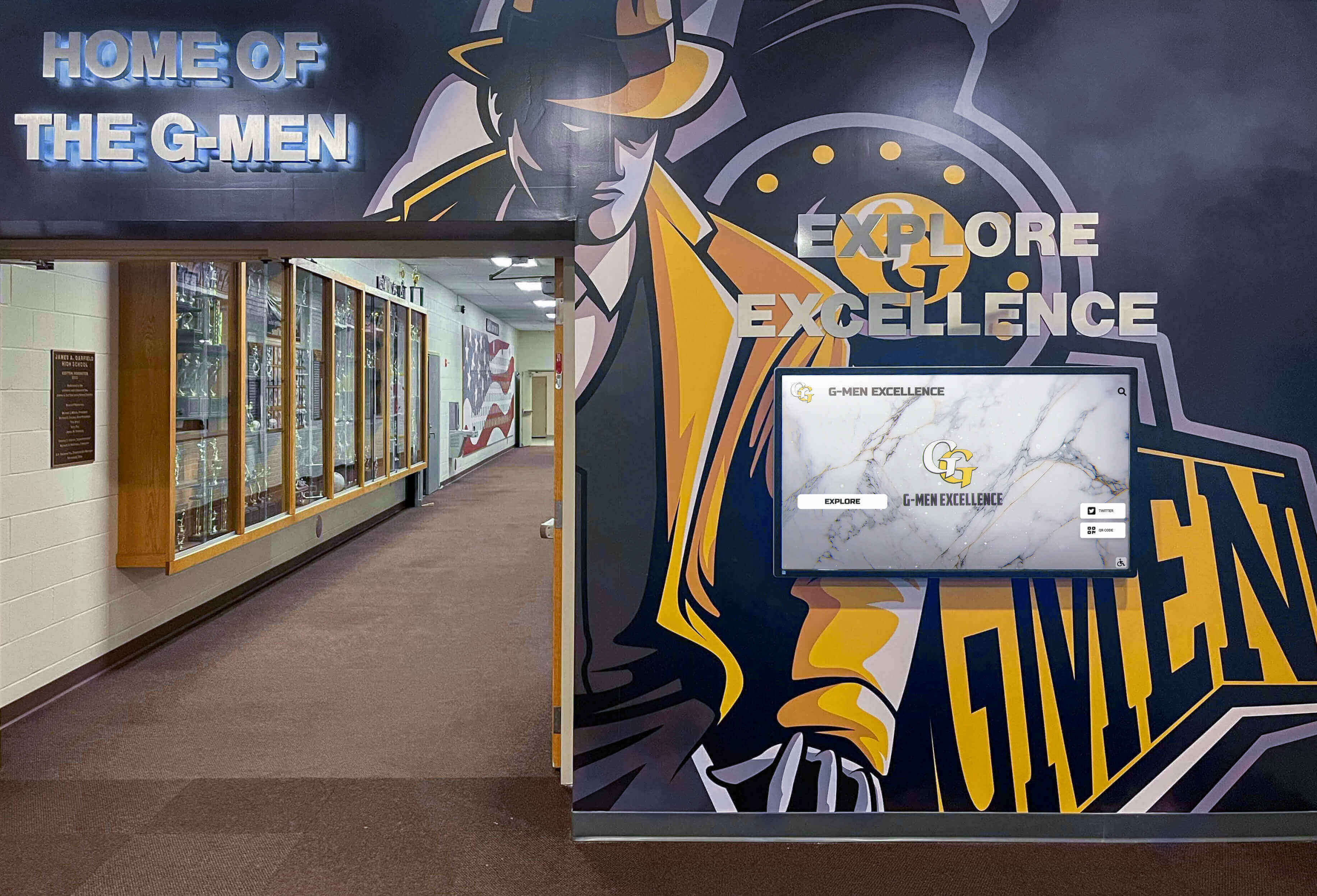
Modern schools integrate digital displays throughout facilities to showcase current content and historical achievements
Digital Signage Content
Schools with digital displays throughout facilities use Rocket Graphics to create:
Hallway and Common Area Displays
- Rotating student spotlights
- Daily announcements and schedules
- Upcoming event previews
- Achievement celebrations
- Motivational messages and quotes
- School history and tradition content
Athletic Facility Displays
- Current season schedules across all sports
- Recent game results and highlights
- Record holders and hall of fame inductees
- Team photos and rosters
- Championship history and banners
Main Entrance Displays
- Welcome messages for visitors
- School pride and spirit content
- Current student recognition
- Calendar of upcoming events
- Directions and wayfinding assistance
Content creation for displays uses the same AI prompts as social media graphics, with automatic formatting for horizontal display orientations.
Discover comprehensive digital display content ideas for school recognition programs.
Beyond Graphics: The Complete Recognition Solution
While Rocket Graphics excels at content creation, it represents one component of comprehensive school recognition programs.
Connecting Digital Content to Physical Recognition
Schools that celebrate achievements most effectively combine multiple recognition channels:
Social Media Recognition Rocket Graphics creates engaging posts announcing achievements and spotlighting individuals or teams across social platforms.
Digital Display Recognition The same content appears on touchscreen displays and digital signage throughout school facilities, ensuring on-campus visibility matches social media presence.
Physical Recognition Elements Traditional elements like plaques, banners, and trophy cases continue playing important roles in comprehensive recognition programs.
Web-Based Recognition Content created in Rocket Graphics appears on school websites and online platforms, providing permanent archives of achievements.
Solutions like Rocket Alumni Solutions integrate all these elements, enabling schools to create content once in Rocket Graphics and deploy it across social media, touchscreen displays, websites, and physical locations from a unified platform.
Building Recognition Programs Around Free Tools
The zero-cost model of Rocket Graphics enables schools to invest saved budget dollars in enhanced recognition programs:
Upgraded Recognition Displays Budget formerly allocated to graphics software can support installation of touchscreen recognition displays featuring:
- Interactive exploration of school history
- Searchable databases of achievements
- Multimedia content including photos and videos
- Web accessibility extending reach beyond campus
- Content management systems for easy updates
Learn about creating effective digital halls of fame that showcase comprehensive achievement.
Enhanced Photography Services Professional photos improve both social media content and physical recognition displays. Savings from eliminating subscription fees can fund:
- Professional photographers for events and team photos
- Photo equipment for staff-created content
- Photo editing software or services
- Consistent photography standards across programs
Expanded Recognition Categories Financial flexibility enables broader recognition reaching more students:
- Additional student achievement categories
- More frequent recognition opportunities
- Enhanced scholarship programs
- Improved award ceremony experiences
The cumulative effect creates recognition programs that celebrate more achievements with higher quality than previously possible within constrained budgets.
Making the Switch: Decision Factors for Schools
Athletic directors and school administrators considering a change from Gipper to Rocket Graphics typically evaluate several factors.
Financial Justification
The cost comparison alone provides clear financial justification:
- Immediate elimination of annual subscription costs
- Multi-year cumulative savings reaching thousands of dollars
- Budget flexibility for other program needs
- No risk of future price increases
- Permanent solution rather than recurring expense
For schools where every budget dollar matters, these savings create meaningful opportunities to redirect resources toward direct student benefits.
Feature Adequacy Assessment
Schools need confidence that free alternatives meet their requirements:
Content Quality Rocket Graphics produces professional-grade content comparable to or better than paid platforms through AI-powered creation that understands school context and branding requirements.
Ease of Use Natural language prompts make Rocket Graphics more accessible than template-based tools requiring design decisions and manual customization.
Reliability Cloud-based infrastructure ensures consistent availability without depending on local software installations or device-specific limitations.
Support and Training Comprehensive documentation and straightforward interfaces minimize training requirements while providing resources for users who need assistance.
Risk Mitigation Strategies
Schools can minimize transition risk through strategic approaches:
Parallel Operation Period Continue Gipper subscription initially while testing Rocket Graphics capabilities during a trial period. This approach provides fallback options if unexpected challenges arise.
Phased Rollout Begin with one sport or program, expand to additional areas after confirming success, and complete full transition when confidence is high.
User Feedback Collection Gather input from staff actually creating content to ensure the new platform meets their workflow needs and expectations.
Subscription Timing Plan transition to complete before subscription renewal deadlines, avoiding payment for services no longer needed.
The Future of School Graphics: AI-Native Creation
Rocket Graphics represents a fundamental shift in how schools create content, moving from template modification to AI-powered generation.
Why AI-Native Approaches Matter
Traditional design tools require users to make numerous decisions:
- Which template to start from
- What elements to modify or replace
- How to arrange components
- Which colors and fonts to apply
- What copy to write and where to place it
Each decision requires time, judgment, and often design expertise users may not possess. The result: time-consuming creation processes producing inconsistent results across different users.
AI-native creation flips this model. Users describe what they need, and AI makes the detailed decisions required to produce appropriate content. The result: faster creation requiring less expertise while maintaining consistency.
Continuous Improvement Through AI Learning
Unlike static template libraries, AI systems improve through use:
- Learning which content types work best for schools
- Understanding context better over time
- Recognizing successful patterns and approaches
- Adapting to emerging design trends
- Responding to user feedback and preferences
Schools using Rocket Graphics benefit from these improvements automatically without requiring software updates or additional investment.
Accessibility for All Staff Members
AI-powered creation democratizes content generation beyond specialized communications staff:
Athletic Coaches Create their own team graphics without depending on school communications offices or external designers.
Activity Advisors Promote their programs with professional graphics matching school brand standards.
Teachers and Department Heads Recognize student achievements in their subject areas with appropriate formatted content.
Administrative Staff Produce event announcements and community communications without design training.
This distributed content creation increases recognition opportunities while reducing bottlenecks created when all requests funnel through limited communications staff.
Conclusion: Better Graphics, Zero Cost
Schools face increasing pressure to produce engaging content across multiple platforms while managing budget constraints that limit available resources. This tension creates difficult choices between quality communications and other program needs.
Rocket Graphics eliminates this tension by delivering AI-powered content creation capabilities that match or exceed paid platforms like Gipper at a price every school can afford: free. Not a limited trial, not a restricted free tier—completely free access to all features, permanently.
The combination of zero subscription costs and AI-native creation provides schools with:
- Immediate budget savings ranging from hundreds to thousands of dollars annually
- Faster content creation requiring less design expertise
- Professional graphics maintaining consistent school branding
- Comprehensive coverage across athletics, academics, events, and recognition
- Flexibility to redirect saved budget toward direct student benefits
Schools already stretched thin by budget pressures deserve access to professional tools without ongoing financial commitment. Rocket Graphics delivers this access while providing capabilities that make content creation easier and results better than paid alternatives.
Athletic directors, communications staff, and school administrators evaluating graphics solutions should consider what matters most: marketing promises and brand names, or actual capability delivered at sustainable cost. Rocket Graphics prioritizes the second path, providing schools the tools they need at a price that never strains budgets.
Start Creating Professional School Graphics Today
Discover how Rocket Graphics can eliminate your graphics software costs while improving content quality and creation speed. Get started with completely free access to AI-powered design tools built specifically for schools.
Explore Rocket GraphicsFor schools ready to eliminate recurring subscription costs while gaining access to AI-powered content creation, visit Rocket Graphics to create your free account and start producing professional branded content immediately. No credit card required, no trial period limitations—just professional tools that help schools celebrate achievements and engage communities without straining already-tight budgets.
Your students and programs deserve recognition, and your budget deserves relief. Rocket Graphics delivers both.
Disclosure and Trademarks
This content was produced by Rocket Alumni Solutions. All trademarks are property of their respective owners. Rocket Alumni Solutions is not affiliated with or endorsed by Gipper.
This comparison is based on publicly available information as of May 2025. All product names and trademarks belong to their respective owners. Comparative statements reflect Rocket Alumni Solutions’ interpretation of available data and may change over time.































