Soccer programs at most schools keep informal statistics, but very few build a formal soccer record board that captures the sport's full range of individual and team achievement. Goals get celebrated, but clean sheets go unrecognized. Career assists disappear when seniors graduate. Single-season shutout streaks live only in coaches' memories. A well-designed soccer record board fixes that—and this guide walks you through every field category you need to define before ordering hardware or launching a digital display.
Soccer generates more trackable record categories than most athletic directors initially expect. The sport spans individual offensive production, goalkeeper-specific statistics, team defensive performance, postseason milestones, and program history stretching back decades. Getting the field definitions right before you build anything saves you from either a display too narrow to honor the sport’s depth or a database so broad it becomes unmanageable to maintain.
This guide organizes soccer records into five functional categories—offensive, defensive, goalkeeper, team, and postseason—and provides the specific data fields you need for each. It also includes a verification workflow to keep records accurate before they go public and a comparison of static versus digital display formats to help you choose the right medium for your program.
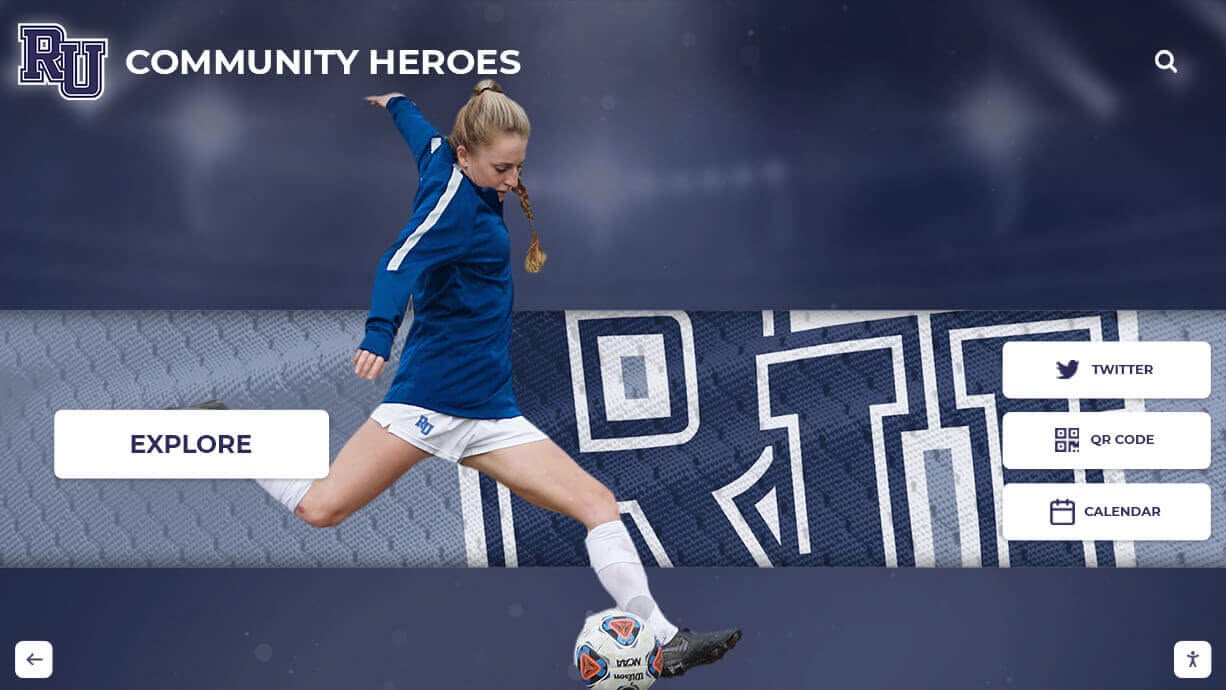
Why Soccer Deserves Its Own Record Board
Many schools lump soccer into a generic multi-sport record display, allocating a single column per sport. That approach forces program administrators to choose between completeness and legibility. Soccer’s record structure differs from basketball or football in several meaningful ways:
Position-specific depth: Goalkeepers produce an entirely separate statistical universe—save percentage, goals against average, shutouts, minutes played—that has no analog in a scoring-only display framework.
Dual-gender programs: Most schools run separate boys’ and girls’ soccer programs, each deserving full independent recognition. A shared board with insufficient separation creates recognition inequity and makes historical comparison impossible.
Relay-style team records: Team records in soccer function differently from individual sports—win streaks, consecutive shutouts, goals-in-a-half, and conference championships tell a collective story that individual stats can’t capture.
Long seasons with varied record windows: A school might track season records, career records, single-game records, and program records (all-time since the program’s founding), each representing a meaningfully different achievement horizon.
Defining these distinctions before you build your board is the foundation that makes every subsequent display decision easier. Resources like school record board ideas and creative display approaches can help you think through physical or digital layout options once your field list is complete.
Category 1: Offensive Records — Individual Goal-Scoring Fields
Offensive records celebrate players who put the ball in the net and create scoring opportunities. Define each field before entering data so the record type stays consistent across graduating classes and coaching changes.
| Record Field | Scope | Notes for Administrators |
|---|---|---|
| Career Goals | All varsity seasons | Clarify whether JV goals count; most programs use varsity-only |
| Single-Season Goals | One academic year | Include season length in the record (e.g., "17 goals / 18 games") |
| Single-Game Goals | Individual match | Tie or note if achieved in regulation vs. overtime |
| Career Assists | All varsity seasons | Use your state association's assist definition for consistency |
| Single-Season Assists | One academic year | Track alongside goals for career points context |
| Career Points (Goals + Assists) | All varsity seasons | Standard formula: 2 pts per goal, 1 pt per assist |
| Single-Season Points | One academic year | Useful for recognizing complete offensive contributors |
| Consecutive Games Scored | Unbroken streak | Clarify whether postseason games count |
| Hat Tricks (Career) | All varsity seasons | Optional but highlights dominant single-game performers |
Tip: Separate boys’ and girls’ records into distinct sections from the start. Combining them in a single column creates display ambiguity and makes future expansion harder.
Category 2: Defensive Records — Team and Individual Defensive Fields
Defensive excellence is easy to overlook in scoring-focused displays, but a defender who anchors a backline for four seasons deserves recognition just as much as a forward who scores goals. The challenge is that soccer defense produces fewer individually attributable statistics than other sports—which makes team-level defensive records especially important.
| Record Field | Individual or Team | Display Guidance |
|---|---|---|
| Fewest Goals Allowed in a Season | Team | Include season length alongside the total |
| Lowest Goals Against Average (Season) | Team | GAA = goals allowed ÷ games played; display to two decimal places |
| Consecutive Shutout Games (Season) | Team | Separate regular season and full-season streaks if meaningful |
| Consecutive Shutout Minutes | Team | More precise than games for programs that track minute-by-minute stats |
| Most Consecutive Games Without Conceding Multiple Goals | Team | Optional; useful for programs tracking resilience metrics |
If your school tracks individual defensive statistics such as clearances, interceptions, or tackles, add individual defensive fields. Most high school programs do not have these stats in historical records, so team-level fields are usually the practical choice.
For inspiration on how other programs structure defensive recognition alongside offensive records, athletic record boards and how schools track all-time records covers approaches across multiple sports that translate well to soccer.
Category 3: Goalkeeper Records — The Save Fields That Tell the Complete Story
Goalkeepers are the most statistically distinct position in soccer, and they deserve their own dedicated record board section. Many schools omit goalkeeper records entirely or fold them into team defensive stats—both approaches leave significant recognition on the table.
| Record Field | Scope | Definition to Use |
|---|---|---|
| Career Shutouts | All varsity seasons | Complete game with no goals allowed; note if shared shutouts count |
| Single-Season Shutouts | One academic year | Separate regular season and combined season+postseason totals |
| Career Saves | All varsity seasons | A save = a shot on goal that the goalkeeper stops; define "shot on goal" clearly |
| Single-Season Saves | One academic year | High totals may reflect team defense issues as much as individual excellence |
| Single-Game Saves | Individual match | Document opponent and final score for full context |
| Career Save Percentage | All varsity seasons | Saves ÷ (saves + goals allowed); minimum games played threshold recommended |
| Career Goals Against Average | All varsity seasons | Goals allowed ÷ minutes played × 90; use 90-minute normalized formula |
| Consecutive Shutout Minutes (Individual) | Unbroken streak | Track starting from beginning of first clean sheet in streak |
| Career Wins as Starter | All varsity seasons | Require a minimum percentage of game played to qualify |
Why minimum thresholds matter: A goalkeeper who plays three games and allows zero goals will have a 0.00 goals against average for their “career.” Setting a minimum games played or minutes played threshold (commonly 25% of team games) prevents small samples from distorting career efficiency records.

Category 4: Team Records — Season, Conference, and Program Milestones
Team records tell the story of collective achievement and program trajectory. These are often the most compelling records on the display for alumni and community members who remember specific seasons.
| Record Field | Window | Context to Include on Display |
|---|---|---|
| Best Regular-Season Record | Single season | Win-loss-tie and season year; note if league games only or all games |
| Most Goals Scored in a Season | Single season | Total and per-game average alongside season year |
| Most Goals Scored in a Game | Single match | Opponent and date for searchability on digital displays |
| Longest Winning Streak | Season or multi-season | Define if cross-season streaks count; separate regular season vs. including postseason |
| Longest Unbeaten Streak (Win or Draw) | Season or multi-season | Useful for programs where draws are common; different from win streak |
| Conference/League Championships | All-time cumulative | List each year; count outright vs. shared titles separately or together |
| Most Conference Wins in a Season | Single season | Useful for programs in large competitive conferences |
| Program Win Total (All-Time) | Since program founding | Note the founding year; update each season; milestone thresholds worth marking |
| Consecutive Seasons with 10+ Wins | Multi-season | Shows program consistency; adjust threshold to fit your program's tier |
For programs that have been playing for decades, all-time program records can be the most emotionally resonant part of the display. The sports memory board ideas for banquets, team rooms, and digital archives resource includes useful framing for how to present long program histories in limited physical or digital space.
Category 5: Postseason Records — Playoff and Championship Fields
Postseason achievement deserves its own section rather than being folded into regular-season team records. Playoff performance demonstrates how a program performs under pressure against the best competition, which is contextually different from regular-season dominance.
| Record Field | Display Format | Notes |
|---|---|---|
| State/Regional Championships | Year list with season record | Include coaching staff and captains if space allows |
| Conference Tournament Championships | Year list | Separate from regular-season conference titles if both exist |
| Deepest Playoff Run (All-Time) | Round reached + year | Document against a consistent playoff structure; note if structure changed |
| Most Playoff Wins in a Season | Win total + year | Particularly meaningful for programs in large-bracket state tournaments |
| Consecutive Postseason Appearances | Year range + total | Demonstrates sustained program quality across coaching transitions |
| Postseason Goal Scoring Leaders | Career playoff total | Recognizes big-game players separate from regular-season leaders |
| Playoff Shutout Record | Career or single-season | Goalkeeper or team record; state which type on the display |
Record Verification Workflow: Before You Post Anything
A record board is only valuable if the records on it are accurate. Posting an incorrect record—especially one that displaces a previous legitimate holder—damages program credibility and creates conflict with alumni. Use this verification workflow before adding any record to your display.
Step 1 — Source identification
Every record needs a primary source. Acceptable sources include official game scoresheets, box scores from your state athletic association, season-end statistical reports submitted to the conference office, and newspaper game summaries from the archive. Records supported only by coach memory or team tradition should be marked “unverified” until a document confirms them.
Step 2 — Cross-reference check
Compare the candidate record against at least one secondary source. For goals and saves, cross-reference the box score with the opposing team’s records when possible. For career totals, verify each season’s subtotal rather than accepting a final career sum without checking the components.
Step 3 — Conflict resolution protocol
If two sources produce different numbers, investigate rather than picking the higher figure. Contact the state athletic association’s records office, check archived newspaper accounts, or reach out to the coach from that season. Document your resolution decision in a separate administrative record that travels with the display database—not just on the public-facing board.
Step 4 — Stakeholder review before publishing
Before a new record goes live on the display, notify the previous record holder when possible. This is especially important for career records where an active athlete may have recently broken a mark held by an alum. Proactive outreach prevents public disputes and turns record updates into positive community moments.
Step 5 — Version control
Track every change to every record in a log file or spreadsheet with the date of the change, who made it, the previous value, the new value, and the source document. This log becomes invaluable when records are questioned or when you transition to a new display system.
The digital record board planning guide covering fields, update workflows, and display options covers this process in more detail for programs implementing digital systems where multiple administrators share update access.
Static vs. Digital Soccer Record Board Options
Once you’ve defined your fields and verified your data, you need to choose a display medium. The right choice depends on your school’s budget, update frequency, and the number of sports you’re recognizing.
Traditional Static Boards
Static boards—painted wood panels, vinyl graphics, engraved plaques, or slide-in nameplate systems—have been the standard for decades. They work well for programs with stable records that change infrequently and for schools where budget constraints or technology infrastructure make digital systems impractical.
Advantages:
- No ongoing subscription costs or hardware maintenance
- Familiar aesthetic that resonates with alumni who graduated before digital displays
- No power or network connectivity required
- Weather-resistant options available for outdoor installations
Limitations:
- Physical space caps the number of records you can display—forcing difficult decisions about which fields to include
- Update costs accumulate quickly: a single vinyl nameplate change typically costs $50–$150 including labor, meaning a program that breaks eight records in a good season spends $400–$1,200 on updates alone
- Goalkeeper records, postseason records, and program milestones often get cut for space when a single board must serve the full soccer program
- No search capability—visitors browse sequentially, which reduces engagement with records buried toward the bottom
Digital Record Board Systems
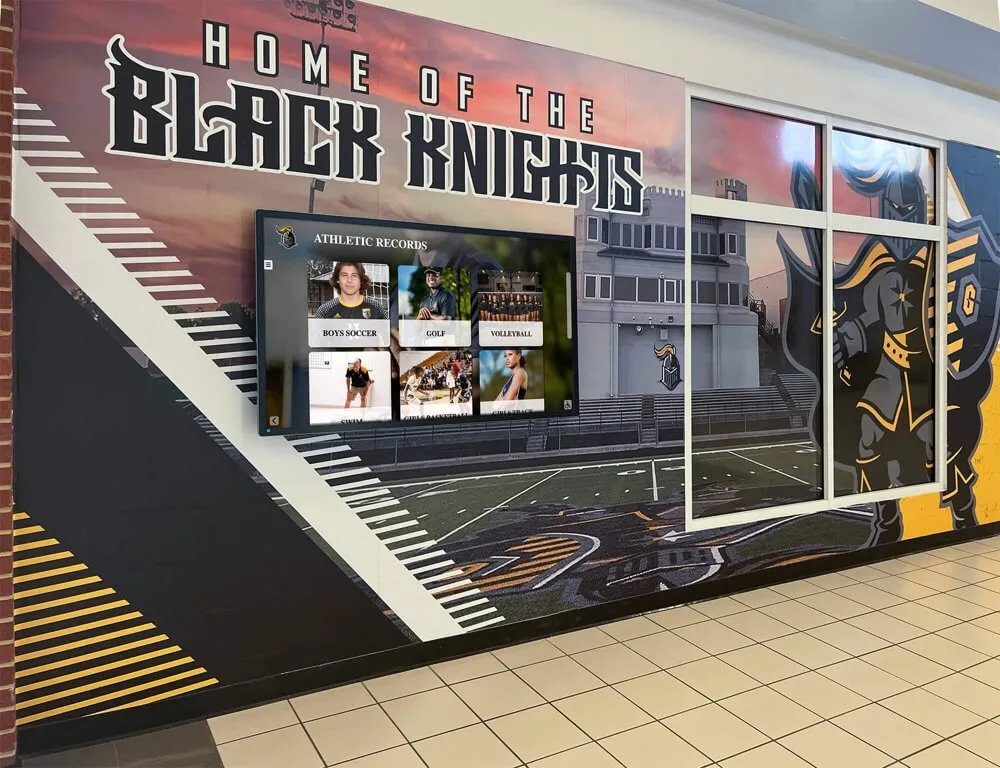
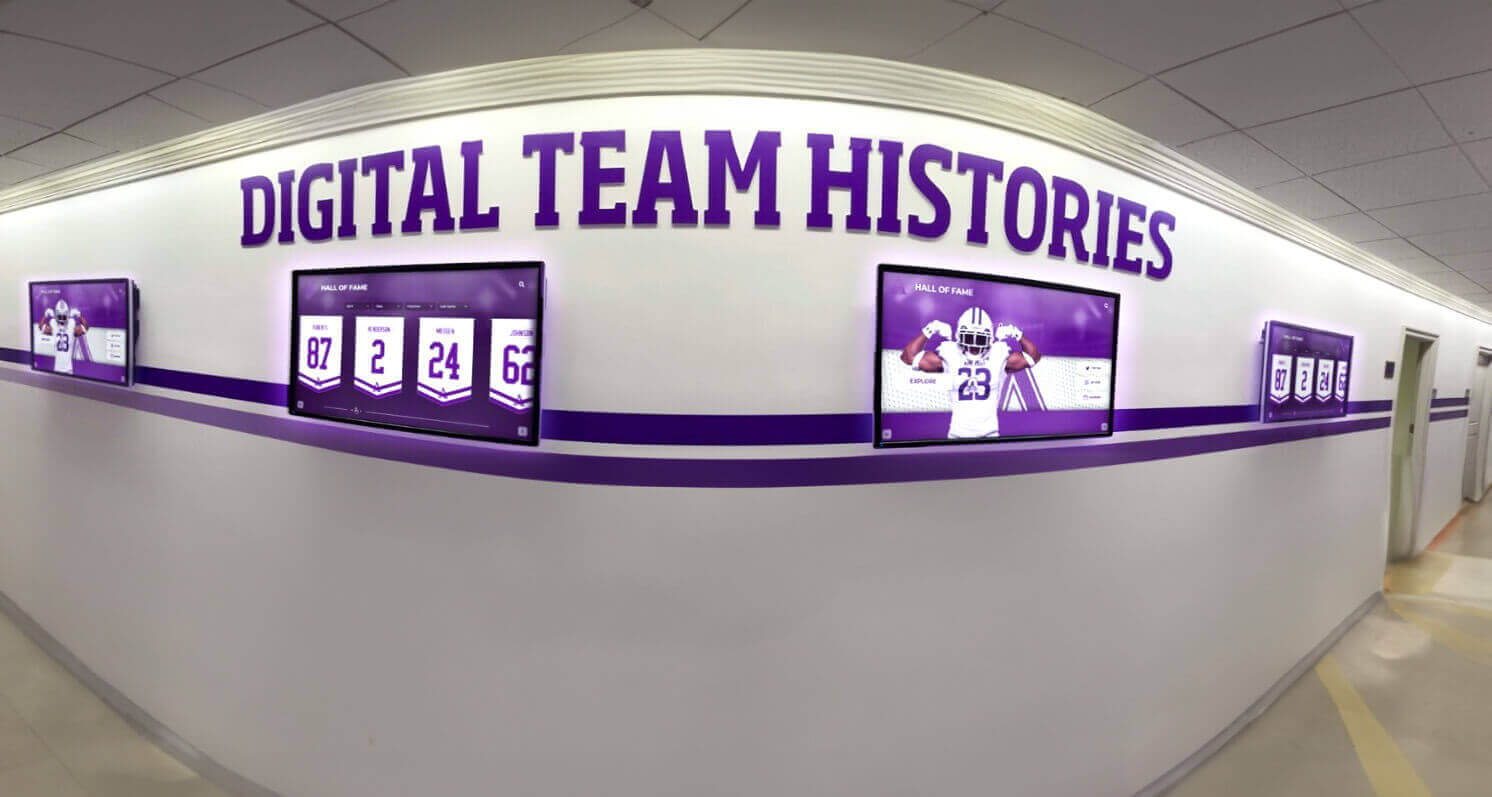
Interactive digital displays eliminate space constraints and make comprehensive recognition across all five record categories practical. Exploring design ideas for showcasing athletic achievements digitally shows how programs are solving this across different sports including soccer.
Advantages:
- Unlimited record fields without space constraints
- Search capability lets visitors find specific athletes, years, or record types instantly
- Touchscreen interaction drives meaningful engagement—visitors explore rather than glance
- Remote update workflows let administrators add new records the same day they’re set
- Separate boys’ and girls’ program sections with equal display prominence
Field-specific advantages for soccer: Digital systems allow goalkeepers to receive their own interactive section with full career statistics, save charts, and game-by-game breakdowns—content that is physically impossible to include on a static board shared with the full program.

Cost comparison: Static boards typically cost $1,500–$8,000 for initial installation and $500–$2,000 per year in updates for an active soccer program. Digital systems range from $8,000–$25,000 installed, with software subscription costs that replace (and often undercut) recurring update expenses. The five- to ten-year total cost of ownership frequently favors digital for programs with regular record-breaking activity.
For programs weighing this decision alongside other athletic recognition priorities, the athletic stats display ideas for showcasing team and player records in schools resource compares approaches across multiple sports, which is helpful when you’re building a case for a multi-sport digital recognition system.
Layout Recommendations for Soccer Record Boards
Whether you choose static or digital, a few organizational principles will make your display more useful and more visually effective.
Lead with the fields that create aspiration: Place career scoring records and goalkeeper records where athletes see them daily. These are the records current players can aspire to break. Season records and team milestones matter more to alumni than to active athletes.
Separate individual and team records visually: Use distinct sections, colors, or columns to distinguish personal records from team records. Visitors scanning for a specific athlete shouldn’t have to sort through team win streak data to find individual statistics.
Display the record holder’s class year alongside the record: “Sarah Chen ‘19 — 43 career goals” provides far more context than a name and number without temporal anchoring. Class year also helps visitors connect records to program eras they remember.
Include record dates for static boards, searchable metadata for digital: For static displays, list the year the record was set. For digital systems, build in the full game date, opponent, and location as backend metadata even if only the year appears in the primary display—this supports the verification workflow and gives administrators detail when questions arise.
Reserve a section for records under review: When a current athlete is close to breaking a record but the season isn’t finished, note the current record holder clearly rather than prematurely updating the board. Some programs use a sidebar or separate section labeled “current season leaders” to show the live race without overwriting historical records until verified at season’s end.
The comprehensive guide to athletic record board planning for schools offers additional engagement strategies that work well specifically in digital soccer record board contexts.
See a Soccer Record Board Built for Every Field Category
Rocket Alumni Solutions builds digital record board systems designed for the full depth of soccer recognition—individual scoring, goalkeeper stats, team records, and postseason history in a single interactive display. Schedule a demo to see how the platform handles all five record categories covered in this guide.
Schedule a DemoProgram History Fields: Beyond Active Records
A complete soccer record board also preserves program history that doesn’t fit neatly into individual statistical categories. These fields require more narrative space but deliver significant community and alumni value.
Coaching record by era: Document head coach win-loss records and tenures. Programs with multiple coaching generations tell richer stories when each era receives clear attribution.
All-conference and all-state honors by year: A searchable historical list of conference and state honors across decades gives individual athletes recognition that outlasts their playing careers and helps alumni locate themselves in program history.
Notable alumni milestones: College program commitments, professional career entries, and Olympic or national team participation where verifiable represent the program’s long-term impact.
Program founding and facility history: When was the soccer program established? When was the current field built or renovated? These anchor points give visitors context for understanding how records evolved over different competitive eras.
The football record board ideas guide covering display of team greatest achievements covers analogous program history fields for football—the organizational approach translates well to soccer.
For programs starting from scratch on historical documentation, how schools track and display athletic records provides a practical framework for sourcing historical statistics from archives, former coaches, and state athletic association records.
Building Your Soccer Record Board: Next Steps
Start with the field definition tables in this guide. Copy the categories that apply to your program—most varsity programs will use all five categories—and remove fields where you don’t have historical data and won’t be able to maintain consistency going forward. An accurate board with forty fields is more valuable than an aspirational board with sixty fields that relies on estimates.
Once fields are defined, run the verification workflow on your top twenty records before committing to a display format. The sourcing and cross-reference process often uncovers gaps or corrections that are far easier to address before the board is installed or the digital database is populated.
Then make the static-versus-digital decision with your full field list in front of you. If you’re tracking goalkeeper records, postseason records, and program history alongside individual and team records, the space and search limitations of static boards typically become apparent quickly. Digital systems handle the breadth of soccer’s record structure better at scale, though static solutions remain viable for programs with simpler recognition needs or tighter budgets.
Ready to Build Your Soccer Record Board?
Rocket Alumni Solutions works with high schools and colleges to design and implement interactive soccer recognition displays that cover every record category in this guide. See the platform in action before you decide.
Get a Free Demo






























