First impressions matter tremendously in today’s competitive environment. Whether you manage a corporate office campus, university, commercial facility, government building, or multi-tenant property, the moment visitors step through your doors they begin forming opinions about your organization. A touchscreen building directory transforms that critical first impression from confusion and frustration into confidence and professionalism, demonstrating that your facility values visitor experience and embraces modern technology.
Traditional static building directories—printed floor plans behind Plexiglas, magnetic letter boards, or outdated wall-mounted signs—communicate that facilities are stuck in the past. Meanwhile, interactive touchscreen directories signal innovation, accessibility, and visitor-centered thinking that resonates with today’s technology-accustomed audiences.
Complex buildings with multiple floors, departments, tenants, or departments create navigation challenges that waste visitor time, burden reception staff, and create negative impressions. Modern touchscreen building directories solve these problems while providing dynamic platforms for building information, emergency communication, and facility branding that static signage simply cannot match.
Whether you’re renovating an existing facility, constructing a new building, or upgrading aging infrastructure, understanding touchscreen building directory technology enables informed decisions that enhance visitor experience and operational efficiency for years to come.
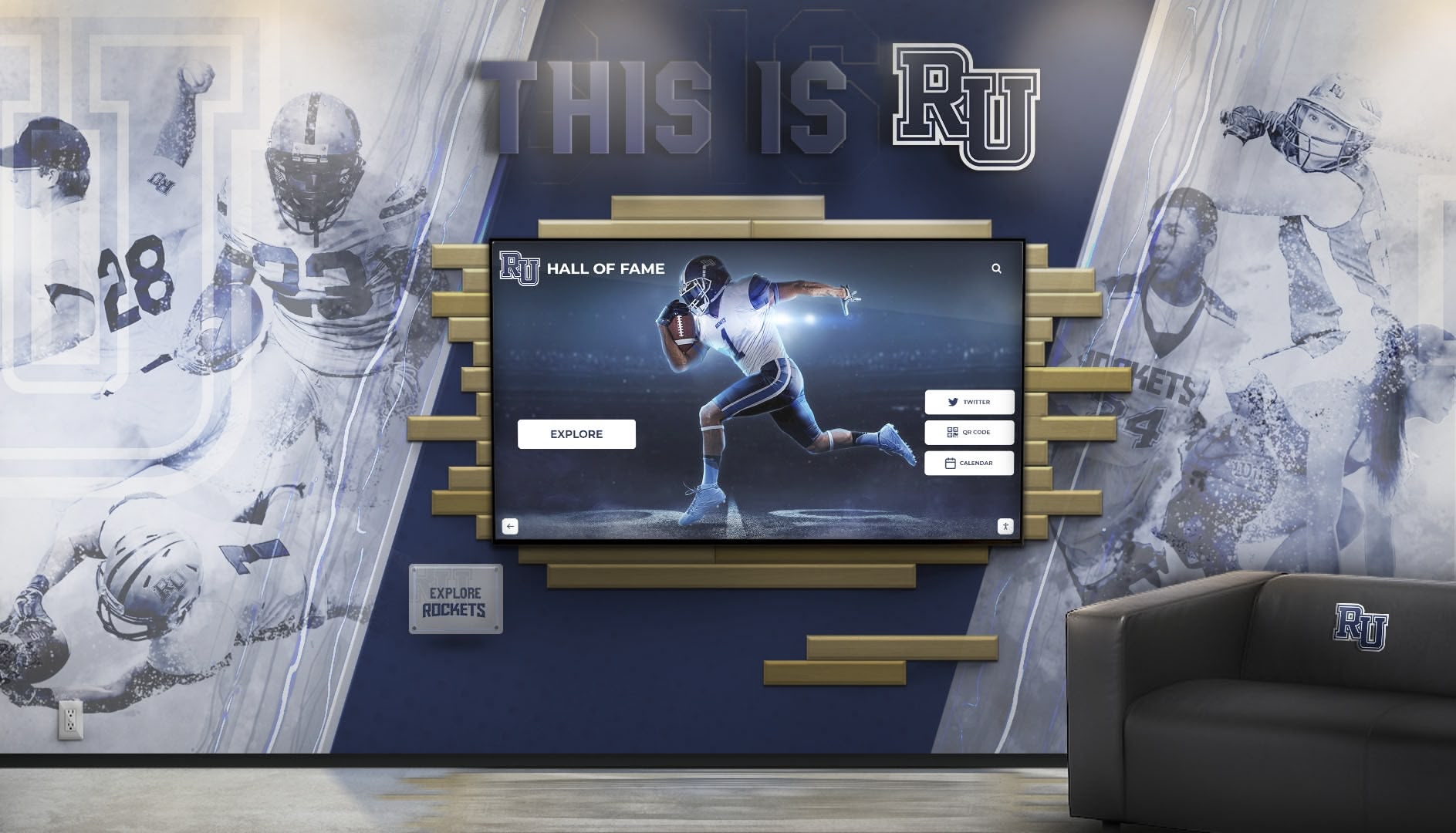
Modern touchscreen directories create impressive first impressions while solving practical wayfinding challenges
What Is a Touchscreen Building Directory?
A touchscreen building directory is an interactive digital wayfinding system that helps visitors navigate facilities through intuitive touch interfaces. Unlike traditional static directories that simply list room numbers and tenant names, modern touchscreen systems provide searchable databases, interactive floor plans, turn-by-turn directions, real-time updates, multilingual support, and integration capabilities that transform the visitor experience.
These systems combine commercial-grade touchscreen hardware designed for continuous public use with specialized software platforms that manage building information, navigation logic, and content displays. The result is an always-current, easily searchable, accessible directory that guides visitors confidently to their destinations while reducing demands on reception staff and enhancing overall facility impressions.
Core Capabilities
- Interactive searchable tenant and room directories
- Visual floor plans with highlighted destinations
- Multi-building campus navigation
- Real-time occupancy and availability updates
- QR code or mobile integration for continued navigation
- Event calendars and meeting room schedules
Advanced Features
- Multi-language interface for diverse visitors
- ADA accessibility compliance features
- Integration with building management systems
- Emergency communication and evacuation routing
- Visitor analytics and usage tracking
- Cloud-based content management
The technology that powers interactive touchscreen displays for recognition and engagement applications translates effectively to building wayfinding, creating robust, user-friendly systems that serve diverse facility types and visitor populations.

Intuitive interfaces make finding destinations simple for all visitors regardless of technical comfort
Why Facilities Are Replacing Static Directories with Interactive Touchscreens
The shift from traditional static directories to interactive touchscreen systems reflects fundamental changes in visitor expectations, facility complexity, and technology capabilities. Understanding these driving factors reveals why this investment makes sense for modern facilities.
Visitor Expectations in a Digital World
Today’s visitors arrive with expectations shaped by smartphone navigation, interactive retail experiences, and ubiquitous touchscreen interfaces. When they encounter outdated static directories, the cognitive dissonance creates negative impressions about the entire organization.
A study from the International Facility Management Association found that 78% of visitors form initial impressions about organizations based on facility appearance and technology within the first 30 seconds of arrival. Interactive directories signal that organizations value visitor experience and invest in modern infrastructure.
Complex Building Navigation Challenges
Modern facilities present increasingly complex wayfinding challenges that static directories struggle to address effectively:
Multi-Floor Layouts Buildings with multiple floors require visitors to understand vertical navigation through stairwells or elevators while tracking horizontal navigation to specific rooms or suites. Interactive directories visualize these three-dimensional navigation challenges in ways that static floor plans cannot.
Multiple Buildings and Campuses Corporate campuses, university facilities, and multi-building complexes require navigation between structures across sometimes confusing outdoor paths. Touchscreen directories provide comprehensive campus mapping that guides visitors from parking through multiple buildings to final destinations.
Frequent Tenant and Department Changes Commercial buildings with rotating tenants, growing organizations with regular departmental moves, and facilities undergoing renovations face constant directory updates. Static directories become outdated immediately after changes, while interactive systems update instantly across all locations.
Diverse Visitor Populations Facilities serve increasingly diverse populations including international visitors who may not speak primary facility languages, elderly visitors who may have vision limitations, individuals with cognitive differences, and first-time visitors unfamiliar with building layouts. Interactive directories address these diverse needs through accessibility features that static signage cannot provide.
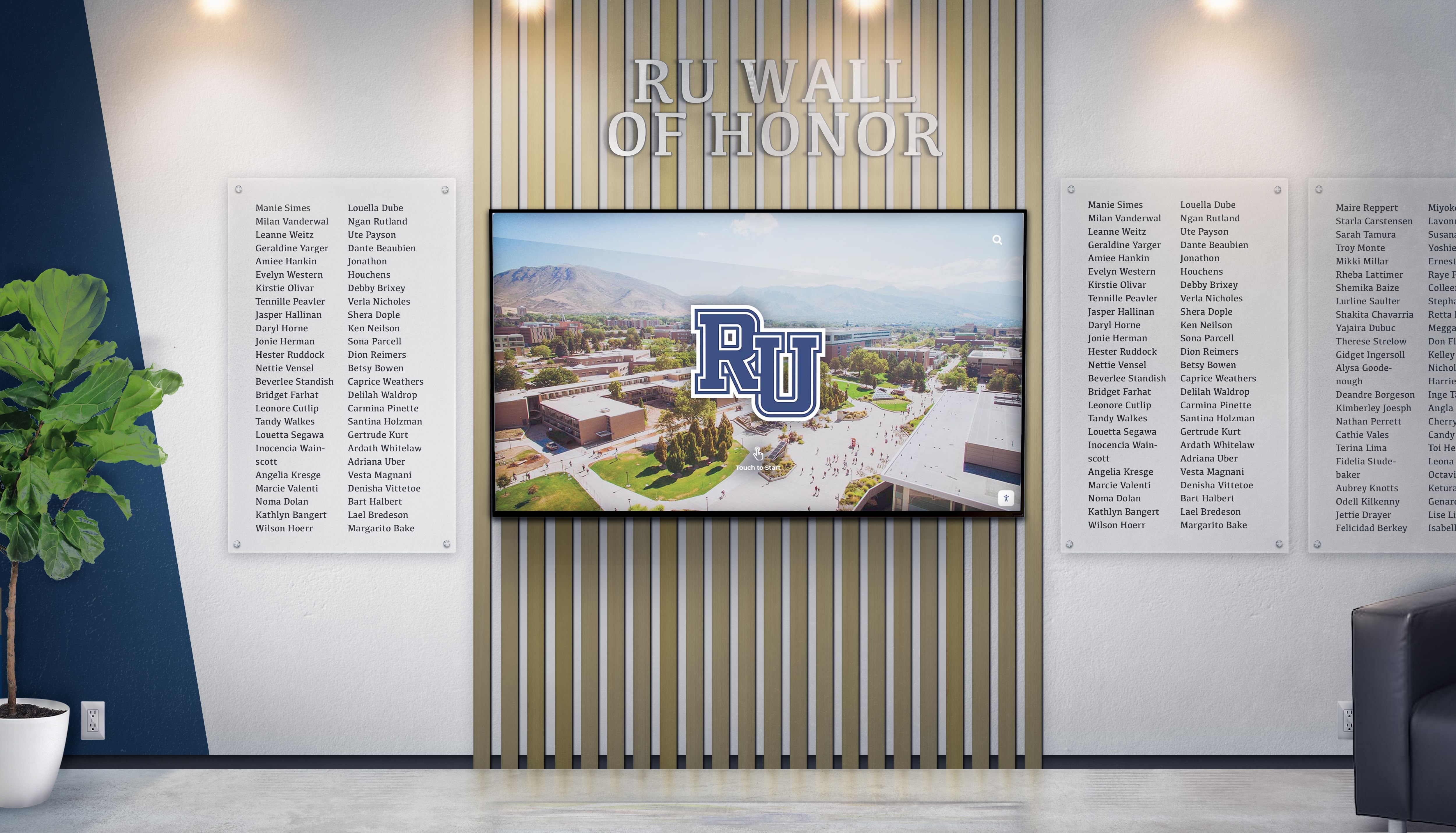
Campus-wide directory systems help visitors navigate complex multi-building facilities confidently
Reduced Burden on Reception Staff
Reception staff in buildings with confusing layouts spend significant time providing directions to lost visitors—time that could be invested in higher-value activities like guest services, security monitoring, or administrative tasks.
Facilities that implement touchscreen directories consistently report 40-60% reductions in wayfinding questions directed at reception desks. This allows receptionists to focus on creating welcoming experiences rather than repeatedly explaining how to find Conference Room 3B.
Real-Time Updates Without Physical Changes
The most compelling operational advantage of touchscreen directories is their ability to reflect facility changes instantly without physical signage updates or directory reprinting.
When Suite 405 becomes occupied by a new tenant, when Conference Room B relocates to a different floor during renovations, or when emergency situations require communicating facility closures, touchscreen directories update immediately across all installations throughout the facility. This real-time capability eliminates the lag, expense, and inconsistency inherent in physical directory updates.
The same content management principles that enable efficient updates for digital recognition displays apply to building directories, ensuring non-technical facility managers can maintain accurate information without vendor assistance or IT expertise.
Essential Features of Effective Touchscreen Building Directories
Not all touchscreen directory systems deliver equal value. When evaluating solutions for your facility, prioritize these critical capabilities that separate excellent systems from mediocre alternatives.
Intuitive User Interface Design
The most sophisticated wayfinding software fails if visitors find it confusing or intimidating. Effective touchscreen building directories feature interfaces designed for first-time users who may be stressed, rushed, or technologically uncomfortable.
Critical Interface Elements:
Minimal Steps to Information
Visitors should reach their destination information within 2-3 taps maximum, avoiding deep navigation hierarchies that cause confusion.
Prominent Search Functionality
Large, immediately visible search fields allow visitors to quickly find specific tenants, people, or room numbers without browsing.
Visual Floor Plans
Interactive maps with clear "you are here" indicators and highlighted destinations provide spatial understanding beyond text directions.
Large, Readable Text
Font sizes and contrast ratios must accommodate visitors with vision limitations or viewing from slight distances.
Responsive Touch Targets
Buttons and interactive areas sized generously for users with limited dexterity or less precise touch interactions.
Clear Visual Hierarchy
Important information prominently displayed while secondary details remain accessible without overwhelming visitors.
Quality touchscreen kiosk software balances visual appeal with functional clarity, avoiding design flourishes that sacrifice usability for aesthetics.
Comprehensive Search and Directory Capabilities
Visitors arrive with different information—some know the person they’re visiting, others know only the company name or department, and some have only a meeting room name or number. Effective directory systems accommodate all these search patterns.
Multi-Modal Search Options:
- Tenant/Company Name: Searchable database of all building occupants
- Individual Names: Directory of people (when privacy permits and organizations provide)
- Department or Suite Numbers: Direct room number search
- Service Categories: Grouped listings (all restaurants, all medical offices, etc.)
- Meeting Room Names: Conference and event space identification
- Amenity Locations: Building facilities like restrooms, cafeterias, ATMs
The search functionality should handle common misspellings, abbreviations, and partial entries intelligently. If a visitor searches “conf room C” the system should understand they’re looking for “Conference Room C3.”

Robust search capabilities help visitors find destinations regardless of what information they have
Interactive Floor Plans and Visual Navigation
While text directions serve some users, visual representations prove more intuitive for most visitors navigating unfamiliar buildings. Interactive floor plans should provide clear “you are here” location indicators, color-coded floor identification, highlighted destination paths, landmark references (elevators, stairwells, restrooms), multiple zoom levels for detail, and simplified architecture focusing on navigation rather than exact building proportions.
These visual elements help visitors develop mental models of the building layout, making navigation feel more confident and oriented rather than following blind directions.
Multi-Language Support
Facilities serving diverse populations should offer directory content in multiple languages. The system should prominently display language selection options on the home screen, translate all interface elements not just tenant names, maintain identical functionality across all languages, and support non-Latin character sets for languages like Chinese, Arabic, or Korean.
The accessibility features that make digital displays inclusive apply equally to building directories, ensuring all visitors can navigate facilities regardless of language proficiency or disability status.
Cloud-Based Content Management System
The backend content management system determines how easily facility managers can maintain directory accuracy. Quality systems offer web-based administration accessible from any internet-connected device, intuitive interfaces requiring no technical expertise, bulk import/export capabilities for large tenant lists, scheduled updates that activate automatically at specified times, and role-based permissions for multiple administrators.
Facility managers should be able to update a tenant name, suite number, or floor plan in minutes without vendor assistance, technical support, or special software installation. The same ease-of-use that characterizes advanced touchscreen software for recognition displays should extend to building directory management.

Cloud-based management enables quick updates from anywhere without technical expertise
Integration with Building Systems
While standalone directory functionality provides significant value, integration capabilities unlock additional benefits and future-proof your investment. Consider systems that can connect with:
Building Management Systems (BMS) Real-time information about elevator status, environmental conditions, or facility operations.
Meeting Room Scheduling Systems Display availability and allow visitors to confirm meeting locations or find available spaces.
Visitor Management Systems Pre-registered visitors can search for their appointment and receive personalized directions.
Access Control Systems Integration with security systems for controlled area notifications and access procedures.
Mobile Apps Directions can be sent to visitor smartphones for continued navigation throughout the building.
Emergency Alert Systems Override normal content during emergencies to display evacuation routes or shelter-in-place instructions.
These integrations transform directories from static wayfinding tools into dynamic facility information hubs that enhance visitor experience and operational efficiency.
Emergency Communication Capabilities
Beyond day-to-day wayfinding, touchscreen directories can serve critical roles during emergency situations. Advanced systems support emergency alert override capabilities, evacuation route display from any starting point, shelter-in-place instructions, and real-time emergency information updates.
For facilities subject to emergency preparedness regulations or those concerned about crisis communication, this dual-purpose functionality adds significant value beyond wayfinding alone. Learn more about emergency communication through digital recognition displays for comprehensive crisis communication strategies.
Analytics and Usage Tracking
Data-driven facility management benefits from understanding how visitors use directories. Quality systems provide analytics showing search terms and destination popularity, peak usage times and traffic patterns, navigation paths visitors take, user interface areas that cause confusion, and language preference distribution.
These insights inform facility improvements, reception staffing decisions, and ongoing directory optimization that enhances the visitor experience based on actual behavior rather than assumptions.
Facility Types That Benefit from Touchscreen Building Directories
While virtually any multi-floor or complex building benefits from interactive wayfinding, certain facility types see particularly significant returns on this investment.
Corporate Office Buildings and Campuses
Large corporate facilities face regular tenant changes, departmental reorganizations, and visitor confusion across multiple floors or buildings. Touchscreen directories reduce reception burden while projecting professional, modern impressions to clients and partners visiting headquarters locations.
For organizations spread across multiple buildings that need coordinated recognition and communication systems, unified touchscreen directories create cohesive campus experiences.

Corporate facilities use directories to create impressive first impressions for clients and partners
Universities and Educational Institutions
University campuses present particularly challenging wayfinding scenarios with sprawling layouts, frequent room assignment changes, diverse visitor populations, and events that attract first-time visitors. Interactive directories help prospective students and their families, visiting lecturers and researchers, event attendees, and administrative visitors navigate complex campuses confidently.
Educational institutions also benefit from the content flexibility that allows featuring campus achievements and recognition alongside wayfinding functionality, creating engagement opportunities beyond pure navigation.
Medical Office Buildings
Multi-specialty medical office buildings serve patient populations who may be elderly, anxious, or unfamiliar with medical terminology. Touchscreen directories for healthcare environments reduce stress, prevent missed appointments, and accommodate diverse accessibility needs while addressing infection control considerations through antimicrobial surfaces.
Government Facilities
Government buildings serve diverse public populations accessing various services, agencies, and departments. Interactive directories ensure all citizens can navigate facilities regardless of language proficiency, disability status, or familiarity with government organization structures.
Accessibility compliance is particularly critical for government facilities subject to ADA requirements and broader missions to serve all community members equitably.
Commercial and Mixed-Use Buildings
Buildings housing retail, dining, services, and offices benefit from directories that help visitors find specific businesses while also serving as advertising platforms for building tenants. Directory systems can feature tenant promotions, special offers, and business descriptions that drive foot traffic to commercial tenants.
Property managers can generate additional revenue by offering enhanced directory listings to tenants willing to pay premium rates for prominent placement or expanded business descriptions.
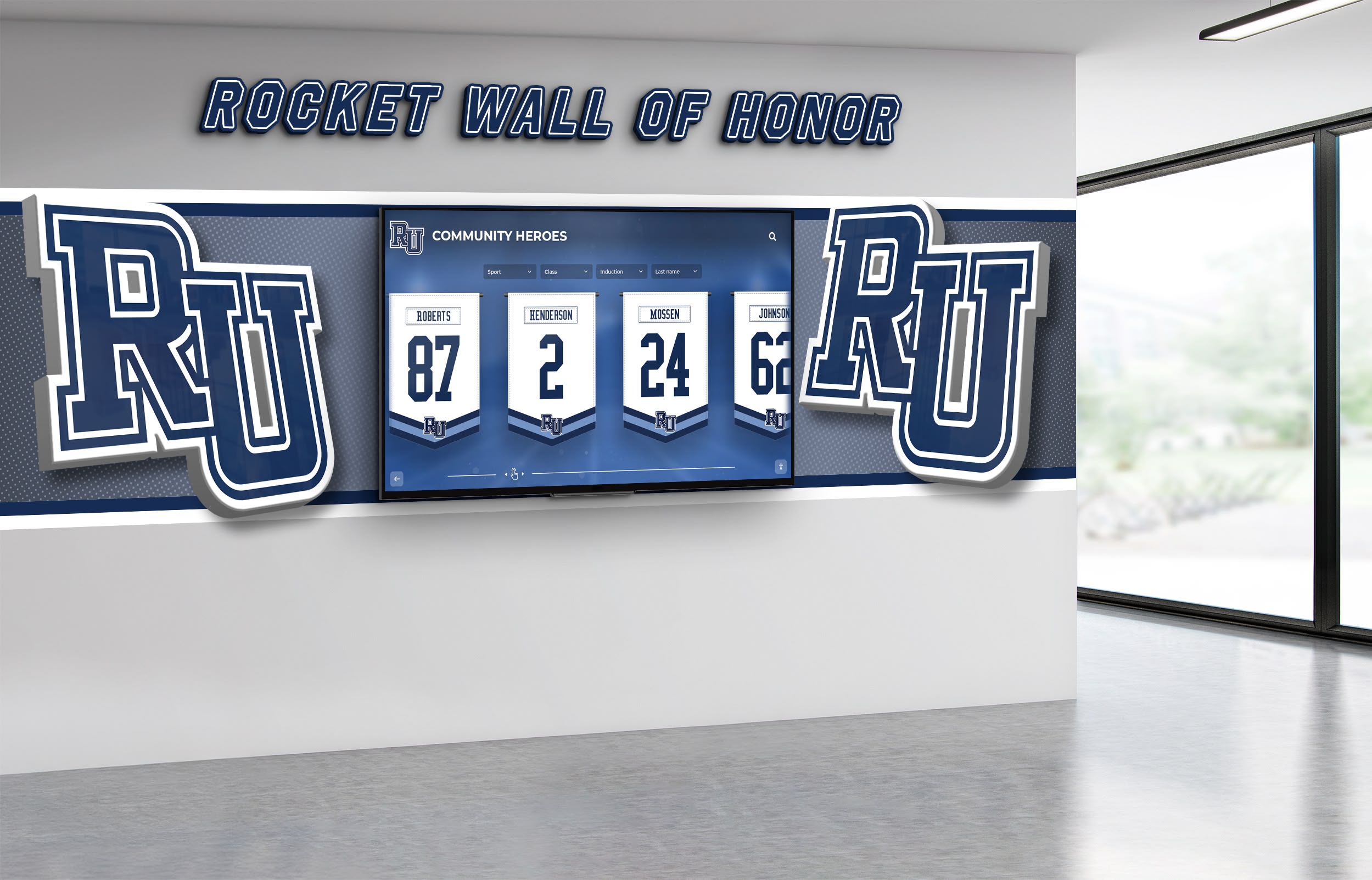
Mixed-use facilities use directories for wayfinding and tenant promotion
Convention Centers and Event Venues
Facilities hosting conferences, trade shows, and events face constantly changing room assignments and event schedules. Touchscreen directories update in real-time to reflect current event locations, preventing confusion when Meeting Room 3 hosts different sessions throughout the day.
Integration with event management systems allows automatic updates as schedules change, ensuring attendees always have accurate location information.
Multi-Tenant Industrial and Business Parks
Business park campuses with multiple buildings and diverse tenants face unique wayfinding challenges across both indoor and outdoor spaces. Touchscreen directories at park entrances and in building lobbies help visitors navigate from parking to specific tenant locations across complex campus layouts.
Strategic Placement: Where to Install Touchscreen Building Directories
Where you position touchscreen directories significantly impacts their effectiveness and utilization. Strategic placement considers both traffic patterns and decision points where visitors need wayfinding assistance.
Primary Entry Points
The most critical directory location is immediately inside primary building entrances where visitors first arrive. This high-visibility placement ensures directories are available precisely when wayfinding questions arise, creating positive first impressions through visible technology investment.
Entrance Placement Considerations:
Visibility
Position directories along natural sight lines visitors follow upon entering. Avoid placing behind doors, in corners, or where architectural features obscure visibility.
Traffic Flow
Install near natural pause points before elevator banks or stairwells rather than in main circulation paths where users block traffic flow.
Accessibility
Ensure approach paths accommodate wheelchairs with appropriate clearance and mounting heights meeting ADA requirements.
Lighting
Avoid locations with direct sunlight causing screen glare or washing out displays. Provide adequate artificial lighting for comfortable viewing.
Facilities with multiple public entrances should provide directories at each entrance to serve visitors regardless of which door they use.
Elevator Lobbies and Vertical Circulation Points
After entering buildings, visitors typically proceed to elevators or stairwells for vertical navigation. Placing directories near these circulation decision points provides wayfinding assistance precisely when visitors need to choose floors or navigation paths.
Elevator lobby directories should be positioned where they’re visible while waiting for elevators but don’t obstruct elevator door operation or create bottlenecks during high-traffic periods.
Floor-by-Floor Directories
In multi-floor buildings, consider placing directories on each floor near elevator exits. These floor-specific directories help visitors orient themselves after reaching the correct floor, particularly in large floor plates with multiple wings or confusing layouts.
Floor-level directories can display simplified information focused on that specific floor rather than entire building directories, reducing information complexity and improving usability.

Strategic placement near building entrances ensures directories are available when visitors need them
Campus and Parking Area Locations
For multi-building campuses, outdoor directories near parking areas help visitors navigate from their vehicles to correct buildings before entering. Weather-resistant outdoor kiosks withstand environmental exposure while providing comprehensive campus wayfinding.
Parking structure directories help visitors remember vehicle locations while providing directions to building entrances, addressing both navigation and wayfinding needs.
Quantity Considerations: How Many Directories Do You Need?
The appropriate number of directories depends on building size and complexity, visitor volume, budget constraints, and physical layout characteristics. As general guidance:
- Small single-building facilities (under 50,000 sq ft): 1-2 directories typically sufficient
- Medium buildings (50,000-150,000 sq ft): 3-5 directories covering entrances and elevator lobbies
- Large buildings (over 150,000 sq ft): 5-10+ directories for comprehensive coverage
- Multi-building campuses: 1-2 directories per building plus outdoor campus directories
Start with highest-impact locations and expand coverage as budget allows. Most facilities prioritize main entrance directories first, then add floor-by-floor or secondary entrance units in subsequent phases.
Implementation Process: Deploying Touchscreen Directories in Your Facility
Successfully implementing touchscreen building directories requires careful planning, appropriate technology selection, and thoughtful execution. Plan for a 2-4 month implementation timeline depending on project complexity.
Phase 1: Assessment and Planning (3-4 weeks)
Begin by thoroughly assessing your facility’s wayfinding needs through visitor observation and staff interviews, wayfinding pain point identification, facility documentation and mapping, placement location evaluation, and accessibility requirement review.
This assessment informs requirements and helps prioritize features and locations delivering the greatest impact for your specific environment. Document current wayfinding challenges, visitor complaints, and staff time spent providing directions to establish baseline metrics for measuring post-implementation improvements.
Phase 2: Technology Selection and Vendor Partnership (2-3 weeks)
Evaluate touchscreen directory solutions based on ease of use for non-technical administrators, facility-specific features relevant to your building type, integration capabilities with existing systems, vendor experience and references, support and training offerings, and total cost of ownership including hardware, software, and ongoing fees.
Request demonstrations using your actual facility data to understand how systems will function in your environment. Solutions like Rocket Alumni Solutions, which specialize in interactive touchscreen technology for institutions, can adapt their proven platforms to building wayfinding applications, bringing expertise in user-friendly touchscreen software to facility management contexts.

Professional installation ensures directories function reliably and meet all accessibility requirements
Phase 3: Content Development and System Configuration (3-5 weeks)
Prepare directory content including comprehensive tenant and department listings, accurate floor plans and building maps, room numbering verification, amenity and facility location documentation, and accessibility route identification.
Content development often proves more time-intensive than anticipated, particularly for facilities with incomplete documentation or inconsistent room numbering. Involve facility management staff with institutional knowledge about building quirks, tenant preferences, and common visitor confusion points.
The digital asset management principles that help educational institutions organize content apply equally to building directory content preparation, ensuring systematic organization and easy future updates.
Phase 4: Hardware Installation and System Integration (2-3 weeks)
Physical installation includes electrical work for power supply, network connectivity setup (wired or wireless), mounting hardware installation, touchscreen display mounting and leveling, and system configuration and testing.
Coordinate installation to minimize disruption during business hours. Many facilities schedule installation during evenings, weekends, or slower periods to avoid impacting normal operations.
Ensure installations meet ADA accessibility requirements including proper mounting heights, approach clearances, and operational force requirements.
Phase 5: Staff Training and Launch (1-2 weeks)
Before public launch, train relevant staff on system functionality so they can assist confused visitors, content management procedures for ongoing updates, troubleshooting basic issues, and emergency override procedures.
Consider a soft launch period where systems are active but staff actively monitor usage and gather feedback for refinement before formal promotional launch. Place staff near directories during initial days to observe visitor interactions, identify usability issues, and provide assistance as needed.
Phase 6: Ongoing Management and Optimization (Continuous)
After launch, establish processes for regular content accuracy audits, visitor feedback collection and analysis, usage analytics review, system performance monitoring, and continuous improvement implementation.
Touchscreen directories should evolve with your facility. Regular review ensures systems continue meeting visitor needs as your building and tenants change over time.
Measuring Success: ROI and Impact of Touchscreen Building Directories
Facility managers appropriately expect measurable returns on technology investments. Touchscreen directories deliver value across multiple dimensions that collectively justify their cost.
Visitor Satisfaction and Experience Improvements
While difficult to quantify precisely, visitor experience improvements create real value through enhanced organizational reputation, competitive advantage in tenant retention, positive word-of-mouth recommendations, and reduced visitor stress and anxiety.
For commercial buildings, tenant satisfaction with building services directly impacts lease renewal decisions and ability to command premium rental rates. Modern amenities like interactive directories differentiate properties in competitive markets.
Reception and Staff Time Savings
Calculate staff time currently spent providing directions to lost visitors and the cost of that redirected labor capacity. Most facilities report 40-60% reductions in wayfinding questions after implementing touchscreen directories.
For example, if reception staff spend 2 hours daily providing directions at a burdened labor cost of $25/hour, annual savings approach $12,500-18,000. This operational benefit alone often justifies directory investment within 2-3 years.
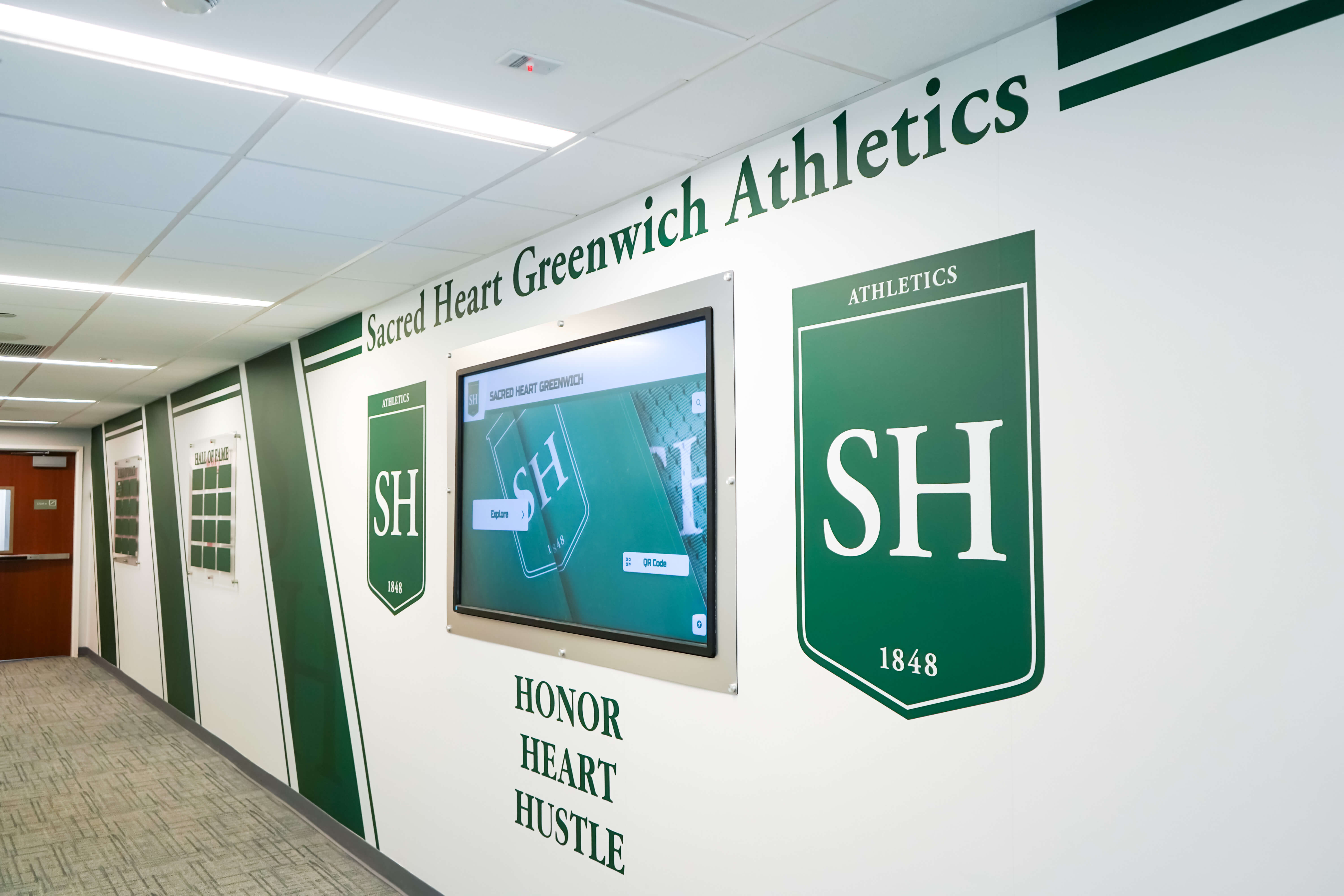
Directories reduce reception staff time spent giving directions, allowing focus on higher-value services
Reduced Signage Costs and Update Burden
Traditional directory updates require graphic design, printing, installation, and disposal of old materials. These recurring costs accumulate significantly over time, particularly for facilities with frequent tenant changes.
Digital directories eliminate ongoing printing costs, reduce physical signage maintenance, enable instant updates without vendor delays, and ensure consistency across all directory locations. Annual savings typically range from $3,000-8,000 depending on facility size and change frequency.
Accessibility Compliance Value
For facilities subject to accessibility regulations, touchscreen directories help demonstrate compliance with wayfinding accessibility requirements. The costs of ADA non-compliance—including potential lawsuits, retrofits, and reputational damage—make proactive accessibility investments prudent risk management.
Enhanced Building Value and Competitive Positioning
Modern technology amenities enhance property value and marketability to prospective tenants or buyers. Interactive directories signal that facility management invests in contemporary infrastructure and tenant experience, differentiating properties in competitive markets.
While difficult to quantify precisely, real estate professionals consistently observe that buildings with modern amenities command premium rental rates and experience shorter vacancy periods compared to dated competitors.
Overcoming Common Implementation Concerns
Facility managers considering touchscreen directories often express legitimate concerns that can be effectively addressed through proper planning and solution selection.
“Will Visitors Actually Use This Technology?”
Adoption concerns frequently arise, particularly for facilities serving older populations or those in less tech-forward industries. However, well-designed touchscreen interfaces prove intuitive across age groups and technical comfort levels when they prioritize simplicity over complexity.
Features supporting broad adoption include extra-large text and touch targets, minimal navigation steps, familiar visual metaphors (arrows, maps), patient response times accommodating slower interaction, and staff availability for visitors preferring personal assistance.
Facilities consistently report that initial hesitation disappears quickly once visitors attempt using directories. The key is thoughtful interface design that prioritizes clarity over flashy features.
“How Much Does This Cost?”
Investment varies based on hardware selection, software features, number of installations, and integration complexity. Typical ranges:
- Entry-level single directory: $8,000-15,000 including hardware, software, installation, and initial content setup
- Mid-range installations (3-5 directories): $25,000-50,000 with enhanced features and campus-wide management
- Comprehensive systems (10+ directories): $75,000-150,000 for large facilities with extensive integration
Consider total cost of ownership over 7-10 year system life including annual software subscriptions (typically $1,000-2,500 per directory), eliminated printing and signage update costs, reduced staff time on wayfinding, and operational efficiency improvements.
Many facilities find touchscreen directories cost less over time than maintaining equivalent traditional signage when accounting for eliminated expenses and efficiency gains.
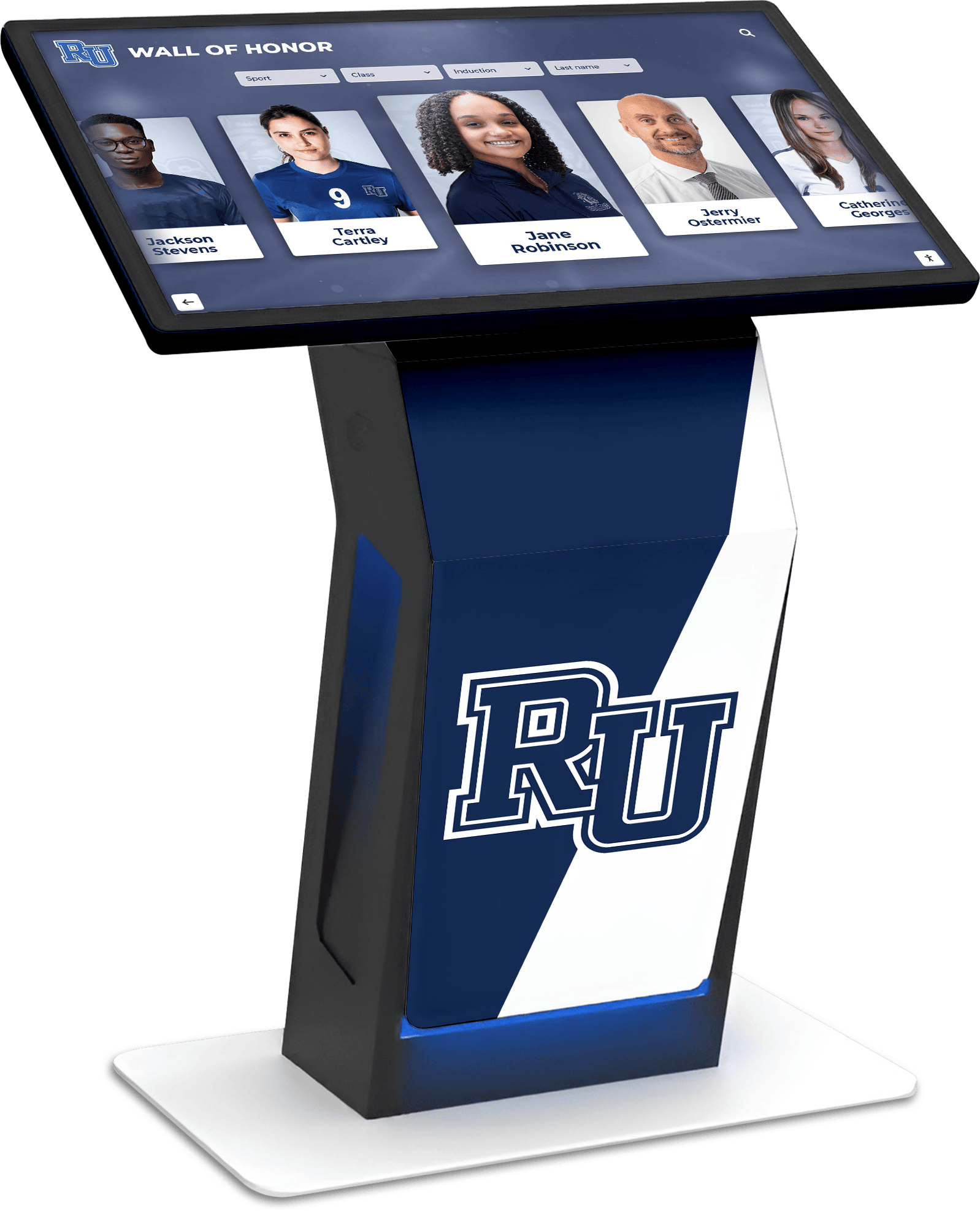
Quality hardware designed for continuous public use ensures reliable long-term performance
“We Don’t Have IT Staff to Manage This”
Modern directory platforms are designed specifically for non-technical facility managers. Quality systems require no specialized IT knowledge for content updates, feature web-based administration accessible from standard browsers, offer intuitive interfaces similar to familiar content management systems, provide vendor training and ongoing support, and handle all software updates automatically through cloud-based platforms.
If facility managers can update your building website or manage email, they can maintain touchscreen directory content. The same user-friendly approach that makes touchscreen software accessible for diverse organizations applies to building directories.
“Our Building Layout Changes Frequently”
Frequent changes actually strengthen the case for touchscreen directories rather than undermining it. Facilities with regular tenant moves, ongoing construction, or frequent room reassignments benefit most from instantly updatable digital directories.
Traditional signage in these environments becomes outdated immediately, creating perpetual frustration and expense. Digital directories update in minutes rather than days or weeks—when Suite 304 gets a new tenant, one administrator updates the system once and every directory throughout the facility reflects the change immediately.
“What About Maintenance and Technical Issues?”
Commercial-grade touchscreen hardware is designed for continuous public operation with typical lifespans of 7-10 years. Physical maintenance is minimal—occasional screen cleaning using electronics-safe products is typically sufficient.
Software maintenance occurs automatically through cloud-based platforms that handle updates, security patches, and feature improvements without facility involvement. Quality vendors offer support agreements including remote monitoring, priority support access, and rapid response for any technical issues.
Most facilities experience minimal downtime or technical problems when they select appropriate commercial-grade hardware and reputable software platforms designed specifically for continuous public kiosk applications.
Future Trends: The Evolution of Building Directory Technology
Touchscreen directory technology continues evolving with emerging capabilities that will further enhance facility wayfinding in coming years.
Smartphone Integration and Wayfinding Apps
Future systems will increasingly integrate with personal smartphones, allowing visitors to begin navigation planning before arriving at facilities, receive turn-by-turn mobile directions throughout buildings, utilize augmented reality features overlaying directional arrows on camera views, and save favorite locations for repeat visits.
This smartphone integration extends wayfinding from fixed directory locations throughout the visitor journey, creating seamless experiences from parking to destination.

Mobile integration extends navigation from directory kiosks to personal devices throughout visitor journeys
Artificial Intelligence and Natural Language Processing
AI-enhanced systems will offer increasingly sophisticated capabilities including natural language search understanding conversational queries, personalized recommendations based on visitor patterns, predictive wayfinding suggesting departure times based on walking distances, and accessibility-aware routing automatically selecting elevator-accessible paths for mobility-limited visitors.
These intelligent features will make wayfinding feel less like using a tool and more like receiving personalized concierge assistance.
Expanded Accessibility Features
Ongoing accessibility improvements will include advanced screen reader capabilities, comprehensive voice-controlled navigation, sign language video interpretation, cognitive support modes with simplified interfaces, and pictographic navigation for universal comprehension.
These features ensure wayfinding solutions serve increasingly diverse visitor populations with varying accessibility needs.
Integration with Smart Building Systems
As buildings become more connected through Internet of Things (IoT) technology, directories will integrate with real-time occupancy sensors, environmental control systems, energy management platforms, and security systems to provide dynamic information about space availability, optimal routes based on current conditions, and personalized access control.
These integrations transform directories from wayfinding tools into comprehensive facility information and management platforms.
Choosing the Right Touchscreen Building Directory Solution
Selecting a directory solution represents a significant investment requiring careful evaluation. Prioritize these factors during vendor selection:
Facility-Specific Features vs. General Digital Signage
General digital signage providers often position products as suitable for building directories, but systems designed specifically for wayfinding offer important advantages including intuitive search and navigation functionality, floor plan integration and visual wayfinding, accessibility features built into design, facility management content templates, and understanding of building operations and tenant management needs.
Providers with proven building directory implementations understand unique requirements better than general digital signage vendors adapting consumer-oriented solutions.
Content Management Simplicity
Given that facility managers typically manage directories rather than IT departments, prioritize platforms explicitly designed for non-technical users. During vendor demonstrations, ask to see the administrative interface and content update process—this reveals whether systems truly deliver on ease-of-use promises.
Vendors should offer comprehensive training and responsive ongoing support, recognizing that facility managers have many responsibilities beyond directory maintenance.

Simple content management enables facility managers to maintain directories without technical expertise
Scalability and Future Growth
Initial implementations may cover priority locations, but effective systems should support future expansion without architectural changes, accommodate multi-building or multi-campus implementations, offer integration APIs for future system connections, and include feature updates as part of subscriptions rather than costly upgrades.
This scalability ensures investments remain valuable as facilities and needs evolve over time.
Total Cost of Ownership Transparency
Request detailed cost breakdowns including hardware costs per unit, software licensing models (subscription vs. perpetual), installation estimates, training offerings, ongoing support options, and expected replacement cycles.
Avoid solutions with hidden costs emerging after commitment. Reputable providers offer transparent pricing and clearly explained value propositions.
Proven References from Similar Facilities
Ask for references from similar facility types who have implemented systems. Contact these references to learn about implementation experience, ongoing satisfaction, vendor responsiveness, and unexpected challenges.
Real-world experience from peer facilities provides valuable insights beyond vendor-provided information.
Ready to Transform Your Facility's Visitor Experience?
Discover how interactive touchscreen directories can reduce confusion, enhance your building's image, and improve operational efficiency.
Explore Building Directory SolutionsConclusion: Wayfinding as Visitor-Centered Facility Management
Implementing touchscreen building directories represents more than a technology upgrade—it’s a tangible demonstration of visitor-centered facility management philosophy. When organizations invest in solutions that reduce confusion, respect diverse needs, and remove barriers to accessing people and services, they communicate that visitor experience matters.
Navigation challenges unnecessarily frustrate visitors, waste staff time, and create negative first impressions that color overall perceptions of organizations. First-time visitors searching endlessly for Conference Room 4B, delivery personnel unable to locate mail rooms, and international visitors unable to ask for directions in unfamiliar languages all represent failures of visitor experience that modern directory technology can address effectively.
Touchscreen directories transform these frustrating experiences into confident, stress-free navigation that allows visitors to focus on their actual purpose—business meetings, service access, educational programs, or community engagement—rather than fighting confusing building layouts.
For facility managers evaluating directory solutions, prioritize systems combining robust functionality with genuine accessibility, facility-specific features with user-friendly management, and proven technology with responsive vendor partnerships. The right solution becomes invisible infrastructure that simply works—guiding visitors reliably while requiring minimal ongoing attention from facility teams.
As facility management continues evolving toward experience-centered approaches, wayfinding technology that respects visitor time, reduces stress, and demonstrates organizational commitment to accessible service will increasingly become not just a nice amenity but an expected standard of modern, professionally managed facilities.
Facilities ready to eliminate wayfinding frustration and enhance visitor experience should explore interactive touchscreen solutions designed specifically for building environments. The combination of immediate operational benefits, long-term cost effectiveness, and meaningful visitor experience improvements makes this technology one of the highest-impact infrastructure investments modern facilities can make.
Whether you manage corporate offices, educational campuses, commercial properties, or public facilities, the strategies and considerations outlined in this guide provide frameworks for successful touchscreen building directory implementation that enhances both visitor experience and operational efficiency for years to come.





























