Track and field programs build lasting legacies through records that span decades—from the sprinter who shattered the 100-meter record to the distance runner who rewrote the school’s cross country history. These achievements deserve recognition that matches their significance and inspires future generations of student-athletes. Yet many high schools struggle with outdated record boards that quickly become overcrowded, difficult to update, and fail to capture the complete stories behind extraordinary performances.
Track and field high school touch board digital displays represent the evolution of athletic recognition, replacing static plaques with interactive touchscreen solutions that showcase unlimited records, integrate multimedia content, and create engaging experiences for athletes, families, and visitors. This comprehensive guide explores how modern digital display technology transforms track and field recognition while preserving program history and motivating championship-level performance.
Track and field encompasses the broadest range of disciplines within high school athletics—sprints, distance races, hurdles, jumps, throws, and relays—each requiring specialized skills and dedication. The sheer variety of events means successful track programs generate numerous records across multiple categories, quickly overwhelming traditional recognition displays designed for simpler sports.
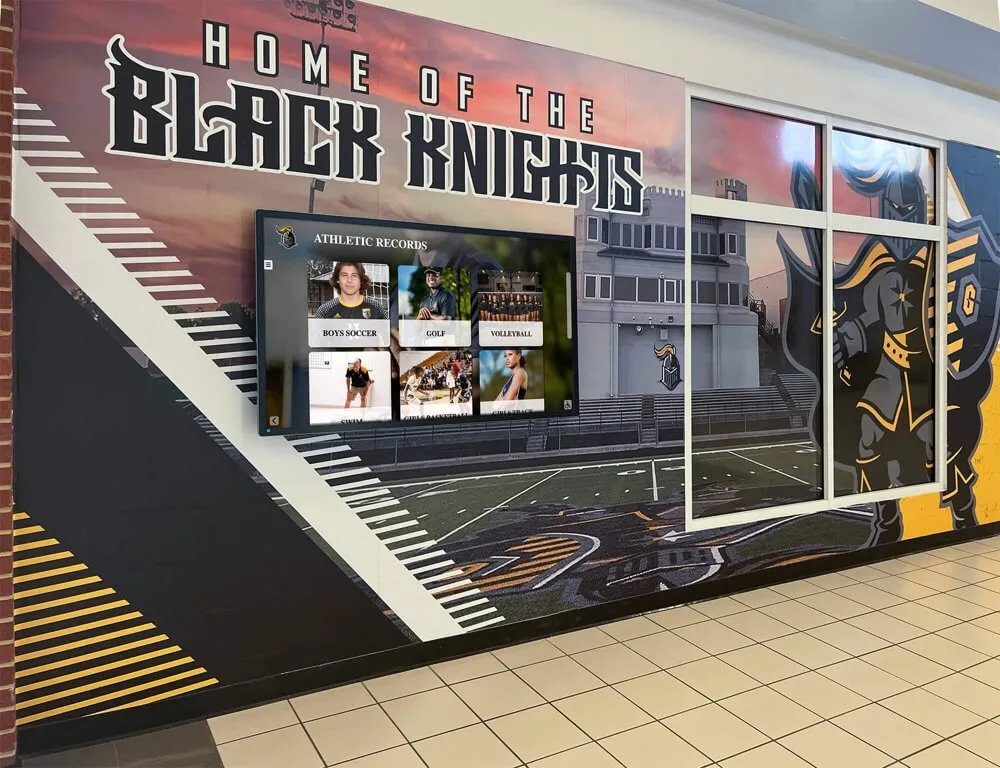
Interactive displays provide dynamic recognition for complex multi-event track and field programs
The Challenge of Traditional Track & Field Record Boards
Track and field programs face unique recognition challenges that traditional static displays struggle to address effectively:
Complexity of Multiple Events
Unlike single-discipline sports, track and field requires comprehensive recognition across numerous categories:
Running Events
- Sprint distances (100m, 200m, 400m)
- Middle distances (800m, 1500m)
- Long distances (3000m, 5000m)
- Hurdle events (110m/100m hurdles, 300m/400m hurdles)
- Relay teams (4x100m, 4x200m, 4x400m, distance medley)
Field Events
- Horizontal jumps (long jump, triple jump)
- Vertical jumps (high jump, pole vault)
- Throws (shot put, discus, javelin, hammer throw in some states)
Each event category requires separate record documentation for both boys and girls programs, doubling recognition needs. A comprehensive track and field program may need to track 40+ individual records plus relay team achievements—an impossible task for space-constrained traditional boards.
Frequent Record Updates
Track and field records change more frequently than many other sports:
- Electronic timing produces precise measurements down to hundredths of seconds
- Weather conditions, equipment improvements, and training advances enable continuous progression
- Multiple athletes compete in the same events each season, increasing record-breaking opportunities
- Relay records involve four athletes requiring coordinated recognition updates
- Personal records and school records both merit documentation
Traditional vinyl lettering, engraved plaques, and printed materials create significant obstacles to maintaining current information. Schools report spending $500-1,500 annually just updating track and field record boards through conventional methods, with updates often delayed weeks or months after records fall.
Limited Context and Storytelling
Static displays reduce remarkable achievements to names, times, and distances without capturing the stories that make records meaningful:
- The circumstances surrounding record-breaking performances remain untold
- Progression showing how records evolved over decades stays invisible
- Relationships between athletes and coaches who developed champions go unrecognized
- Weather conditions, competition context, and qualifying significance lack documentation
- Post-high school achievements of record holders can’t be tracked
This lack of context diminishes emotional connection while failing to honor the complete narratives behind statistical accomplishments.
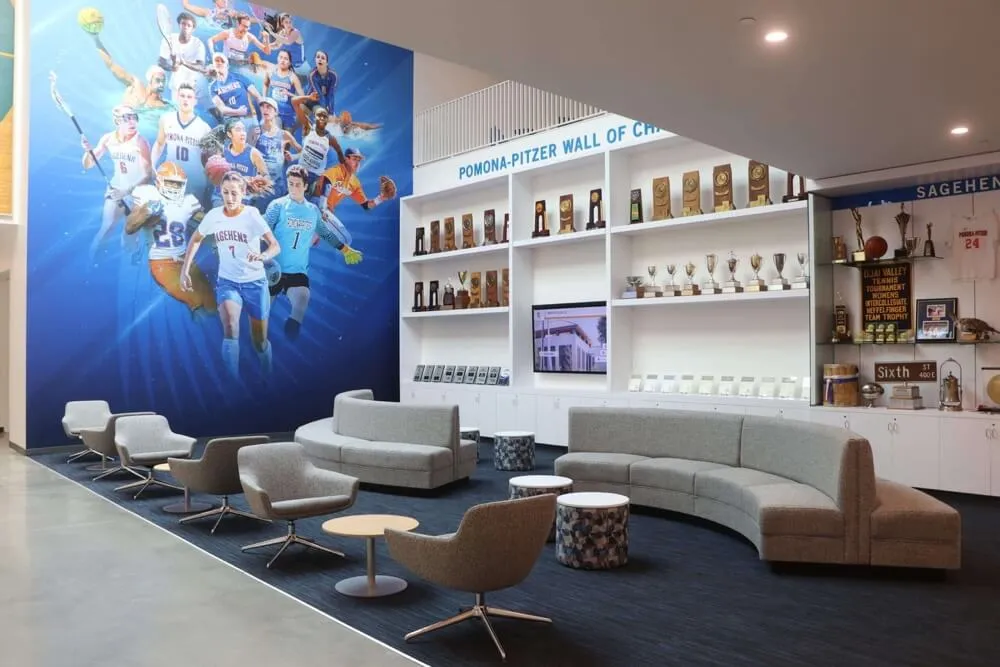
Conventional recognition methods quickly become overwhelmed by track and field's extensive record categories
Modern Solutions: Digital Touch Board Displays for Track & Field
Digital touchscreen technology addresses traditional recognition limitations while creating enhanced experiences specifically designed for track and field’s unique requirements:
Unlimited Capacity for All Events
Interactive displays eliminate space constraints that limit traditional boards:
Comprehensive Event Coverage
Digital systems accommodate every event category:
- Individual event records for all running, jumping, and throwing disciplines
- Separate recognition for indoor and outdoor seasons where applicable
- Documentation of conference, district, regional, and state performances
- Team relay records with photos and profiles of all four athletes
- Historical records showing progression across decades
- Special recognition categories like most versatile athlete or consecutive state qualifiers
A single 55-inch touchscreen can showcase hundreds of records that would require dozens of linear feet of traditional wall space. Solutions like digital record boards provide sport-specific templates optimized for track and field’s complexity.
Dual-Gender Program Support
Digital platforms seamlessly organize parallel recognition:
- Side-by-side boys and girls records for direct comparison
- Combined team achievements celebrating program success
- Separate navigation for those exploring specific programs
- Equitable display ensuring both programs receive appropriate recognition
- Historical documentation showing how programs evolved differently
This organizational flexibility ensures comprehensive recognition without overwhelming visitors or creating cluttered displays.
Real-Time Updates and Cloud Management
Cloud-based content management transforms record maintenance:
Instant Record Updates
Digital displays enable immediate recognition:
- Update records within minutes of official verification
- Schedule changes to appear automatically at specified times
- Maintain perpetually current information without physical intervention
- Correct errors or add missing details instantly from any location
- Eliminate gaps between achievement and acknowledgment
This responsiveness ensures recognition remains relevant and timely, maximizing motivational impact while eliminating frustrating delays that diminish the significance of breaking records.
Simplified Administration
User-friendly management platforms require no technical expertise:
- Intuitive forms capture event, athlete, performance, and date information
- Drag-and-drop photo upload processes multiple images simultaneously
- Template systems ensure consistent professional appearance
- Preview functions show changes before publication
- Role-based permissions allow coaches to manage their events
Athletic directors report that after brief initial training, routine updates take just 5-10 minutes—a dramatic reduction from hours required for traditional board maintenance.

Cloud-based management makes track and field record updates simple and instant
Interactive Exploration and Discovery
Touchscreen interfaces create engaging recognition experiences:
Intuitive Navigation
Multiple browsing options accommodate different interests:
- Filter by event category to view all sprint records or all throwing events
- Search by athlete name to find specific individuals instantly
- Browse by year to explore particular graduating classes or eras
- Sort by performance level to see top times or distances across history
- Compare records across boys and girls programs
These navigation capabilities allow each visitor to discover personally relevant information within seconds rather than scanning endless text hoping to find connections.
Multimedia Storytelling
Digital platforms integrate rich content impossible with static displays:
- Race footage showing record-breaking performances
- Photo galleries capturing moments throughout athletic careers
- Coach and athlete interviews providing context and inspiration
- Meet results and progression charts showing improvement
- Recognition of college placement and continued success
Solutions like interactive athletic displays demonstrate how multimedia content creates emotional engagement far exceeding simple statistics.
Performance Visualization
Digital displays can present records through enhanced formats:
- Side-by-side comparison of current and historical records
- Progression timelines showing how records improved over decades
- Visual representations of distances for throwing and jumping events
- Relay team compositions with photos of all four athletes
- Performance percentiles showing where records rank historically
These visualizations make abstract numbers more tangible while helping visitors understand the significance of achievements.
Mobile and Web Accessibility
Extending recognition beyond physical displays:
- Alumni worldwide explore records through web browsers
- Current athletes review performance standards from home
- Prospective families research program history during recruitment
- Social sharing amplifies recognition across platforms
- QR codes on traditional displays link to expanded digital content
This accessibility transforms recognition from a location-dependent amenity to a universally available resource strengthening program connections across geographic boundaries.
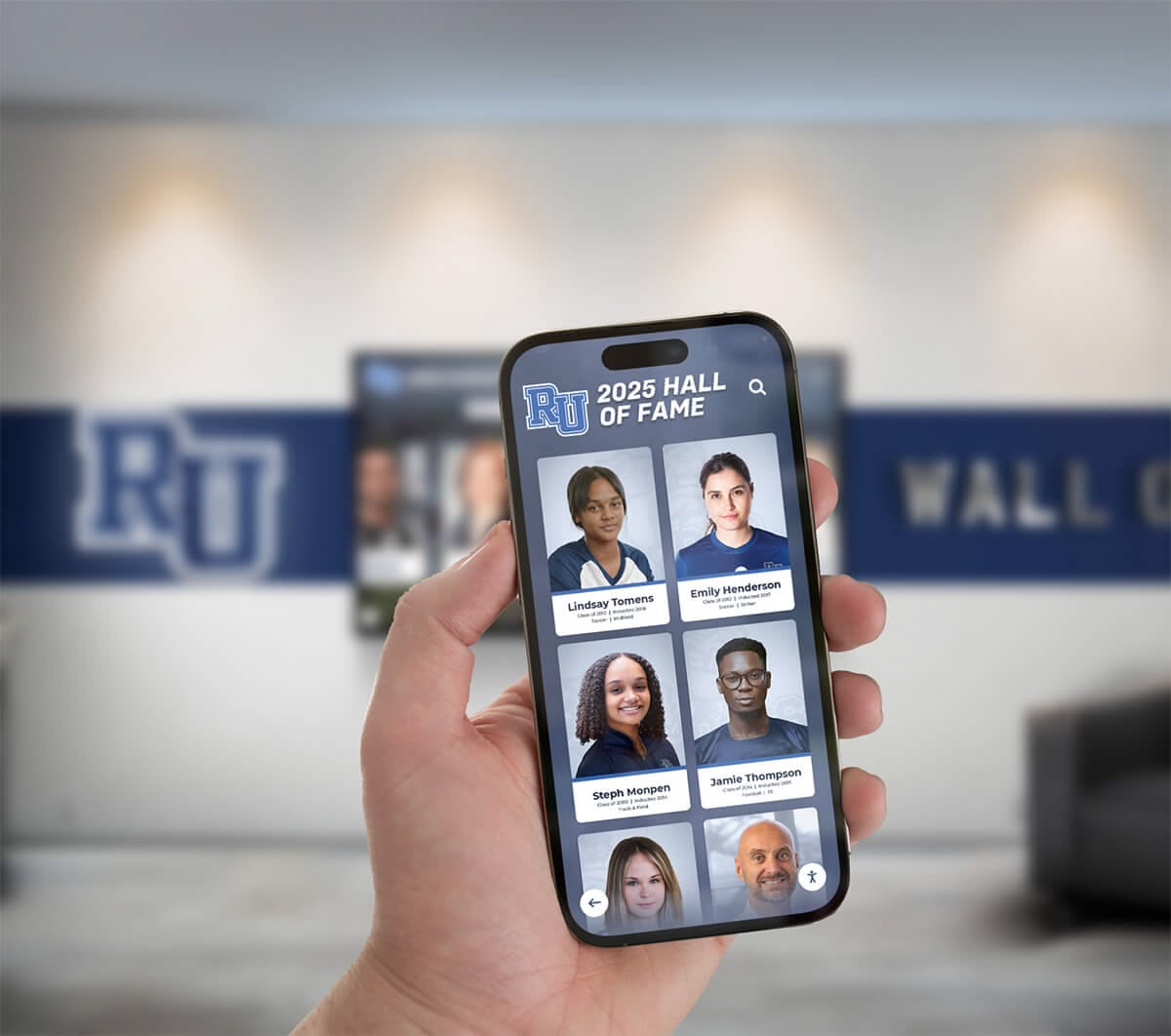
Web accessibility enables track record exploration from anywhere
Benefits for Track & Field Programs
Digital touch board displays deliver measurable advantages for high school track and field programs:
Enhanced Athlete Motivation
Visible, accessible records create powerful motivational effects:
Goal-Setting and Aspiration
Interactive displays establish clear benchmarks:
- Athletes identify specific records to pursue throughout their careers
- Coaches reference standards when discussing performance expectations
- Progression tracking shows athletes approaching school records
- Historical context demonstrates achievable improvement trajectories
- Recognition of near-misses validates exceptional performances
When student-athletes can easily view current records and understand what’s required to achieve them, they’re significantly more likely to set ambitious goals aligned with program excellence standards.
Celebrating Incremental Progress
Digital systems can recognize achievements beyond top records:
- Personal records showing individual improvement
- Top performances for the season even when not school records
- Progression toward records across multiple seasons
- Recognition for athletes who excel across multiple events
- Academic achievements of student-athletes
Schools implementing comprehensive recognition programs for student athletes report improved team morale and retention across all ability levels.
Recruitment Advantage
Professional recognition influences prospective athlete decisions:
Demonstrating Program Quality
Digital displays showcase program excellence:
- Comprehensive records prove sustained competitive success
- State qualification and championship documentation
- College placement tracking shows post-high school opportunities
- Coaching tenure and development success
- Facility quality and institutional athletic commitment
Prospective athletes choosing between schools often cite modern recognition displays as factors influencing decisions, particularly when programs appear otherwise similar.
Creating Welcoming Experiences
Interactive displays enhance facility tours:
- Visitors engage directly with program history
- Self-directed exploration accommodates various interests
- Parents appreciate professional recognition of achievements
- Technology demonstrates institutional investment
- Positive first impressions influence recruitment outcomes
Athletic programs using digital displays for athletic facilities report improved recruitment results and increased prospective family engagement.
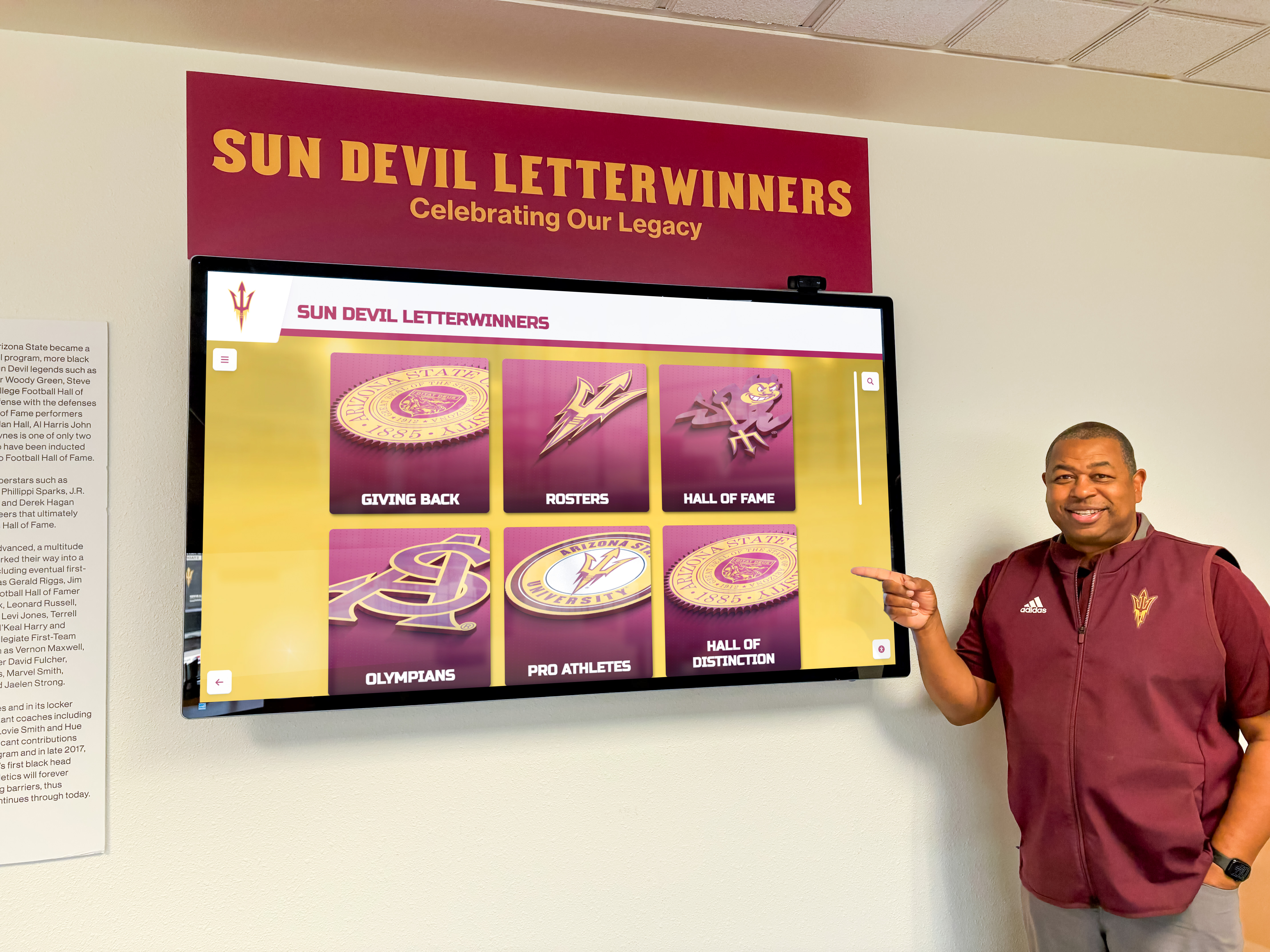
Interactive displays create compelling recruitment experiences during facility tours
Alumni Engagement
Digital recognition strengthens connections with graduated athletes:
Preserving Legacies
Comprehensive documentation honors past excellence:
- Records remain visible indefinitely rather than being removed for space
- Historical depth shows program evolution across generations
- Alumni discover their achievements properly honored when visiting
- Multi-generational families trace their track and field legacies
- Social sharing extends recognition to distant alumni networks
Digital platforms enabling alumni recognition and engagement report significantly higher interaction rates than static displays alone.
Supporting Advancement Goals
Recognition contributes to fundraising success:
- Visible appreciation for previous facility donations
- Naming opportunities for major contributions
- Emotional connections prompting generosity
- Recognition tied to specific program needs
- Demonstrated stewardship of past gifts
Alumni more readily support programs visibly honoring achievements while demonstrating appreciation for contributions that enabled success.
Time and Cost Efficiency
Digital displays deliver long-term financial advantages:
Eliminated Update Expenses
Cloud-based management removes recurring costs:
- No printing, engraving, or vinyl lettering charges
- No installation or mounting fees for updates
- No rush charges for mid-season changes
- No disposal costs for outdated materials
- Software updates included in management fees
Schools typically invest $6,500-15,000 initially for single-display systems, achieving break-even within 3-5 years when accounting for eliminated traditional update costs.
Reclaimed Staff Time
Automated systems free administrators:
- 85% reduction in time spent on recognition maintenance
- Staff focus shifts to content quality rather than logistics
- Multiple administrators can share responsibility easily
- Remote management eliminates need for facility access
- Automated scheduling reduces manual intervention
This time savings allows athletic directors and coaches to focus on athlete development rather than administrative tasks.

Digital displays reclaim valuable space while reducing ongoing maintenance costs
Implementation Considerations for Track & Field Programs
Successful digital touch board displays require strategic planning:
Content Organization Strategy
Structure information logically for track and field’s complexity:
Event-Based Navigation
Organize records by discipline:
- Running events grouped by distance categories
- Hurdle events as distinct category
- Jumping events together (horizontal and vertical)
- Throwing events grouped appropriately
- Relay teams in separate section
- Combined events (pentathlon, heptathlon) if applicable
This organization mirrors how coaches and athletes think about track and field, making information easy to locate.
Multiple Recognition Tiers
Acknowledge various achievement levels:
- School records as top-level recognition
- Conference records where applicable
- District and regional qualifying marks
- State meet qualifiers and place-winners
- All-state and all-conference honors
- Academic achievements and scholar-athletes
Comprehensive recognition ensures athletes at various competitive levels receive appropriate acknowledgment.
Hardware Selection
Choose displays appropriate for environments:
Size and Placement
Consider viewing contexts:
- 55-65 inch displays for main athletic facilities
- Multiple smaller displays for various locations
- Placement in high-traffic areas with appropriate lighting
- ADA-compliant mounting heights
- Network connectivity for cloud management
- Weather protection if semi-outdoor installation
Educational-focused vendors like Rocket Alumni Solutions provide hardware recommendations tailored to school environments and budgets.
Touchscreen vs. Display-Only
Determine interaction model:
- Interactive touchscreens for self-directed exploration
- Display-only screens for passive viewing in high-traffic areas
- Combination approaches using both models
- Content management remains identical regardless
- Touch capabilities increase engagement significantly
Most track programs benefit from at least one interactive touchscreen enabling detailed exploration while supplementing with display-only screens in additional locations.
Historical Data Collection
Digitizing existing records requires systematic effort:
Source Documentation
Gather information from multiple sources:
- Existing record boards and trophy cases
- Athletic department files and archives
- Yearbooks and school newspapers
- Meet results and timing system data
- State athletic association records
- Alumni recollections and personal documentation
Cross-referencing multiple sources ensures accuracy while identifying discrepancies requiring resolution.
Phased Implementation
Avoid overwhelming initial projects:
- Phase 1: Current season with real-time documentation
- Phase 2: Recent 5-10 years with accessible records
- Phase 3: Historical eras working backward through program history
- Phase 4: Enhanced content including photos and multimedia
This approach delivers immediate value while building toward complete archives over time. Resources like guides on finding school sports records provide strategies for historical research.

Systematic digitization preserves track program history for future generations
Best Practices for Track & Field Digital Recognition
Maximize recognition program effectiveness through proven strategies:
Accuracy and Verification
Maintain information integrity:
Multiple Source Confirmation
Verify records through cross-referencing:
- Official timing system data where available
- Meet results from state athletic associations
- Existing record board documentation
- Newspaper coverage and media guides
- Video evidence for recent performances
- Written documentation from coaches or officials
Questionable records should carry appropriate disclaimers acknowledging uncertainty while documented achievements gain credibility through cited sources.
Update Protocols
Establish clear procedures:
- Official verification requirements before publishing
- Approval workflows for record submissions
- Documentation standards for source materials
- Timeline expectations for record posting
- Correction processes for identified errors
Clear protocols ensure consistent quality while preventing premature or inaccurate recognition.
Balanced Recognition
Honor diverse contributions:
Event Coverage Equity
Ensure all disciplines receive attention:
- Equal prominence for running and field events
- Recognition for both common and specialty events
- Spotlight rotation highlighting different categories
- Featured athlete selections from various disciplines
- Historical retrospectives covering all event types
Balanced coverage reinforces that excellence across all track and field disciplines receives equal institutional appreciation.
Performance Context
Help visitors understand significance:
- State qualifying marks for comparison
- National high school performance rankings where relevant
- Historical progression showing record evolution
- Weather and competition conditions
- Training approaches that enabled success
Context transforms abstract numbers into meaningful achievements while educating visitors about track and field excellence standards.
Integration with Other Recognition
Connect track achievements to broader programs:
Multi-Sport Athletes
Acknowledge versatility:
- Cross-reference athletes excelling in multiple sports
- Academic recognition alongside athletic achievement
- Leadership and character awards
- Post-graduation success tracking
- Community involvement and service
Comprehensive profiles present complete student-athlete stories rather than fragmentary athletic-only recognition. Programs showcasing student athlete recognition comprehensively create more meaningful connections.
Team and Individual Balance
Recognize collective and personal excellence:
- Individual records alongside relay team achievements
- Conference and district championship teams
- State meet success and placement
- Dual meet accomplishments and undefeated seasons
- Team records like season points or championship streaks
Balance prevents recognition from becoming exclusively individualistic while ensuring exceptional personal achievements receive appropriate attention.

Comprehensive recognition acknowledges excellence across all track and field disciplines
Extending Recognition Impact
Maximize digital touch board display value:
Social Media Integration
Amplify recognition through digital channels:
Automated Sharing
Streamline social promotion:
- One-click sharing of record achievements to Instagram, Twitter, Facebook
- Automated posts when new records are added
- Branded graphics maintaining school identity
- Performance highlights for notable achievements
- Hashtag campaigns aggregating community content
Social integration exponentially expands recognition visibility beyond those physically viewing displays.
User-Generated Content
Encourage community participation:
- Athlete and family photo submissions
- Alumni memory contributions
- Historical photo and video sharing
- Meet coverage and results posting
- Social walls displaying tagged content
Participatory approaches strengthen community engagement while distributing content creation effort.
Integration with Training Programs
Use recognition to support athlete development:
Goal-Setting Tools
Connect records to training:
- Athletes track personal progress toward school records
- Coaches reference standards during performance reviews
- Training plans incorporate record-based targets
- Progression visualization shows improvement trajectories
- Motivation through visible benchmarks
Digital displays serving dual purposes as recognition and development tools provide additional value beyond simple acknowledgment.
Performance Analysis
Leverage historical data:
- Trend analysis showing how records evolved
- Identification of athlete development patterns
- Correlation between training approaches and success
- Seasonal performance patterns and optimization
- Historical context for current performances
Data-informed coaching decisions supported by comprehensive historical records can enhance program competitiveness.
Event Day Enhancement
Integrate displays with competitions:
Live Meet Features
Extend functionality during competitions:
- Real-time results display during meets
- Record watch notifications when athletes approach marks
- Heat and flight information for spectators
- Live streaming integration
- Social media feeds from the event
Dynamic content during competitions creates additional engagement opportunities while demonstrating display versatility.
Recruitment Showcasing
Maximize display impact during visits:
- Scheduled content highlighting recruited events
- Featured athletes in prospect’s disciplines
- College placement relevant to visitor interests
- Facility tour integration
- Personalized welcome messages for official visits
Strategic content programming enhances recruitment effectiveness during critical decision-making visits.

Digital displays extend value through competition day features and recruitment enhancement
Technology Considerations and Future Trends
Anticipate emerging capabilities:
Current Technology Standards
Modern displays should include:
Essential Features
- Commercial-grade touchscreens rated for continuous operation
- 1080p or 4K resolution for sharp text and images
- Responsive touch with minimal lag
- Wi-Fi and ethernet connectivity options
- Remote management capabilities
- Content scheduling and automation
- Analytics tracking engagement patterns
These baseline capabilities ensure displays meet current expectations while supporting future enhancements.
Emerging Capabilities
Next-generation features on the horizon:
Advanced Integration
Future systems may offer:
- Automatic timing system integration capturing results instantly
- Video analysis tools showing technique comparison
- Augmented reality features through smartphone integration
- Voice navigation for hands-free browsing
- Artificial intelligence generating highlight compilations
- Personalized content based on viewer identity
Staying informed about technological advances ensures programs can incorporate beneficial innovations as they mature.
Enhanced Analytics
Deeper insights into recognition effectiveness:
- Detailed engagement metrics showing content performance
- User journey tracking revealing navigation patterns
- Social reach measurement quantifying sharing impact
- Demographic insights about visitors
- A/B testing optimizing content effectiveness
- ROI documentation supporting continued investment
Data-driven optimization ensures recognition programs continuously improve based on actual usage patterns rather than assumptions.
Funding and Budget Planning
Strategic approaches to financing digital displays:
Investment Ranges
Typical implementation costs:
Single Display Systems
- Basic touchscreen package: $6,500-10,000
- Mid-range system with enhanced features: $10,000-15,000
- Premium large-format display: $15,000-25,000
Multi-Display Programs
- 2-3 display systems: $20,000-40,000
- Comprehensive 4-6 display installations: $40,000-75,000
- Campus-wide recognition programs: $75,000-150,000
Pricing varies based on display size, interactive capabilities, custom design requirements, content development services, and training needs.
Funding Strategies
Approaches for securing investment:
Booster Club Fundraising
Engage supporter networks:
- Dedicated fundraising campaigns for recognition enhancement
- Naming opportunities for major donors
- Corporate sponsorships from local businesses
- Alumni donation drives targeting graduated athletes
- Brick or plate programs supplementing digital recognition
Booster organizations often prioritize recognition projects that benefit entire programs across multiple seasons.
Capital Campaign Integration
Include in larger facility projects:
- Recognition components within track facility renovations
- Athletic complex enhancement initiatives
- School-wide technology upgrade programs
- Multi-sport recognition system implementations
- Historical preservation and archiving projects
Bundling recognition with broader initiatives can improve funding approval while ensuring cohesive implementation.
Phased Acquisition
Distribute investment over time:
- Year 1: Single interactive display in main location
- Year 2: Additional display-only screens in secondary areas
- Year 3: Enhanced features and expanded content
- Year 4: Web platform launch and mobile optimization
- Year 5: Integration with additional sports and programs
Incremental approaches make advanced recognition accessible within annual operating budgets while demonstrating value before major expansion.
Resources discussing athletic facility enhancement budgeting provide additional financial planning guidance.
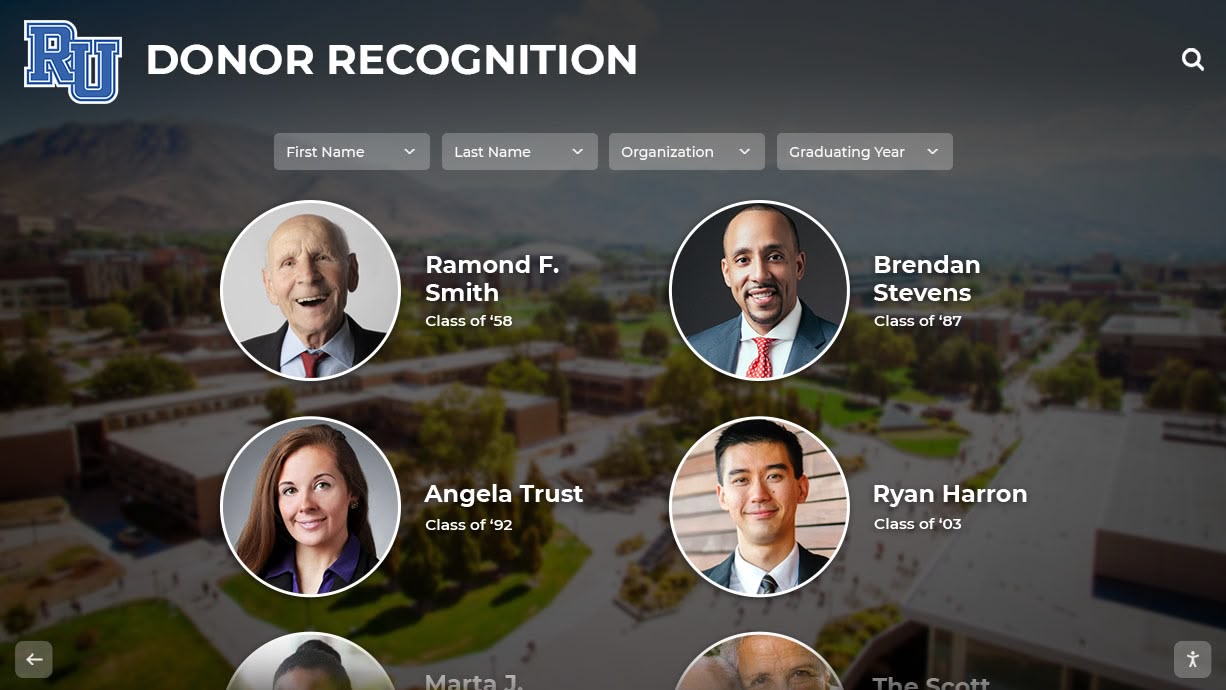
Recognition displays can acknowledge donors who funded the enhancement project itself
Measuring Recognition Program Success
Demonstrate value through systematic assessment:
Quantitative Metrics
Track measurable indicators:
Engagement Data
- Total interactions and unique visitors
- Average session duration and depth
- Most-viewed records and content
- Search queries revealing interests
- Peak usage times and patterns
- Social sharing volume and reach
- Web platform traffic and behavior
Analytics provide objective evidence of recognition value while identifying improvement opportunities.
Operational Efficiency
- Time savings compared to traditional maintenance
- Update frequency and timeliness
- Number of records documented
- Content additions per season
- Administrative staff satisfaction
- Eliminated printing and engraving expenses
Efficiency gains justify initial investment while documenting ongoing operational advantages.
Qualitative Assessment
Gather stakeholder perspectives:
Athlete Feedback
- Awareness of records and program history
- Motivation derived from visible recognition
- Personal goal-setting influenced by displays
- Satisfaction with acknowledgment received
- Suggestions for improvement or expansion
Student-athlete input provides insider perspective on motivational impact and program culture effects.
Alumni Response
- Engagement levels and return visit participation
- Social sharing and online interaction
- Donation patterns and financial support
- Event attendance and program connection
- Submitted content and story contributions
Alumni reactions reveal whether recognition successfully maintains lifelong program bonds essential for sustained institutional support.
Community Perception
- Visitor feedback and testimonials
- Prospective family responses during recruitment
- Media coverage and public recognition
- Parent satisfaction and support
- Broader school community pride
External perspectives demonstrate recognition’s impact beyond direct program participants.
Conclusion: Transforming Track & Field Recognition
Track and field programs deserve recognition solutions that match their complexity, celebrate their diverse achievements, and inspire championship-level performance. Traditional static record boards, with their limited capacity, difficult maintenance, and inability to tell complete stories, increasingly fail to meet these needs in the digital age.
Track and field high school touch board digital displays address these limitations comprehensively while creating enhanced experiences impossible with conventional approaches. Interactive touchscreens provide unlimited capacity for all events, intuitive navigation enabling personalized exploration, multimedia storytelling that honors complete athlete journeys, and real-time updates ensuring perpetually current recognition.
The benefits extend beyond improved displays—enhanced athlete motivation through visible and accessible standards, competitive recruitment advantages demonstrating program quality, strengthened alumni engagement through preserved legacies, and significant time and cost savings through efficient cloud management.
Successful implementations require thoughtful planning including strategic content organization, appropriate hardware selection, systematic historical data collection, and clear protocols ensuring accuracy and quality. Schools approaching digital recognition as strategic investments rather than simple display upgrades build programs delivering value for decades.
Transform Your Track & Field Recognition
Discover how Rocket Alumni Solutions can help you create comprehensive digital recognition showcasing every event, honoring all achievements, and preserving your track and field legacy for generations to come.
Schedule Your Free ConsultationFor athletic directors ready to eliminate outdated record boards while creating recognition experiences that truly inspire student-athletes, for coaches seeking tools that motivate championship-level performance across all events, and for administrators committed to honoring excellence comprehensively—digital touch board display solutions offer proven approaches specifically designed for track and field’s unique requirements.
This track season, evaluate how your program recognizes and preserves athletic achievements. Will this year’s record-breakers receive the same limited acknowledgment as generations before them, or will you implement recognition solutions that tell their complete stories, preserve their achievements permanently, and inspire countless athletes who will follow in their footsteps?
Explore how digital athletic displays specifically designed for high school programs can transform your recognition, discover comprehensive state championship celebration solutions honoring team and individual excellence, or learn about interactive displays for athletic records showcasing performance milestones across all sports.































