An athletic director (AD) is the school administrator responsible for planning, managing, and overseeing all interscholastic sports programs at a K–12 school or university. The AD serves as the operational hub connecting coaches, students, parents, facilities staff, and school leadership — making sure practices happen, games are scheduled, athletes are recognized, and the department runs within budget.
At the high school level, most athletic directors report directly to the principal or superintendent. They manage anywhere from 8 to 25+ varsity and junior varsity sports programs, coordinate with state athletic associations for eligibility compliance, and serve as the primary liaison between the athletic department and the broader school community. The role is equal parts administrator, records manager, recognition program lead, facilities coordinator, and community ambassador.
Quick definition: An athletic director is the lead administrator of a school’s sports programs — responsible for scheduling, budgets, coaches, compliance, facilities, and student recognition. The position exists at every level from small rural K–12 schools to major Division I universities.

Athletic directors are typically the decision-makers behind how schools build, fund, and display recognition environments like this hall of fame lobby installation.
Athletic Director Responsibilities at a Glance
The table below captures the six core operational areas that define what an athletic director does on a day-to-day basis.
| Responsibility Area | What It Includes |
|---|---|
| Program Operations | Scheduling games, practices, transportation, and officials across all sports |
| Records and Compliance | Maintaining athletic records, verifying eligibility, reporting to state associations |
| Recognition and Awards | Managing honor programs, hall of fame inductions, end-of-season awards |
| Facility Oversight | Maintaining gyms, fields, weight rooms, and lobby display environments |
| Budget and Finance | Allocating funds, overseeing gate receipts, managing booster accounts |
| Stakeholder Communication | Engaging parents, alumni, sponsors, media, and school board members |
Each of these areas carries real operational weight. A missed eligibility filing can result in forfeited wins. An outdated or disorganized records system leaves alumni and community members disconnected from school history. A facility that lacks visible recognition infrastructure sends an implicit message that achievement goes unnoticed. What an athletic director does is hold all of these systems together.
Records: What Athletic Directors Track and Why It Matters
One of the most underappreciated functions of the athletic director role is maintaining accurate, accessible athletic records. These records fall into several categories.
Performance and Achievement Records
ADs document and preserve:
- Individual athletic records — top times, scores, distances, and statistics by sport and season
- Team season records — win-loss totals, playoff runs, and championship seasons
- All-conference and all-state selections — rosters of student-athletes earning post-season honors
- Scholar-athlete designations — students meeting dual academic and athletic excellence thresholds
These records do more than satisfy historical curiosity. They motivate current athletes who can see exactly what marks have been set, give alumni a way to reconnect with their own achievements, and provide data that ADs use when building program narratives for school boards and community presentations.
Compliance and Eligibility Records
Alongside performance data, ADs manage compliance documentation required by state athletic associations. This includes:
- Academic eligibility verifications each semester
- Transfer and residency documentation for students changing schools
- Physical examination and clearance records
- Coaching certification and background check records
Accurate record-keeping in this area is not optional — it is a legal and institutional safeguard. Schools with well-organized records archival policies are far better positioned to respond to eligibility challenges, insurance claims, or audit requests without scrambling for documentation.
Why Records Infrastructure Matters Beyond the AD’s Office
Strong athletic records systems do not just serve the athletic director — they serve the entire school community. Alumni engagement programs rely on historical records. Development teams reference championship seasons when building donor appeals. Facilities planners use records to determine what to display in trophy cases and recognition walls. Athletic records, properly organized and stored, become a living institutional asset.
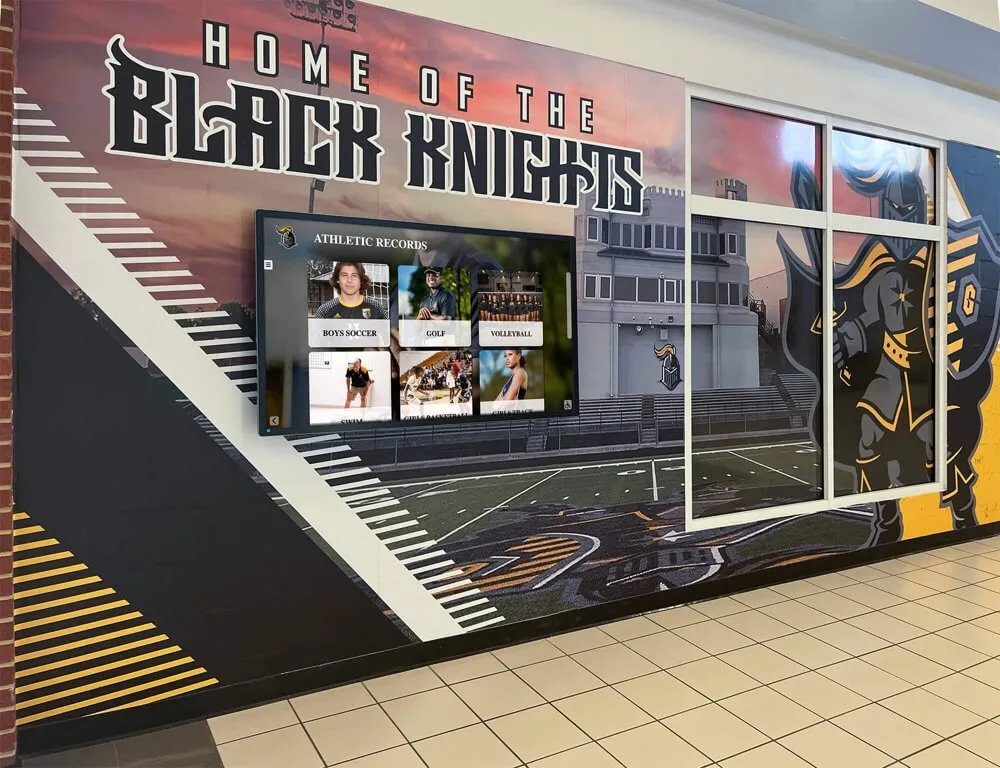
Displaying athletic records in hallways and lobbies gives students, visitors, and alumni direct access to program history — a responsibility that often falls to the athletic director.
Recognition: How Athletic Directors Honor Student-Athletes
Recognition program management is one of the highest-visibility responsibilities in the AD role. It shapes culture, motivates athletes, and builds the lasting connection between alumni and their school.
Types of Recognition Programs ADs Oversee
In-season recognition includes weekly or monthly honors like player of the week, team captain designations, and milestone acknowledgments (a swimmer reaching 100 career points, a football player reaching a statistical milestone).
End-of-season recognition typically includes award ceremonies or banquets where coaches present individual honors — most valuable player, most improved, leadership awards, and all-conference acknowledgments. Planning meaningful end-of-season celebration formats takes coordination across multiple departments and often involves the AD’s office as the organizing lead.
Annual and cumulative recognition covers the programs with the longest institutional reach: halls of fame, walls of honor, scholar-athlete rolls, and multi-year achievement boards. These programs require defined criteria, nomination or selection processes, induction events, and — critically — physical or digital display infrastructure that makes the recognition visible long after the ceremony.
Senior and graduation recognition marks the culmination of an athlete’s career and often involves the AD coordinating with academic departments, booster organizations, and alumni groups. Understanding meaningful award and gift options for graduating athletes helps ADs build programs that athletes remember for decades.
Hall of Fame and Wall of Honor Programs
Hall of fame and wall of honor programs are among the most permanent forms of recognition an athletic director manages. They require:
- Clear induction criteria — what accomplishments qualify (statistical thresholds, championship contributions, post-secondary achievement, service to the program)
- A nomination and selection process — who nominates, who decides, and how conflicts of interest are managed
- Consistent scheduling — annual or biennial induction ceremonies that build institutional tradition
- Display infrastructure — physical plaques, murals, framed portraits, or digital display systems that make inductees visible year-round
The display infrastructure piece is often where the athletic director collaborates directly with facilities staff, IT, and development teams. Championship rings and other high-profile awards also become part of the program’s visual identity — and decisions about championship ring design, cost, and display fall within the AD’s planning scope.
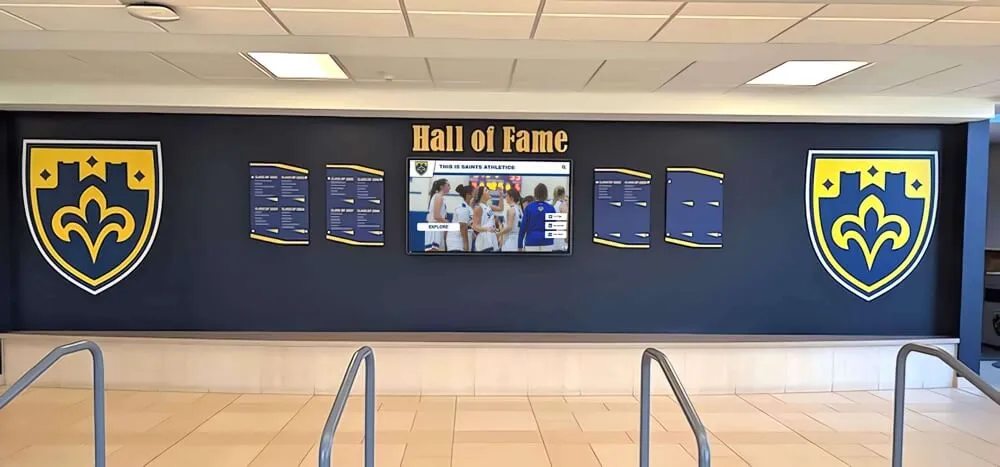
Wall of fame environments like this one are planned, funded, and maintained under the athletic director's leadership — recognition infrastructure that serves the school community for decades.
Facility Responsibilities: What Athletic Directors Oversee
The AD’s facility responsibilities extend from the competition floor to the lobby wall. At K–12 schools, this typically includes:
- Gymnasiums and multipurpose courts
- Outdoor fields for football, soccer, baseball, softball, lacrosse, and track
- Weight rooms and training facilities
- Locker rooms and team meeting spaces
- Press boxes and timing infrastructure
- Aquatic centers where applicable
- Athletic hallways, trophy cases, and lobby recognition displays
Maintenance and Capital Planning
ADs develop maintenance schedules, coordinate with custodial and facilities staff, and build multi-year capital improvement plans. Facility safety is a non-negotiable: ADA compliance, emergency egress, playing surface inspections, and equipment certifications all require documentation and regular review.
Capital projects — resurfacing a gymnasium floor, replacing bleachers, upgrading lighting, or installing new recognition displays — require the AD to build business cases for school board approval, often competing for limited capital funds with academic facility needs.
Recognition Display Environments
Athletic lobbies and hallways are a facility responsibility that is easy to overlook but carries significant community impact. Schools that invest in visible recognition infrastructure — trophy cases, digital display screens, mural installations, and interactive touchscreen kiosks — create environments that communicate institutional pride to every visitor, prospective family, and returning alumnus who walks through the door.
Basketball display case ideas and lobby recognition concepts represent one slice of the planning work ADs do when thinking about how to use physical space to honor program history. The best athletic directors treat their lobbies as living museums — not static halls of faded photos.
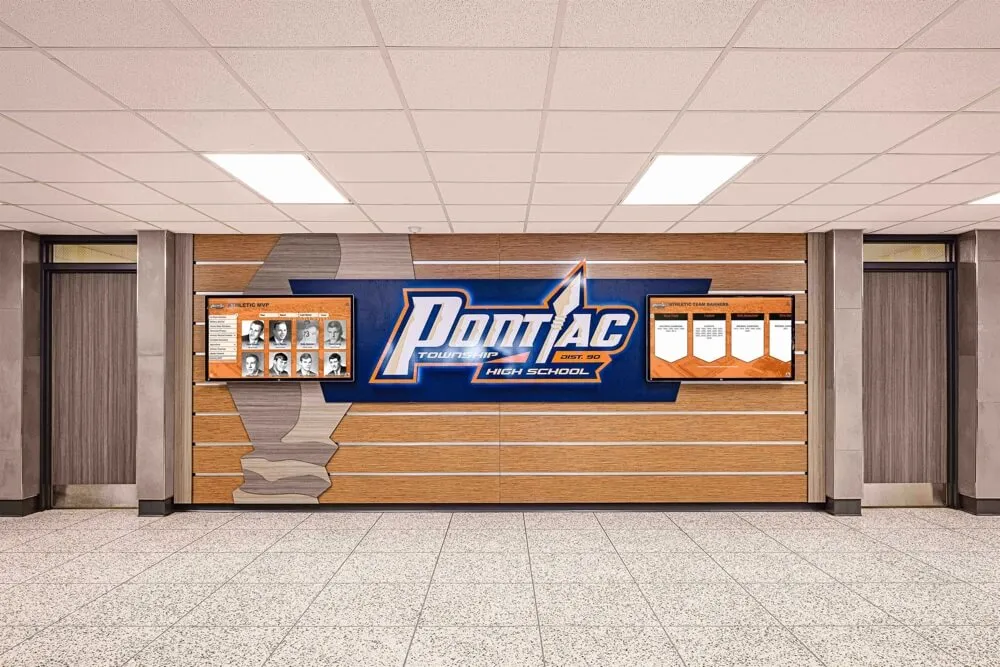
Honor wall installations in school hallways require the athletic director to coordinate across facilities, budget, and recognition program staff — the result becomes a permanent part of the school's identity.
Stakeholder Communication: Who Athletic Directors Report To and Work With
The AD’s role is inherently relational. Effective athletic directors maintain active communication channels with a wide range of stakeholders.
Internal Stakeholders
Coaches are the AD’s most direct reports. Effective communication means clear performance expectations, timely feedback, consistent professional development opportunities, and prompt resolution of personnel issues.
Student-athletes interact with the AD through recognition programs, eligibility processes, disciplinary matters, and student leadership opportunities.
School leadership — the principal, superintendent, or university president — relies on the AD for budget justification, compliance assurance, and program performance reporting. The AD translates athletic department operations into administrative language that leadership can present to school boards and governing bodies.
External Stakeholders
Parents and families engage with the AD through booster organizations, public meetings, and individual concerns. Clear communication about program philosophy, participation policies, and recognition criteria reduces conflict and builds trust.
Alumni and donors connect with the school’s athletic history through reunion events, hall of fame programs, and development initiatives. Building alumni engagement through strong historical records and accessible recognition displays is a strategic priority for ADs who want to grow their support base. Comprehensive alumni engagement strategies often start with the athletic department, where emotional connections to school identity are strongest.
Sponsors and community partners provide financial support in exchange for visibility. ADs negotiate sponsorship agreements, manage signage and recognition commitments, and ensure that donor acknowledgment — whether on a physical donor recognition plaque or a digital donor wall — is maintained accurately.
State athletic associations require ongoing communication for eligibility filings, postseason entry submissions, and compliance documentation. The AD is the school’s primary point of contact with governing bodies at the regional and state level.
Digital Tools for Records, Recognition, and Facility Displays
Modern athletic directors increasingly use digital platforms to manage records, run recognition programs, and build engaging display environments. The shift from physical binders and static trophy cases to cloud-managed systems reflects the growing complexity of the AD role.
What Digital Systems Enable
Instant record updates: When a student breaks a school record, a cloud-based record board displays the new mark the same day — without ordering vinyl letters or scheduling a maintenance visit.
Searchable archives: Digital recognition platforms store decades of athlete profiles, team photos, championship records, and award histories in searchable formats accessible to alumni from anywhere. Evaluating alumni engagement platforms has become a standard step in the AD’s technology planning process.
Interactive lobby displays: Touchscreen kiosks in athletic lobbies allow visitors to explore hall of fame inductees, browse team histories, view championship timelines, and discover school records — an experience far beyond what a static plaque wall can deliver.
Donor and sponsor management: Digital recognition walls allow instant updates when new donors give, eliminating the lag between a gift and public acknowledgment that frustrates development teams.

Interactive touchscreen kiosks in trophy cases and athletic lobbies give athletic directors a flexible, updatable platform for displaying records, honors, and school history.
How Technology Changes the AD’s Day-to-Day
Digital recognition tools reduce the administrative time spent on manual updates, freeing ADs to focus on program development and stakeholder relationships. A coach who wants to add a recent award winner to the school’s wall of honor no longer waits weeks for a physical installation — they submit the information through a content management system and the display updates within hours.
For ADs managing large programs, the ability to surface searchable records and recognition history during alumni events, donor visits, and board presentations adds measurable credibility to fundraising and program advocacy work.
The AD’s Role in School History and Legacy
What an athletic director does extends well beyond the present season. The AD is a steward of institutional memory — the person most responsible for ensuring that decades of athletic achievement remain visible, accessible, and honored.
This stewardship role means making decisions that will outlast any individual AD’s tenure: designing hall of fame criteria that remain fair and defensible for future selection committees, building recognition display infrastructure that grows with the program, and establishing records systems that future administrators can maintain and build on.
Schools that invest in this infrastructure — and in the digital tools that make it searchable, interactive, and scalable — give their athletic directors the resources to do this work well. The result is a recognition environment that serves students, alumni, and community members for generations.
See What Rocket Alumni Solutions Can Build for Your Program
Rocket Alumni Solutions designs interactive touchscreen walls of fame, digital trophy cases, record boards, and donor recognition displays specifically built for K–12 schools and universities. If your athletic department is ready to move from static displays to a dynamic recognition environment that grows with your program, our team can walk you through what that looks like for your facility.
Ready to build a recognition environment your athletes and alumni will remember?
Schedule a free demo with Rocket Alumni Solutions and see what a digital wall of fame, record board, or touchscreen trophy case looks like for your school.































