Content Strategy
- Home /
- Categories /
- Content Strategy
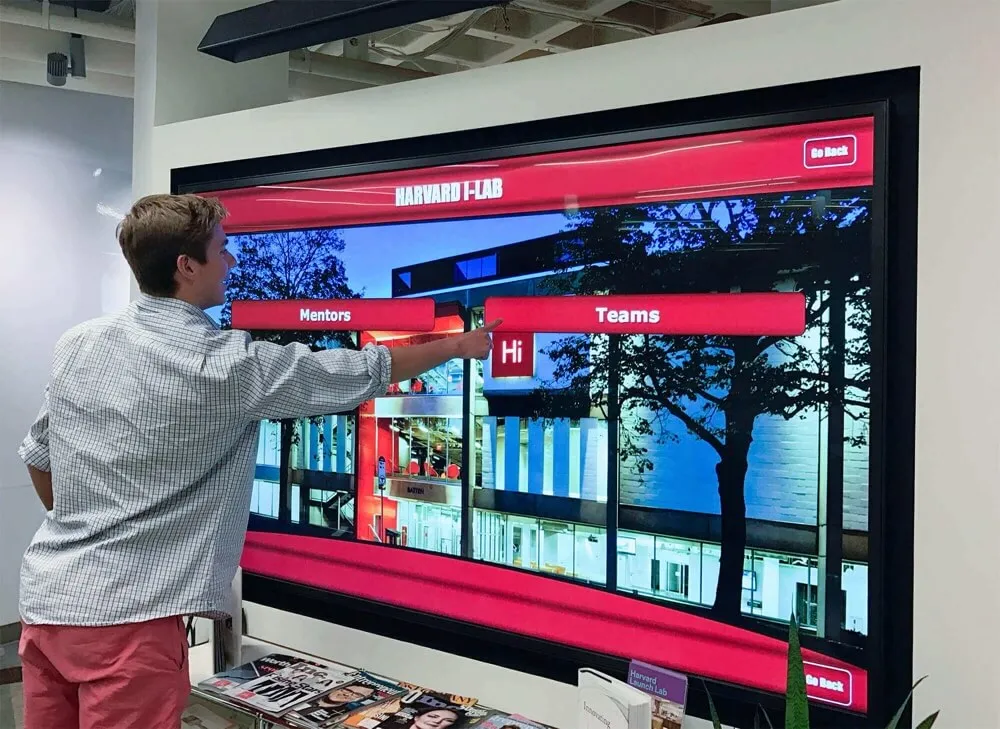
Touchscreen Recognition Display Configuration Baseline Checklist for School IT
A recognition display that ships from a vendor with default administrator credentials, an open remote desktop port, and a publicly routed IP address is not configured for your school’s security posture—it is configured for a warehouse staging bench. Default settings simplify first-time setup; they do not reflect your district’s network segmentation rules, your IT department’s account policies, or your facilities team’s recovery requirements. Without a written document that records every approved setting layer by layer, any technician who touches the display—for a firmware update, a layout change, or a vendor service call—has no reference point for what “correct” looks like. The result is configuration drift: a display whose live settings gradually diverge from what was originally approved, with no record of when, how, or why.
Read More
Touchscreen Recognition Display Vulnerability Management Policy for Schools
A publicly accessible touchscreen in your school’s lobby or athletic hallway is a network-connected device. It runs an operating system, communicates with a content management platform, and—in many installations—touches your school’s Wi-Fi, VLAN, or data integration layer. When a CVE is published for the OS your display runs, or when a security researcher discloses a vulnerability in a common CMS plugin your recognition platform uses, your district’s exposure doesn’t wait for your next scheduled patch window. Without a formal policy for identifying, classifying, and remediating those vulnerabilities, the gap between disclosure and remediation is measured by luck rather than process.
Read More
Touchscreen Recognition Display Patch Management Policy: Test, Schedule, and Document Updates
A recognition display that hasn’t been patched in six months is running known vulnerabilities in its operating system, CMS platform, or display firmware. A patch applied without a backup confirmation takes the hall of fame offline during an induction ceremony and leaves no documented restore path. A vendor-pushed update that skips your testing window breaks a custom layout the morning a visiting alumni group arrives. None of these failures requires negligence—they require only the absence of a formal policy that defines how patches are evaluated, scheduled, tested, and documented before they reach the live display.
Read More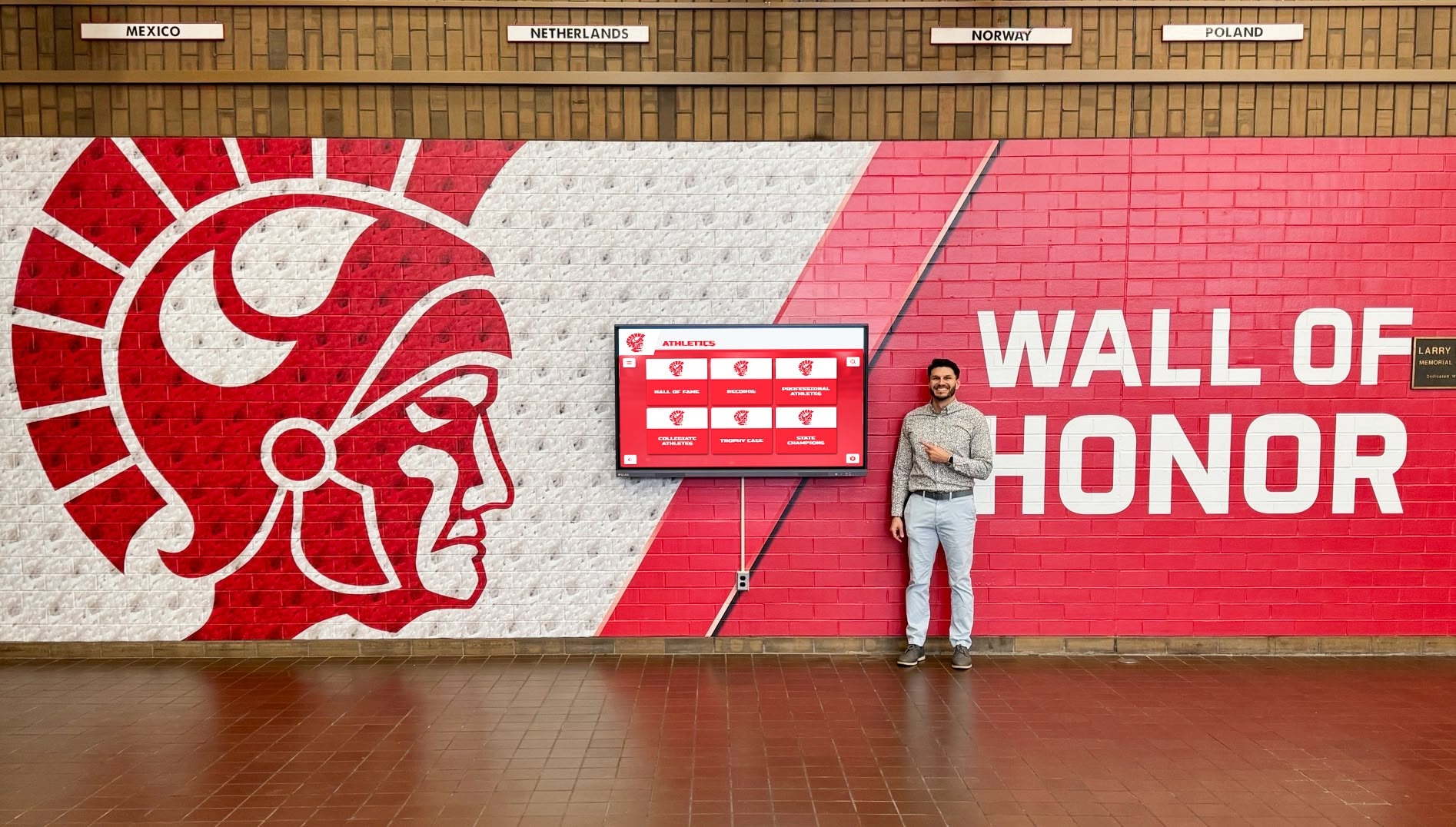
Touchscreen Recognition Display Change Management Policy: Test, Approve, and Document Updates
A software update applied without testing takes your hall of fame display offline during a championship banquet. A layout configuration change pushed directly to production overwrites a live donor wall hours before a fundraising event. A content release with no second approval publishes an incorrect athletic record that parents screenshot and share before anyone notices. Each of these scenarios has the same underlying cause: no formal change management policy governing what can be modified, who must approve it, how it must be tested, and what happens when something goes wrong.
Read More
Touchscreen Recognition Display Role Access Matrix: Permissions for Editors, Reviewers, and Admins
An unauthorized edit to a hall of fame inductee profile, a coaching staff member accidentally deleting a completed donor record, or a volunteer pushing an unverified athletic milestone directly to the live display—each scenario shares the same root cause: no documented access matrix. When everyone in the CMS holds the same permissions, or when permissions were configured at installation and never revisited, your recognition program is one login away from a public error.
Read MoreTouchscreen Recognition Display Audit Trail Policy: Document Who Changed What
When a parent disputes whether a record was changed after an award ceremony, or a district auditor asks who authorized a donor name removal from the lobby kiosk, the only defensible answer is a documented audit trail. Without one, every disputed edit becomes a credibility problem with no paper trail to resolve it.
Read More
Touchscreen Recognition Display Content Approval Workflow for Schools
When a student-athlete’s record appears with the wrong year, or a departed sponsor’s logo still loops on the lobby kiosk during a family night, the recognition display stops being a source of school pride and becomes a credibility problem. The root cause is almost always the same: no structured approval process exists between the person who knows the change needs to happen and the display that shows it to the public.
Read More120 Ideas for Digital Signage Screens & Kiosks: Complete Content Guide for Schools and Institutions
Digital signage screens and interactive kiosks represent significant investments that deliver value only when filled with compelling, relevant content that engages your audience. Too many institutions install impressive hardware, populate displays with a handful of announcements, then watch engagement plummet as repetitive content fails to capture attention beyond the first week.
Read More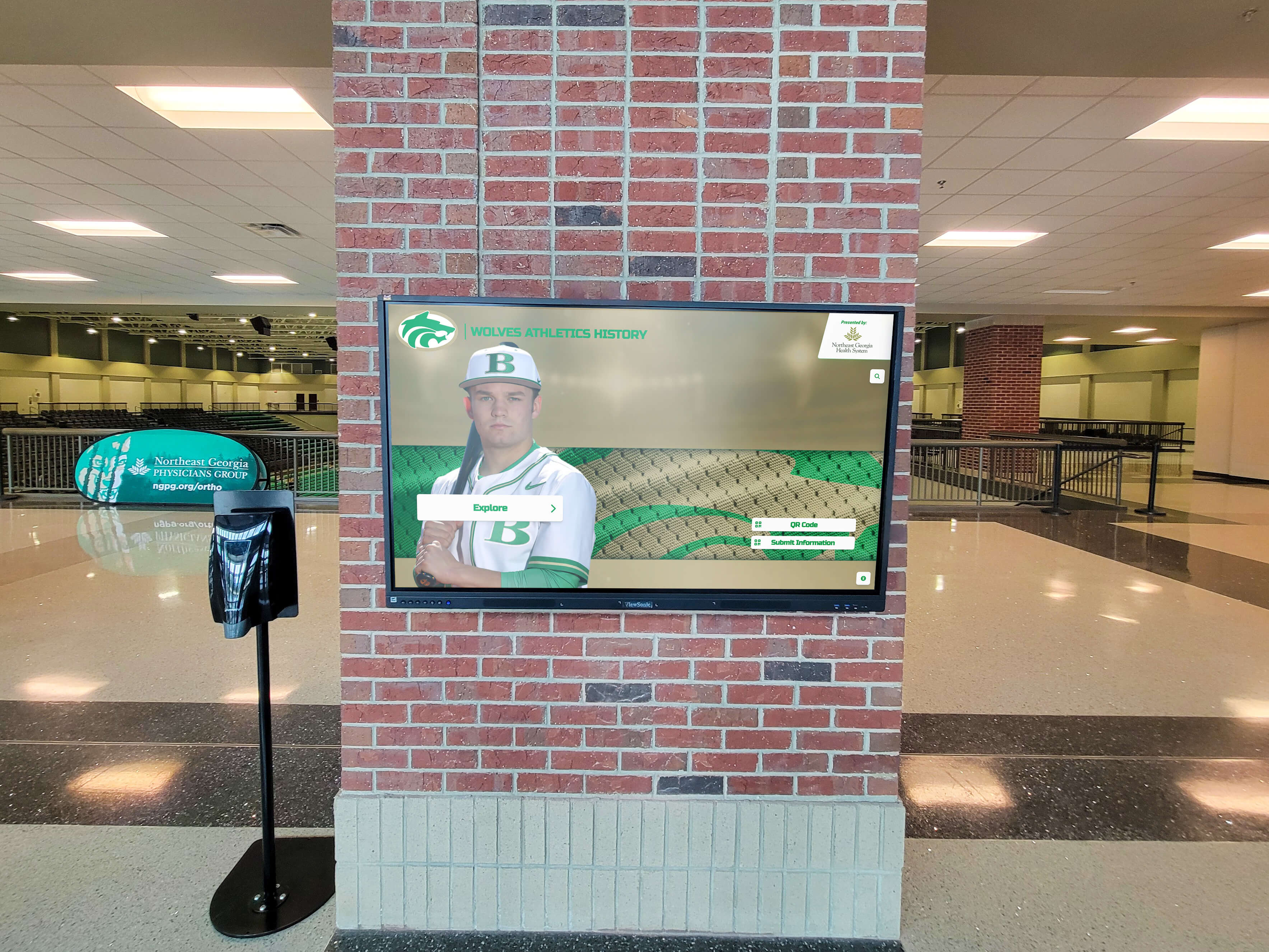
How to Keep Your Digital Hall of Fame Content Fresh: A Year-Round Update Strategy
You’ve invested thousands of dollars in a stunning digital hall of fame. The launch was spectacular. Visitors were engaged, alumni were excited, and administration was thrilled. But six months later, you notice something troubling: people walk past your digital display without stopping, engagement analytics have dropped 60%, and the content that once felt fresh now feels stale.
Read More
How to Plan and Prepare Content for Your Digital Hall of Fame: The Complete Pre-Launch Guide
You’ve secured funding for your digital hall of fame. You’ve chosen your hardware and software provider. Leadership is excited, and your launch date is set. There’s just one problem: you have decades of recognition content scattered across trophy cases, filing cabinets, yearbooks, and people’s memories—and you have no idea where to start.
Read More






























