
Touchscreen Recognition Display DNS Filtering Checklist: Safe Access Without Breaking Content
A school’s DNS filter does exactly what it is supposed to do when it blocks the recognition display’s CMS from loading: it enforces a deny-by-default policy and the display’s cloud platform is not on the allowlist. The result is a touchscreen kiosk in your lobby that shows a blank screen or an error page during an alumni event, an induction ceremony, or a donor tour. For school IT teams rolling out or tightening content filtering across a network that includes public-facing recognition hardware, the gap between a secure filter and a working display is almost always a missing set of documented allowlist entries.
Read More
Touchscreen Recognition Display Data Flow Diagram: Map Content, Accounts, and Devices
When a student athlete’s record is added to your school’s recognition platform, that single entry triggers a chain of events: a content editor saves it in a cloud CMS, the platform validates the account permission, a media file moves from upload storage to a CDN, and seconds later the lobby touchscreen renders a polished profile card. Each handoff is a potential point of failure — or a point where personal data can be exposed without proper controls.
Read More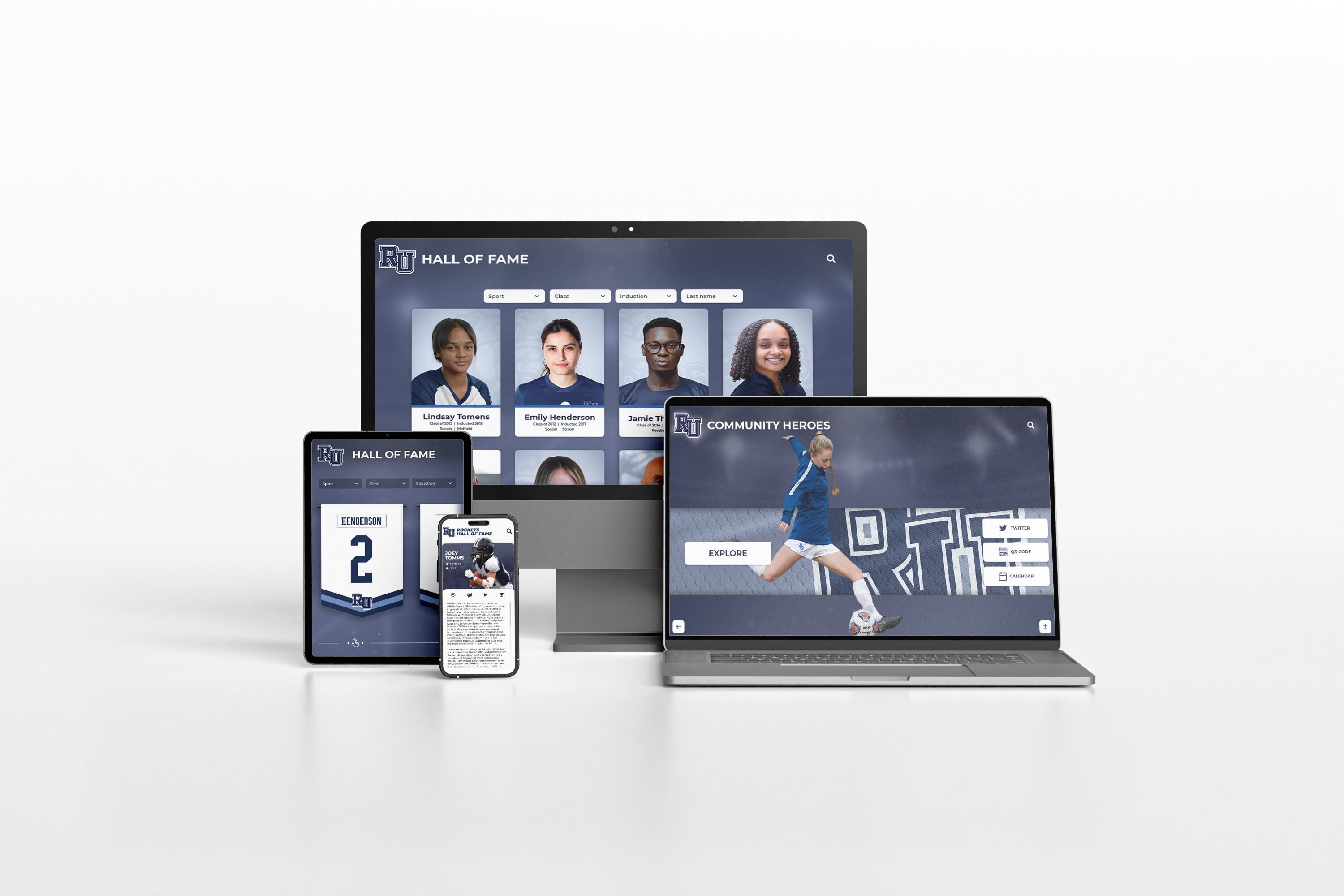
Digital Asset Management for Schools: Complete Implementation Guide
Schools generate thousands of digital assets annually: event photos, athletic videos, yearbook images, historical documents, student artwork, performance recordings, and administrative records. Without proper digital asset management (DAM) systems, these valuable files scatter across individual computers, outdated servers, cloud storage accounts, and forgotten hard drives—creating inefficiency, duplication, lost institutional memory, and missed opportunities to engage alumni and community.
Read More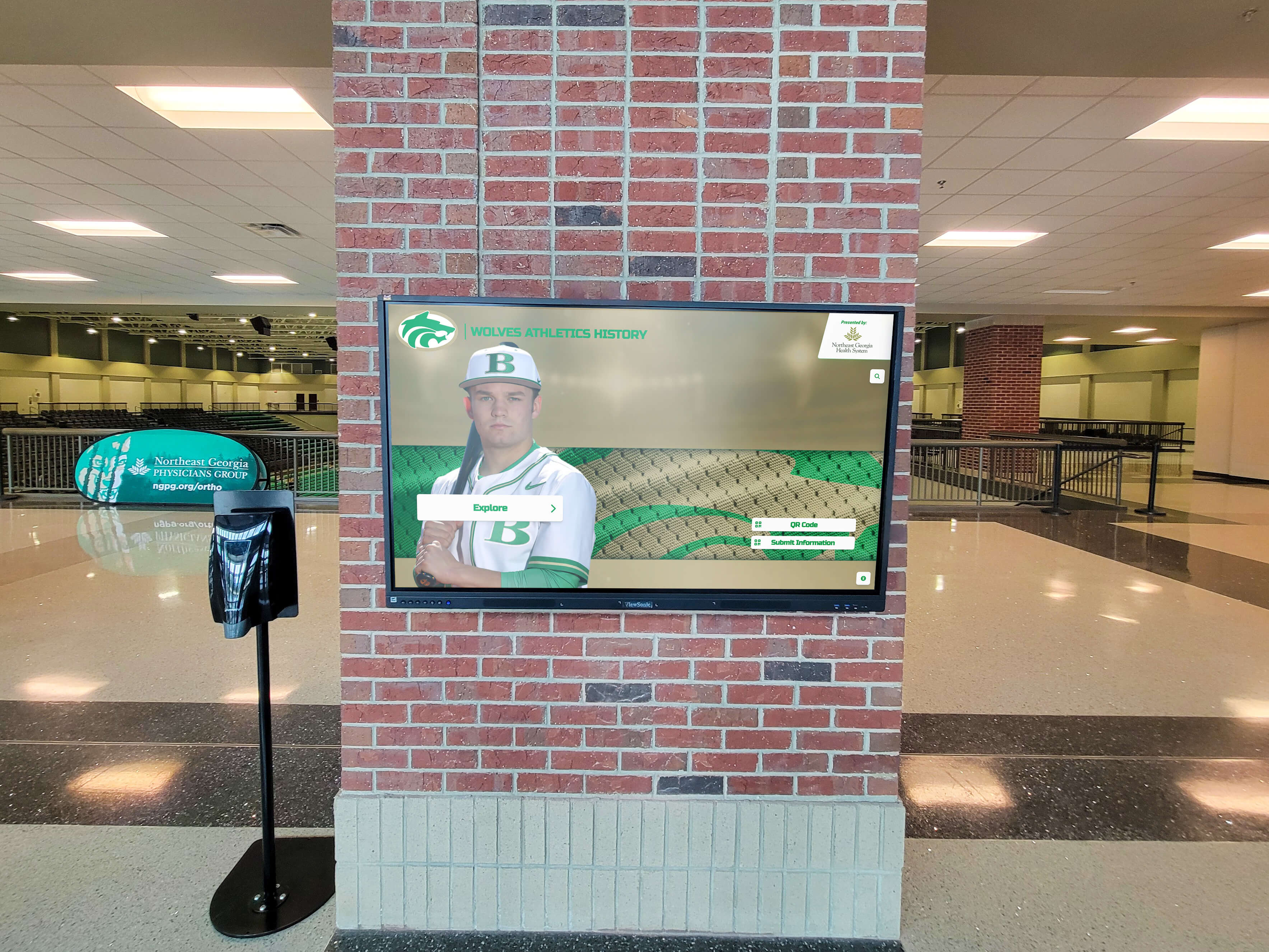
How to Keep Your Digital Hall of Fame Content Fresh: A Year-Round Update Strategy
You’ve invested thousands of dollars in a stunning digital hall of fame. The launch was spectacular. Visitors were engaged, alumni were excited, and administration was thrilled. But six months later, you notice something troubling: people walk past your digital display without stopping, engagement analytics have dropped 60%, and the content that once felt fresh now feels stale.
Read More
Training Staff to Use Digital Recognition Displays: Complete Implementation Guide
Schools and organizations invest thousands of dollars in state-of-the-art digital recognition displays, only to watch them become underutilized and outdated within months—not because the technology fails, but because staff members lack the training and confidence to manage them effectively. The difference between a thriving interactive display that celebrates achievements and engages visitors versus one that displays outdated content and frustrates administrators almost always comes down to one factor: comprehensive staff training and ongoing support.
Read More






























