
Touchscreen Recognition Display Touch-Latency Test: Measure Response Before Installation Sign-Off
A touchscreen recognition display that passes every network and power test can still fail its audience on the day of a hall of fame induction ceremony — not because the screen is dark or the content is missing, but because it feels sluggish. A visitor taps an athlete’s portrait and waits. They tap again. The panel responds half a second later to the first tap, then immediately to the second, now registering a double action. That half-second gap is touch latency: the time between a finger contacting the screen and the display registering the event in software. In a lobby kiosk or hallway recognition wall, perceived lag at that level is enough to make users stop interacting and walk away.
Read More
Touchscreen Recognition Display Wireless Site Survey Checklist: Verify Coverage Before Installation
A school orders a touchscreen recognition display for the main lobby, the installer mounts it, IT connects it to the nearest guest Wi-Fi SSID, and it works fine during Tuesday afternoon setup. Then the hall of fame induction ceremony happens on Friday evening. Sixty guests arrive, all their phones associate to the same access point that the display is connected to, and the recognition display stalls mid-presentation while athletic portraits and highlight videos buffer endlessly. The hardware is fine. The CMS is fine. The wireless coverage at that exact location was never verified under realistic event conditions before the mount went into the wall.
Read MoreTouchscreen Recognition Display Network Capacity Planning Checklist for School IT
A touchscreen recognition display in a school lobby runs flawlessly during Tuesday afternoon setup—and then a Friday evening induction ceremony happens. Forty guests crowd the hallway, every phone tries to join the guest Wi-Fi, and the recognition display cycles through spinning-load indicators instead of the athletic portraits and highlight videos that justify its installation. The IT team gets a call mid-ceremony. The display hardware is fine; the network path to the CMS is saturated. Without a written bandwidth assessment and a tested infrastructure plan, every high-attendance event is a potential failure scenario for a display that was working perfectly the day before.
Read MoreTouchscreen Recognition Display Power Quality Monitoring Log: Track Voltage Events and Uptime
A touchscreen recognition display in a school lobby or trophy hallway runs continuously—through HVAC startup surges, kitchen equipment cycling, voltage dips during peak load periods, and the occasional outage that takes the whole wing dark. Each of these electrical events leaves a mark: an unplanned restart, a corrupted media cache, a content loop that freezes on the wrong frame. Facilities teams get a work order. IT gets a call. The athletic director gets a black screen during a donor tour. Without a record that connects the electrical event to the display’s behavior, every incident looks random and every fix is a guess.
Read More
How to Build FBLA & FFA Award Displays: Complete Implementation Guide for Student Organization Recognition
Intent: Define / Calculate / Demonstrate
Read More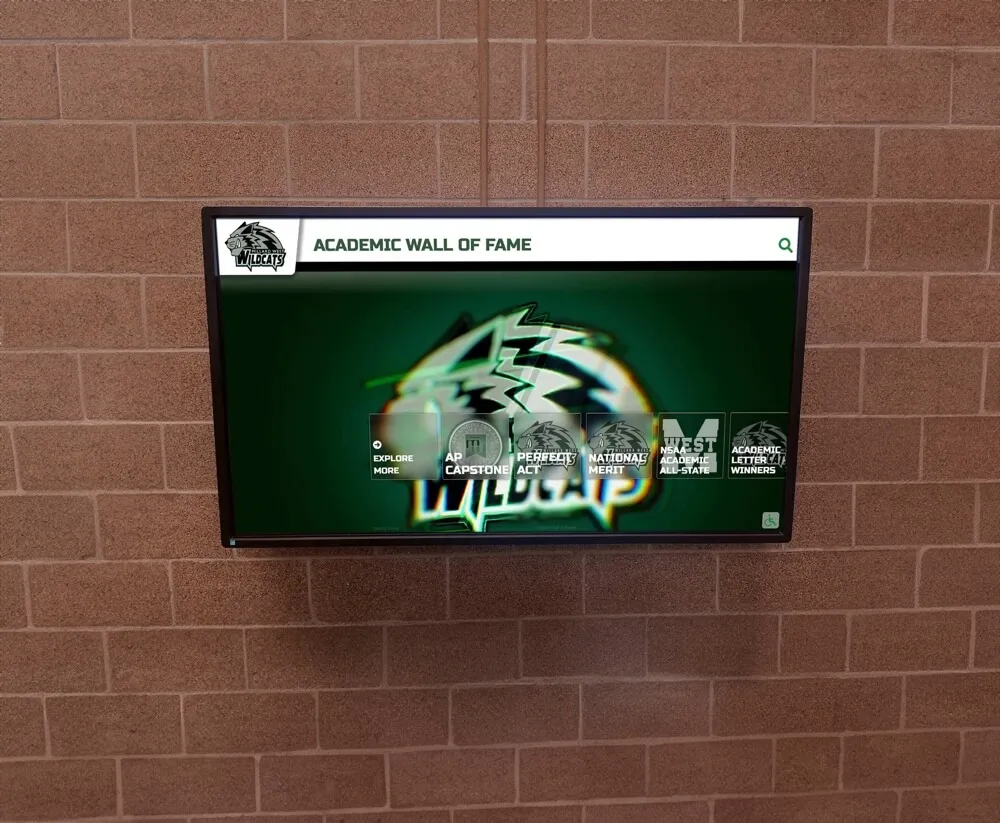
How to Build a National Merit Scholar Recognition Display: Complete Implementation Guide
Intent: Define / Calculate / Demonstrate
Read More






























